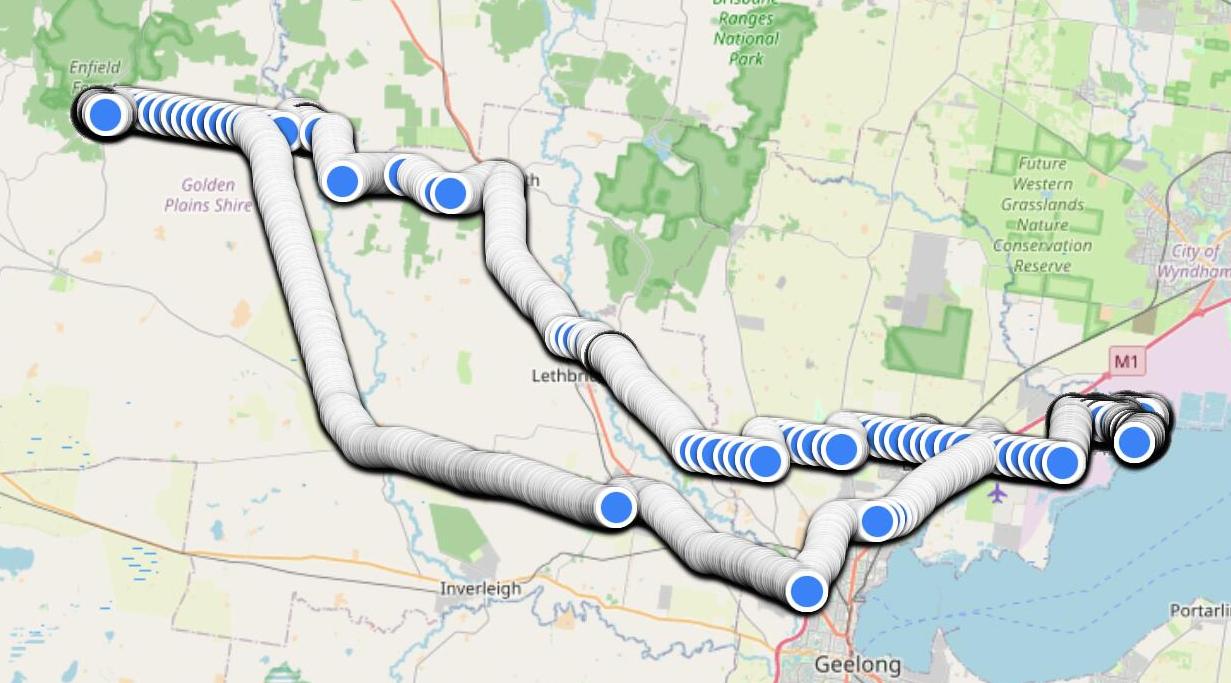
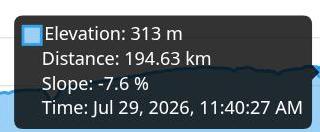
I give up with GPXsee. Based on the
documentation, it's not even clear that it intends to do what I want, showing useful data
for any point on the trail. But there's more, so today I tried a couple of web-based tools.
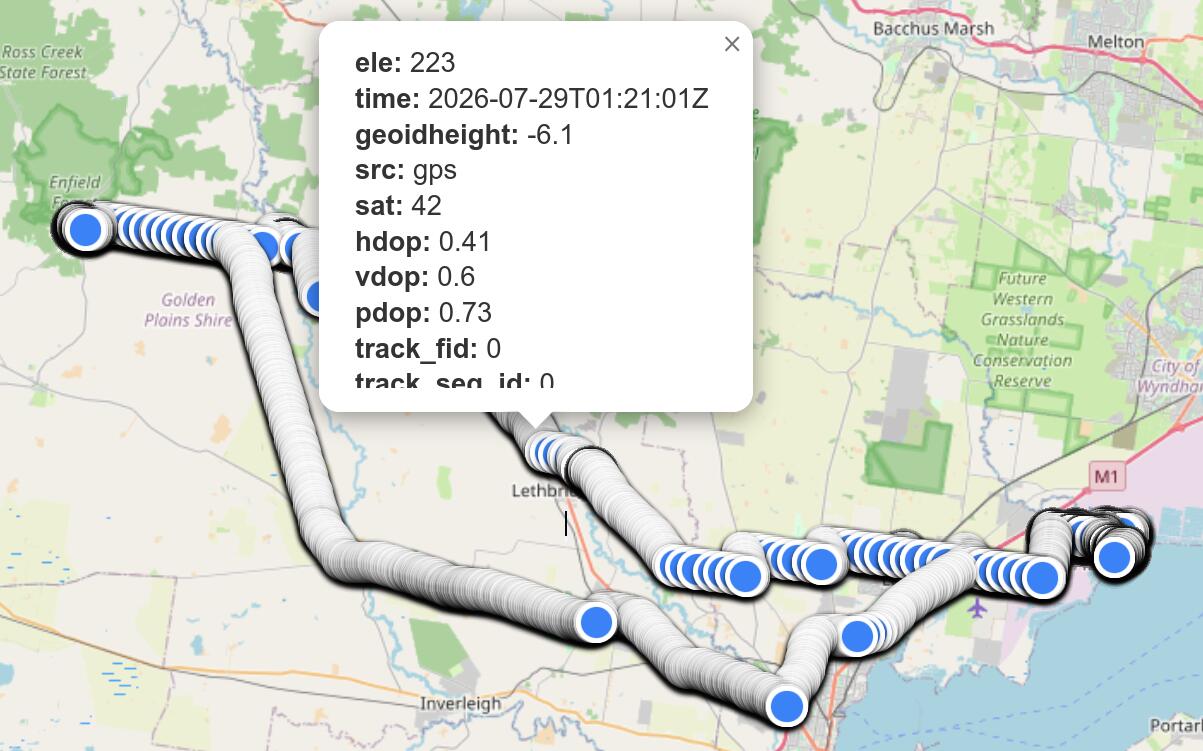
A tastefully incomplete popup showing nothing of interest except the time, tastefully
retained in UTC. You have to scroll
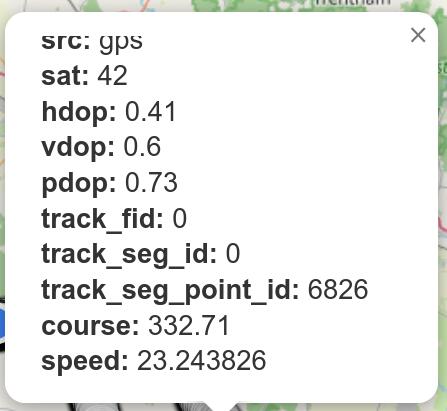
down inside the popup to find any further information, and then it's just speed
(conveniently displayed to the nearest mm per hour) and course:
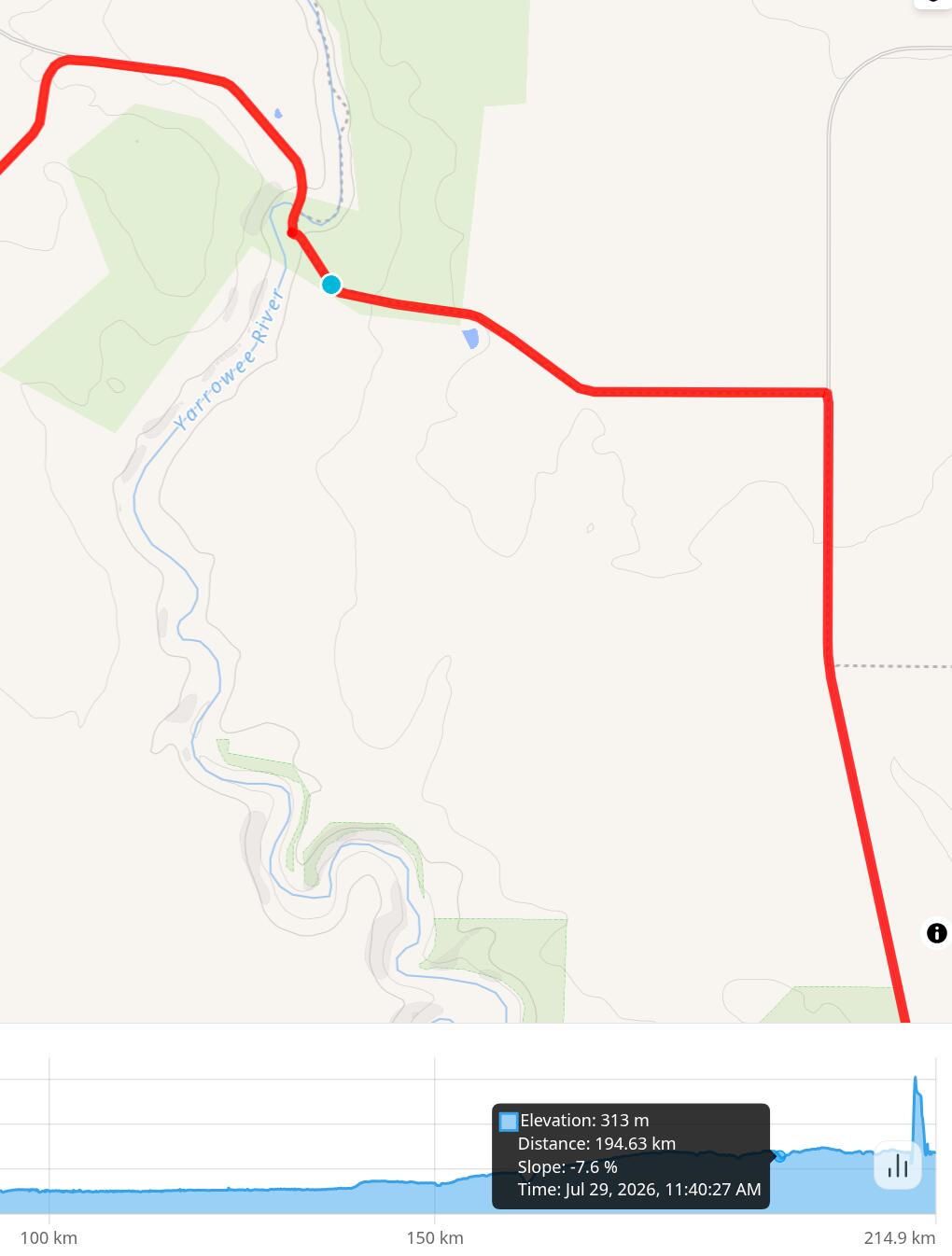
The promised popup only occurs when the cursor is set on the altitude graph at the bottom,
and then it only shows, well, altitude and gradient. It does show a blue point on the map,
but that's all.
I'm baffled. Both of these products have all that it takes to show the location. You'd
think most people would find that more useful than hdop, vdop
and pdop, whatever they may be. Why don't they show them?
More investigation of my logs from last Wednesday round the Leigh Grand Junction Bridge showed other information. I took photos between 11:43:07 and 11:47:00. What did the log
file say?
Oh. I didn't stand still, but once again it claimed that I didn't move more than 1 nm in
nearly 6 minutes. What about hirse, my backup phone? I only had it set for one
observation per minute, but what I saw was:
That's more plausible. Clearly that's an issue with the phone or the software.
Set hirse to update every 2 s. And what about enzian, the old Redmi 9A? Booted it. It
seems to be even slower than I remember, but the GPS logging works. Next time I'll take all
three with me and maybe have something to compare.
Why is enzian, the old Redmi 9A, so slow? Asked
Google Gemini, which came up with
several suggestions, mainly
using adb (“Android Debug”, nothing to do with the adb that we have known
since long before Android came
along. I should try that, some time.
My external web server lax.lemis.com is overloaded again, with load averages over
100. Strangely, fra.lemis.com, which also answers to the name www.lemis.com,
is unaffected. More DNS frobbing: cut out the name www for lax to watch what happened. Unlike
previous occasions, the web traffic really did stop. But fra didn't get any busier!
And lax didn't get much busier when I reinstated the www entry.
I really don't understand what's going on here. But one possibility remains: set
up dereel.lemis.com (to my right on the desk top) as another www. That will
probably overload my current network link, but we can increase that.
First, copy the web site across. That should be simple: the connection to eureka is
1 GB/s.
But I had an unexpected problem: I can't use ssh keys to connect from eureka
to dereel. Yes, I know I have problems with ssh on eureka, but I
didn't think that they were that bad. I don't understand the issue: eureka offers a
valid key, but it doesn't get accepted:
debug1: Authentications that can continue: publickey,password,keyboard-interactive
debug1: Next authentication method: publickey
debug1: Offering RSA public key: /home/grog/.ssh/id_rsa
debug1: Authentications that can continue: publickey,password,keyboard-interactive
debug1: Trying private key: /home/grog/.ssh/id_dsa
debug1: Trying private key: /home/grog/.ssh/id_ecdsa
debug1: Offering ED25519 public key: /home/grog/.ssh/id_ed25519
debug1: Authentications that can continue: publickey,password,keyboard-interactive
debug1: Next authentication method: keyboard-interactive
Password for grog@dereel.lemis.com:
I recall that RSA keys
are no longer modern, though it's still in ~/.ssh on dereel, but it should
have accepted the ED25519 key.
What's the issue?
The main one, of course, is that the ssh on eureka is over 10 years out of
date. But the protocols haven't changed, and apart from authentication everything works. I
tried running hydra's ssh on eureka, running into one missing library
after another, but culminating in:
=== grog@eureka (/dev/pts/0) ~ 133 -> /hydra/usr/bin/ssh dereel /lib/libc.so.7: version FBSD_1.5 required by /hydra/usr/bin/ssh not found
That's fatal: for reasons I don't understand, /lib/libc.so.7 appears to have been
around for over 10 years, and I can't just change it. So I'm going to have to dig into the
distasteful innards of ssh.
Not so I. Right from the start I had difficulties with it, but then I don't have to drive
it. Well, not often. One of the problems is that we still have the VZ Commodore, which I now
drive. And because of the photovoltaic equipment in the garage, it can only be parked on the right. And Yvonne
has difficulty parking her car on the left, so yesterday, after parking my car too far to
the left, I had to do it.
I understand Yvonne: it's not easy. There's a certain amount of dead play in the
accelerator, and then it makes up for it by lurching forward. It's really difficult to park
as accurately as I would have wanted.
But that's nothing compared to this morning. Not for the first time, I forgot that the
ignition switch needs two steps to really turn it off. After turning anticlockwise as far
as it will go, you need to press the key in and turn it further. If you don't, it drains
the battery really quickly. This morning it was already down to 9 V. Nothing for it: send
Yvonne off with my car and put hers on charge.
But once again how do you open the bonnet? Once again I had difficulty. Somehow
it's really confusing. But it was nothing like the issue with the boot, which is controlled
electrically. We couldn't find a way to open it. Later I asked Google Gemini, which told me to fold down the rear seats, crawl into the boot space
(removing any contents if necessary), take a screwdriver and fiddle around in the dark to
open it. What a mess!
How do I replicate a web server installation? It's not difficult, but there are tricks
along the way. Today I installed it on dereel.lemis.com:
Copy configuration (/usr/local/etc/apache24/*) from fra.lemis.com.
Add to /etc/rc.conf:
apache24_enable=YES
This is needed even if you just want to start with apachectl start.
Create a couple of dummy directories, /home/nowhere
and /home/grog/go-away. They're not really necessary, but they're referenced
in httpd.conf.
Install mod_php84-8.4.5_1.
After that, it worked. But: it thinks that it's local (it is in
the 192.109.197.0/24 net block, after all). So it doesn't find the photo
hierarchy. I could fix that with a symlink, but what I really need to do is to find a better way to decide whether I'm
local or not.
We have a new, large pizza stone, and I should give feedback on eBay. First we should check if it doesn't fall apart
when heated.
Good news, bad news: the good news is that it behaves as expected. The bad news is that the
big pizza bases that Yvonne found are difficult to handle,
and in scraping one onto the stone I folded it:
Not the fault of the stone, but how do I avoid a repeat?
This page contains (roughly) yesterday's and today's entries. I have
a horror of reverse chronological documents, so
all my diary entries are chronological. This page normally contains the last two days,
but if I fall behind it may contain more. You can find older entries in
the archive. Note that I often update a diary entry
a day or two after I write it.
Do you have a comment about something I have written? This is a diary, not a
“blog”, and there is
deliberately no provision for directly adding comments. It's also not a vehicle
for third-party content. But I welcome feedback and try to
reply to all messages I receive. See the diary overview for more details. If you do
send me a message relating to something I have written, please indicate
whether you'd prefer me not to mention your name. Otherwise
I'll assume that it's OK to do so.