|
| Greg's diary |
| November 2025 |
|
|
|||||||||||||||||||||||||||||||||||||||||||||||||||||||||||||||||||||||||||||
|
|
|
||||||||||||||||||||||||||||||||||||||||||||||||||||||||||||||||||||||||||||||||||||||||
| Saturday, 1 November 2025 | Dereel | Images for 1 November 2025 |
| Top of page | ||
| next day | ||
| last day |
|
Tweaking KL Hokkien Mee
|
Topic: food and drink, opinion | Link here |
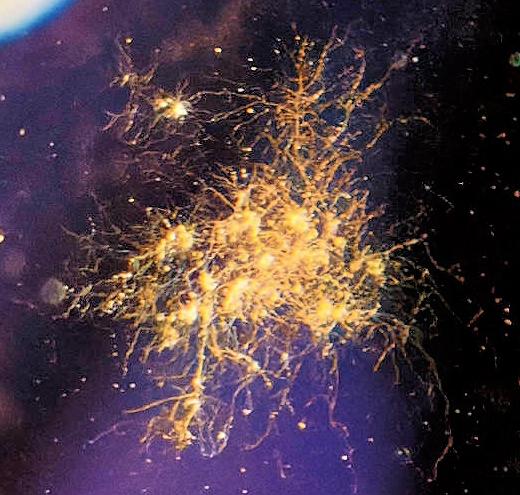
My version of KL Hokkien Mee is relatively stable now, but there are things missing, things that some people consider essential: greaves (chu yau cha, 猪 油渣) and dried sole or anchovy powder. If I could get the greaves more easily, I would use them. For the flounder, people suggested powdered ikan bilis, and I tried that in the past with no enlightenment. OK, today I'll try it with a number of fried whole ikan bilis.
Not an enlightenment. Yes, I could taste it, but it didn't improve things.
|
More camera pain
|
Topic: photography, animals, technology, opinion | Link here |
Yvonne wanted me to take some video of her and Samba today. She even gave me her camera (Olympus OM-D E-M5 Mark III with the Olympus M.Zuiko Digital ED 12-200 mm f/3.5-6.3), more than capable of taking the videos.
But the zoom ring sticks. And so the zooming looked jerky. OK, get my camera (OM System OM-1 Mark II with the M.Zuiko Digital ED 12-100 mm f/4.0 IS PRO). And for some reason I had remapped the video button, so I had to select video. No problem, except that Yvonne decided that she didn't want to use the clip.
Inside and remapped the buttons. Later the dogs found and killed a lizard:
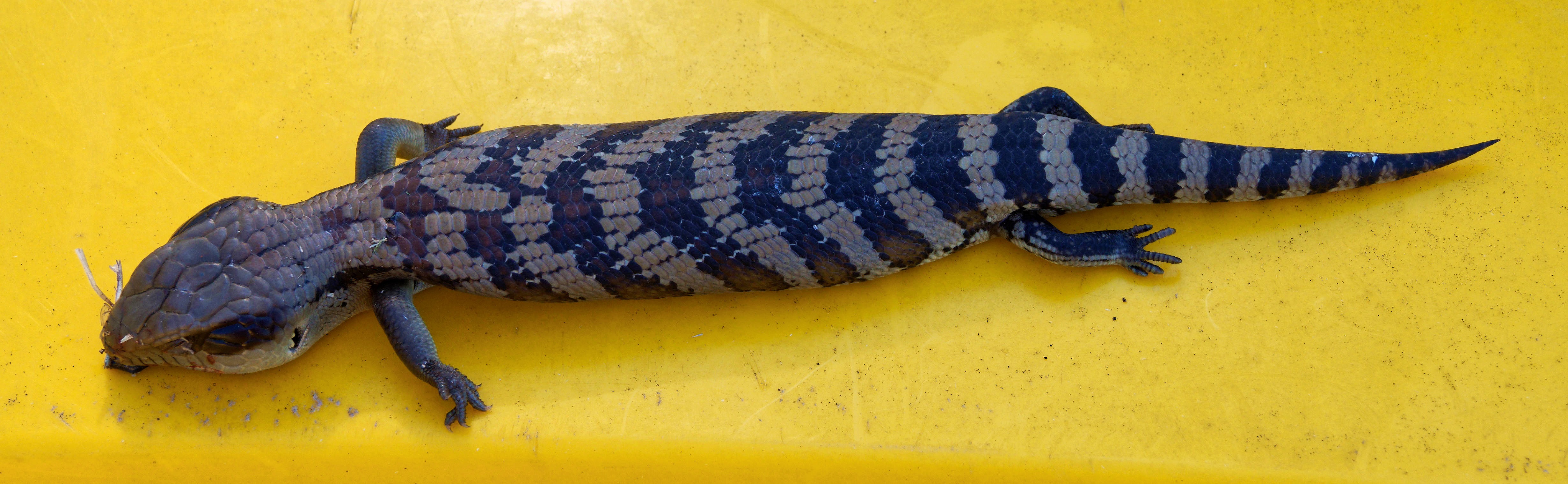
But I couldn't focus on it! The autofocus went through its usual searching, but it couldn't confirm sharpness. More playing around. Autofocus was set to cat recognition, which also seems to work for horses. Not for lizards?
Much more searching. Turn off cats? Set different focus points? Nothing worked. What else can I do? Compare lens on the Olympus OM-D E-M1 Mark II, where it worked and focused perfectly. But I still couldn't focus with the OM-1. And finally I saw a little display in the viewfinder: AF Limit. Both that and the issues with video must have happened during my experiments while birding in September, and I must have turned on AF limiting while searching for the “record video” button.
I've had this camera for nearly a year, and I still can't control it.
|
Affinity? Aversion!
|
Topic: photography, technology, opinion | Link here |
What do you when somebody offers you something potentially useful for free? Take two of them! OK, there's only one Affinity on offer, but why not install it?
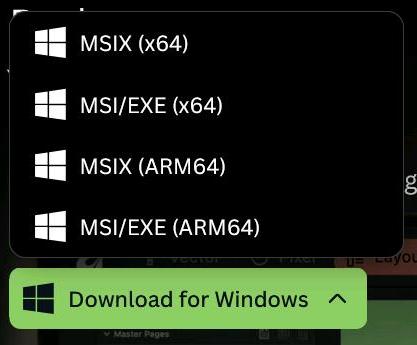
What pain! First I had to make a choice:
|
|
|||||||||
OK, I can assume that x64 and ARM64 are pretty standard. For me it's x64. But what's the difference between MSIX and MSI/EXE? Chose the latter. It downloaded a lot of stuff, but I had to run it myself to install. And then I got

|
|
|||||||||
“Getting the system ready for install...”. That went on for over a minute. Finally:

|
|||||||||||||||||||||||
Log in? I'm already logged in, and I had to be to access this free software. OK, do it again. A minute later, “are you sure?":

|
|
|||||||||
Yes, dammit. Do you want to communicate with us? Yes, of course. Please wait while we check your license. Dammit, I have logged in twice, it's free software, and if you want to restrict things you should have checked the license before allowing a download. OK, yes, go ahead. And of course it accepted the license.
And then nothing. No indication of how to start the thing, nothing on the task bar.
Searching through the bowels of distress brought me a link to the program app.
Finally start it. Something tiny pops up, changes to a different window and crashes again.
Repeatedly. It seems that the second window might have been something like “enable crash
report”, but it stayed on the screen for less than a second.
OK, where's support? Much more searching, finally with the aid of Google Gemini. Fill out the obligatory form stating the version of the software. Affinity 1.0 or 2.0? No, this is Affinity 3.0. But the form doesn't know that. Sent off a message anyway with the helpful information that it could take 24 hours, but we're used to that at this end of the world. Will I hear back? I'm not holding my breath, but I'm left wondering if Affinity isn't too expensive. Could this be Affinity's inimitable way of saying “I don't like being run via rdesktop”?
Interestingly, Affinity has been bought out by Canva, who are located in Sydney. So to a certain extent it's Australian software. It doesn't make Australia look good.
|
Cameras on eBay
|
Topic: technology, photography, opinion | Link here |
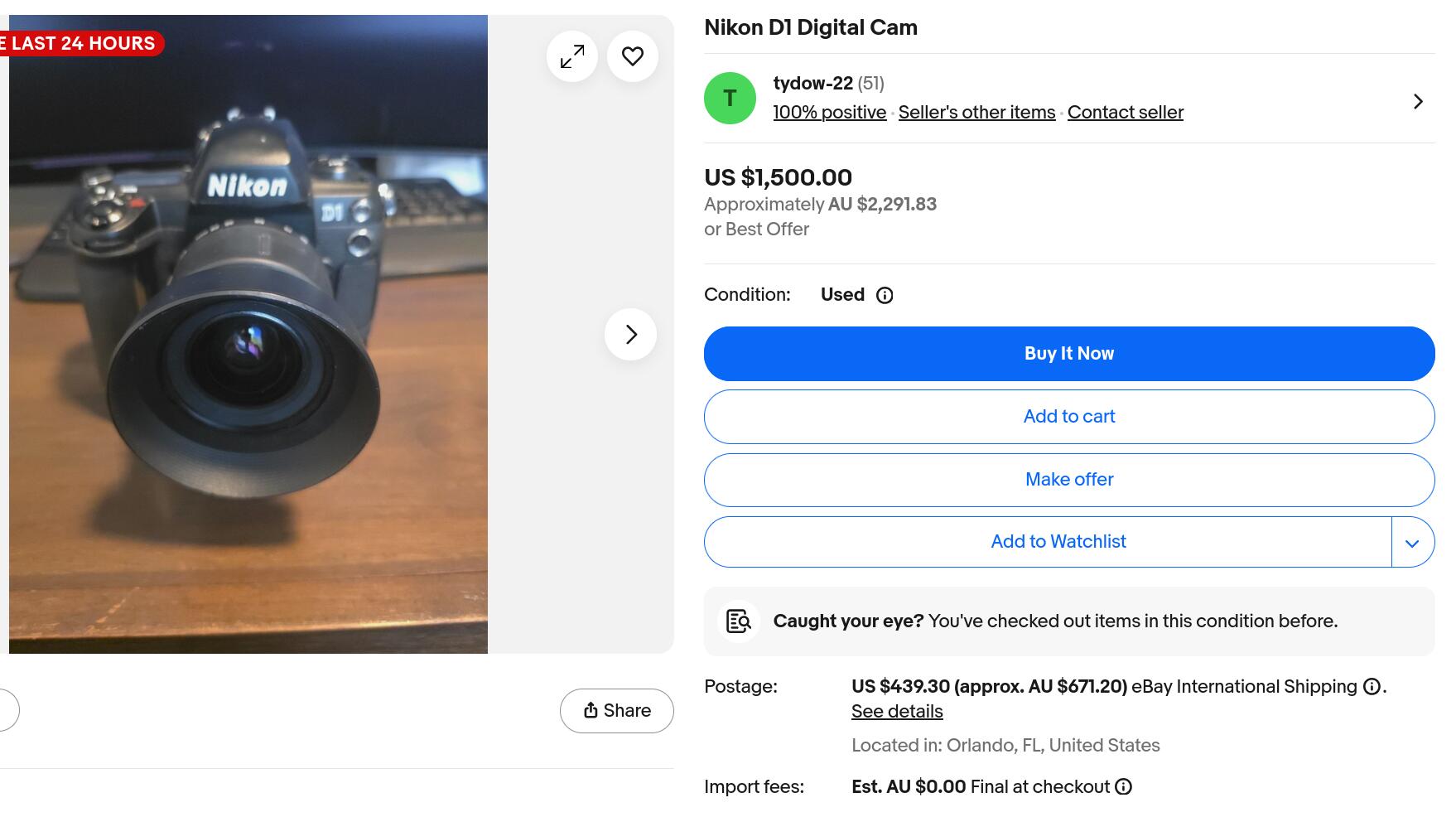
So I'm vaguely looking for use Nikon D1s on eBay. Today there was one with a zoom lens on auction for $70, something I should keep my eye on. And then this one:
|
|||||||||||||||||||||||

|
|
|||||||||

|
|
|||||||||
$670 postage! You could buy most old cameras for that! Are they planning to hand-deliver? And a camera in tatty condition for over 30 times the going price? I've seen nonsense, but this is worse than anything I remember.
|
Academia? Analogy? Comic?
|
Topic: technology, opinion | Link here |
Academia.edu is particularly active asking silly questions like “Did you write Treasurer?” and wanting me to pay to find out what confusion they have. But lately they're on a new tack:
34 N 31-10-2025 To academia@lem Academia.edu (2103) N Your paper "The Complete FreeBSD,..." is now an analogy
37 N 01-11-2025 To groogled@gma Academia.edu (2102) N Our AI turned your paper "Closed Source Fights..." into a shareable comic.
What's that? No idea. Follow the link and they just offer to do it again with some unrelated document.
Somehow artificial intelligence has it easy if natural intelligence is at this level.
| Sunday, 2 November 2025 | Dereel | Images for 2 November 2025 |
| Top of page | ||
| previous day | ||
| next day | ||
| last day |
|
Affinity: too expensive?
|
Topic: photography, technology, opinion | Link here |
To my mild surprise, got a message from Affinity support today: use a very roundabout way to find a file C:\Users\grog\.affinity\Affinity\3.0\lessons.json and remove it. Then disconnect from the Internet and restart.
OK, disconnecting from the Internet is a problem. What happens if I just restart? It works! Well, at least it got past the crash phase, and I was able to select automatic crash reporting—I think: the next time I looked, the settings page looked completely different.
And did it create a new lessons.json? Of course. I had saved the old version to compare. And there was no difference! So what went wrong there?
I've spent a couple of days now trying to install and understand Affinity. How do I use it? Once again I couldn't find out. Give up with Serif, ask Google Gemini. And it came up with three videos: the first was a “beginner-friendly” tutorial, 18 minutes long. After 8 minutes I still hadn't heard anything that related to photo processing. OK, the second, an absolute beginner's guide, 27 minutes long. And once again it was bizarre structure, and after several minutes I didn't even know if it could do what I wanted. On to the third, “Editing RAW Photos in the New Affinity | First Look”. The shouting irritates me, and I already have a program that does a good job on raw images, but at least it talks about processing photos. Watched it for a while, but it didn't give me the kind of overview I was looking for: how can I change the images? I should continue watching, but I've spent several days so far looking at the product, and I can't even process a photo! And looking back, my first attempt failed because it doesn't like rdesktop. Does it now? How do I know? But it seems that free is too expensive for this kind of product.
So what do I want? A recipe book? That's not bad for a start; afterwards it is good to understand the structure, but first I need to know if it can even do anything that my current software can't. And that's so obvious that it should be in all the advertising.
|
Glorious renditions
|
Topic: photography, technology, opinion | Link here |
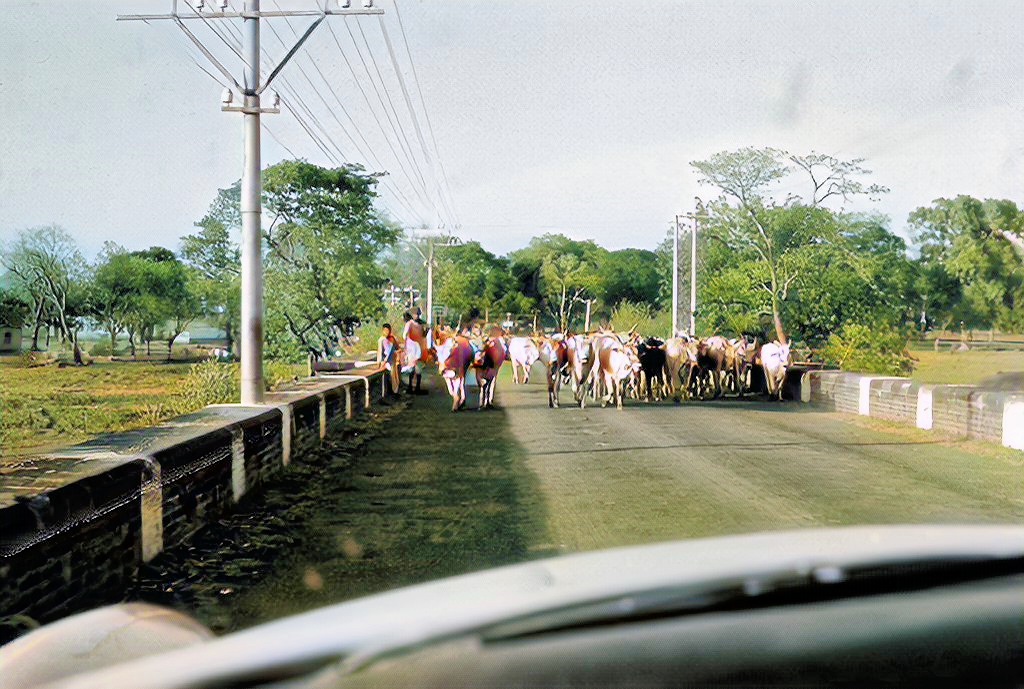
OK, since I was looking at it, what can PhotoGlory do for me? Apart from the few photos that I experimented with four months ago, I haven't used it. Try my photos from the Asia Trip in May 1967, specifically this one, which before conversion looked like this:

|
|||||||||||||||||||||||
No useful improvement. Probably it's not bad enough: clearly it doesn't need colouring, but I had hoped that it would tidy up the sky, but there was little to see there. Still, the colour and overall gradation was improved (run the cursor over an image to compare it with its neighbour):
|
|||||||||||||||||||||||
It's interesting to see what it did to the branches of the tree to the right of the road, and the man in the red turban holding the sign on the left (something that I had never noticed before) has suddenly got a grey turban. And one thing it did do was to greatly reduce the size of the image, from 3850 x 2591 to 1024 x 689, a 14 fold reduction. It did have various suggestions of how to recolour the image, but that wasn't the main thing. Clearly a lot more experience is needed to do things the way I want. But at least I was able to get some result, a big difference from Affinity.
| Monday, 3 November 2025 | Dereel | |
| Top of page | ||
| previous day | ||
| next day | ||
| last day |
|
Nikon D1
|
Topic: photography | Link here |
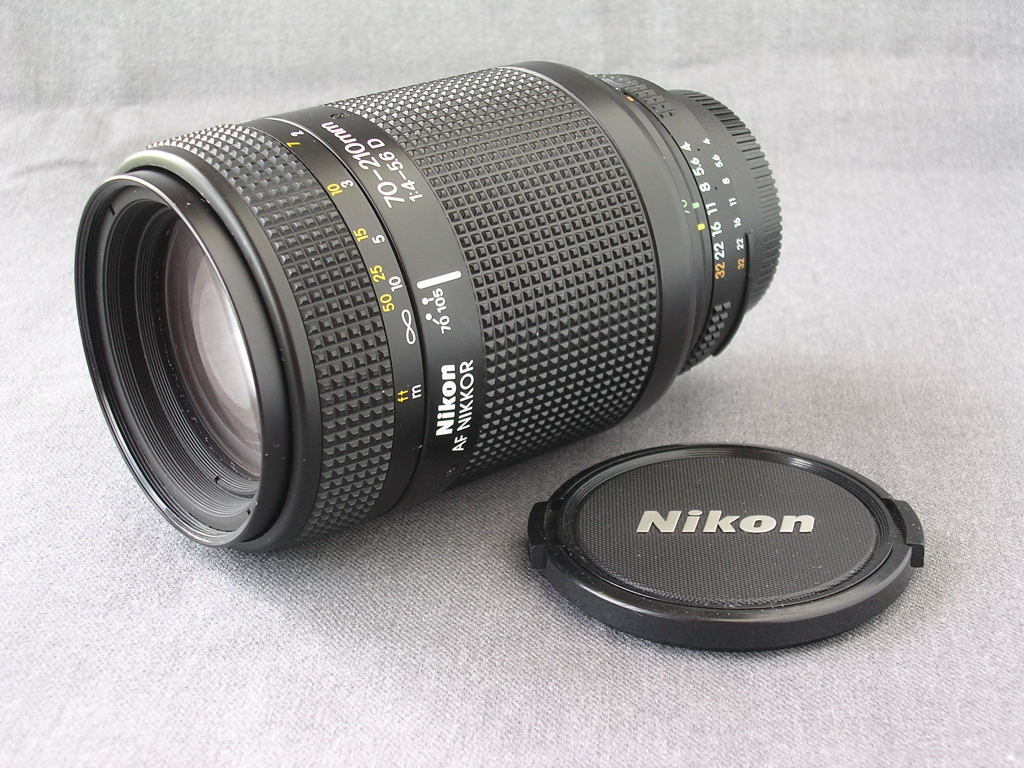
So I put a snipe on the cheaper of the two Nikon D1s that I had been looking at on eBay, and got it for $82, about 3.6% of the price of the camera I was ranting about on Sunday, or 12% of the postage for that camera. What do I get? An old camera with a 70-210 mm zoom (better than the lens on the expensive camera) that fits on no fewer than 9 of my existing cameras, 3 (discharged) batteries and no charger.
So how do I charge it? I don't really need to, since I don't intend to use it (much), but it would be nice to find out whether I can or not. And of course there's more to research about the camera itself. Why only 2.7 MP when other sources (which I can't find, of course) claim that the sensor has nearly double that? More to research. And does the camera have a storage card in it?
|
Still more photo software investigations
|
Topic: photography, technology, opinion | Link here |
I've more or less come to the conclusion that Affinity isn't for me, like I have done a couple of times in the past. But PhotoGlory still seems useful. I just need to understand how to fine-tune it. They show many ways of removing remaining blemishes on images, but not how to remove incorrect changes such as the branches on this cow picture (run the cursor over the image to compare it with the original):
|
|||||||||||||||||||||||
Still no solution. And I still haven't found out how to stop it reducing the size of the image.
|
Lizard? Turtle!
|
Topic: animals, photography, opinion | Link here |
Yvonne found Larissa playing with something in the driveway this afternoon. A relatively large turtle, now on its back (thanks, Lara). She put it in the succulent bed in the garden, where Lara couldn't get at it, and she didn't take a photo. When I heard of it, out to take a look. The good news: the turtle was alive, and had wandered off. The bad news, of course: no photo.
|
More camera pain
|
Topic: photography, opinion | Link here |
Seen somewhere today, originally from Gary Larson

It still doesn't make up for the lack of turtle.
| Tuesday, 4 November 2025 | Dereel | |
| Top of page | ||
| previous day | ||
| next day | ||
| last day |
|
ssh exploit?
|
Topic: technology, opinion | Link here |
After writing up yesterday's diary, I synced it to the web servers as usual. But I couldn't establish communication with fra.lemis.com.
Why? I've had transitory issues with rsync in the past. The system wasn't down, nor had it spontaneously rebooted: I had a top window watching activity, and all was normal, How about another shell session? Nope:
=== grog@hydra (/dev/pts/15) ~/Photos/19670503 478 -> ssh fra
ssh: connect to host fra.lemis.com port 22: Connection refused
OK, I also had an existing normal shell session running. Take a look at /var/log/messages:
Nov 3 13:16:06 fra sshd[8967]: fatal: accumulate_host_timing_secret: encode ecdsa-sha2-nistp256 key: string is too large
Nov 3 13:16:10 fra kernel: pid 8975 (sshd), jid 0, uid 0: exited on signal 11 (no core dump - bad address)
Nov 3 13:30:10 fra sshd[9503]: error: Fssh_kex_exchange_identification: read: Connection reset by peer
Nov 3 15:11:45 fra kernel: pid 851 (sshd), jid 0, uid 0: exited on signal 10 (no core dump - bad address)
Oh. That was shortly before midnight here, certainly nothing to do with me. It looks for all the world like some external action has caused sshd to crash, though with some delay. Restarting the service worked, and there were no further issues. But it's a concern.
|
More Glory
|
Topic: photography, technology, opinion | Link here |
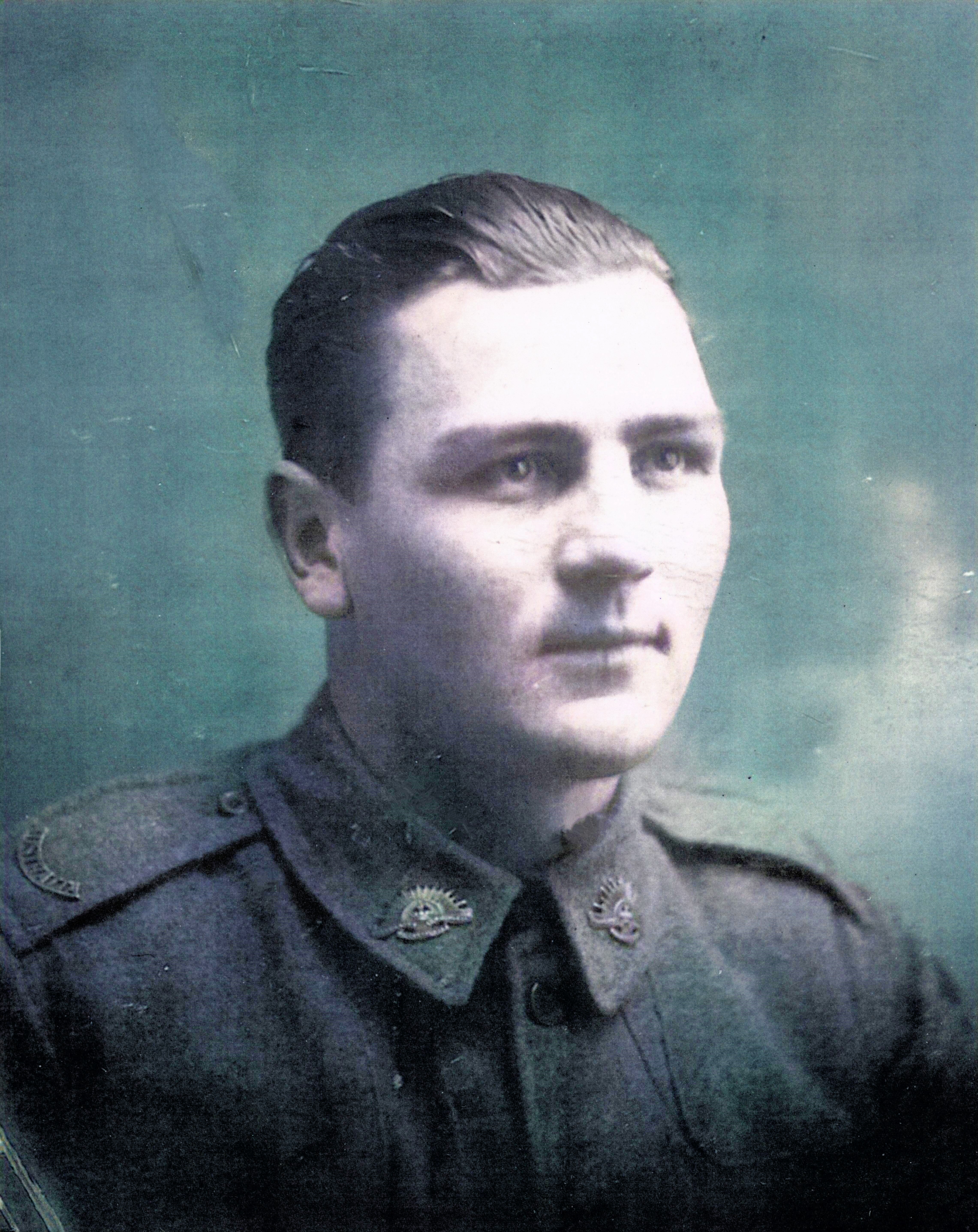
Yesterday's playing with PhotoGlory produced some interesting results, but there's more that I could do with it. One of my oldest photos is of my grandfather Robert Francis Herbert, presumably taken on demobbing after the First World War. Based on an inscription by my mother on the back, I've assigned a guessed date of September 1919:

|
|||||||||||||||||||||
In principle it's not bad as it is. But that smudge at the top left should be removed, and how about colourizing it (run the cursor over an image to compare it with its neighbour)?
|
|||||||||||||||||||||
|
|||||||||||||||||||||
Yes, an improvement, but not a dramatic one. And how about setting the size? I looked in a number of places, but came up with nothing. The only surprise was that when I enlarged the preview image, the stored image also approximated to the size of the original: 4670 x 5882 became 4562 x 5746, only marginally smaller. Is that the only way?
OK, take a look at some other photos of Besut and Pulau Perhentian taken in the mid-1950s:

|
|||||||||||||||||||||

|
|||||||||||||||||||||

|
|||||||||||||||||||||

|
|||||||||||||||||||||
In principle, the colours are not bad: Kodachrome keeps its colours well. But let's see if PhotoGlory can't improve them (run the cursor over an image to compare it with the original):
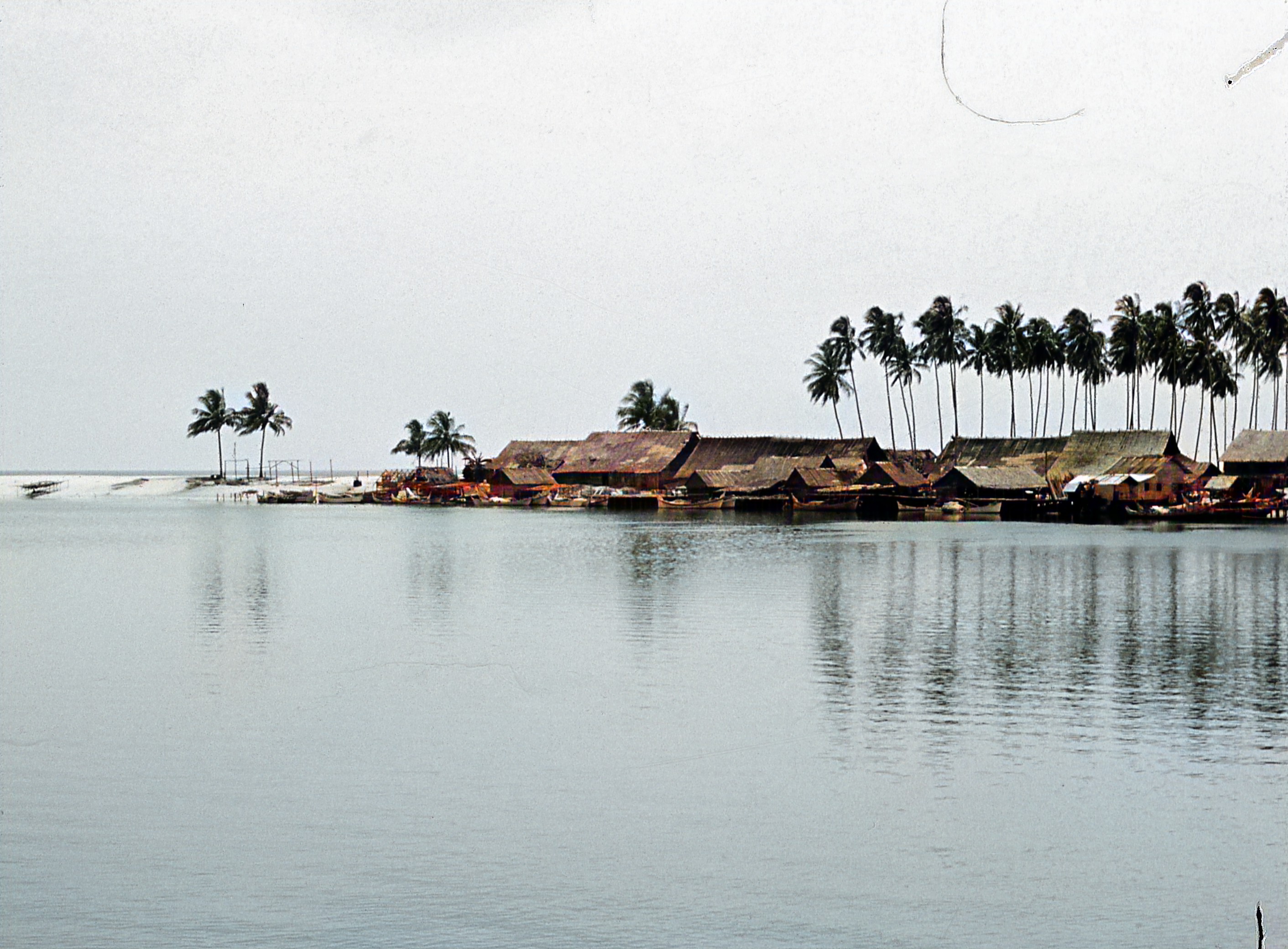
|
|||||||||||||||||||||
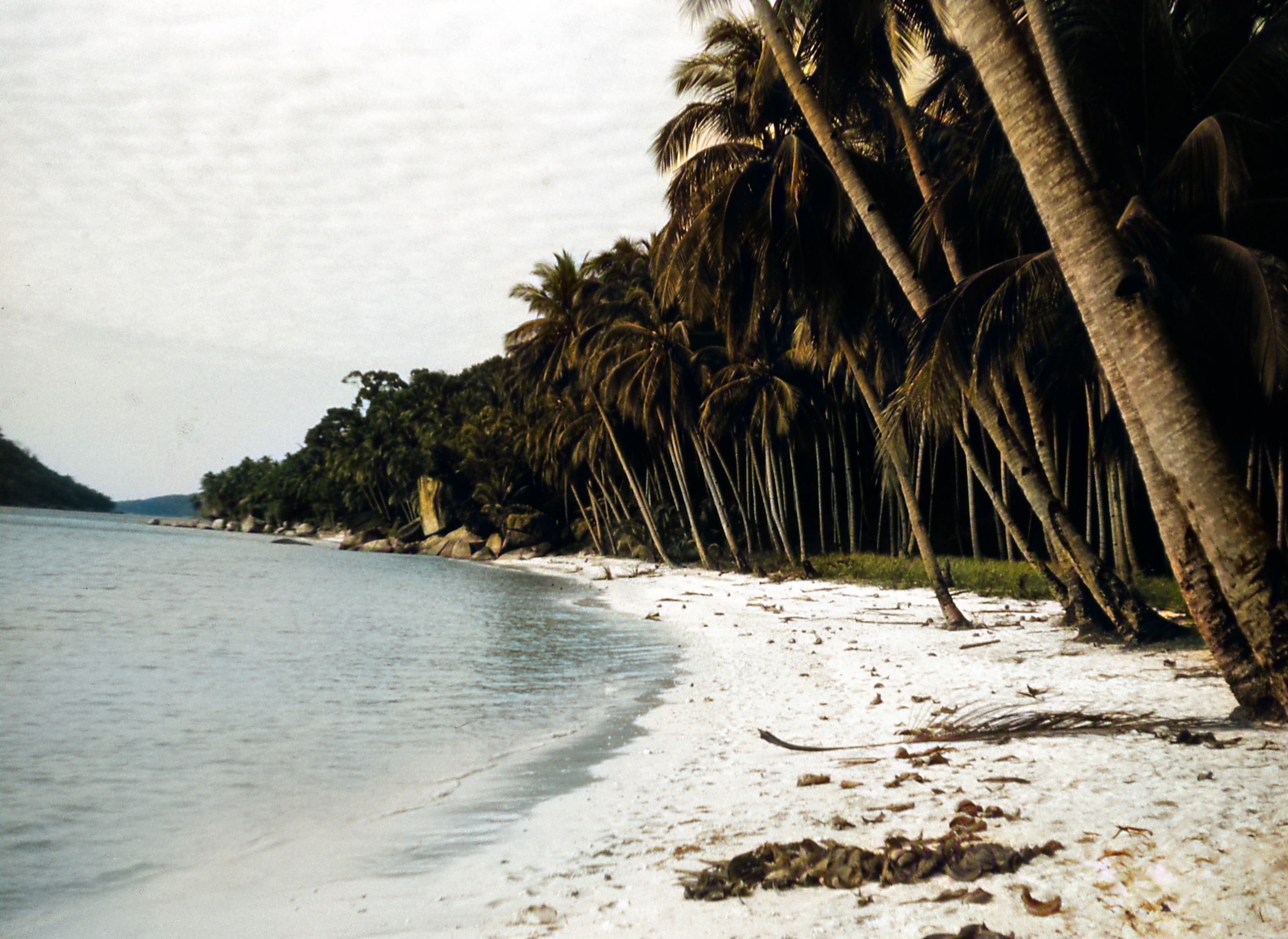
|
|||||||||||||||||||||
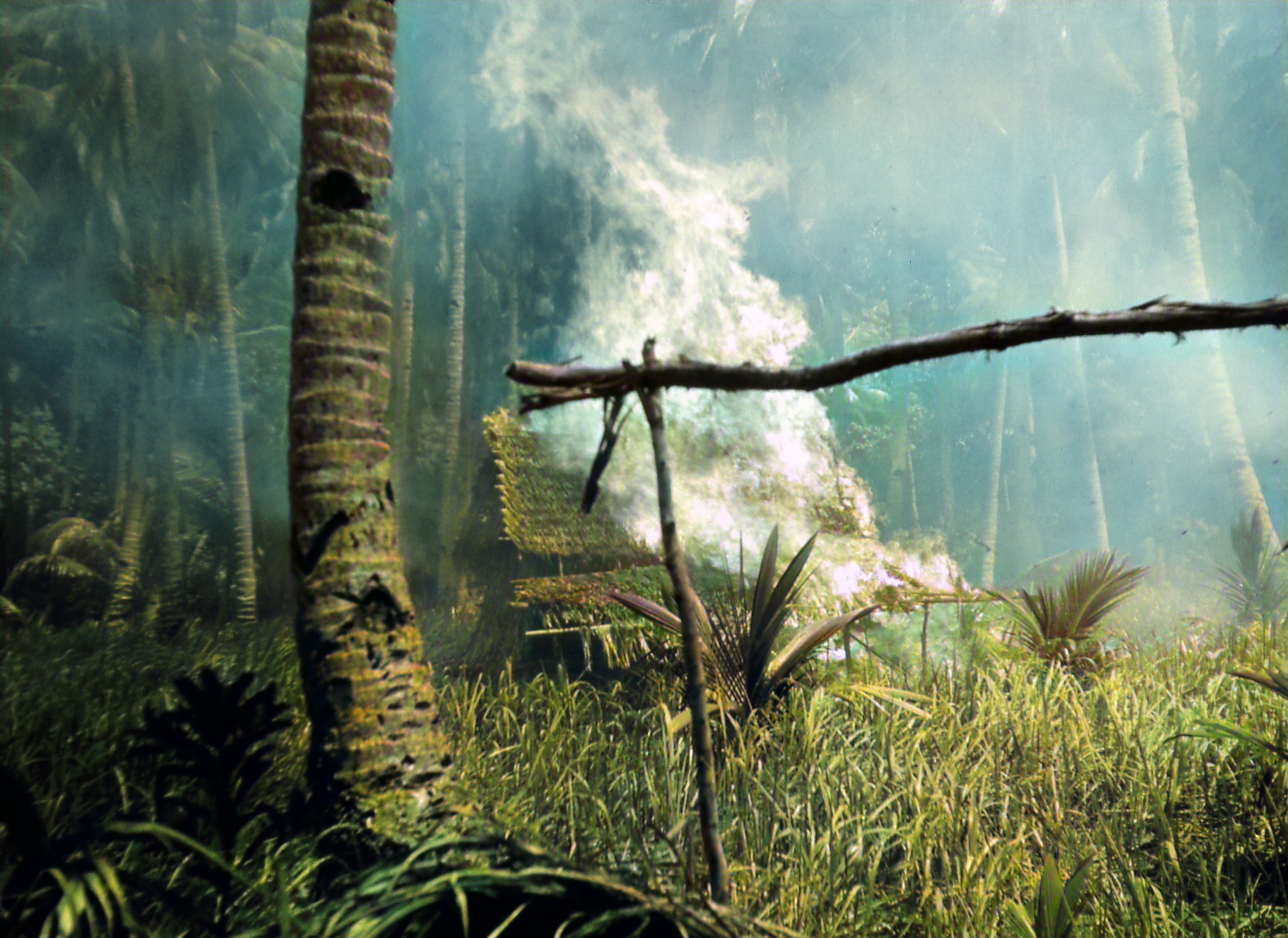
|
|||||||||||||||||||||
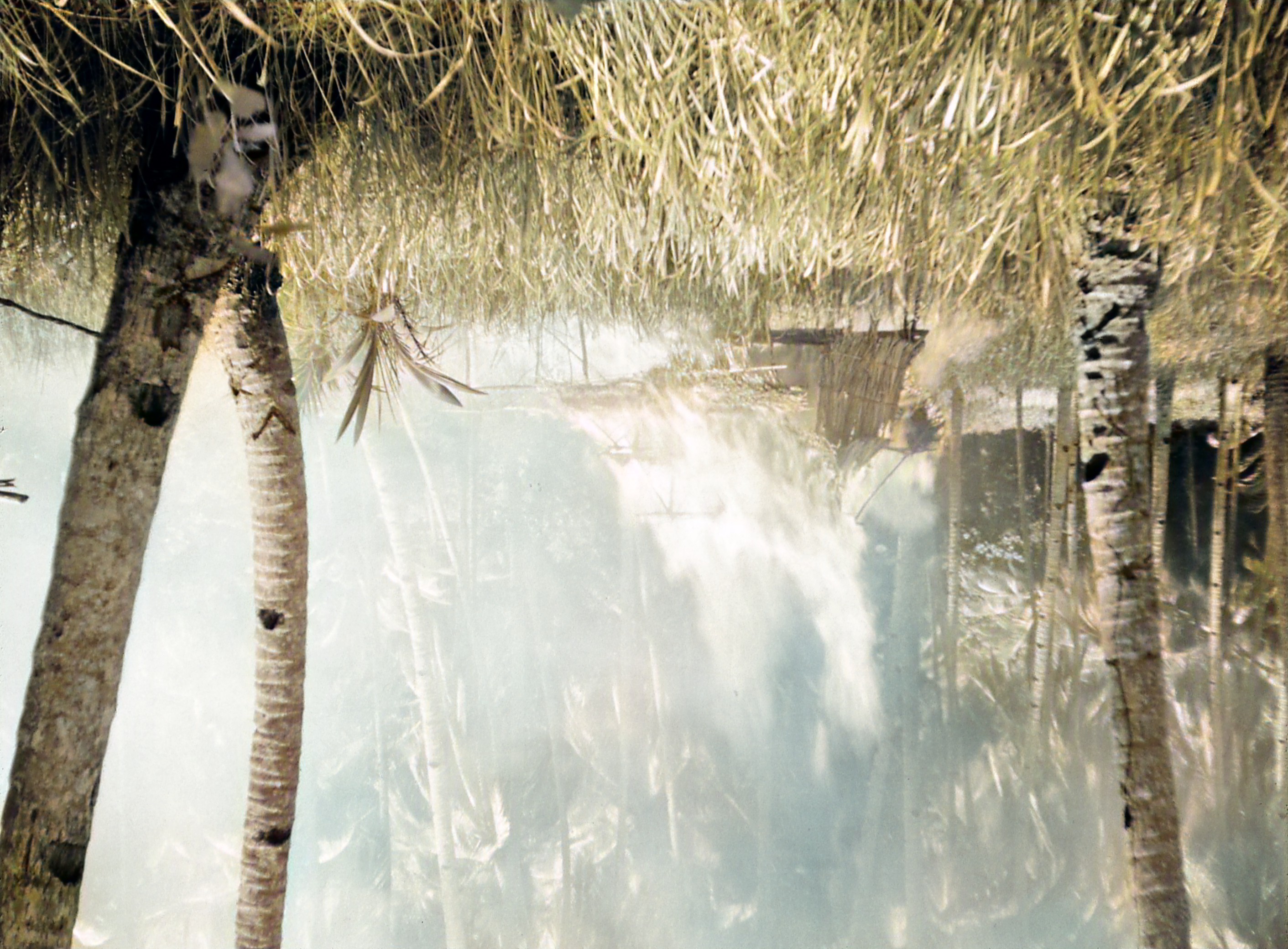
|
|||||||||||||||||||||
Oh. Not what I expected. The first one, and maybe the second, are arguably slightly improved, though they're still darker than I would have hoped. The third? The big difference is that the flame has gone grey, similar to the red turban on Sunday. And the last also has put out the flame, and to boot it has been inverted! It's not the only one: three of the six images have been inverted. Yes, there's no orientation information in the scans, and it's easy enough to invert them, but why change the existing orientation? I can only consider that a bug.
So, not much progress. It's certainly not the magic bullet that I had hoped for.
| Wednesday, 5 November 2025 | Dereel | Images for 5 November 2025 |
| Top of page | ||
| previous day | ||
| next day | ||
| last day |
|
More restoring old photos
|
Topic: photography, technology, opinion | Link here |
More fun with my old photos today. An obvious one was an image in “What I want from photo software”:

|
|||||||||||||||||||||||
Just the thing for PhotoGlory. No need to recover, just colourize.
How did it do? Run the cursor over an image to compare it with its neighbour.
Can't find dimensions for 'Big-Jim-1_edited.jpeg'
|
|||||||||||||||||||||||
The good news is that ithe second order colour casts are gone. But so is almost all of the colour, including the “cake”! What do I do next?
And removing noise? PhotoGlory seems unable to help there. In fact I still haven't found any software that can significantly reduce noise in an image. Did a bit of searching, bringing some surprises: some panoramas that I can't identify, dated 24 December 2000 and taken with a camera that identifies itself in the Exif data as Nikon E900:

|
|||||||||||||||||||||||
I've never had that camera. I had suspected Daniel O'Connor, who was there on that day, and who in the past has dabbled in panoramas. But no, not he. It took me a while to discover an author in the Exif: James Proctor, a name that I can't find in my diary.
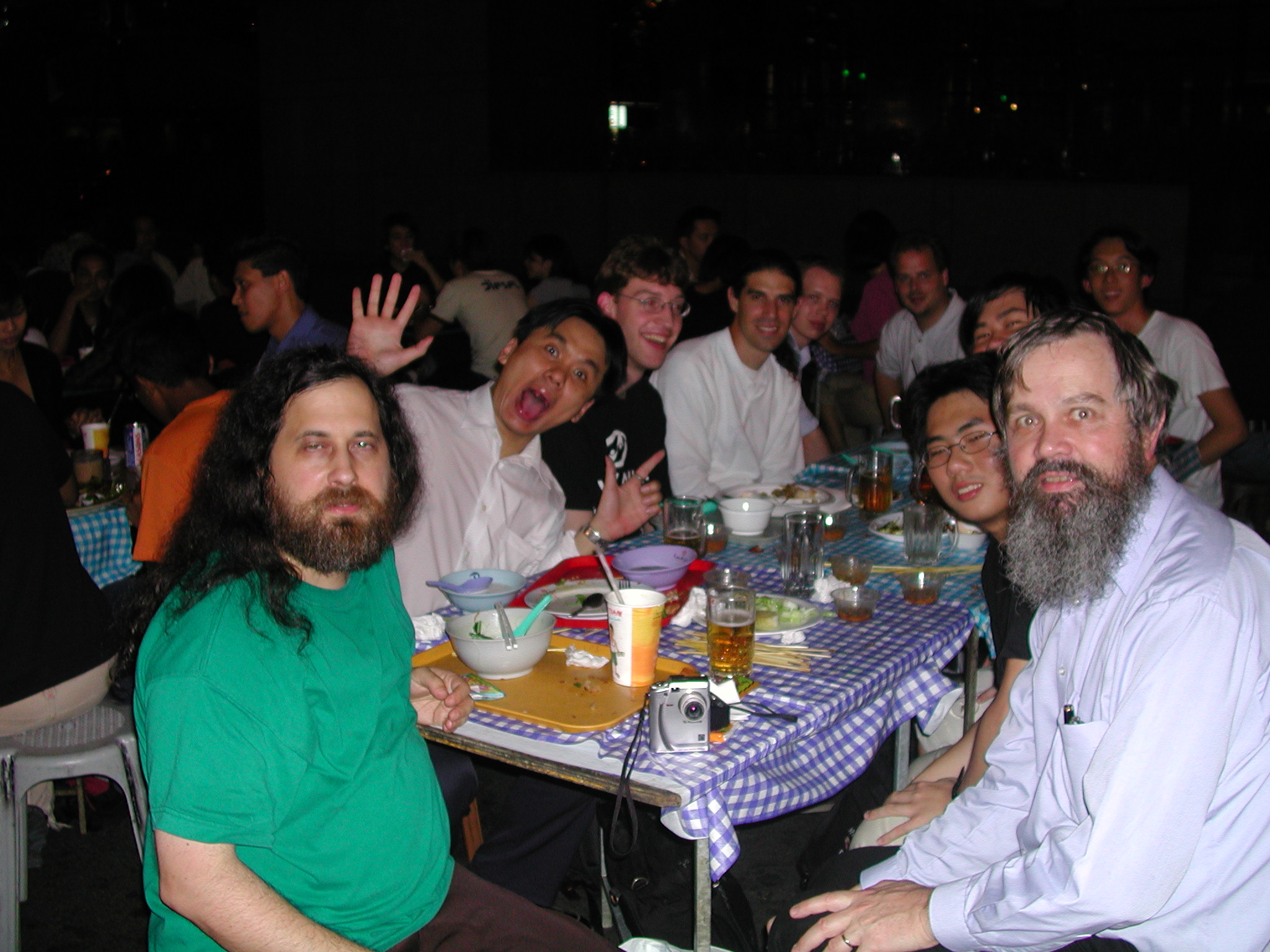
Finally I found an image that cries out for denoising:

|
|||||||||||||||||||||||
That was taken with my Nikon Coolpix 880. It wasn't normally that bad, but I had lightened the background. The original was much better (again run the cursor over an image to compare it with its neighbour):
|
|||||||||||||||||||||||
I think that the processing improves the image, but at the expense of extreme noise. How do I get rid of it? Asking Google Gemini brought some interesting results. In order of decreasing desirabilty, they were:
So really only Luminar Neo and ON1 remain in the running. I haven't had spectacular results with Luminar Neo. I've used ON1 in the past without being convinced, but that's 8 years ago, so OK, try ON1 with a free trial. But the file didn't download. Try again on distress, where it was to be installed. Log in, fill out all the details and was presented with a CAPTCHA. Sorry, ON1, you're out of the running. Looking back, this closely resembles my experience last time. And this time I didn't even get as far as finding out whether it would run.
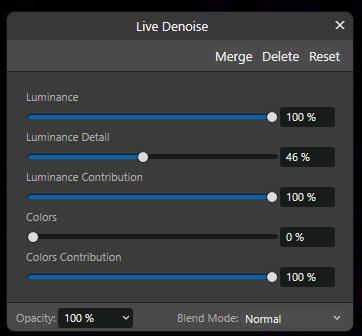
But ON1 was the bottom of the list, Affinity is there too, and I have it installed. Found a way to reduce noise, along with a convenient video. The video showed one of the great weaknesses of Affinity: it was for version 2.0, and it jumped all over the place, to an area that no longer exists in version 3.0! No worry, there are alternatives, involving creating extra layers, choosing values for a number of sliders:
|
|
|||||||||
That's not exactly what you want to do with dozens of files. But no need: it doesn't work! As far as I can tell, manipulating the sliders made no difference!
So where do we go from here? For this one photo I could go back to the original and try from there, but I do want to have the background. Luminar's still there, but I don't have much hope. What I really need is a program that will automatically remove noise. And so far that doesn't seem to exist.
One further lead is a reference from Gemini: Best noise reduction software.... Mañana.
| Thursday, 6 November 2025 | Dereel → Napoleons → Dereel | Images for 6 November 2025 |
| Top of page | ||
| previous day | ||
| next day | ||
| last day |
|
Where's my camera, episode 4712
|
Topic: general, technology, opinion | Link here |
When did the seller post the camera that I bought on Monday? eBay kept telling me that it hadn't been posted yet, but Australia Post gave me more plausible information, that it was posted on Tuesday. But eBay stayed that way until I found this morning:
From ebay@ebay.com Wed Nov 5 23:42:10 2025
Date: Wed, 5 Nov 2025 05:41:59 -0700
From: eBay <ebay@ebay.com>
Subject: 🚚 Order update: Nikon D1 Camera Body And 70- 210mm Lens Please Read Description
Estimated delivery: Wed, 05 Nov - Mon, 10 Nov
Well, that's optimistic, isn't it? Sent just before midnight and expects delivery the same day? And why should I read the Description? That's a link that they could have included in the message. Never mind, 40 minutes later, still in the middle of the night, they had the wonderful news:
From ebay@ebay.com Thu Nov 6 00:21:32 2025
Date: Wed, 5 Nov 2025 06:21:20 -0700
From: eBay <ebay@ebay.com>
Subject: Your package is now with its carrier!
Estimated delivery: Wed, 05 Nov - Mon, 10 Nov
That's particularly optimistic. Posted in the middle of the night, delivery yesterday! Checking showed that the item had been somewhere between Melbourne and Ballarat at the time. Never mind, a third message:
From ebay@ebay.com Thu Nov 6 10:32:13 2025
Date: Wed, 5 Nov 2025 16:32:01 -0700
From: eBay <ebay@ebay.com>
Subject: Delivery attempted: Nikon D1 Camera Body And 70- 210mm Lens Please
Read Description
Australia Post just missed you.
Delivery attempted: Thu, 06 Nov 08:27 Local time
Well, no, eBay, Australia Post never tries to deliver parcels to me. At the specified time the item was in Delacombe and marked for transport to the post office, where it arrived at 10:27.
But they do this every time. Why? They've been round for over a quarter of a century. Surely they could have got their act together by now. Still, they ask a question: “How useful is the email?”. Useless, of course, and that's what I said for the first email. But I couldn't give a similar feedback for the second message: they only allow one feedback per day! Why? Do they even care?
|
“New” Nikon D1
|
Topic: photography, technology, opinion | Link here |
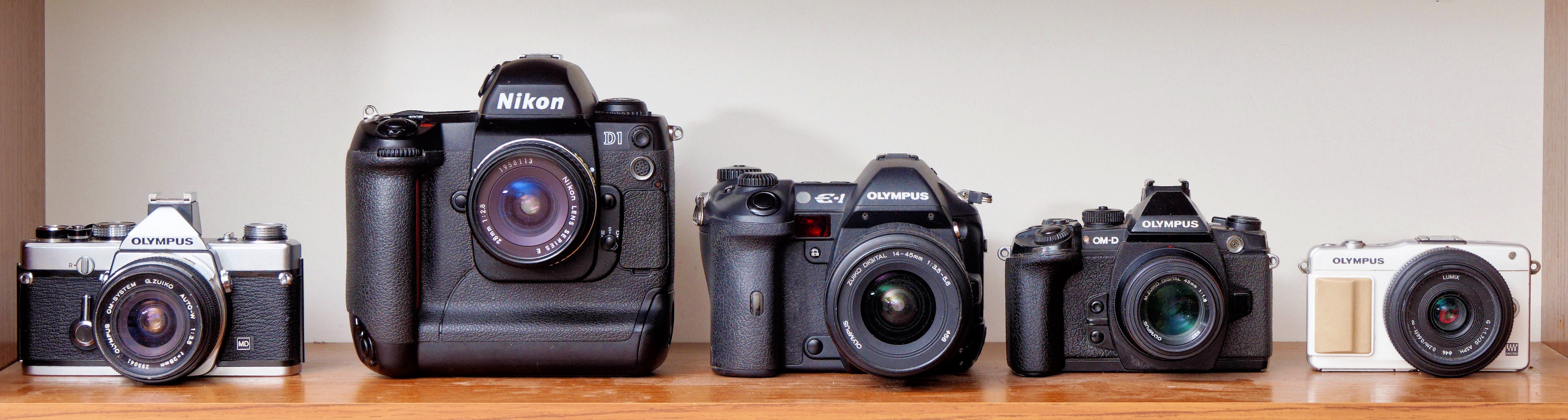
So off to Napoleons to pick up my latest camera, a Nikon D1. It's enormous! Here next to four of my Olympus cameras:
|
|||||||||||||||||||||||
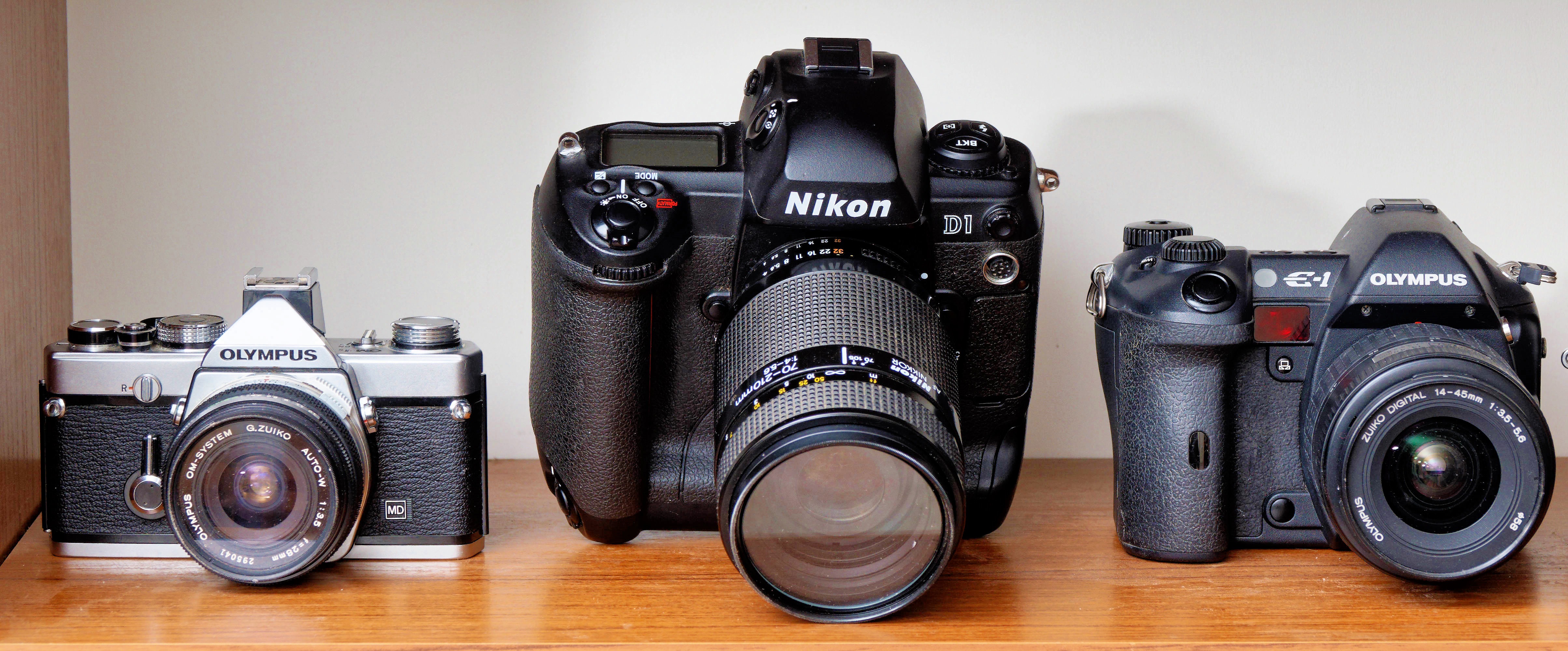
Yes, the three on the right are Four Thirds system form factor, but the one on the left is a 24×36 mm sensor, and the Nikon is roughly APS format, between the two. The lens is one that I got five years ago. The camera won't stand up straight with the 70-210:
|
|||||||||||||||||||||||
With the help of a couple of compact cameras, I get:
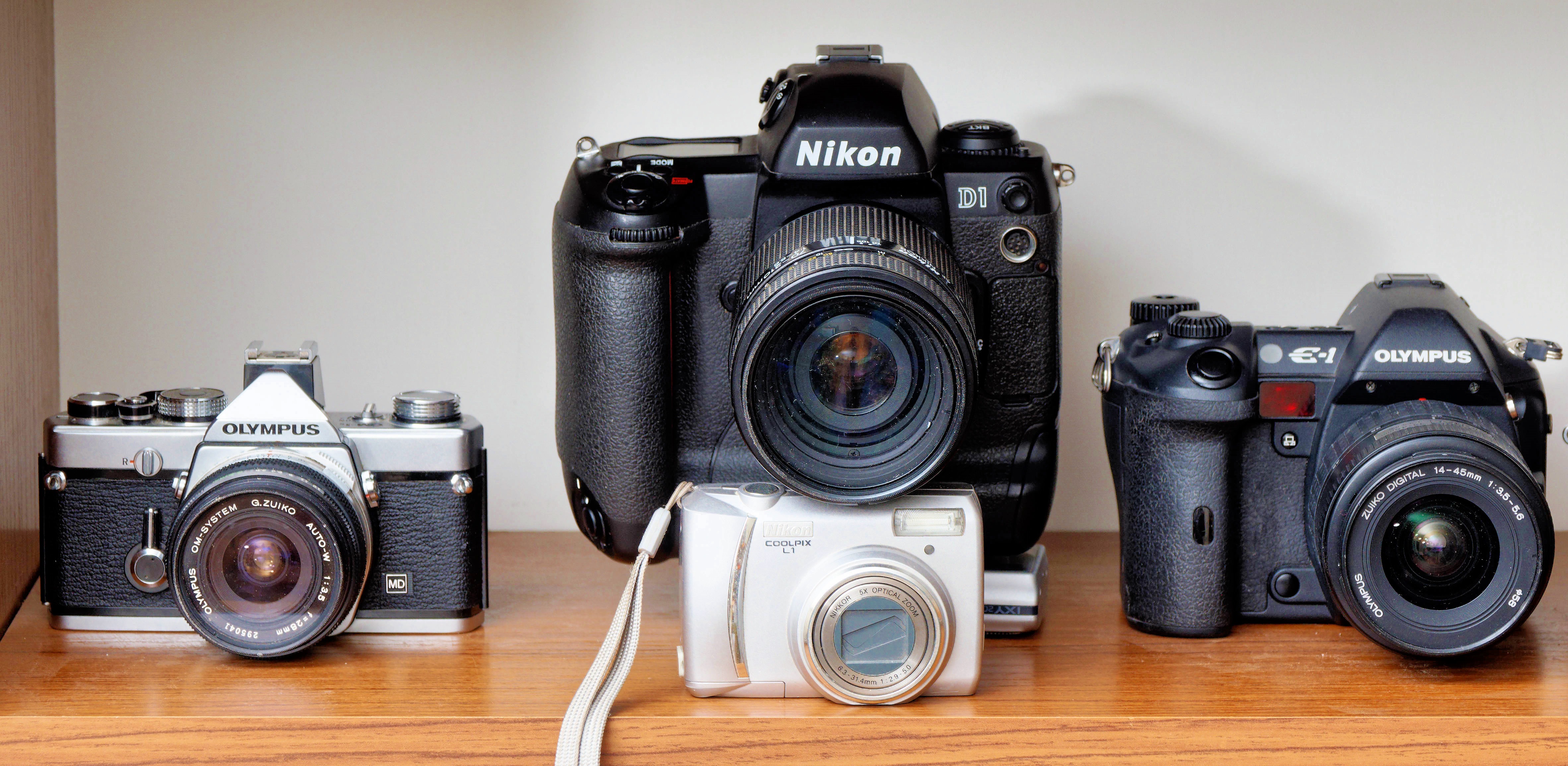
|
|||||||||||||||||||||||
Normal details: Nikon D1, serial number 5022707. Nikkor 70-210 mm f/4.0-5.6, serial number... Oh. I can't find it. Where could it be hidden? Sent off a message to the Facebook Nikon Collectors group, also asking about the batteries: I have three, all discharged, but no charger. What can I use instead?
But no replies came. A bit of searching around produced this message:

|
|
|||||||||
What's that? After following the “Learn more” link I still don't know. But by chance I found a more obvious answer: it's waiting for moderator approval. Why didn't Facebook tell me up front? And what does it have to do with Community chats, whatever they may be?
Apart from that, of course, looked at the camera. Like the Olympus E-1 next to it in the photo above, it's an early camera with amazingly complicated interlocks. Two covers and a button just to reveal that it does, indeed, have an CF card (512 MB) in it, and that I need to fold over another lever to finally remove it.
Why do I want to remove it? It fits my Nikon Coolpix 880, with which I wanted to take a photo some time back before discovering that it didn't understand cards over 1 GB. It also had a photo on it:
=== grog@hydra (/dev/pts/15) ~/Photos/20251106 546 -> mdir -s e:
Volume in drive E has no label
Volume Serial Number is F0F3-7854
Directory for E:/
DCIM <DIR> 2005-09-01 19:27
1 file 0 bytes
Directory for E:/DCIM
. <DIR> 2005-09-01 19:27
.. <DIR> 2005-09-01 19:27
100NC_D1 <DIR> 2006-04-14 18:11
3 files 0 bytes
Directory for E:/DCIM/100NC_D1
. <DIR> 2006-04-14 18:11
.. <DIR> 2006-04-14 18:11
DSC_0001 JPG 646355 2006-04-14 18:11
3 files 646 355 bytes
Total files listed:
7 files 646 355 bytes
519 757 824 bytes free
The photo itself was pretty useless:
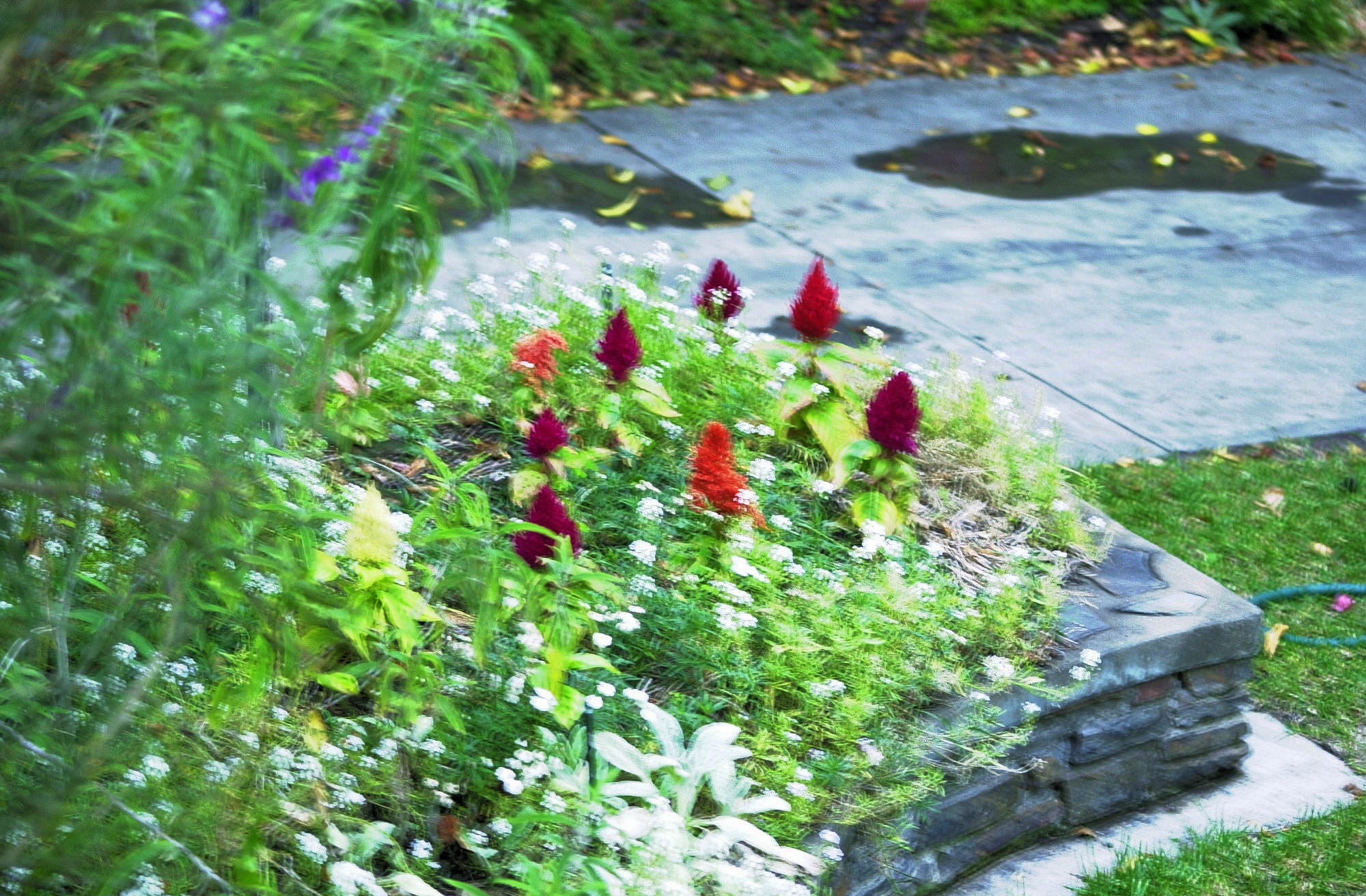
|
|||||||||||||||||||||||
But then it was taken at 1/4 s on a camera without any stabilization, so it's not surprising. It also appears to have been taken with the lens I got. Sadly, though it has Exif data, it doesn't appear to include serial numbers. It does include a time zone offset, though: UTC+11:00. And presumably it tells me how long the camera hasn't been used, though at that time there was nowhere worth mentioning with that time zone offset: DST had finished at the beginning of the month. Presumably the user had forgotten to reset the date.
The CF card also gave me a chance to take a photo with the Coolpix 880, which hadn't been used even longer To my surprise I found a battery, and was able to take a photo that at least confirmed that the camera still works:
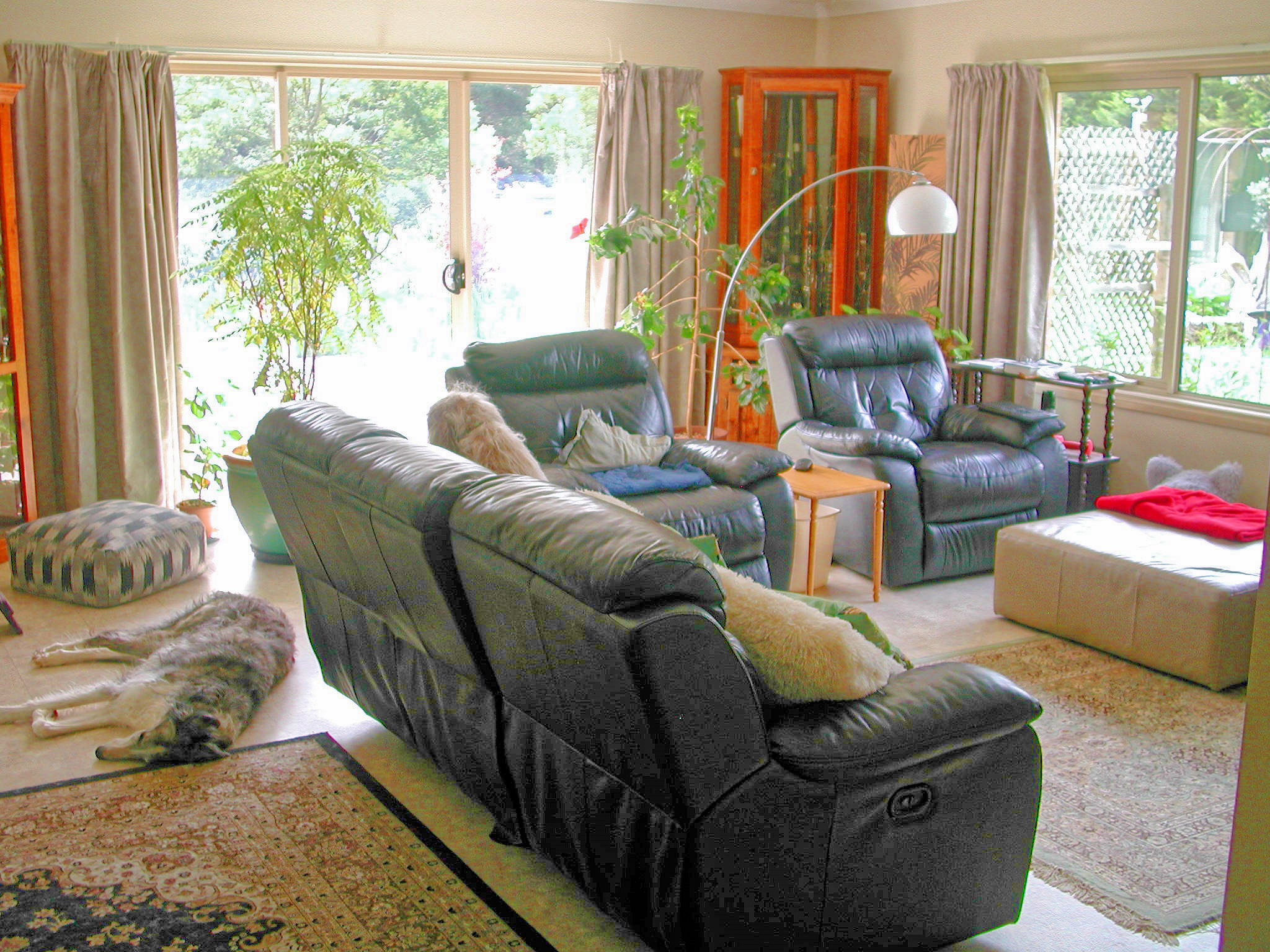
|
|||||||||||||||||||||||
Now why did I want to take photos with it? Some comparison, clearly, but which? And in passing, it's likely that the last image I took with this camera was even before 2006: I replaced it with the Ricoh Caplio R1 almost exactly 21 years ago, on 5 November 2004, and I don't think I used it after that.
|
Enough!
|
Topic: history, technology, opinion | Link here |
I'm getting more and more frustrated with computers. It's been long enough: they should Just Work. By chance I found this entry in my diary for 6 November 2005, 20 years ago:
I think the time for playing around with software is over, and now I want reliability.
Certainly the hardware is more reliable. But the software still has its issues.
| Friday, 7 November 2025 | Dereel | Images for 7 November 2025 |
| Top of page | ||
| previous day | ||
| next day | ||
| last day |
|
More D1 investigations
|
Topic: photography, opinion | Link here |
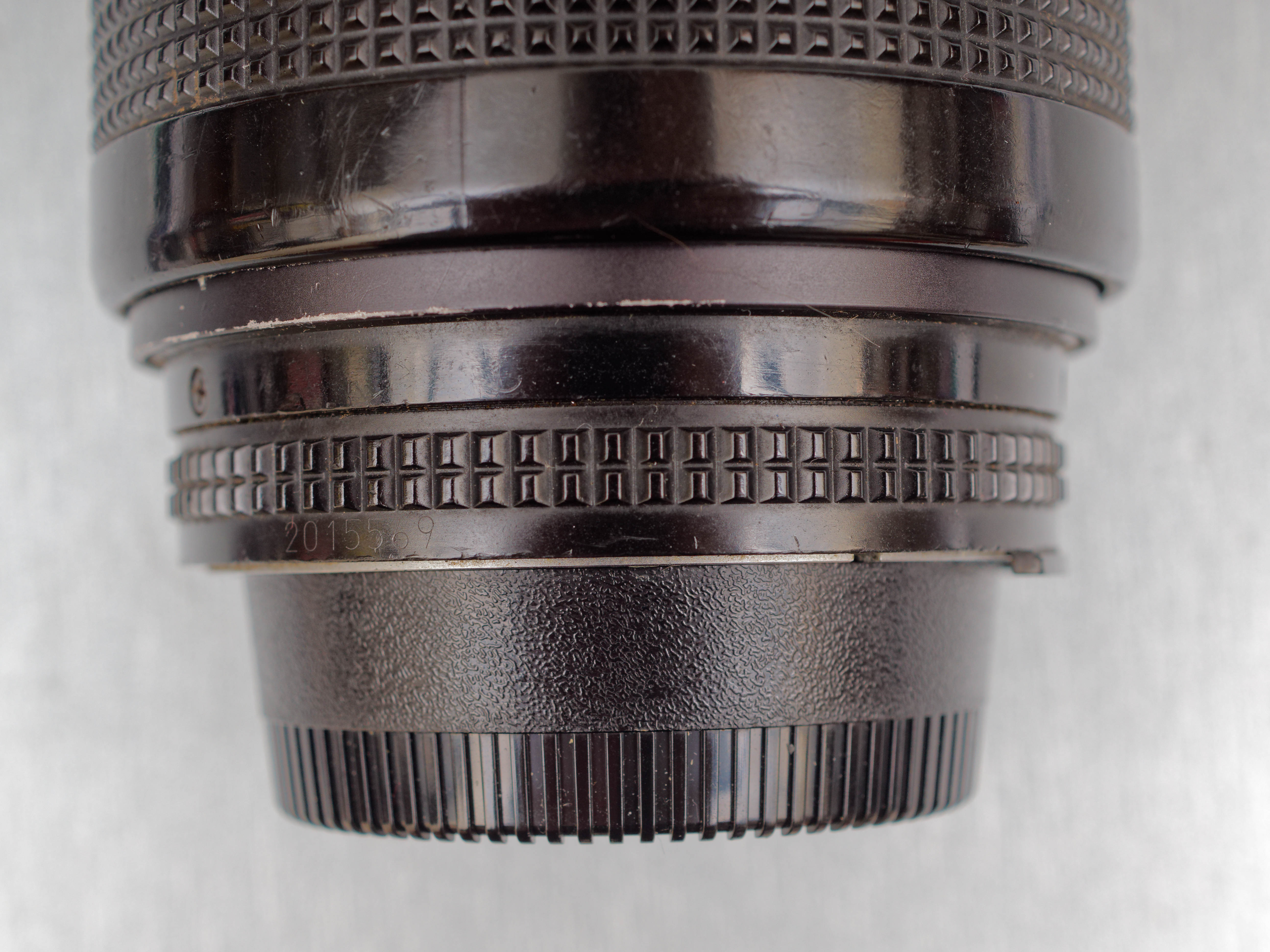
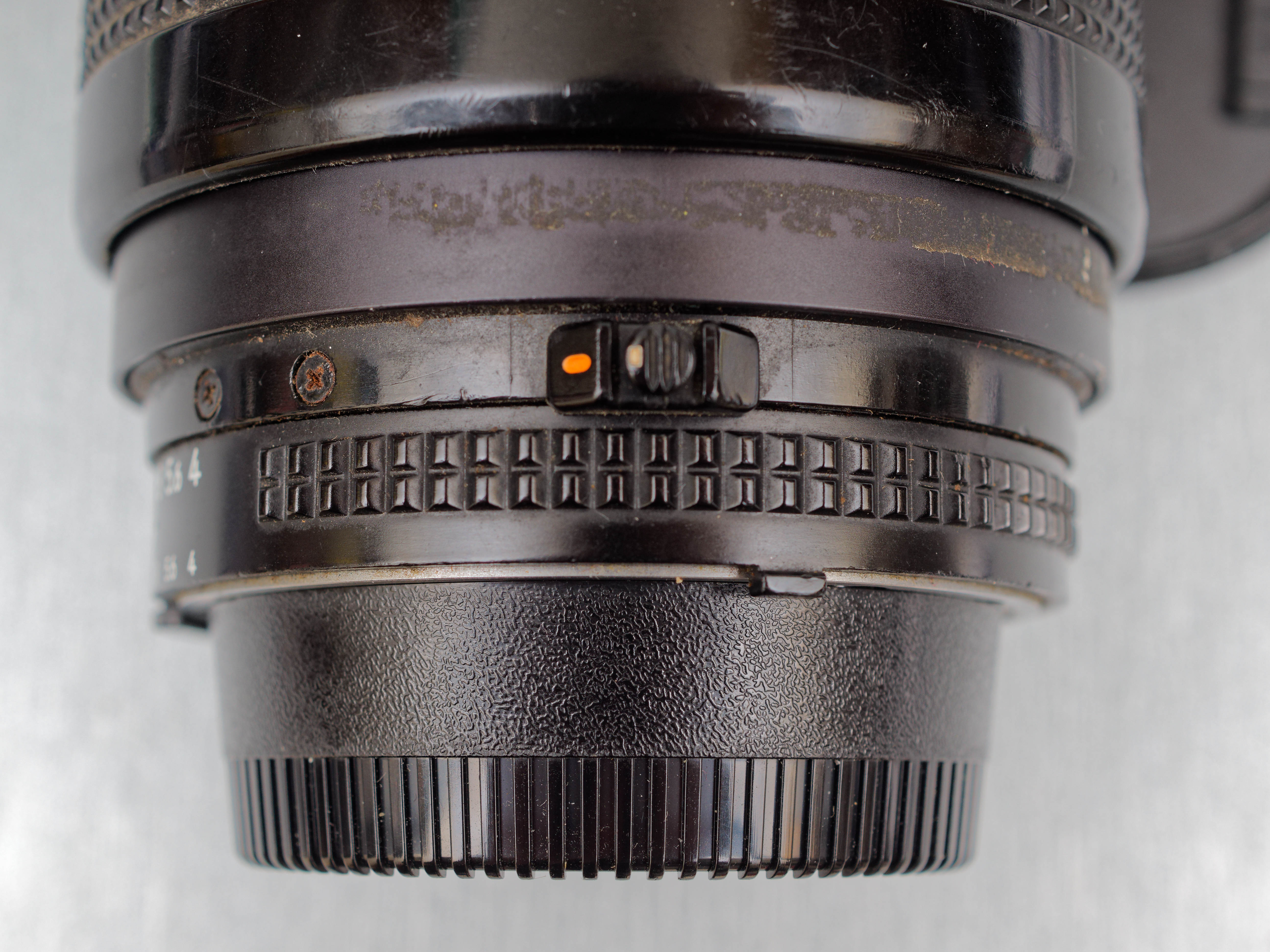
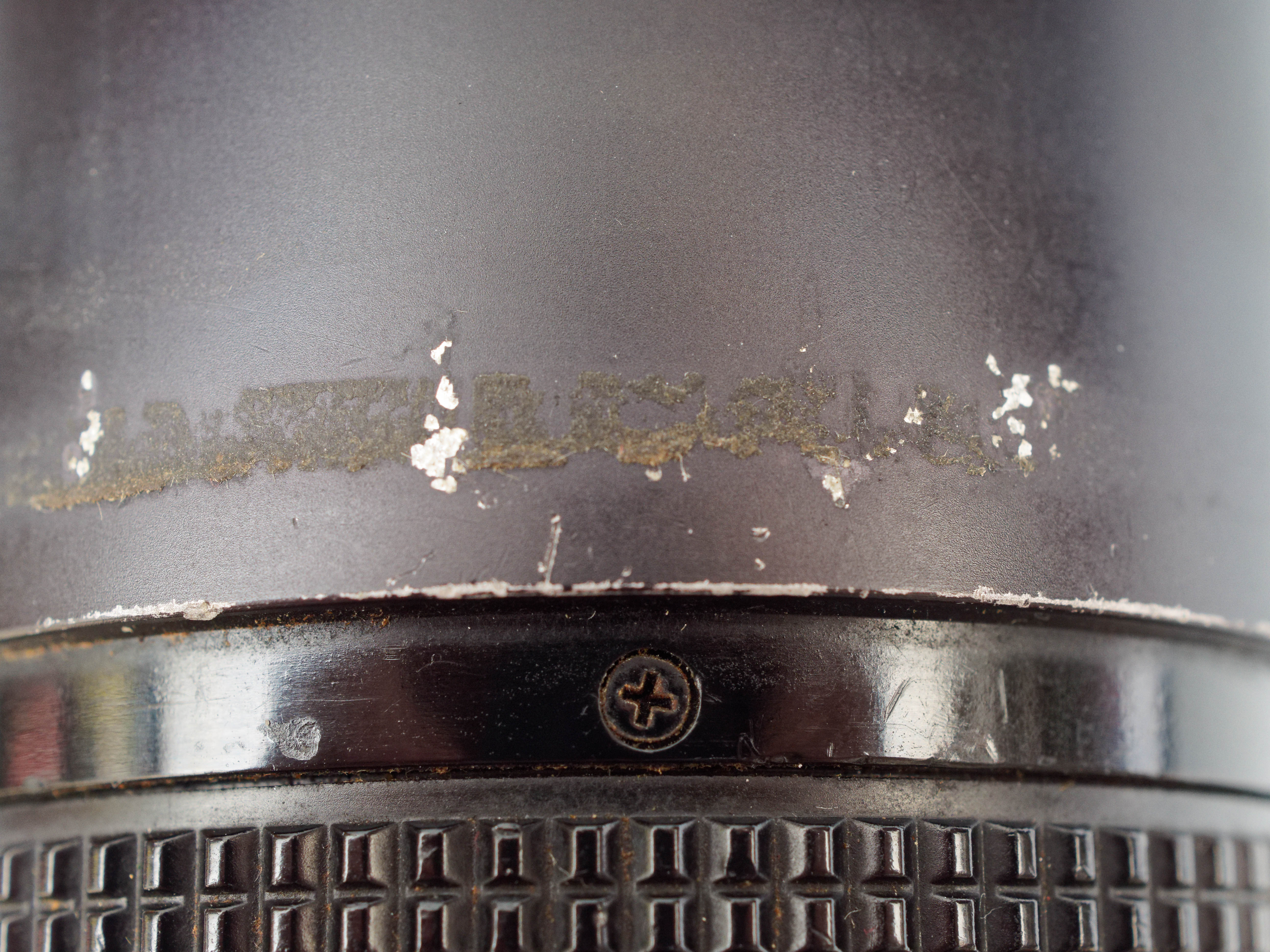
Now I have a couple of answers from the Facebook Nikon Collectors group, unfortunately none of much use. One told me where the serial number of the 70-210 mm f/4-5.6 AF Nikkor lens was, on the back of the aperture ring. But it wasn't there on this lens. Took a couple of photos of the area:
|
|||||||||||||||||||||||
|
|||||||||||||||||||||||
|
|||||||||||||||||||||||
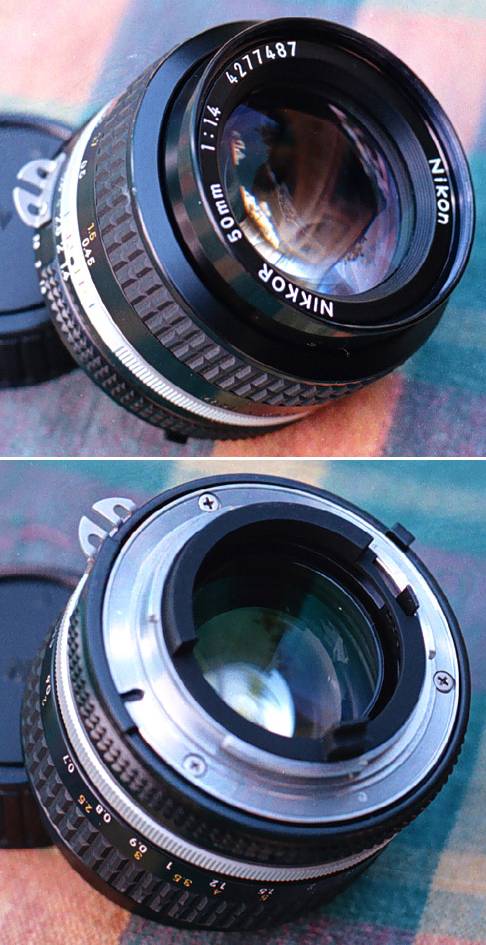
The dirt on the last photo looked like it might cover a serial number. But no, no luck. Cleaning it off wasn't easy, but it was clear that it didn't cover anything. The lens looks genuine enough, and it's strange that there's no obvious serial number anywhere. I thought that there might have been another ring round the surprisingly bare looking front element:
But no, other images look the same, like this one from somewhere on the web:

So for the moment I don't have anything to go on. Maybe I'll find a Nikon user with a newer camera who will be able to get the info from the Exif data—if it supplies it.
And the batteries? Also no help beyond “you can buy chargers on AliExpress”. But that doesn't make sense, first because it costs (minimal) money, and second because the batteries could be beyond hope. About the best information I got was from this page, which also makes it clear that you shouldn't try to charge NiMH batteries with a LiIon charger.
|
I smell a rat
|
Topic: animals, general | Link here |
Since we have been letting the cats out, I have been keeping an eye on where they are. Today I heard a noise from the laundry. That would be Mona eating. Out to check.
Not Mona. To my surprise I found a rat in the feeding area. It disappeared immediately, of course. But what we do about it? How do we catch it?
| Saturday, 8 November 2025 | Dereel | Images for 8 November 2025 |
| Top of page | ||
| previous day | ||
| next day | ||
| last day |
|
Image gradation issues
|
Topic: photography, opinion | Link here |
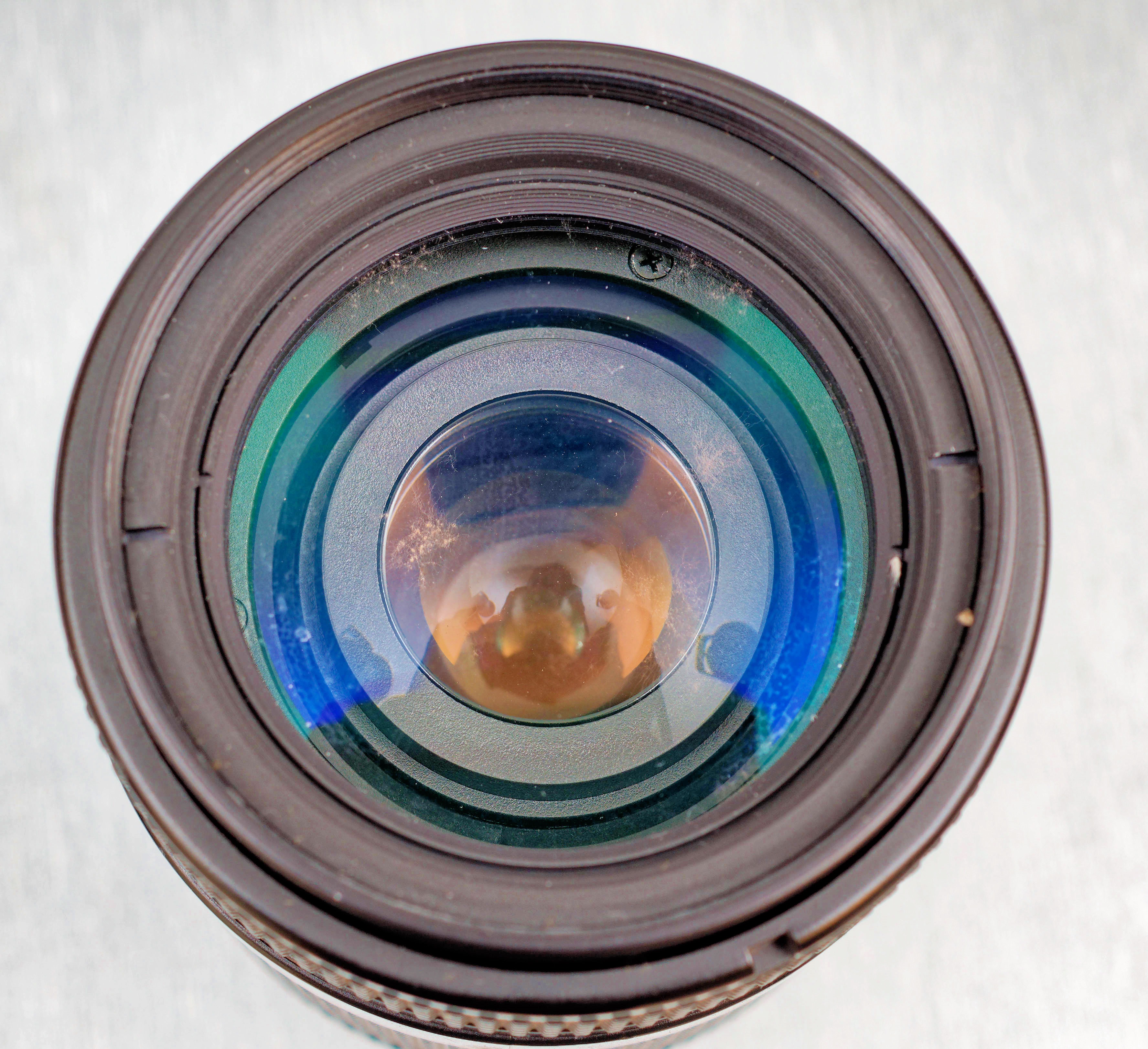
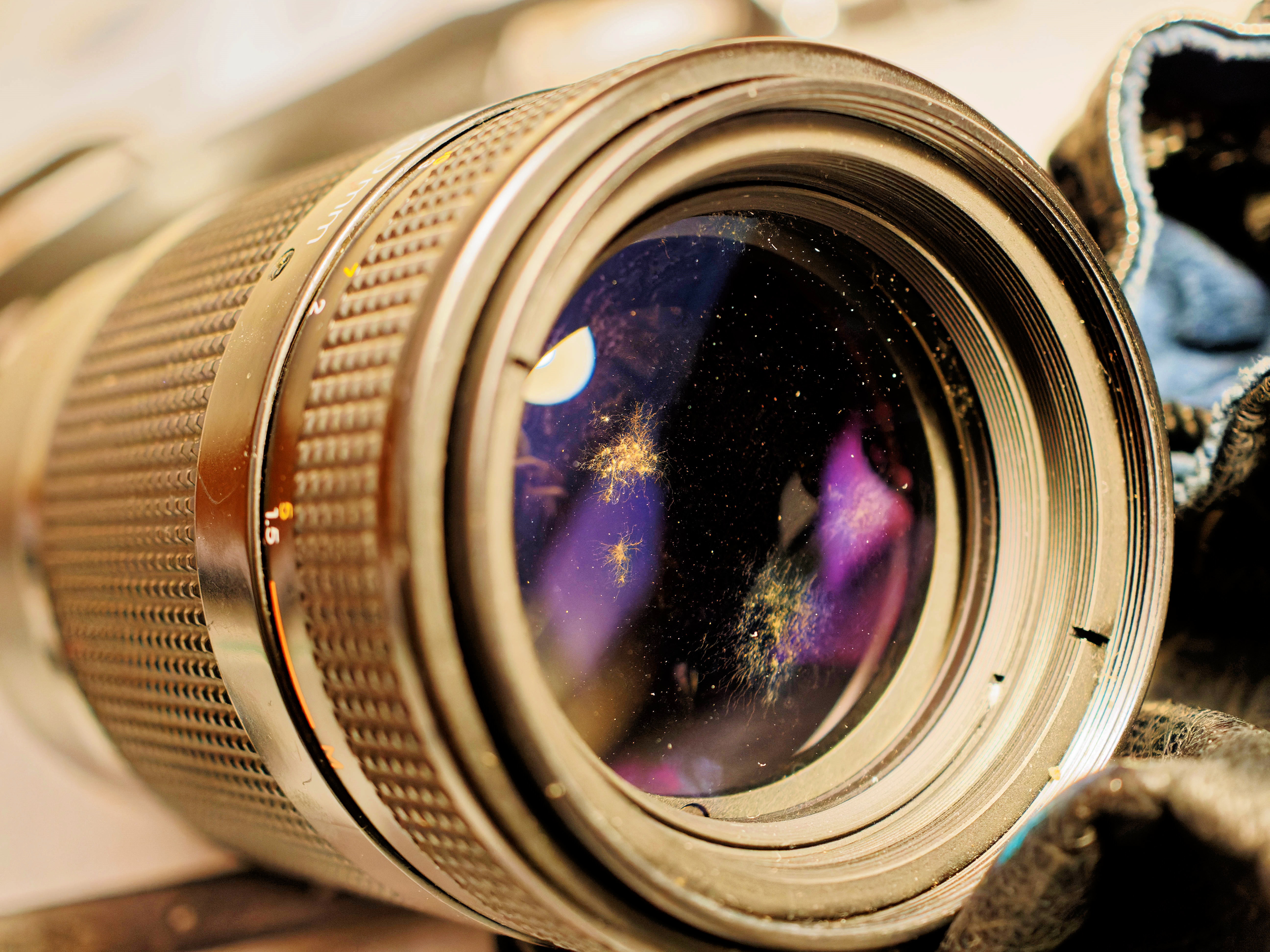
I'm ending my search for the serial number of my 70-210 mm f/4-5.6 AF Nikkor. Nothing seems to work. About the only possibility is that it does report its serial number in the Exif data, so if I find somebody with a modern Nikon camera, it might divulge its secrets. But while looking for it, took these photos:
|
|||||||||||||||||||||||
|
|||||||||||||||||||||||
|
|
|||||||||
The second and third images (close-up) show considerable fungus on the front element, something I have almost never seen. But the second image also shows a completely unexpected gradation of the lens barrel. I haven't been able to fix it, but why is it like that at all? The first image was taken with studio flash, the second with available light to get an accurate view of the fungus, which is barely visible in the first photo. My best guess is that the barrel really was lighter than the rest of the scene. One to put in my “fix this photo” collection.
|
Strelitziae
|
Topic: gardening | Link here |
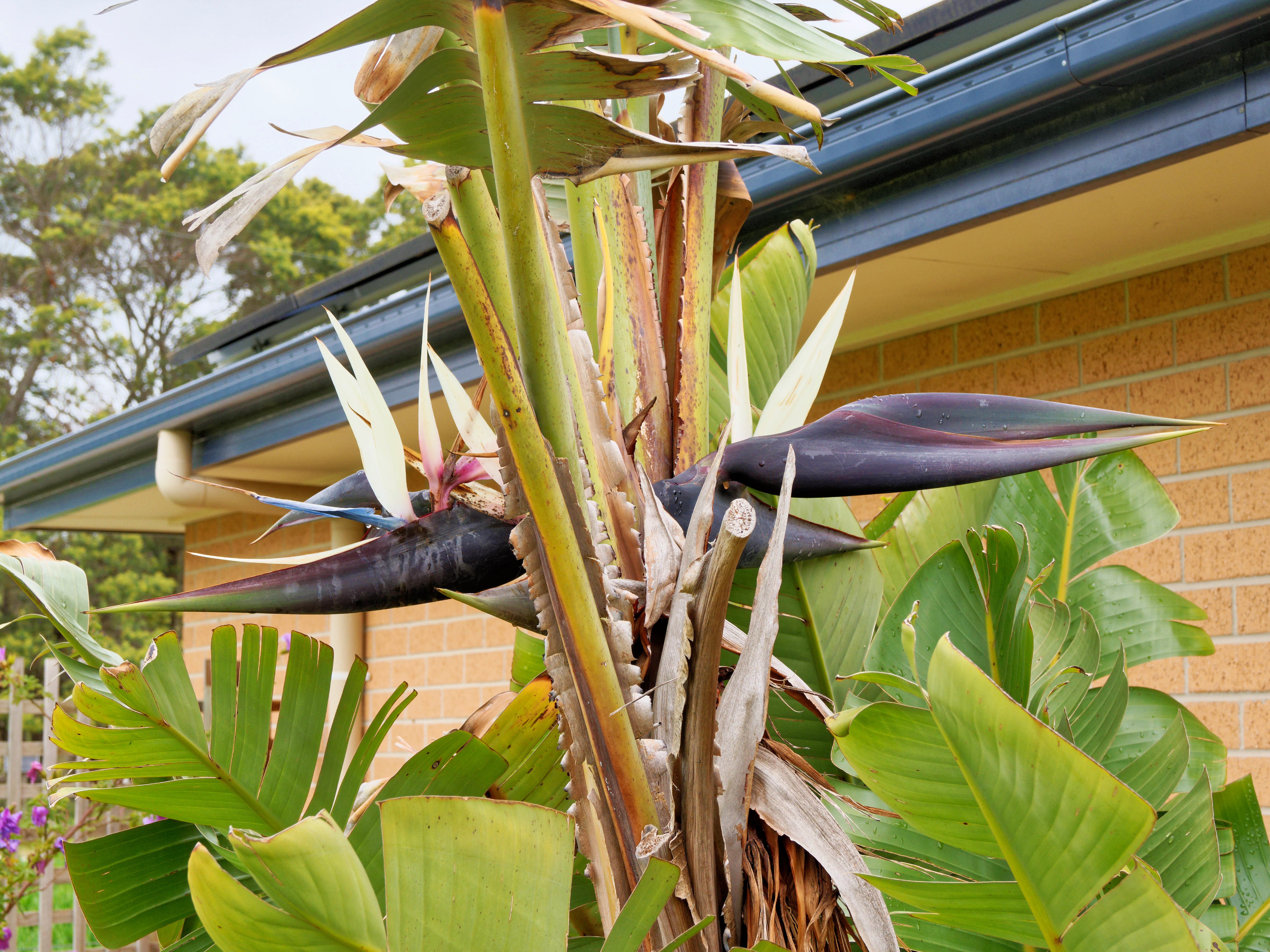
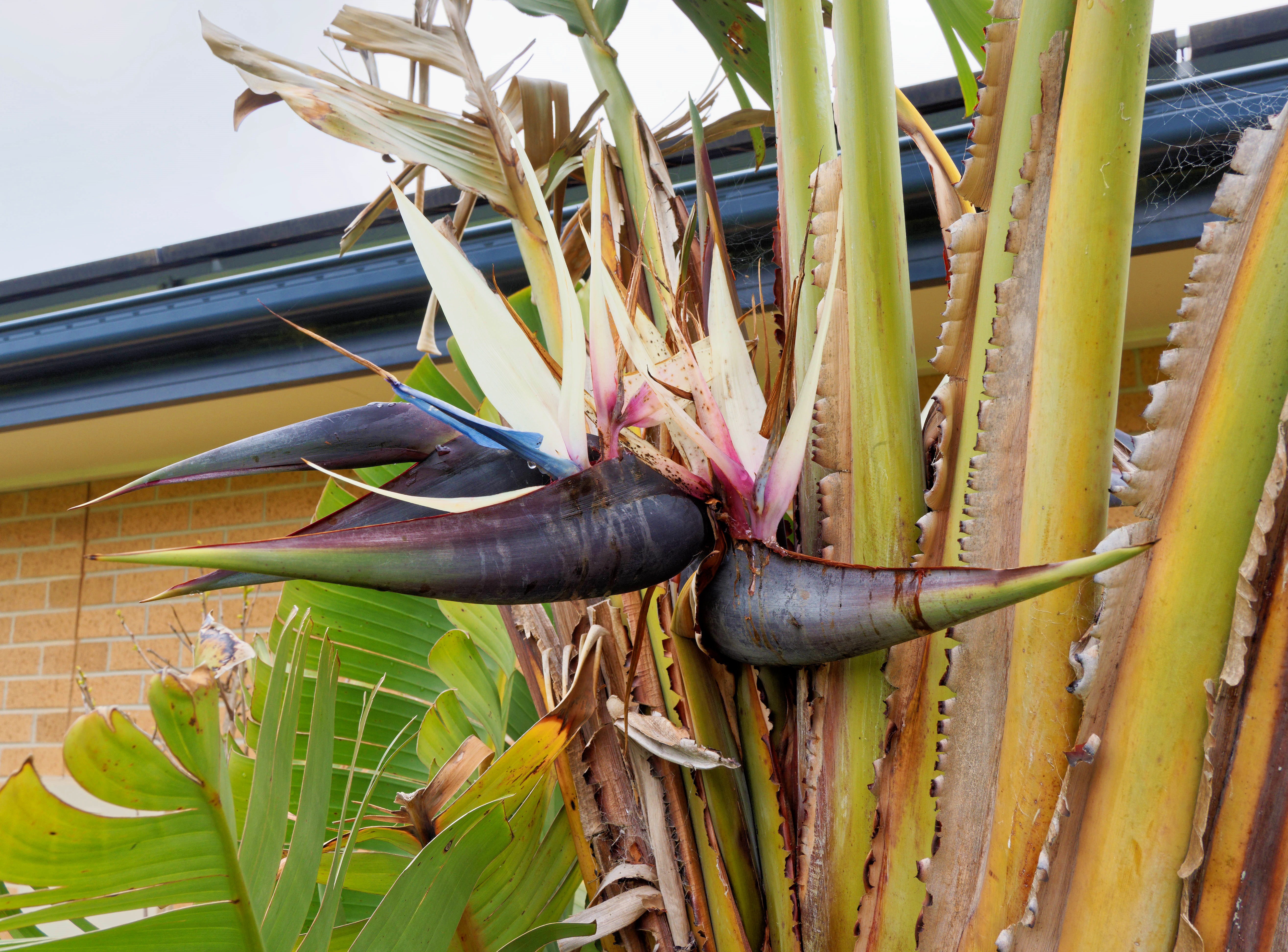
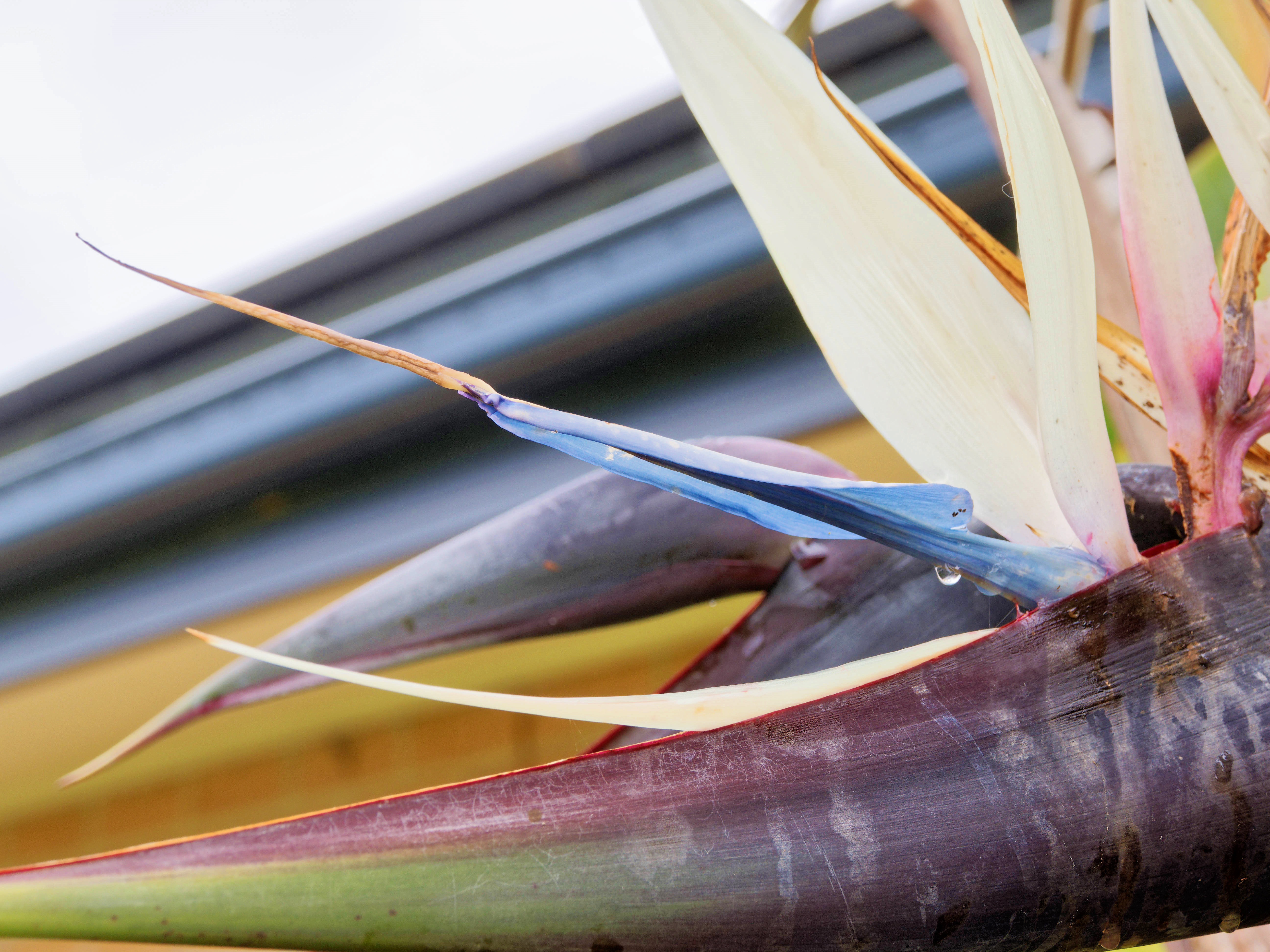
Our Strelitzia nicolai is blooming, by chance three flowers next to each other:
|
|||||||||||||||||||||||
|
|||||||||||||||||||||||
|
|||||||||||||||||||||||
And even the Strelitzia reginae looks like it's going to flower, something that it doesn't do very often:
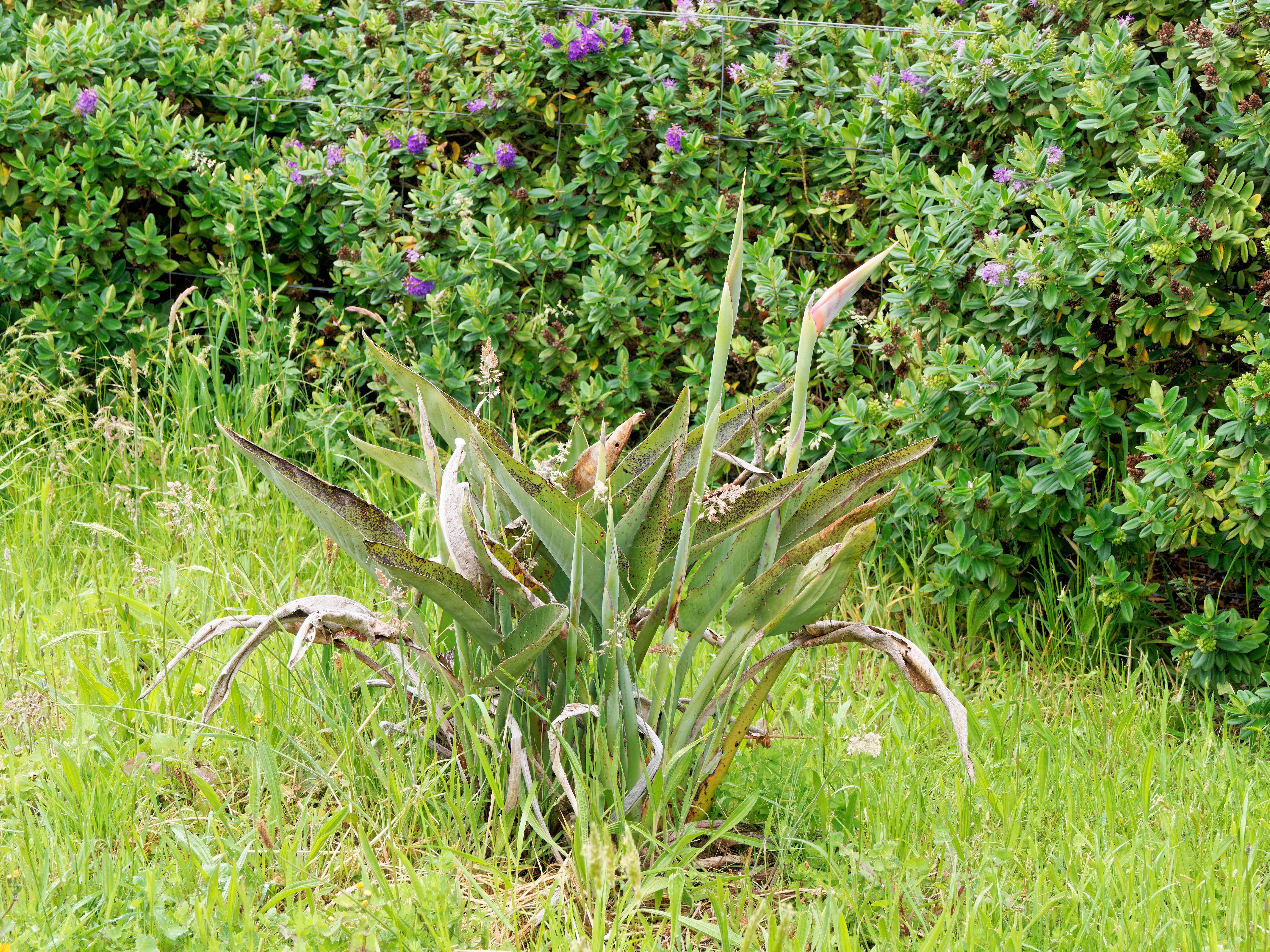
|
|||||||||||||||||||||||
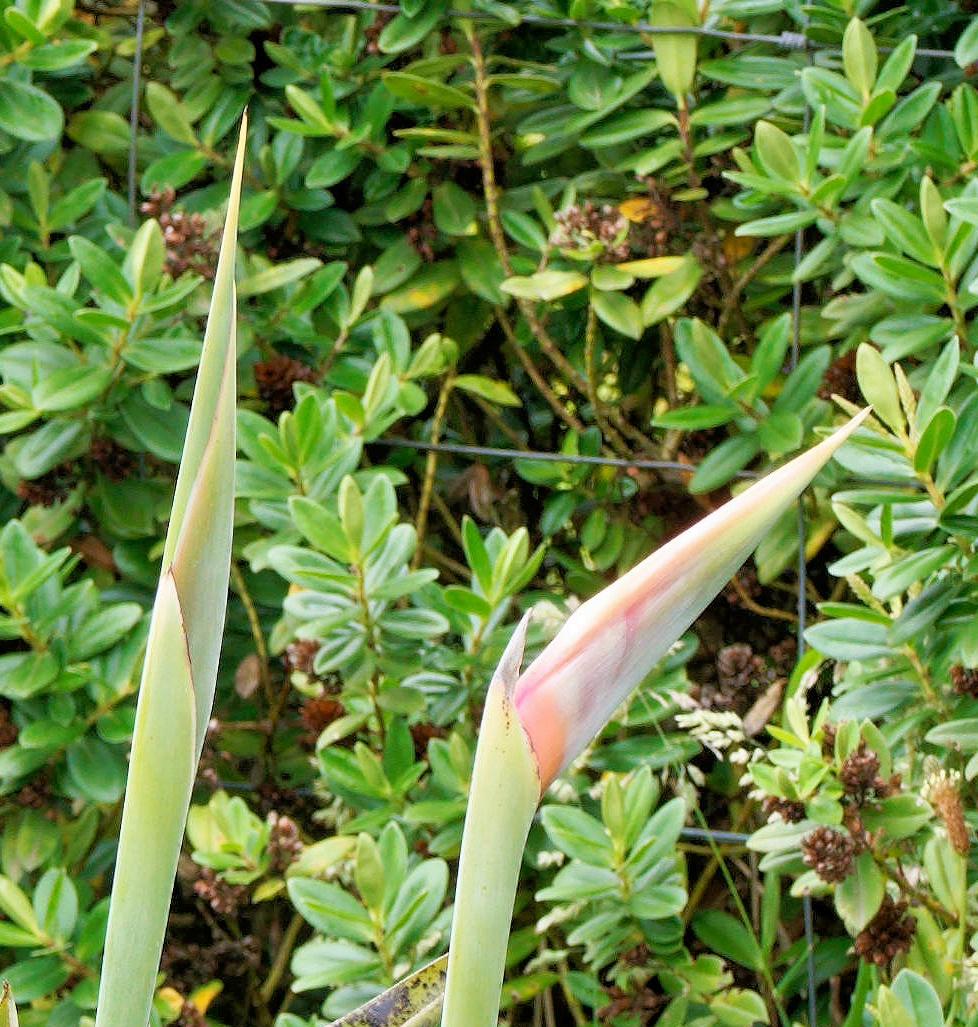
|
|||||||||||||||||||||||
And though it's not looking happy, the Clematis “Edo Murasaki” has a couple of buds that may flower if it ever gets any warmer:
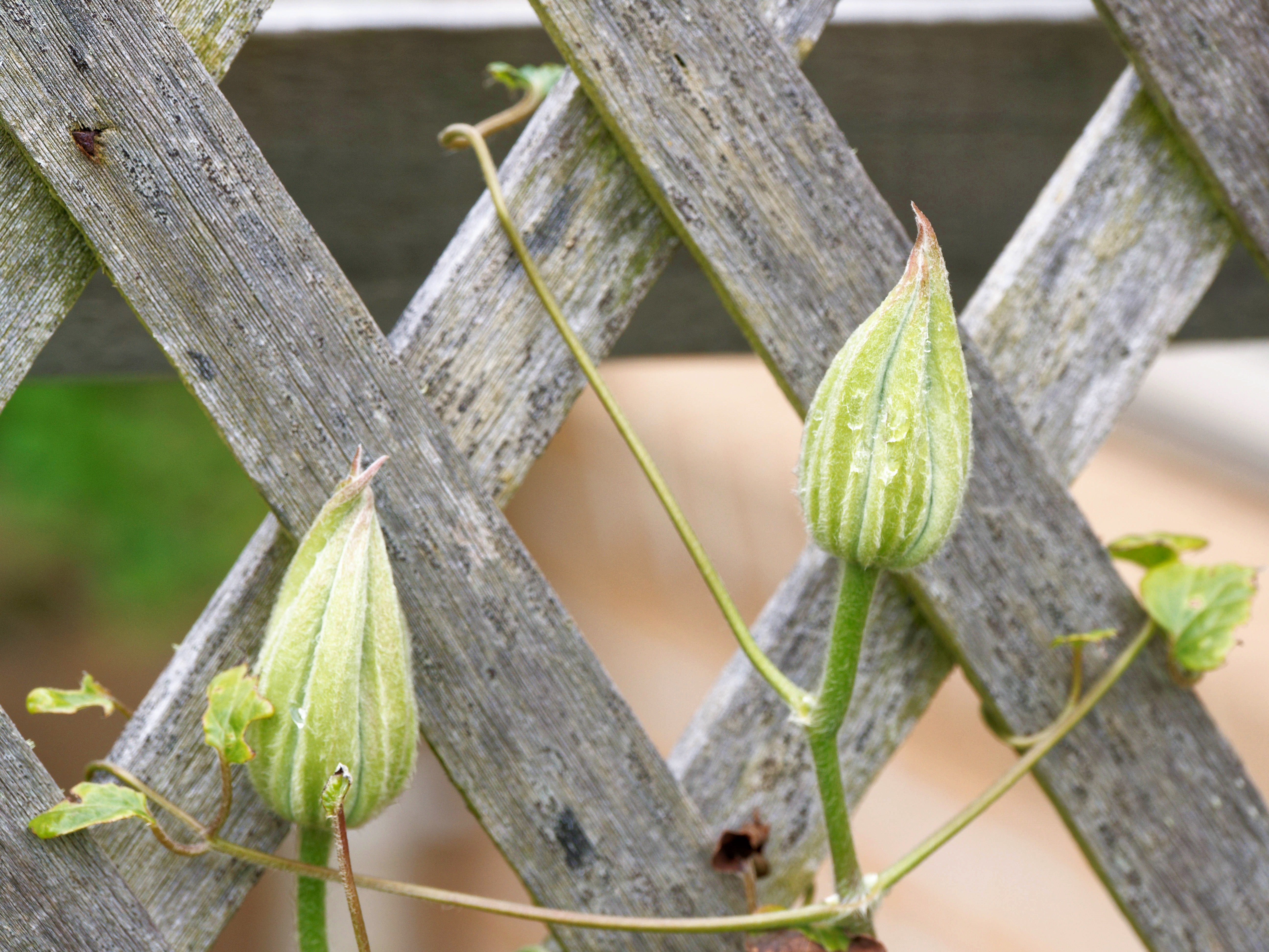
|
|||||||||||||||||||||||
|
Sourdough viability?
|
Topic: food and drink, opinion | Link here |
I'm baking less bread lately, since we've found other things to eat as well. But today was the start of another batch, and I discovered that the starter, now nearly 4 months old, was looking less than perfect:
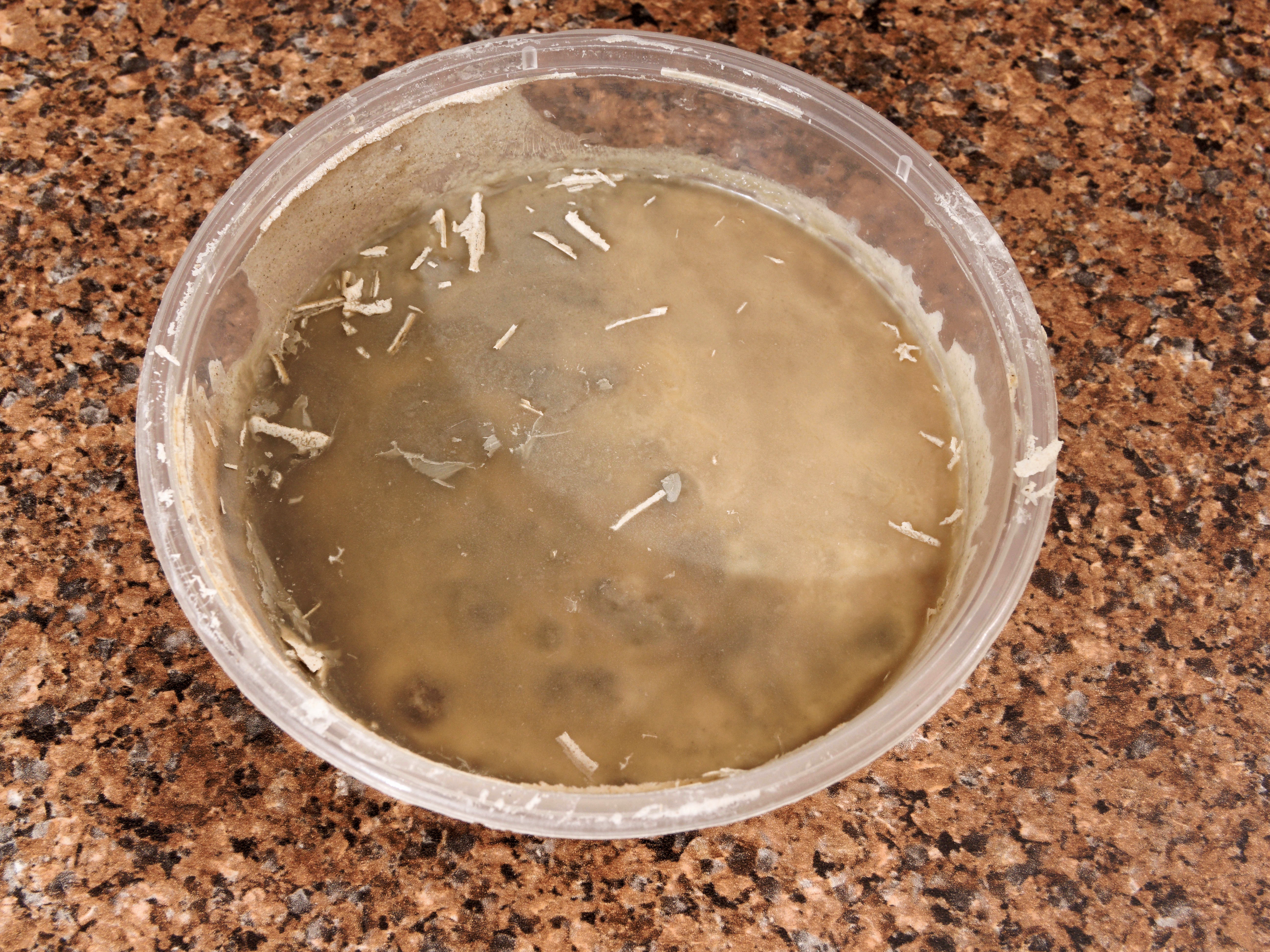
|
|||||||||||||||||||||||
It's far too dark, though only on the surface. Scraping it off reveals good starter underneath:
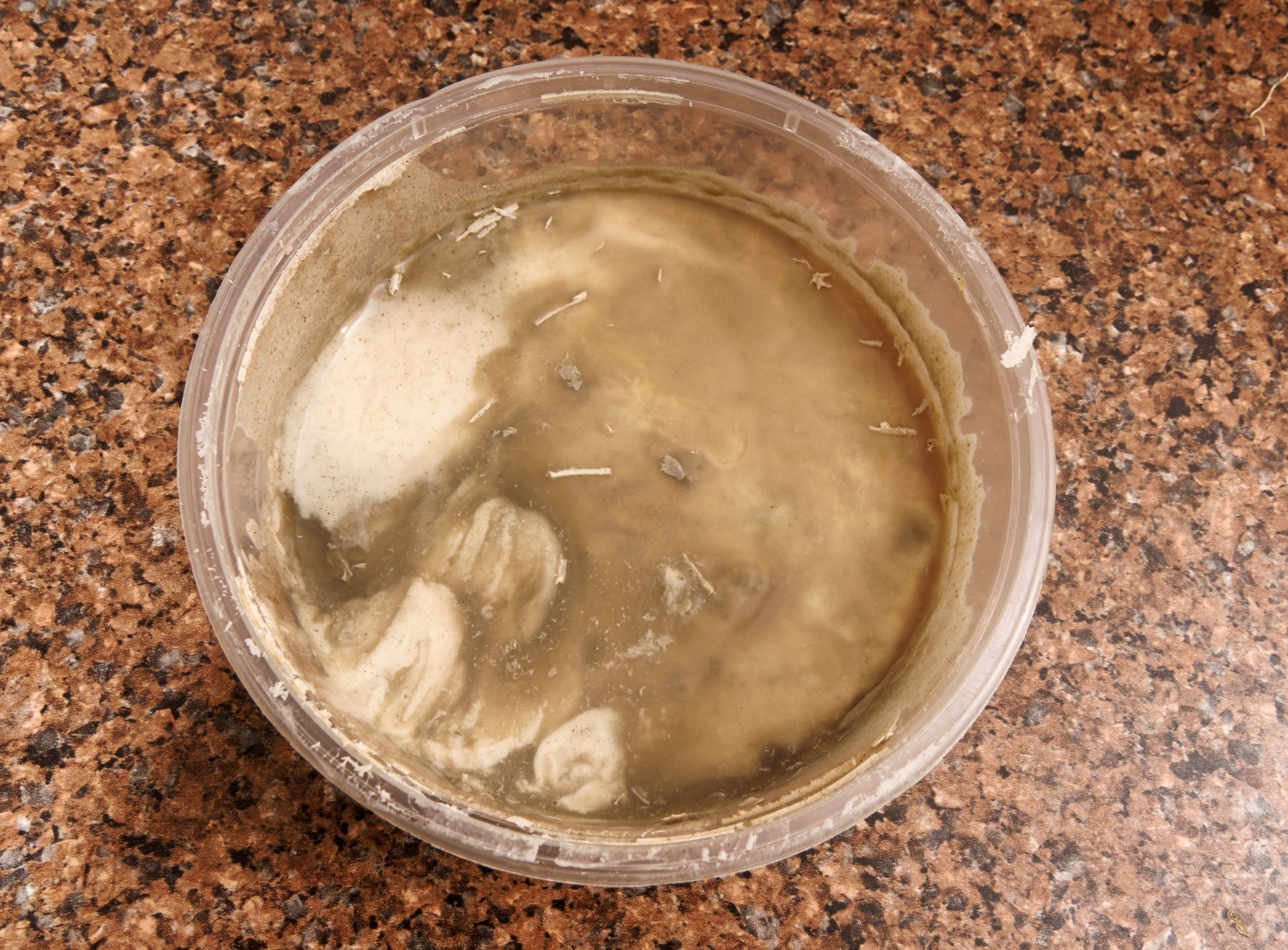
|
|||||||||||||||||||||||
I recall that it was called “hooch”, and that it's harmless. Still, worth scraping off and seeing what happens.
|
Turkey breast roast
|
Topic: food and drink, opinion | Link here |
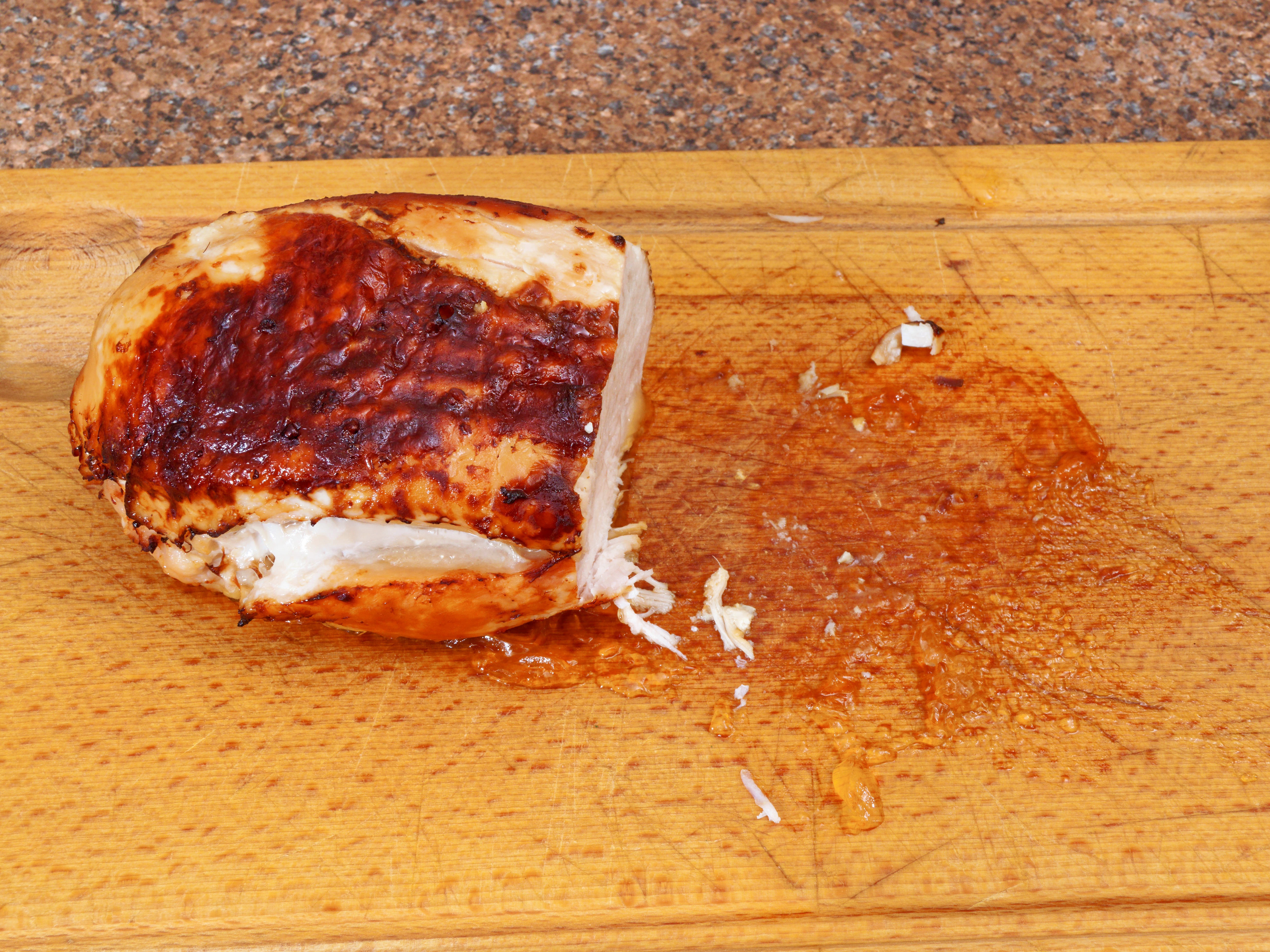
Turkey breast roast this evening, from ALDI. I've made it in the past, and it surprised me by taking exactly as long as the packaging claimed, 90 minutes at 170° for a 1 kg roast. The only issue was the browning. Last time it looked like this:

|
|||||||||||||||||||||||
I had already intended to leave it open (without aluminium foil) for longer than recommended, and this time I started after 60 minutes, changing from even heating (2 on our oven) to grill (8 on our oven), keeping the temperature constant at 170° (something that the oven always resets). It only took 20 minutes to brown nicely, so next time I can start after 70 minutes:
|
|||||||||||||||||||||||
Progress was:
| Time (mins) | Oven | Meat | ||||
| since start | setting | temperature | ||||
| 0 | 2 (170°) | 5° | ||||
| 40 | 40° | remove foil, turn over | ||||
| 60 | 8 (170°) | 60° | ||||
| 80 | 2 (170°) | |||||
| 90 | 82° | done | ||||
| 110 | off | 86° |
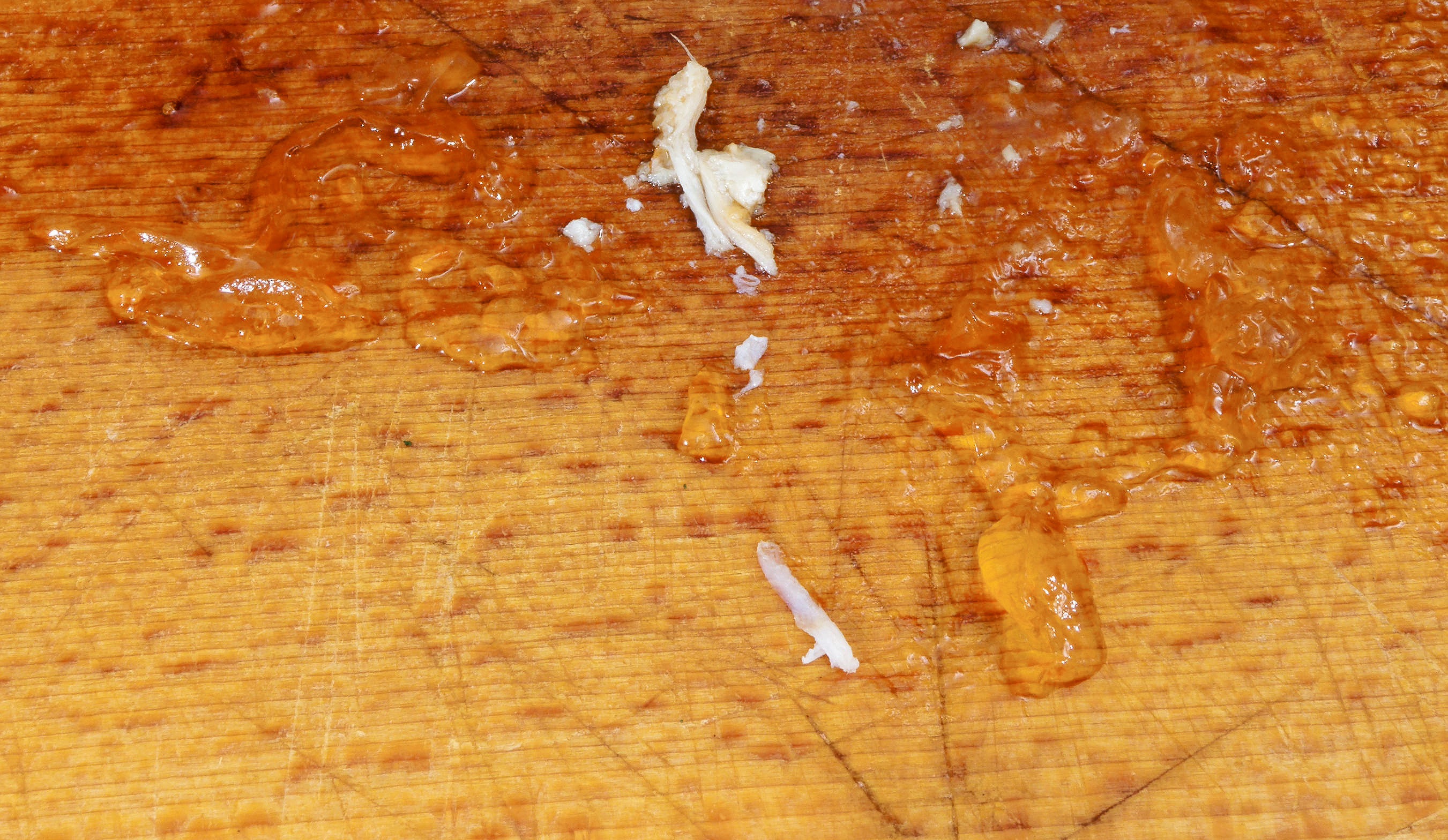
Interestingly, though the meat was dry, some jelly formed while it was resting:
|
|||||||||||||||||||||||
I don't recall that happening before.
| Sunday, 9 November 2025 | Dereel | Images for 9 November 2025 |
| Top of page | ||
| previous day | ||
| next day | ||
| last day |
|
Little garden work
|
Topic: gardening | Link here |
Jesse Walsh along today for a couple of hours in the garden, getting rid of most of the nasty weeds. There are still the grasses to go. He also finally removed the dead Camellia that had really been dying since we moved in here. I still don't understand why it declined and died.
|
Bread problems
|
Topic: food and drink, opinion | Link here |
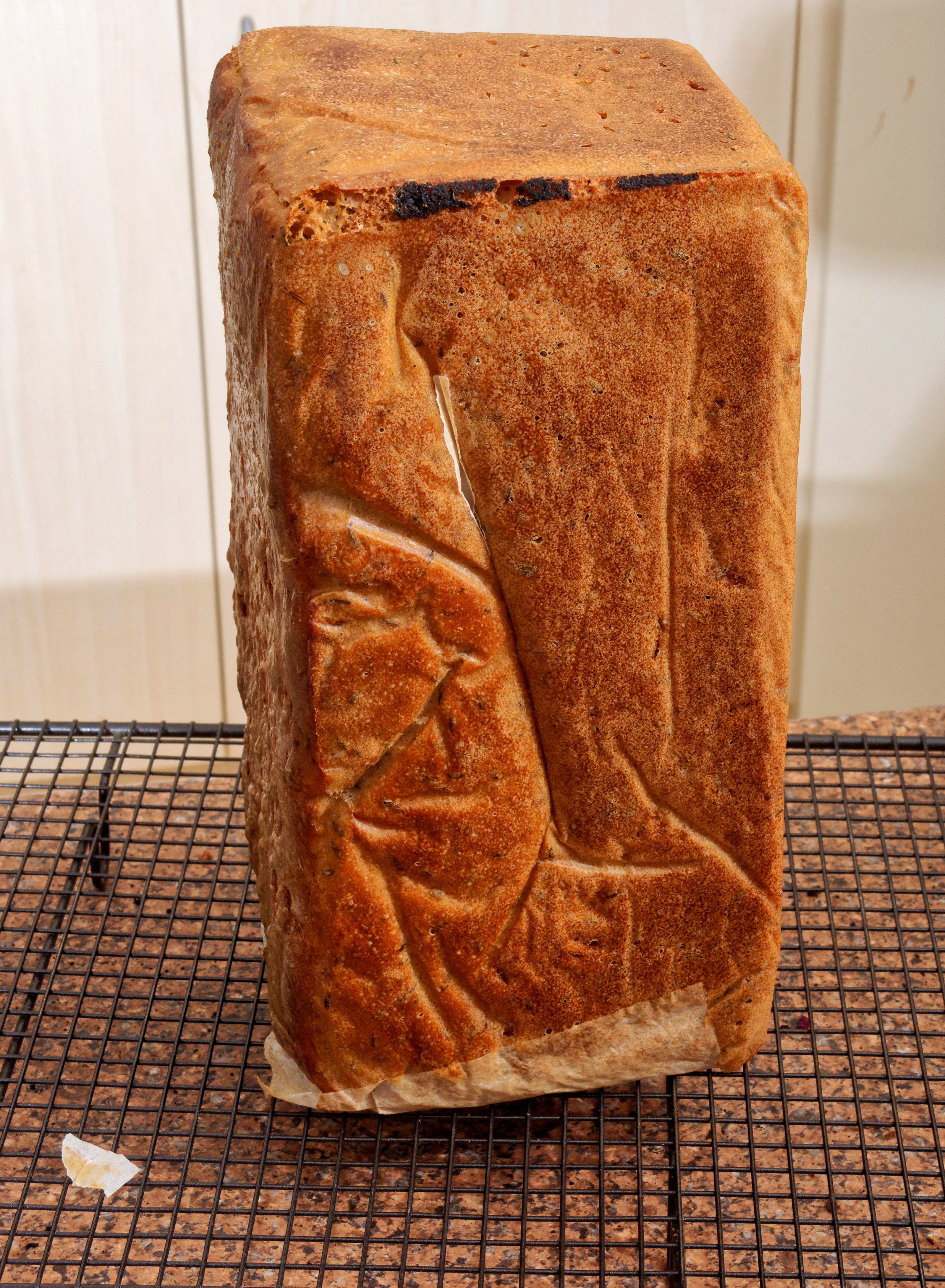
Baked bread again today, something I've been doing for over 17 years. I had been mildly concerned by the apperance of the starter yesterday, but there was no obvious problem. The bread came into the oven 4 hours, 40 minutes after it started to rise, about normal. The only issue was that at the end I couldn't get it out of the form! After much messing around, discovered that I had not put in the paper as cleanly as I should have, leaving a black corner that fused to the form:
|
|||||||||||||||||||||||
It's been a long time since I have done that.
| Monday, 10 November 2025 | Dereel | Images for 10 November 2025 |
| Top of page | ||
| previous day | ||
| next day | ||
| last day |
|
Pork and doùfu: too much?
|
Topic: food and drink, opinion | Link here |
Pork and doùfu for breakfast today. I have the recipe reasonably repeatable now. But maybe it's too much. How much do I need for breakfast? 180 g rice (like today) or between 150 and 180 g of noodles. Meat (“protein”)? Typically 90 to 120 g. Here I had 60 g of pork, 110 g of doùfu. And 40 g of bean sauce. Does that add up? In any case, I think less would be good. Fixed.
|
Obélix not required
|
Topic: general, opinion | Link here |
ALDI have a competition running: send in a photo of a receipt, and have a chance to win a holiday cruise.
For each $30 spent you receive one chance to win. Does that mean that you can submit a $100 receipt for three entries? And what date must they have? We have ALDI receipts going back 18 years. That could amount to quite a few entries.
But we don't really want a holiday cruise, and in any case we're missing one of the requirements for entry:

|
|
|||||||||

|
|||||||||||||||||||||||
Now where can I find an Astérix? Do I care? What would I do with the prize if I were to win it?
|
New wildflowers?
|
Topic: gardening, opinion | Link here |
Seen on the corner of Stones Road and Grassy Gully Road while walking the dogs:

|
|||||||||||||||||||||||

|
|||||||||||||||||||||||
Have I seen the first one? I'm not sure. We'll have to wait for it to bloom properly. And the second reminds me of what I saw six years ago:

|
||||||||||||||||||||||||
If so, it's a Disa bracteata, the “South African weed orchid”. We'll see as it develops: it's almost across the road from our house entrance.
| Tuesday, 11 November 2025 | Dereel | Images for 11 November 2025 |
| Top of page | ||
| previous day | ||
| next day | ||
| last day |
|
How not to use up asparagus
|
Topic: food and drink, health, opinion | Link here |
Yvonne bought a whole lot of asparagus last week, and we have only eaten some of it. And of course she cut off the last woody bit, so I thought of a way to use it up for breakfast. How about some fake noodle dish? It was abuout time for the Shandong noodles. Something like a fake phat si-io?
Ended up with this recipe:
| quantity | ingredient | step | ||
| 50 g | beef (“sizzle” steak) | 1 | ||
| garlic, light soya, oyster sauce to marinate | 1 | |||
| 10 g | ginger | 2 | ||
| 10 g | prawn paste | 2 | ||
| 15 g | garlic | 2 | ||
| 1 | Thai chili (3 g) | 2 | ||
| 100 g | egg white | 3 | ||
| 30 g | asparagus ends | 4 | ||
| 50 g | snow peas | 4 | ||
| 40 g | prawns (4-5 g each) | 5 | ||
| 100 g | chicken broth | 6 | ||
| 16 g | light soya sauce | 6 | ||
| 16 g | vinegar | 6 | ||
| 20 g | fish sauce | 6 | ||
| 8 g | cornflour | 6 | ||
| 110 g | Shandong noodles | 7 |
How was it? Unbalanced. I forget why I put in the chicken broth, but it didn't improve things. The egg white was an afterthought: leftovers from Yvonne's mayonnaise, which uses only yolks. And there was so much stuff there that I didn't taste the aparagus! There was also so much stuff that I barely finished it, and I stayed anorectic for the whole day.
|
How much breakfast?
|
Topic: health, food and drink, opinion | Link here |
This morning's breakfast brings me back to another issue: how much do I need for breakfast? Today for the most obvious time I had too much, and it would help explain my gradual increase in weight, now just shy of 90 kg (BMI 23.9). Today the initially unexpected 100 g of egg white didn't help, but I'm beginning to come to the conclusion that I should eat:
| Ingredient | Weight | |||
| “Protein” | 150 g | |||
| Vegetables | 80 g | |||
| Starch | 180 g | (after cooking) | ||
The starch is typically rice or noodles, each representing round 60 g dry ingredient. The quantities will require refinement.
|
More Disa bracteata
|
Topic: gardening, photography, opinion | Link here |
Out with a macro lens (30 mm f/3.5 M.Zuiko) to take some closer photos of the Disa bracteata that I had found yesterday. I couldn't find it! But Yvonne found one for me. And I found another. I think they're both different plants. Here's the first:
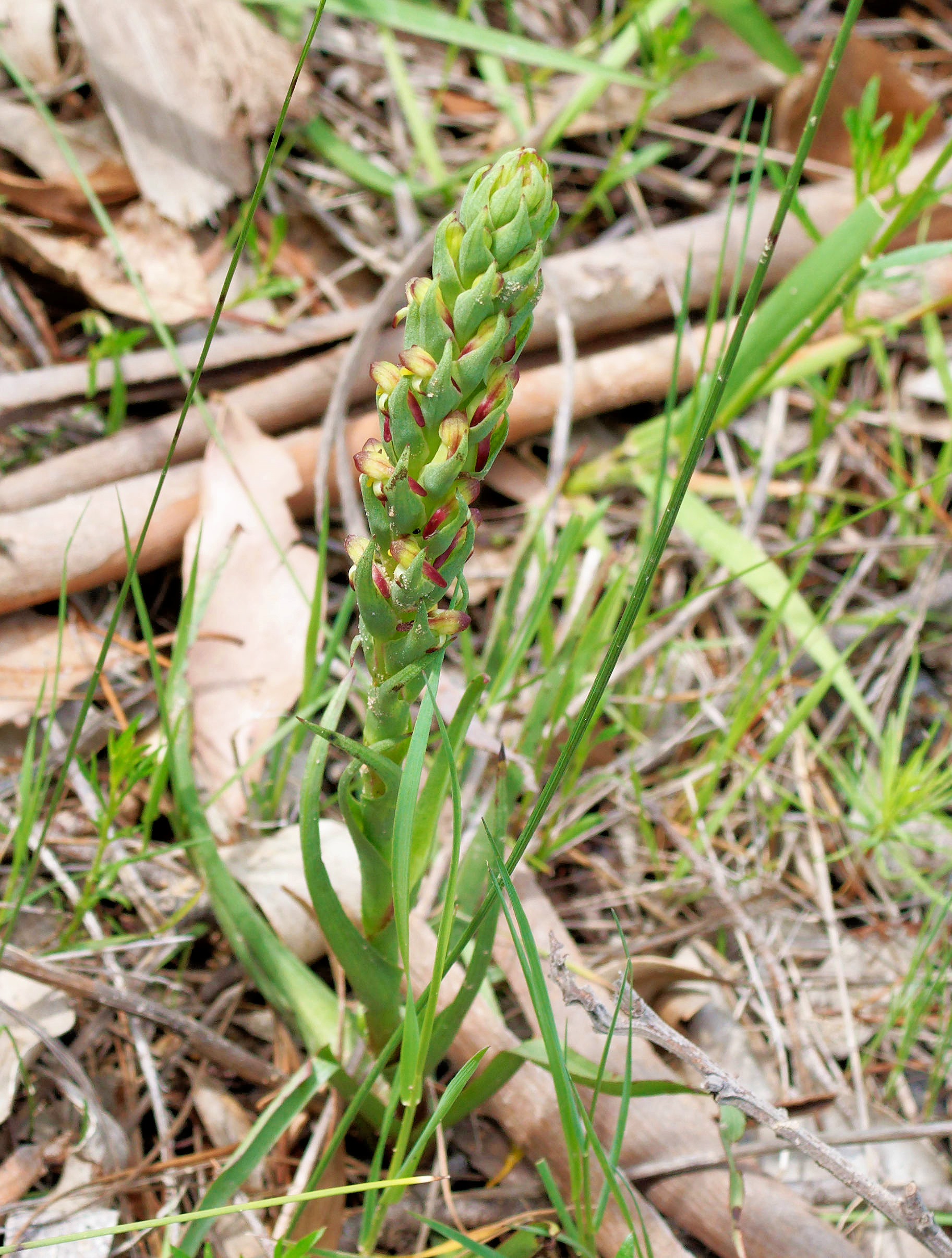
|
|||||||||||||||||||||||
But the big issue was the distance. The 30 mm can focus close enough to a 14×11 mm area, far smaller than I need. But even for the plant I need to get very close near the ground. The photo above was the closest I got, and it was cropped from this image:
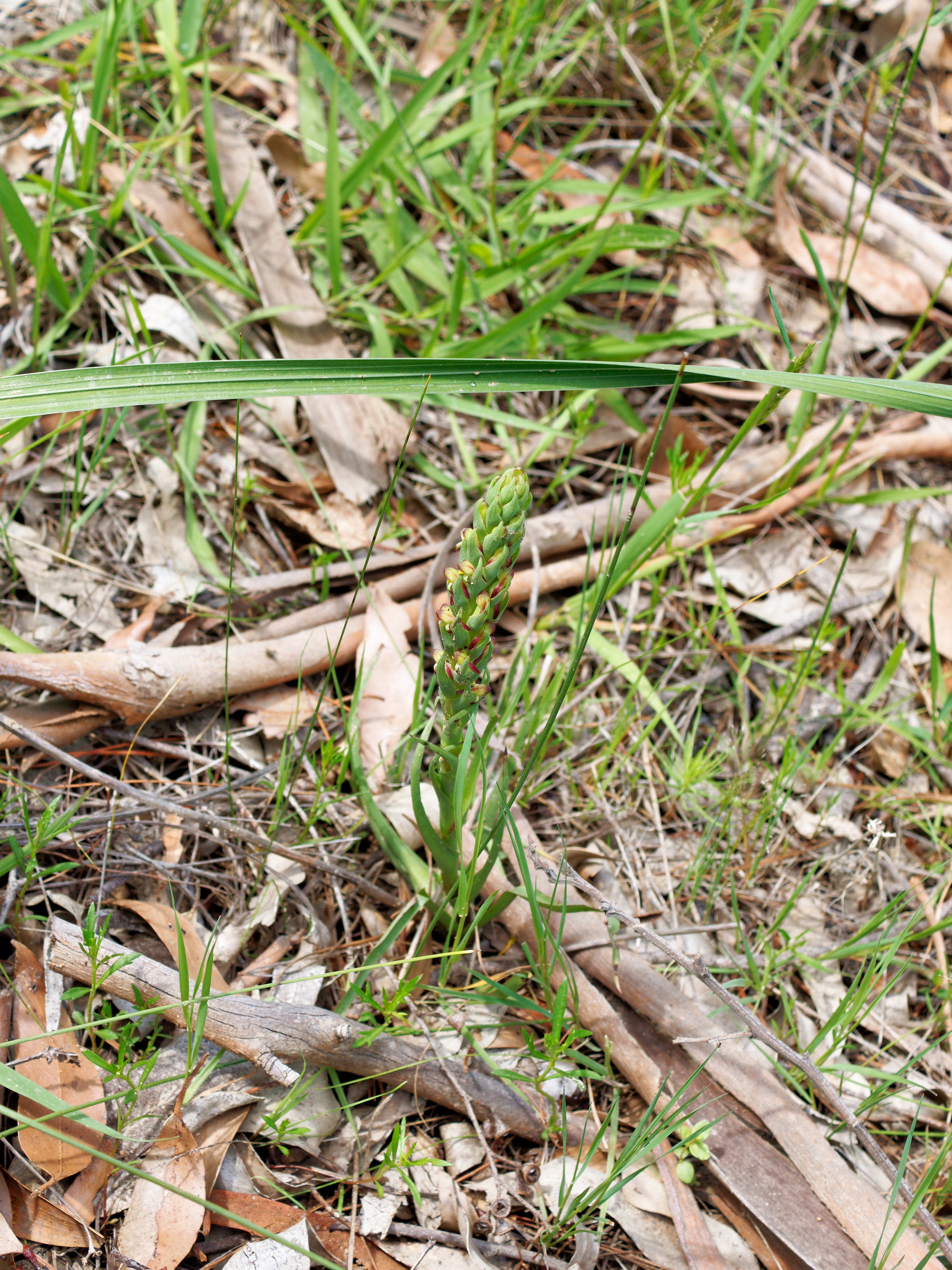
|
|||||||||||||||||||||||
For the first time I found a reason for a longer focal length lens. Next time I'll take the M.Zuiko Digital ED 60 mm f/2.8.
| Wednesday, 12 November 2025 | Dereel | Images for 12 November 2025 |
| Top of page | ||
| previous day | ||
| next day | ||
| last day |
|
More Android irritations
|
Topic: technology, general, opinion | Link here |
Calling Yvonne on the phone is always irritating: about one time out of three I don't establish communication. Part of that is doubtless that Yvonne hides her phone where she can't hear it, but I'm sure that Android is to blame for some of it.
One thing definitely not related to Yvonne is that my phone blanks while I'm talking to her, and when I'm done it stays blank: to get a display again I have resorted to turning it on again. That can't be right. Can Google Gemini help? No, it tells me to look for non-existent settings.
But I have been deliberately avoiding updating my phone software. Would it help? Not very likely, but I should at least give it a chance. Now that I have more or less given up configuring the thing the way I want, I can risk it. So I started an update.
Downloading the update ran all day! Was it trying to avoid overloading the net? The last time I looked at it, in the evening, it was still running.
|
Photo software: the pain of the choice
|
Topic: technology, photography, opinion | Link here |
Somehow it seems that every man and his dog is bringing out new photo processing software at a price that I can afford. So far I have:
So: so far it really looks like I should give ON1 a chance. But it's so much work!
|
Nikon D1: a camera
|
Topic: photography, technology, opinion | Link here |
I've been looking for ways to charge the Nikon D1 battery, but not much else. I hadn't even looked through the viewfinder! Since it's a DSLR, that's not a problem. I've done it now: small and dingy, even by DSLR standards. But what should I have expected? It was one of the very first APS DSLRs.
The lens is a different matter: I can fit it to my current cameras. With a focal length range of 70 to 210 mm it comes close to the Olympus M.Zuiko Digital ED 12-200 mm f/3.5-6.3, itself not the best lens in the stable.
How about some comparison shots? One image each at 70 mm and 200 mm? How hard can it be?
Hard. The lens was on Yvonne's Olympus OM-D E-M5 Mark III, so I borrowed that, along with her tripod. The tripod decided to have a stuck central column, and it was too low. OK, get one of my tripods and set it up. And the lens was heavy enough to twist the ball mount, but I managed to tighten it. But I couldn't focus: the E-M5 Mark III has focus peaking, but I didn't have it set up. OK, give up, get my Olympus OM-D E-M1 Mark II and try there. And by the time I had taken my photos, I didn't have time to process them.
|
Prawns and asparagus again
|
Topic: food and drink, opinion | Link here |
Mainly to get rid of the asparagus, changed plans and ate asparagus and prawns. Once again Yvonne liked it. Could I improve on it? No, she says, but she's easily pleased. I had already increased the sauce, but there still weren't enough noodles. Time for minor updates.
| Thursday, 13 November 2025 | Dereel → Ballarat → Dereel | Images for 13 November 2025 |
| Top of page | ||
| previous day | ||
| next day | ||
| last day |
|
Blood test
|
Topic: health | Link here |
Into Ballarat this morning for a six-monthly blood test. Nothing unusual except for one thing: after the test, the phlebotomist gives you a piece of cotton wool to press on the incision. Why? I had always thought that it was to stop superficial bleeding, but it proves to be more to avoid bruising. So this time I kept the pressure on for two minutes; at least there was no bruising, which has occurred sometimes in the past.
|
Android: changing underwear
|
Topic: technology, opinion | Link here |
Some years ago I answered a question about GUIs with the comment “we don't believe in changing the appearance of our GUI along with our underwear”. So often software updates change the appearance of the GUI, and in the most cases there's nothing you can do about it. This has particulary irritated me with Linux distributions. My own desktop layout has been evolving for over 35 years, and I don't want it changed.
Yesterday's Android (operating system) update had finally finished today, of course. And it changed the “home screen” layout!
As it happened, it was an improvement: the icons had been reduced in size, leaving space for many more. That's what I had wanted initially, but there's no way that “Android” could have known that. Choice would be a good thing.
And then there was this:
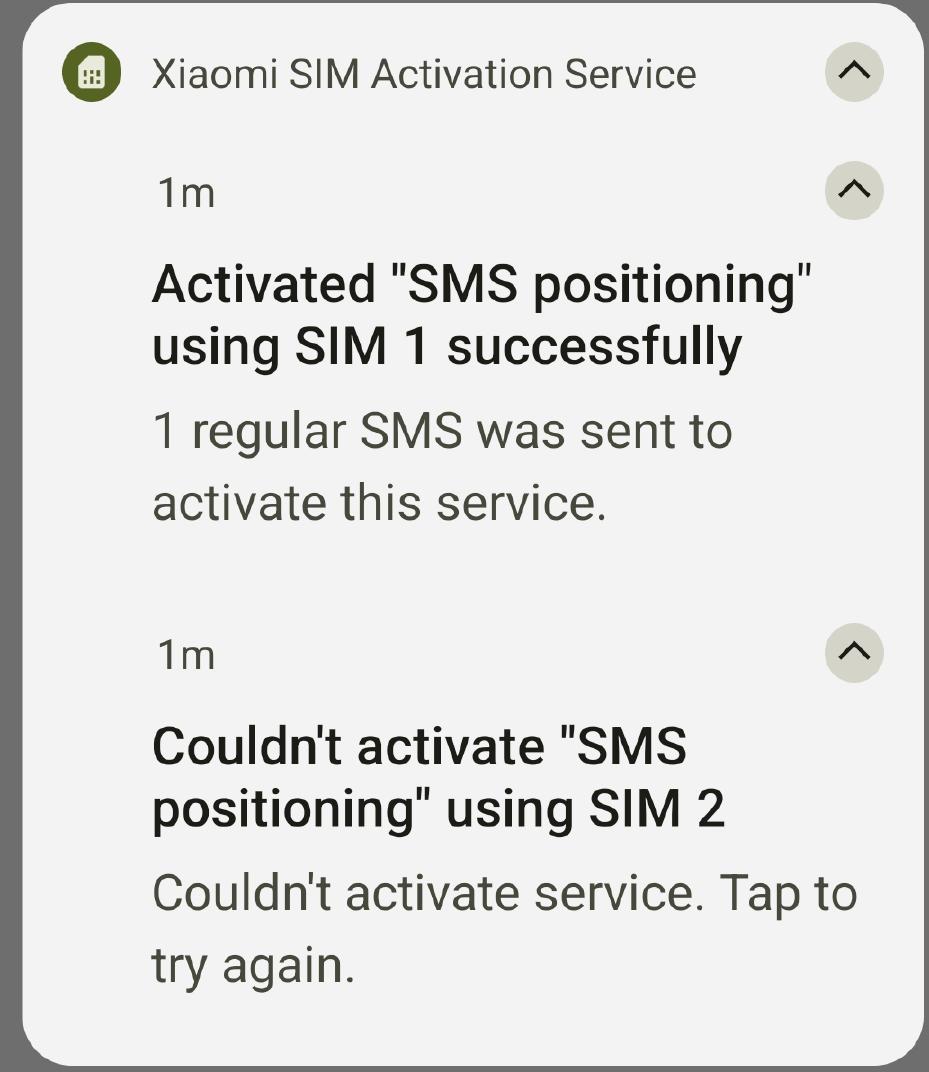
|
|||||||||||||||||||||||
What does that mean? Google Gemini to my aid:
"SMS positioning" is a feature, primarily associated with Xiaomi (MIUI) Android phones, that uses SMS messages to help locate a mobile device.
Purpose: It's typically used as a secondary or backup location method when GPS positioning is unavailable, inaccurate, or when the primary location service is failing.
Mechanism: It works by using text messages to transmit or confirm location information. On Xiaomi devices, it is often tied to the SIM card activation and the "Find My Device" service.
Context: Most commonly, you will encounter the term "SMS positioning" when you see an error or notification related to SIM card activation on a Xiaomi phone (e.g., "Couldn't activate SMS positioning"). This is usually the phone trying to verify the SIM's location for its proprietary services.
That sounds pretty useless, especially since I always have GPS enabled, but relatively harmless modulo SMS cost. And how do I disable it?
Apart from that, to my immense surprise, the screen blanking while talking on the phone now stops when I remove the phone from my head. I really hadn't expected that. So in general, the update was a success.
Yvonne's phone is another issue. Once again I couldn't call her! Not for the first time, it worked again after rebooting, so it was clearly a software bug. Can an upgrade help? Maybe. We'll only find out if it happens again.
This upgrade progressed very differently. The download was faster, but then it spent an eternity unpacking the archive, displaying dire warnings as to what would happen (brick) if the operation were interrupted. Enough battery? Yes. But that was only because the percentage shown repeatedly jumped and then stopped. And then it told me that it had installed MIUI version 14.0.4.0 from March 2023! Update?

|
|||||||||||||||||||||||
Yes, dammit. Several more hours, and it upgraded the phone to... 14.0.4.0! At least it didn't try a third time.
While I was at it, tried hirse, my old Redmi 9T that is just fine except for telephony. And exactly the same thing happened! So clearly it's a bug in the update procedure. But that doesn't surprise me. The only thing that surprises me is that people put up with such buggy devices.
|
Lens comparisons, finally
|
Topic: photography, opinion | Link here |
Finally got round to processing yesterday's comparison photos. Here they are, without any postprocessing beyond geometry for the Olympus M.Zuiko Digital ED 12-200 mm f/3.5-6.3, taken at 70 mm and 200/210 mm (run the cursor over an image to compare it with its neighbour):
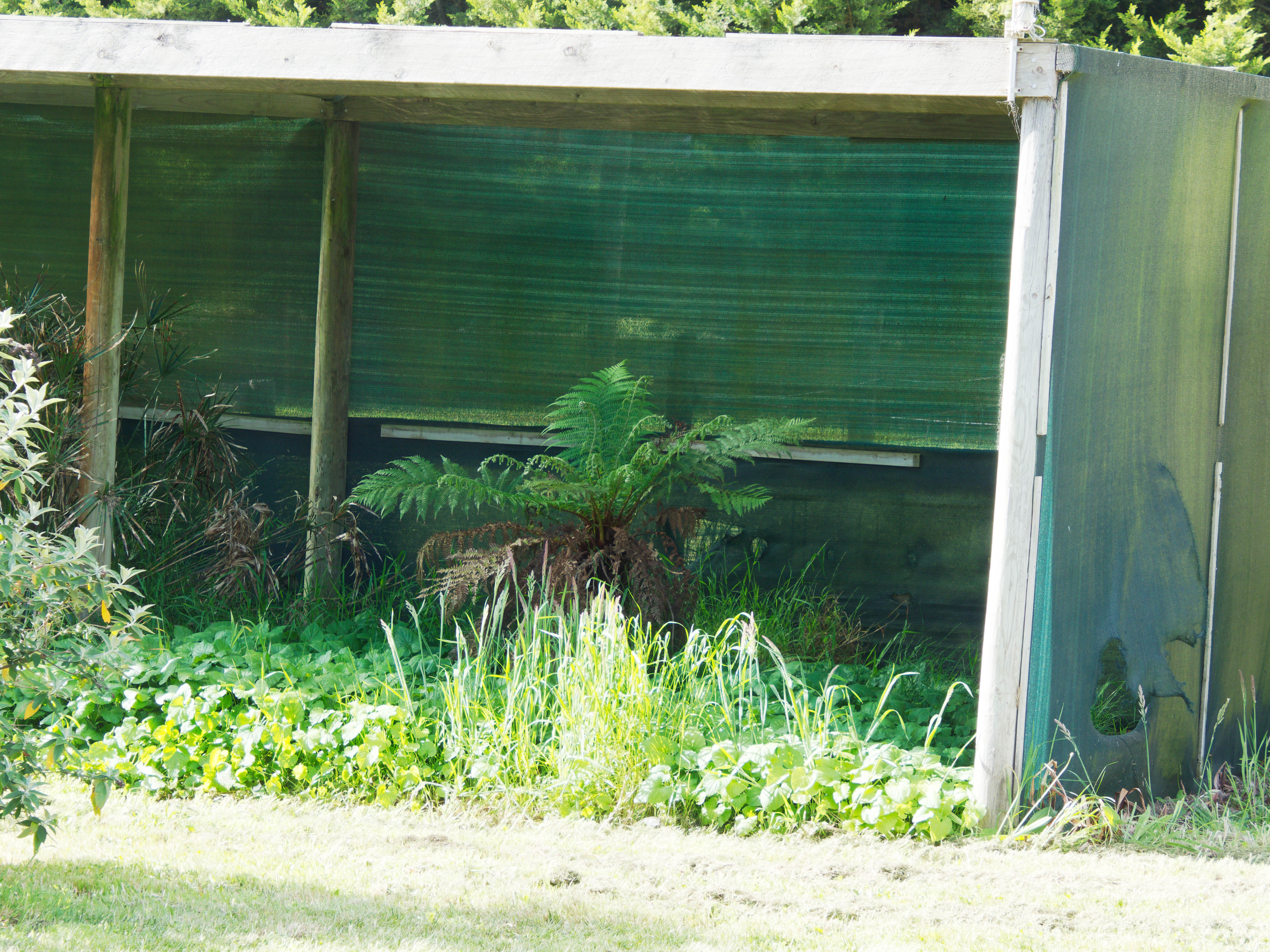
|
|||||||||||||||||||||||
|
|||||||||||||||||||||||
|
|||||||||||||||||||||||
|
|||||||||||||||||||||||
Why is the last image so much darker? I think it's the fault of the camera, not the lens: it asked for a much higher shutter speed, and I don't know why, resulting in an exposure fully 1.6 EV less than the Olympus. I was expecting the Nikkor to be fuzzier, at least because of the fungus, but the exposure rather
What about postprocessing?
|
|||||||||||||||||||||||
|
|||||||||||||||||||||||
|
|||||||||||||||||||||||
|
|||||||||||||||||||||||
The Nikkor at 210 mm looks considerably better, but it's still fuzzy at 70 mm. And the colours are more washed out one way or another. In addition, the field of view of the Nikkor at “70 mm” is considerably narrower than the Zuiko. Still, it's interesting to compare.
|
Fire danger season comes... when?
|
Topic: technology, general, opinion | Link here |
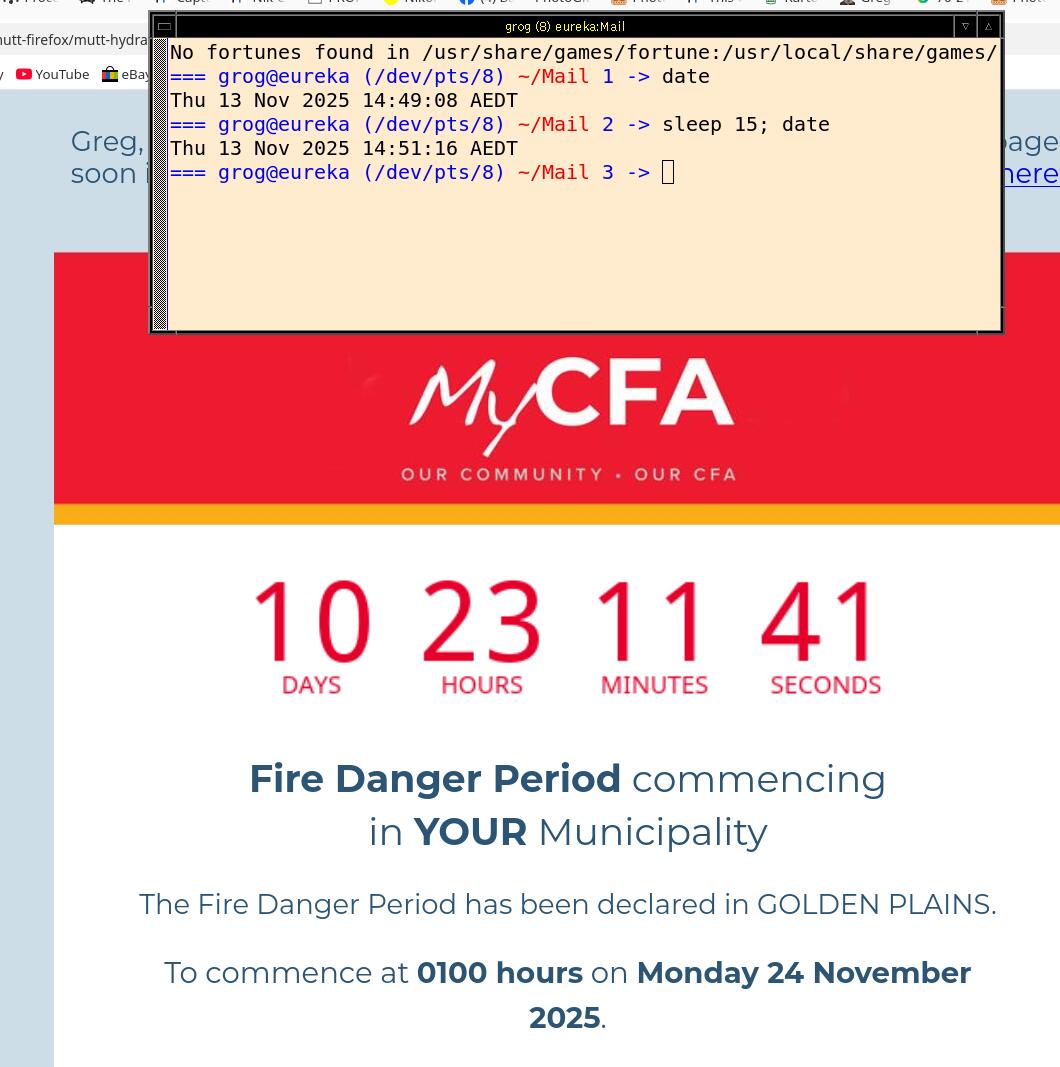
Mail from the CFA today. Fire danger season starts in the middle of the night (“0100 hours”) on 24 November. And they included a silly countdown timer that counts down by the second. Who needs that?
And then I looked more closely:
|
|||||||||||||||||||||||
It's counting down to 13:00 on the same day! Will it stop counting at 1:00, or carry on telling me I have another 12 hours?
|
Trying ON1
|
Topic: photography, technology, opinion | Link here |
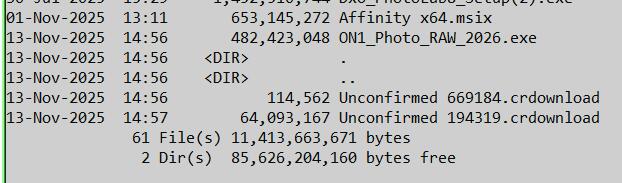
So my next step in photo software is ON1 Photo ROAR. Started downloading to distress, not an easy task. This time it didn't ask me to identify US fire hydrants, but clicking “Download” didn't get me very far. A look at C:\Users\grog\Downloads showed a new file called Unconfirmed 669184.crdownload. But Microsoft didn't want to open it. How do you identify it? crdownload probably does so in a Microsoft context, but it's not very big, only 114 kB. How about loading it again in case it was truncated? Yes, this time it's 64 MB. But more to the point was the file that cropped up in the DIR listing:
|
|
|||||||||
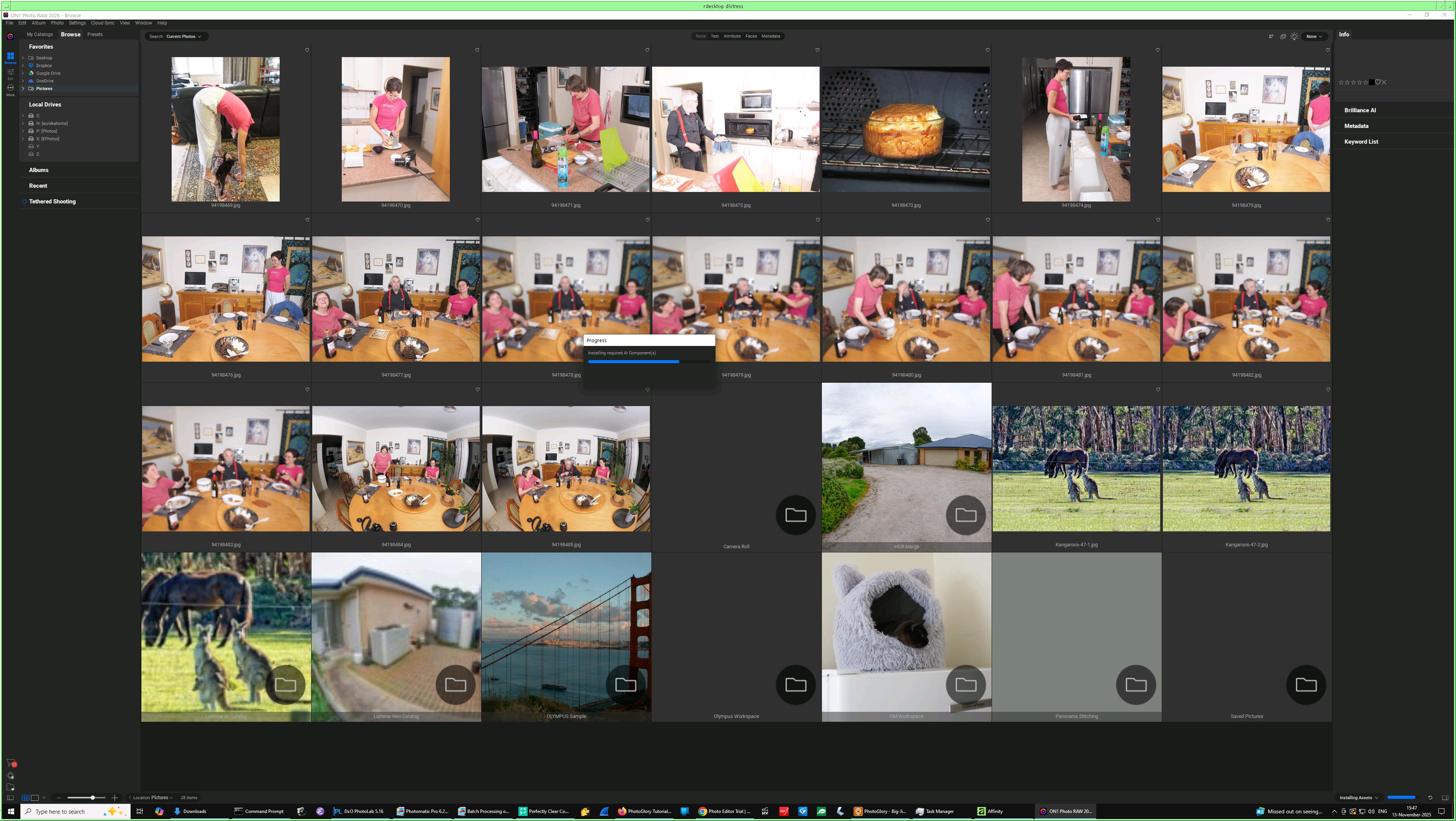
Clearly ON1_Photo_RAW_2026.exe is what they wanted me to install. How was I to know that? Why didn't they start it automatically, like most Microsoft software? Ran it and watched it find all sorts of files that it had no business looking at:
|
|||||||||||||||||||||||
Where did that come from? Much of it seems to be of Yana, so it must be many months old. And none of it was in the directory that I pointed at.
But that was just a preview. First it had to download “required AI Components”. And that it did, completely overloading my Internet link:
TX: cum: 258MB peak: 1.26Mb rates: 738Kb 719Kb 801Kb
RX: 8.56GB 34.1Mb 25.5Mb 25.5Mb 26.2Mb
TOTAL: 8.81GB 35.0Mb 26.2Mb 26.2Mb 27.0Mb
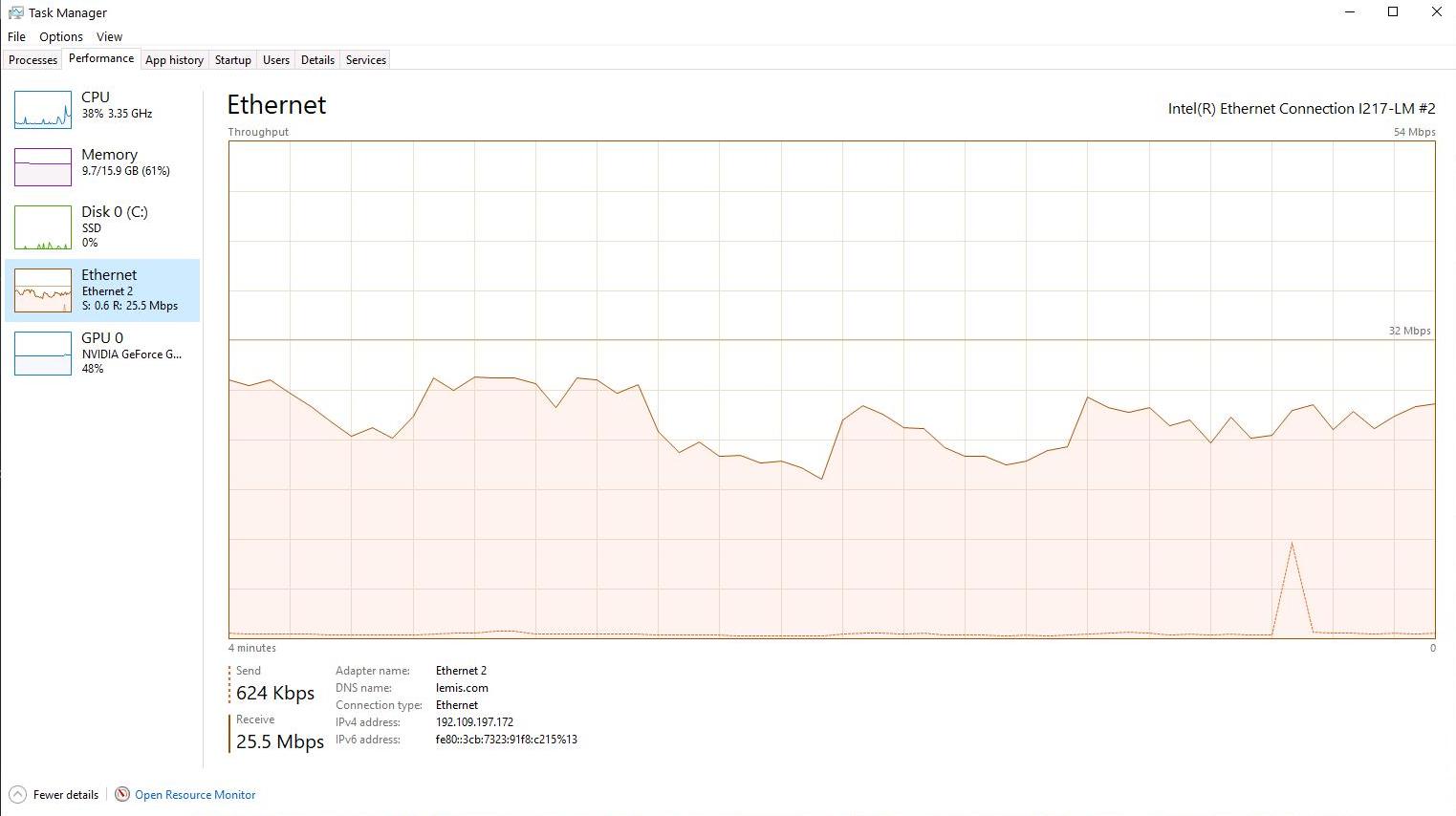
34.1 Mb/s maximum, and a minimum at the time of 25.5 Mb/s! That's not bad for a 25 Mb/s link. Was it really ON1? I was installing Android software at the same time, but Microsoft's task manager showed:
|
|||||||||||||||||||||||
It went on for over an hour! At that rate we're talking in the order of 15 to 20 GB! So that was all for today.
| Friday, 14 November 2025 | Dereel | Images for 14 November 2025 |
| Top of page | ||
| previous day | ||
| next day | ||
| last day |
|
The sting in the tail of the Android
|
Topic: technology, general, opinion | Link here |
I was expecting some surprises after the Android updates of the past couple of days, and of course I got some. In fact, they weren't as bad as I had feared.
First this silly SMS positioning. It costs money, it's very inaccurate, and I can't disable it. Once again Google Gemini to my aid. The first was over the top: disable Find My Device. But Find My Device could be useful, and deactivating it seems not to be necessary. The second made more sense:
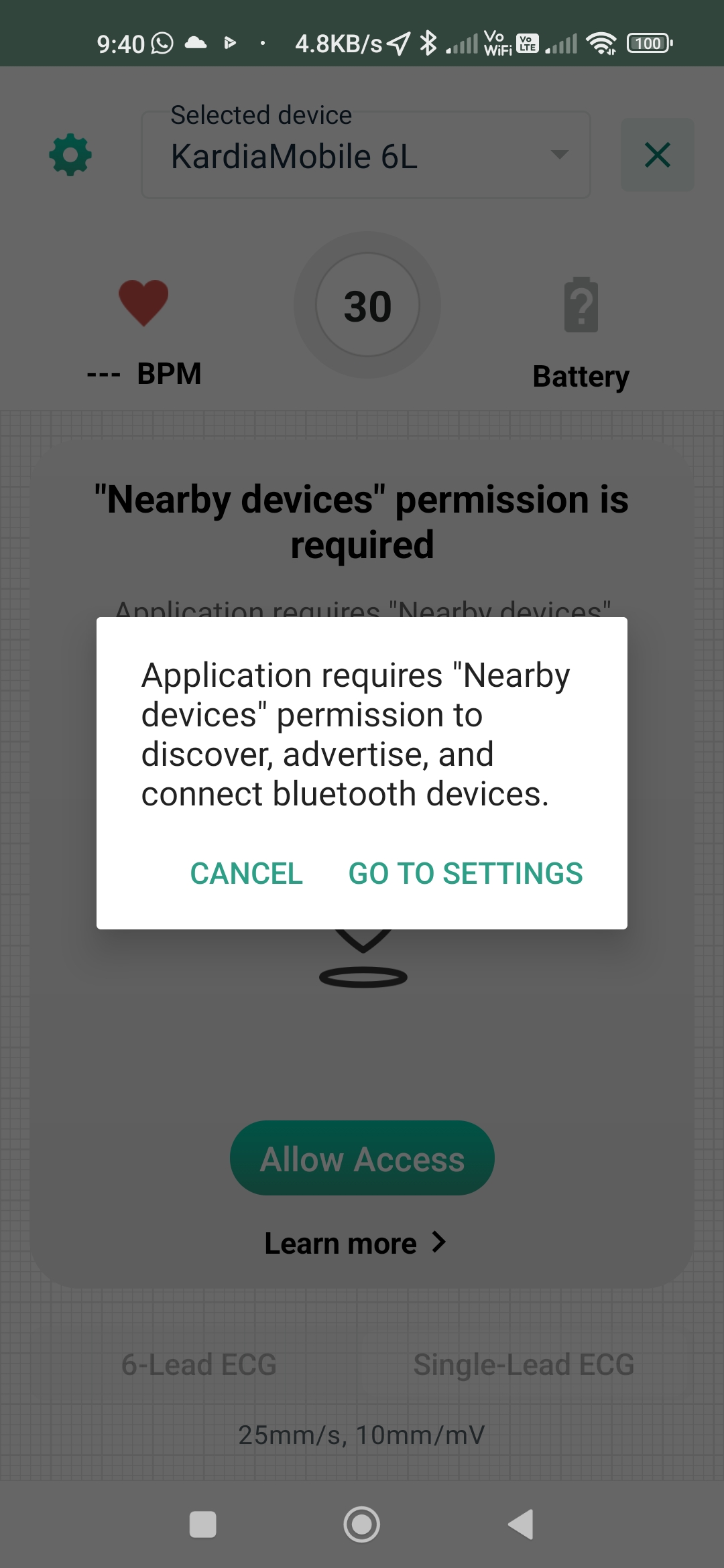
And then Yvonne had problems with her KardiaMobile 6L:
|
|||||||||||||||||||||||

|
|
|||||||||
But following “GO TO SETTINGS" did no such thing. It just took me to App Info, and I had to fight my way through a menu to find the nearby devices permission and set it to what it had been prior to the update. Not a smooth update, and as helpful as most things related to KardiaMobile.
|
Backing up Microsoft
|
Topic: technology, opinion | Link here |
I'm in the process of installing a significant amount of software on distress, the Microsoft ThinkCentre that I use for photo processing. When did I last back it up? Fighting my way through to the control panel just tells me that I should be backing up to the “Cloud”. No mention of backing up to Real Disks. I once set it up to do that. Is it still in place? I couldn't find out. But looking on eureka:/dump showed that yes, it's merrily backing up once a week, most recently to the horrible pathname /dump/distress-Microsoft/DISTRESS/l /dump/distress-Microsoft/DISTRESS/Backup\ Set\ 2025-10-27\ 104305/Backup\ Files\ 2025-11-10\ 092607/
|
ON1: Oh!
|
Topic: photography, technology, opinion | Link here |
So I finally have a version of ON1 Photo ROAR on distress. Checking my network statistics showed that I had downloaded 41.3 GB of data yesterday, the highest in a long time, compared to a daily average of 17 GB. A good thing I have unlimited data. In the Good Old Days (1992) that would have cost me about € 9,000,000.
And the text is so tiny! Surely it must be possible to increase the size. Yes, it's set to “small” on a 4K monitor. Set to “large”. I had to restart the program, and it didn't want to go. Just stopping it took about 30 s.
On restarting, much of the text was barely large enough. Still, time to take a look at its denoising capabilities, using this image as a first attempt:
|
|||||||||||||||||||||||
Things weren't easy. They looked so easy on the video, but what I saw on the screen looked nothing like the videos I had seen.
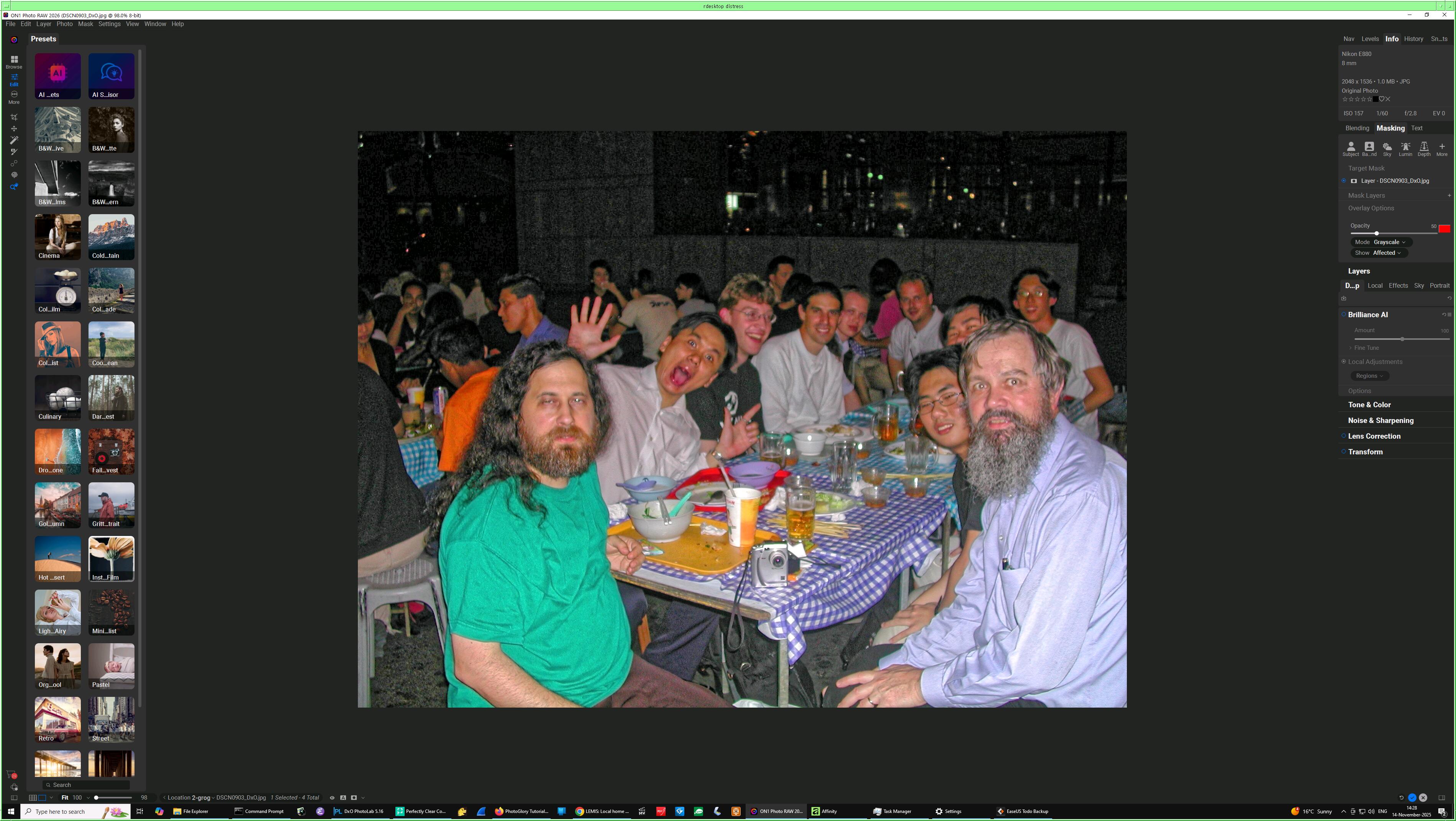
|
|||||||||||||||||||||||
What's all that stuff on the left? “Presets”, apparently unrelated to the image. None of them mention the buzzword AI. But on the right I have “Noise and Sharpening”:
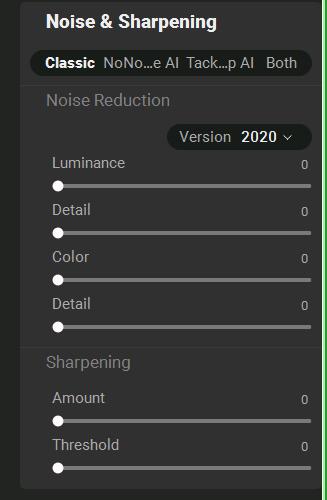
|
|
|||||||||
That looks nothing like the display on the video, more like what I found with Affinity last week, and which I rejected because it was complicated and the results were inadequate. Tried playing around with the sliders, to little improvement. And then I noticed a “Version” selection in the display. 2020 or 2017. Not quite what I need.
Back to the video. Not ON1 Photo ROAR, ON1 NoNoise. I had thought that ROAR included NoNoise. My mistake. Select Download, and again neither the download nor the promised email arrived. Instead I got a message from them saying that I hadn't tried to start ROAR. Manual download, back to C:\Users\grog\Downloads, which showed me:
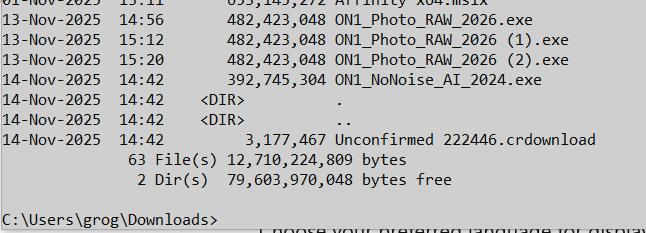
|
|
|||||||||
Oh. Not only NoNoise, but two more copies of Photo_ROAR. It seems that they have severe performance problems, maybe because of the amazing amount of data they send. The promised email did arrive, only about 20 minutes after I had given up.
OK, install NoNoise. Please prove that you're not a robot and identify all fire hydrants. Simple, there are none. Fire hydrants are hidden in the ground. But on a hunch, tried using Chromium instead of firefox. Still the CAPTCHA, but this time it took my word for it when I said I wasn't a robot.
Then start NoNoise. Once more tiny text, this time to accept the license. 80 characters in 5.7 cm, abuot 0.7 mm or 1.8 pt. It wasn't just because of my 4K monitor. They have deliberately reduced the size:

|
|||||||||||||||||||||||
That's ridiculously small on any monitor. Why do they do that?
Another heavy download, this time only about 5 GB, ”downloading required models”. That's what they said. Did they mean modules? While I waited it displayed, without asking, asking, another image of Big Jim McGibbon, and using ridiculous amounts of CPU time:
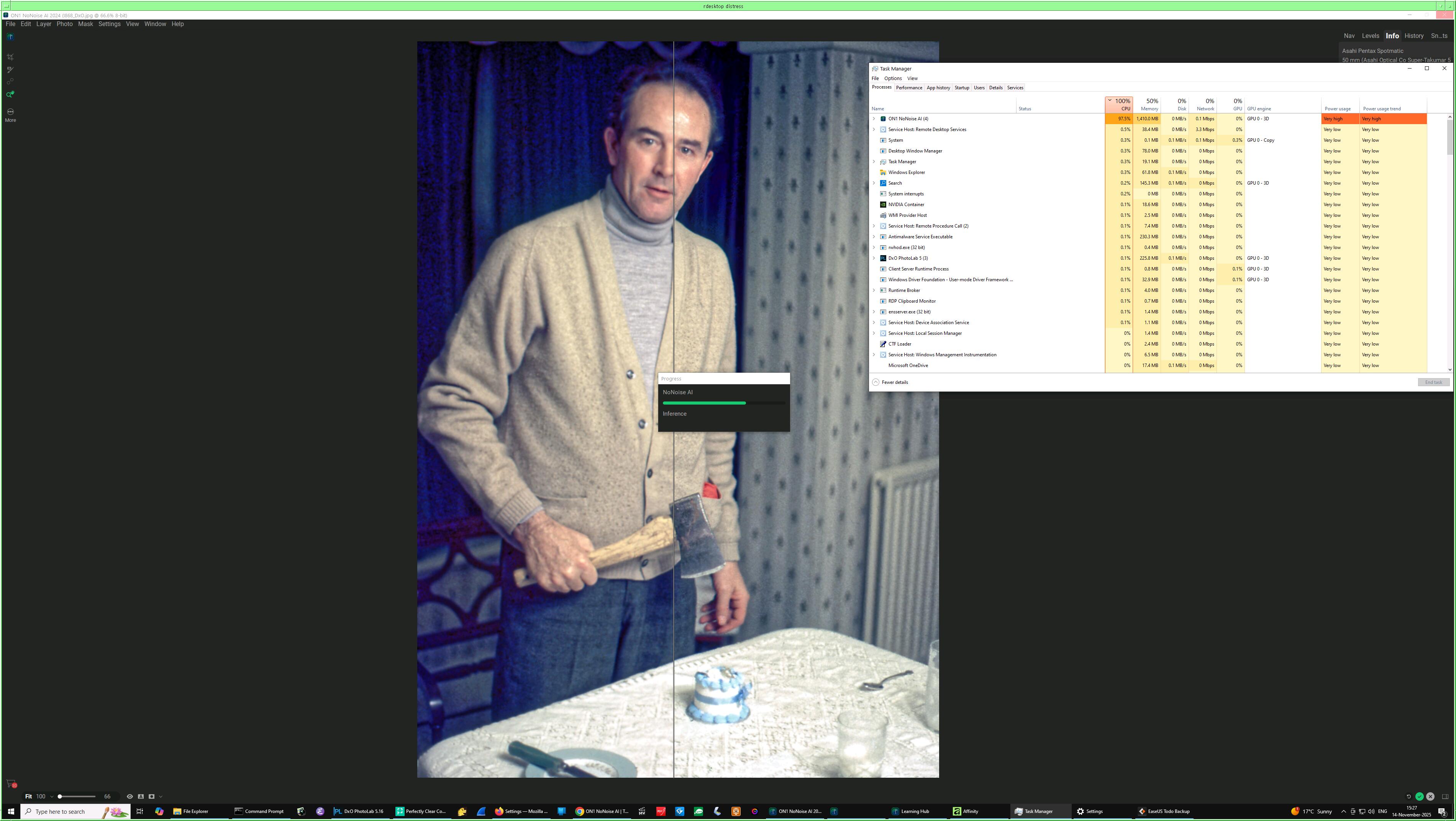
|
|||||||||||||||||||||||
When it had finished loading, it continued processing Big Jim, and I couldn't find a way to stop it. Where's the requested task bar entry? Wasn't there (yet? Maybe it was planned for tomorrow).
There was also something strange with the display. Now I had Big Jim full screen, but the display frequently iconified and deiconified a second or two later. But finally I was able to select my photo.

|
|
|||||||||
No, not so. I have never been able to save any image with ON1, and this one was last saved by “Perfectly Clear“ on 6 November. Still, select OK and see what it does. “Process not responding”. Yes, that doesn't surprise me.
Finally it processed the image with the “e AI Model 20...il” method:

|
|
|||||||||
But how do I save it? Fool, it's not “save”, it's “export”, and that without “tariffs”.
But it wanted to save at 1200 px. OK, try it. “Please set destination”. Oh, the tiny
window is so tiny that it only has space for 7 characters of the folder name, and
you still need to Cho...... the file name:

|
|
|||||||||
And the window is also so tiny that you have to scroll down to see all the content:

|
|
|||||||||
|
|
|
|||||||||
What does file type P...p mean? Click to find out: Photoshop. But I was able to select JPEG and get a result that closely resembles the original (again, run the cursor over an image to compare it with its neighbour):
|
|||||||||||||||||||||||

|
|||||||||||||||||||||||
Which is which? The first is the original. The second has rearranged the noise at the back, darkened the background—exactly what I didn't want—and also sharpened the foreground.
So: is this of any use at all? Probably not. I had hoped to take advantage of their batch capability to change a whole group of photos at once, so playing around with the settings is not appropriate. But in this specific case I should at least give it the opportunity to process the original out-of-camera image to see if it can improve on what DxO PhotoLab did. But I'm quite disappointed.
| Saturday, 15 November 2025 | Dereel | Images for 15 November 2025 |
| Top of page | ||
| previous day | ||
| next day | ||
| last day |
|
Browser font size
|
Topic: technology, opinion | Link here |
My problems with font size on ON1 software yesterday weren't limited to ON1. It seems that there is no software that takes the display dimensions into account. Why? In the Bad Old Days display were uniform enough to almost allow selection of font sizes by pixel, but even there there were issues. Now there are display ranging from 20" to over 40" and with between 1280×720 and at least 3840×2160 pixels. That's a difference in pixel size of between 0.0272" (0.7 mm) and 0.0045" (0.114 mm). For a 7×9 character that's a width varying between 4.8 mm and 0.8 mm. And the latter is illegible. And yes, I'm using the old pre-metric units, since they have established themselves everywhere in this context, even in France.
But modern monitors report their dimensions. Why go by the resolution? Quadrupling the number of pixels on a monitor gives better resolution—I noticed that on my photo processing—but it should result in halving the size of the text. Why doesn't software go by the size of the display? If it can't access it, at least by the size of the window? Web browsers like firefox and Chromium allow you to set the text size, but I haven't found a way to get either to resize the text in the frames. Why?
|
Colossus?
|
Topic: technology, history, opinion | Link here |
What is Colossus? I had heard of it, of course, and knew that it came as close to being a computer as anything of the time. But today I finished watching a rather long YouTube video by one of many Chris Shores. It's quite interesting from a number of points, including the role of the British Military in keeping it secret. It gave a vague overviw of how it worked, but somehow not enough. To my surprise, the Wikipedia page contains a lot of detail.
And YouTube? There's so much stuff there, not only computing, and some of it is good. Should I look at more of it?
| Sunday, 16 November 2025 | Dereel | Images for 16 November 2025 |
| Top of page | ||
| previous day | ||
| next day | ||
| last day |
|
Dishwasher: enough!
|
Topic: food and drink, general, opinion | Link here |
We've had our new dishwasher for over four months. Right from the word “go” I had problems loading it. It's clever and can take up to 14 “places”, where the old one only took 10 or 12. The problem is that it's their settings, made of things all a little bit smaller than what we have. The result is not space savings: it's lot of wasted space.
As if that wasn't bad enough, the baskets are designed to be hard to fill, and the dishes are very frequently dirty after “washing”, particularly the plates. My guess is that this is the result of putting them too close together. I've tried to work around that by putting dinner plates and side plates alternately:

|
|||||||||||||||||||||||
It didn't work. But these photos show another issue:
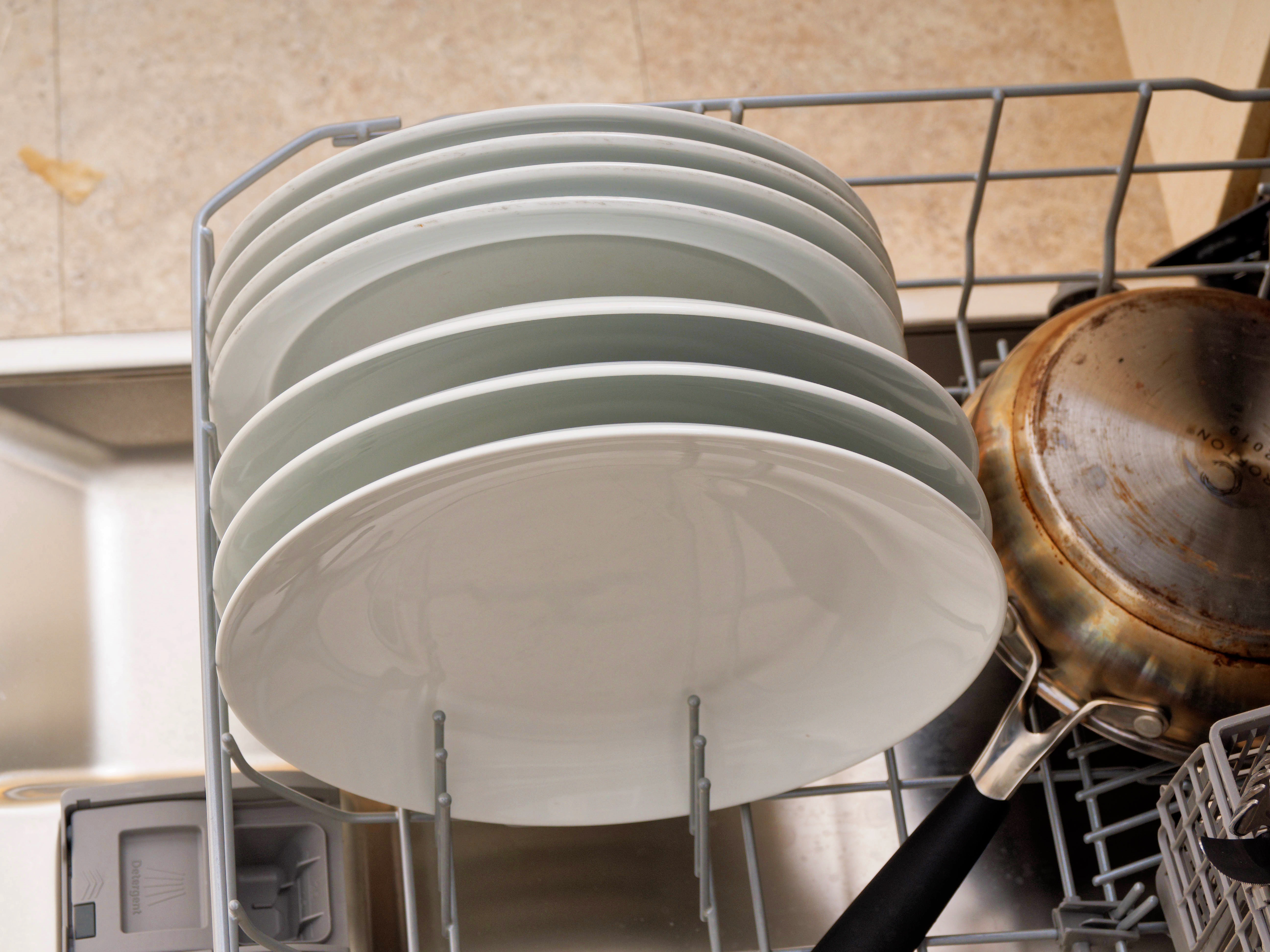
|
|||||||||||||||||||||||
Not only is the basket too small, it's deliberately angled on the sides, so that the plates are off-centre to the right. Why do they do that?
|
Flash or high ISO?
|
Topic: photography, opinion | Link here |
I took the first photos of the dishwasher without flash at 3200/36° ISO , mainly because I didn't expect it to be very effective there. But I was wrong, and to my surprise the photos with flash looked marginally better. Here available light on the left, flash on the right:
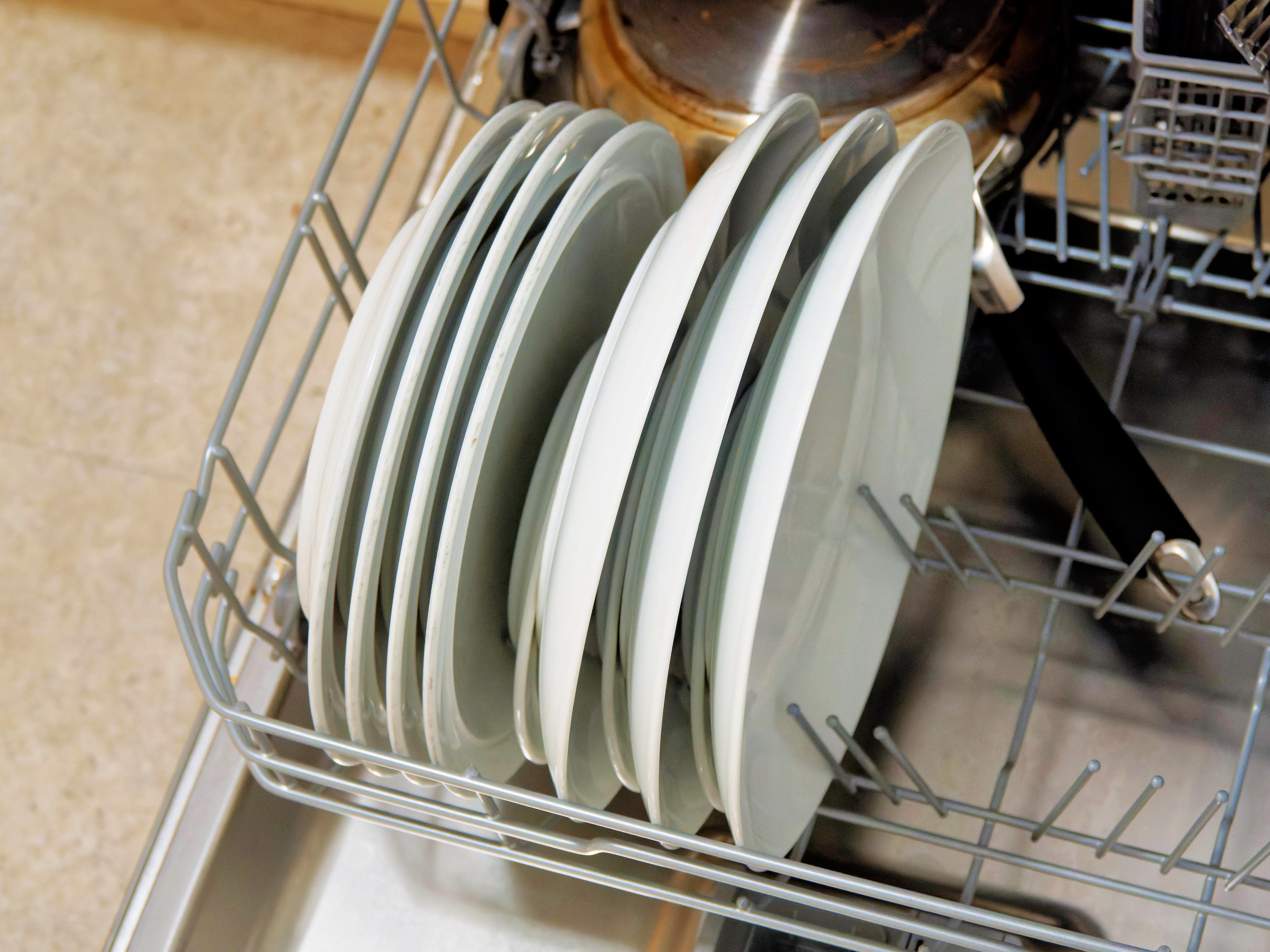
|
|||||||||||||||||||||||
|
|||||||||||||||||||||||
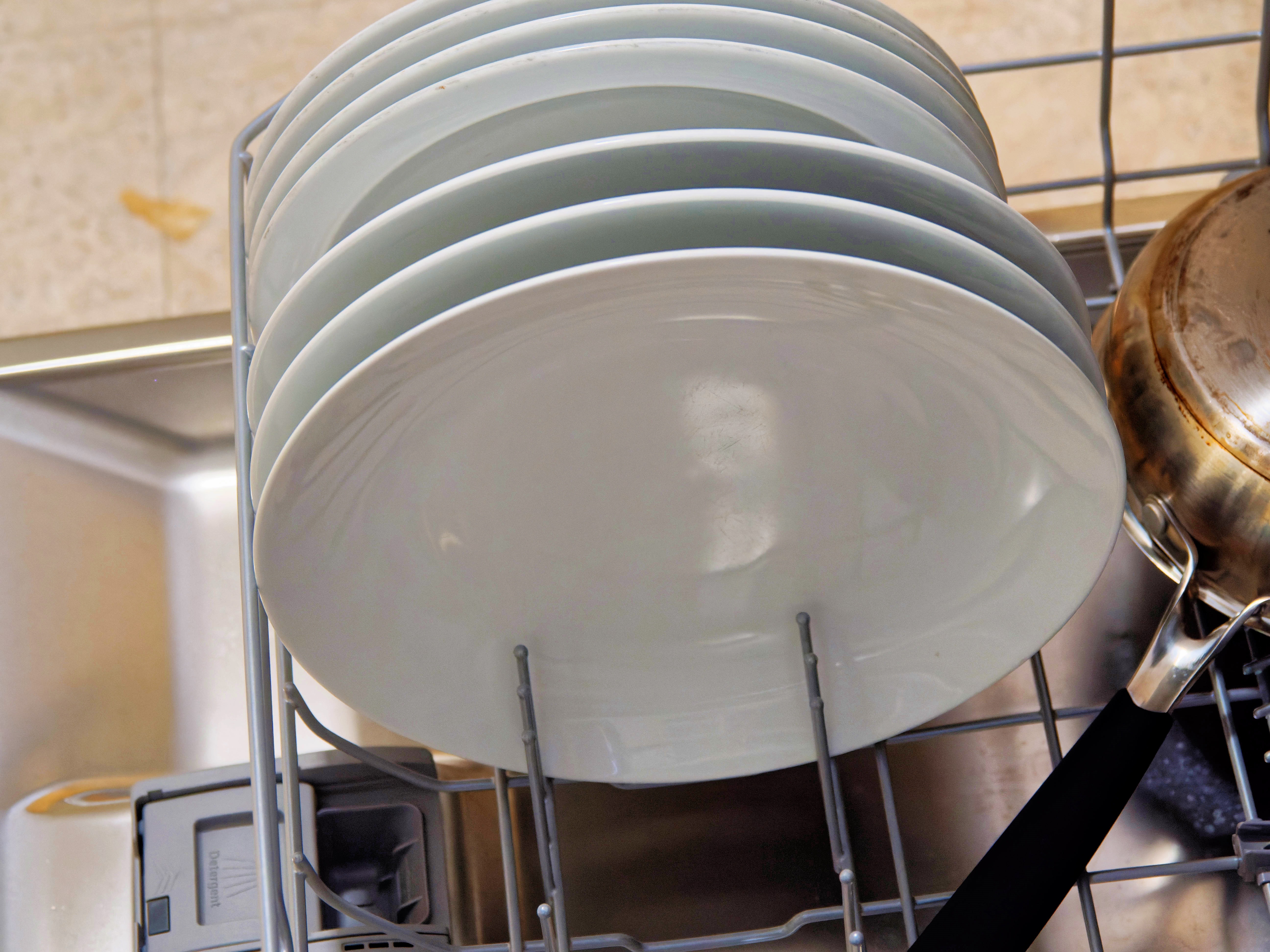
|
|||||||||||||||||||||||
|
|||||||||||||||||||||||
| Monday, 17 November 2025 | Dereel | Images for 17 November 2025 |
| Top of page | ||
| previous day | ||
| next day | ||
| last day |
|
“Tom Yam” transformed
|
Topic: food and drink, language, opinion | Link here |
One of the worst dishes I have eaten recently was Maggi instant “Tom Yam”. It was really appalling. But I have another 4 packets of the stuff, and they include the following instructions, conveniently only in Malay and hidden in a fold of the packaging:

|
|||||||||||||||||||||||
Two ways: as a soup (that's what the Thai word ต้ม (tom) means), or fried. Well, since it's terrible as what it claims to be, a soup, why not try the fried version? Not tom yam at all any more, of course, but maybe frying the spices would improve them. So:
| quantity | ingredient | step | ||
| Noodles from package | 1 | |||
| 30 g | Gai lan | 2 | ||
| spice package | 2 | |||
| 50 g | Cooked prawns | 2 | ||
Preparation: boil noodles, fry gai lan and spice package, add noodles and prawns.
Cooking the noodles was the usual nonsense, of course:
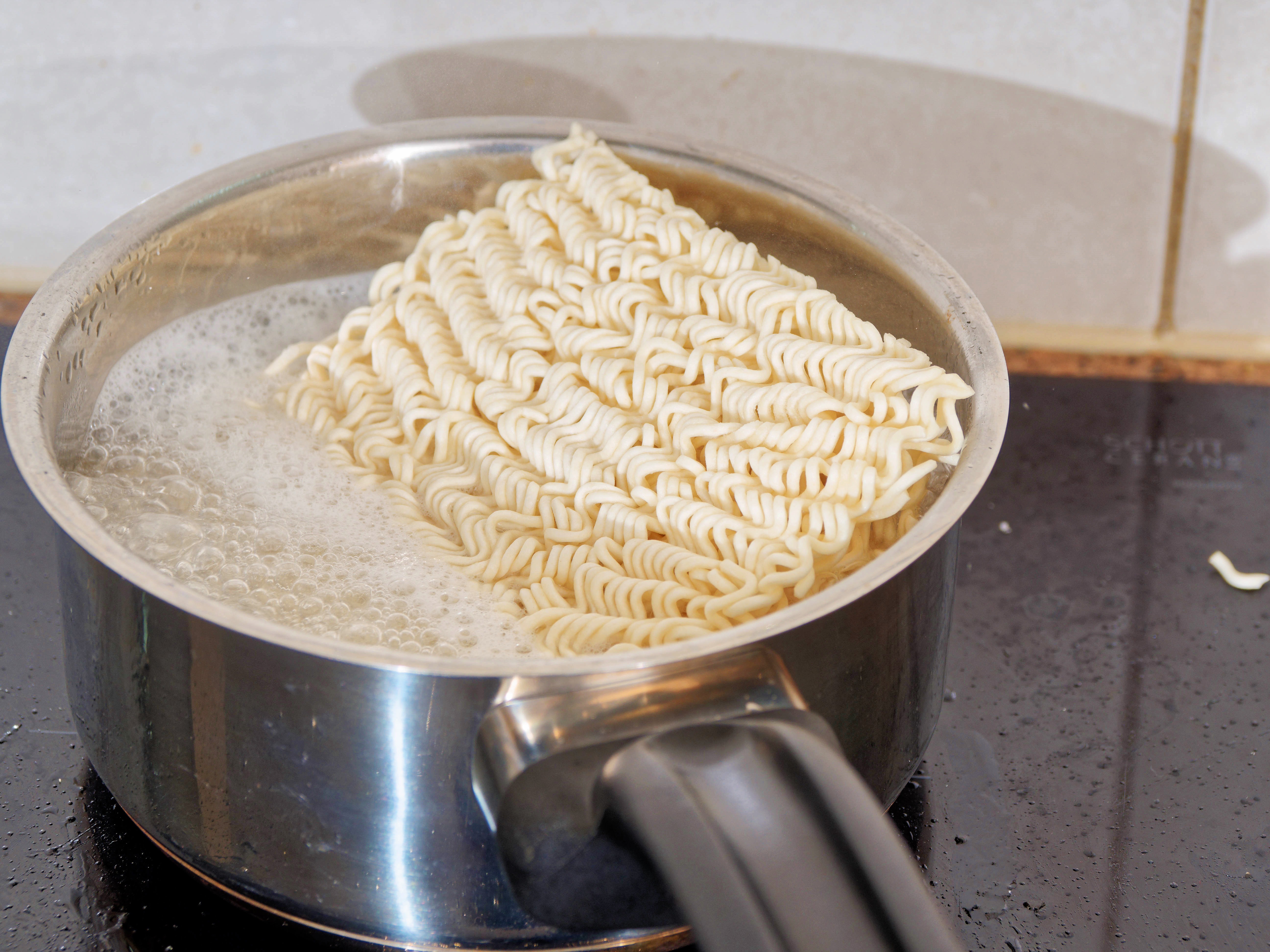
|
|||||||||||||||||||||||
Why do the makers make these things rectangular? Clearly circular (the best) can be a problem, though I frequently see them like that, but what's wrong with square? I cooked them for a little over a minute, and that was more than enough, as the instructions suggest. But I didn't expect them to stick to the pan so much:

|
|||||||||||||||||||||||
They even dried up and became crispy. And that proved to be an advantage, to the point that after starting to eat the noodles, I took them and fried them more:
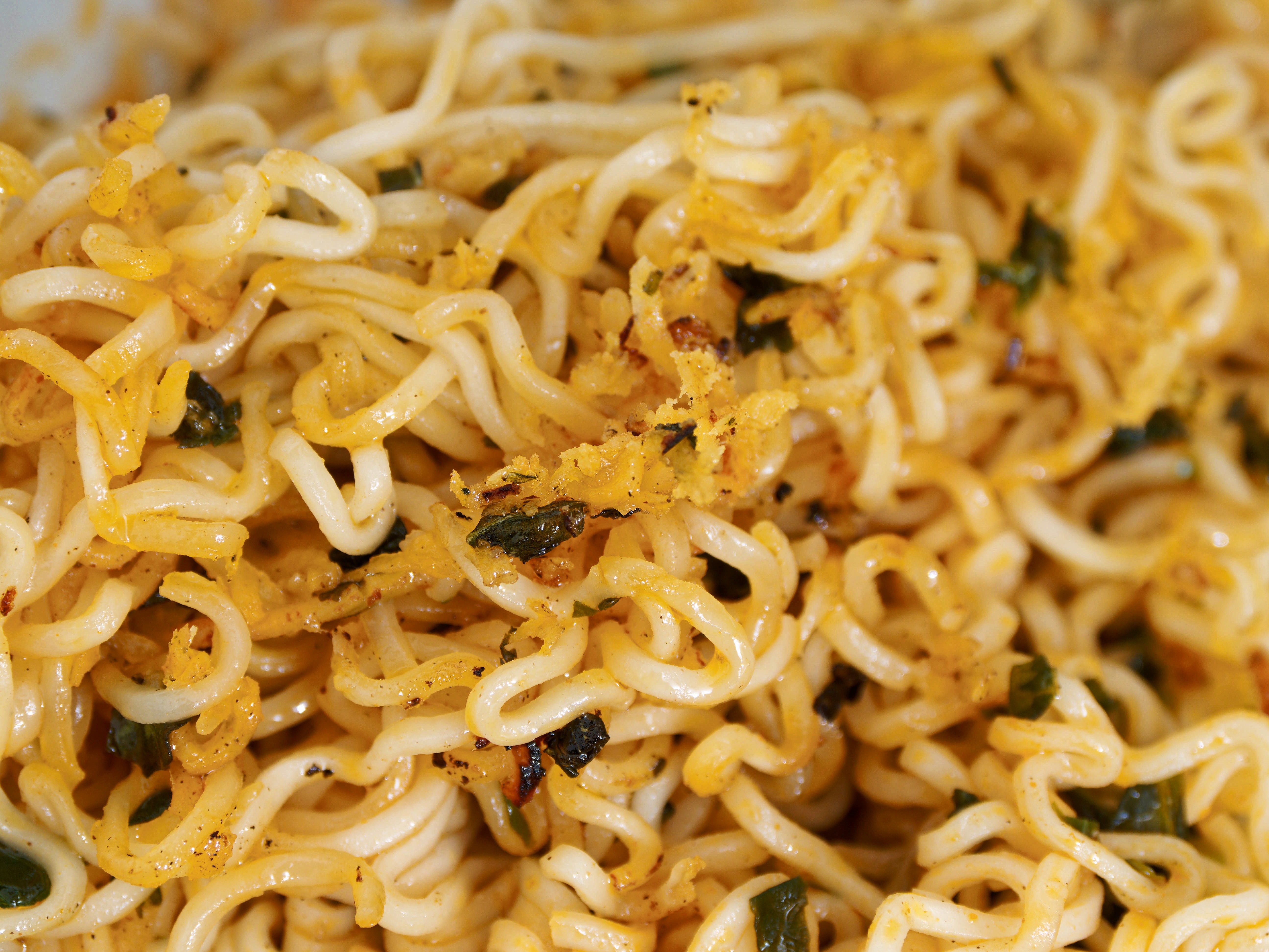
|
|||||||||||||||||||||||
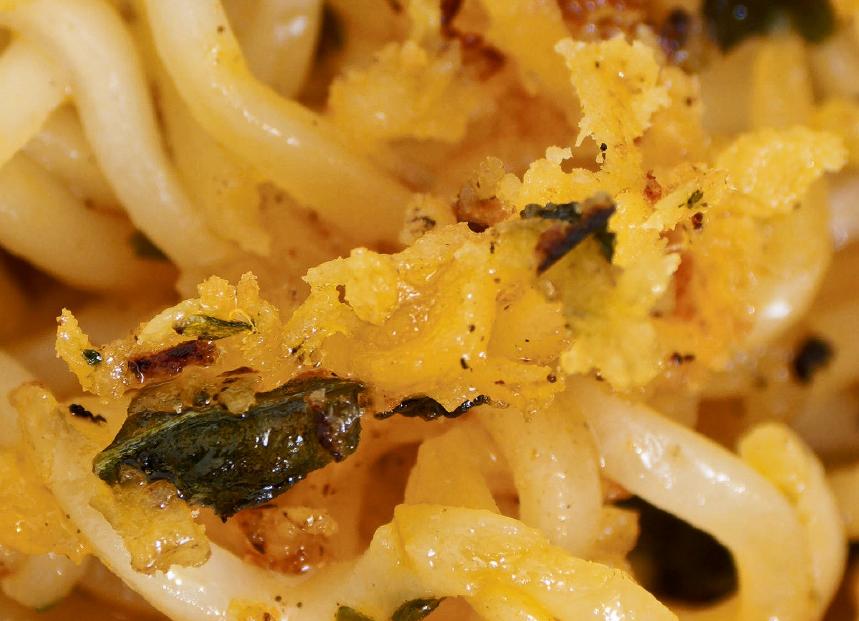
|
|||||||||||||||||||||||
I most certainly won't buy any more when this lot are finished, but the idea of frying the noodles crisply—most certainly nothing to do with tom yam—seems worth following.
|
Nikon serial numbers
|
Topic: photography | Link here |
I've been planning to find another Nikon user to compare my Nikon D1 for a couple of reasons:
So I went looking at the Exif data for the one photo that Paul Shire left with me nearly 10 years ago:

|
|||||||||||||||||||||||
It has full Exif data, including the serial number of the camera (a Nikon D4S). But that's the only serial number. The lens was a Nikkor 200-500mm f/5.6 G VR [6] but the Exif data didn't include a serial number! By contrast, the Olympus cameras have 5 entries, including for extender and flash. So it looks as if that approach is a dead end.
|
Handless firefox
|
Topic: technology | Link here |
By default, firefox used to change its pointer to a pointing hand when positioned over a link. And for a few weeks now, this hasn't happened, at least on hydra.
Why? The various AI bots came up with surprisingly similar explanations, including hardware acceleration and disabling extensions. But neither worked for me. And then I found that I could start a firefox from tiwi on hydra:0.1 and get the hands. So it looks strongly as if it's a change in recent firefox, and that it happened since my last software upgrade.
I've been using firefox for nearly 21 years. I hated it then, and I still hate it. Looking back, the reasons still seem similar. Is it worth following the pack and going to Chromium? I fear that that will open another can of worms.
|
LG dishwasher workaround?
|
Topic: food and drink, opinion | Link here |
Message from Malcolm Caldwell today. He also has an LG dishwasher similar to mine. He had bought a 5 year extended warranty for it. Now it's 5 years and one week old, and it has required service! It's almost as if it had a timer.
He suggests putting the dishes in the back of the bottom tray, where they have enough space not to press against the side of the tray. He's right:
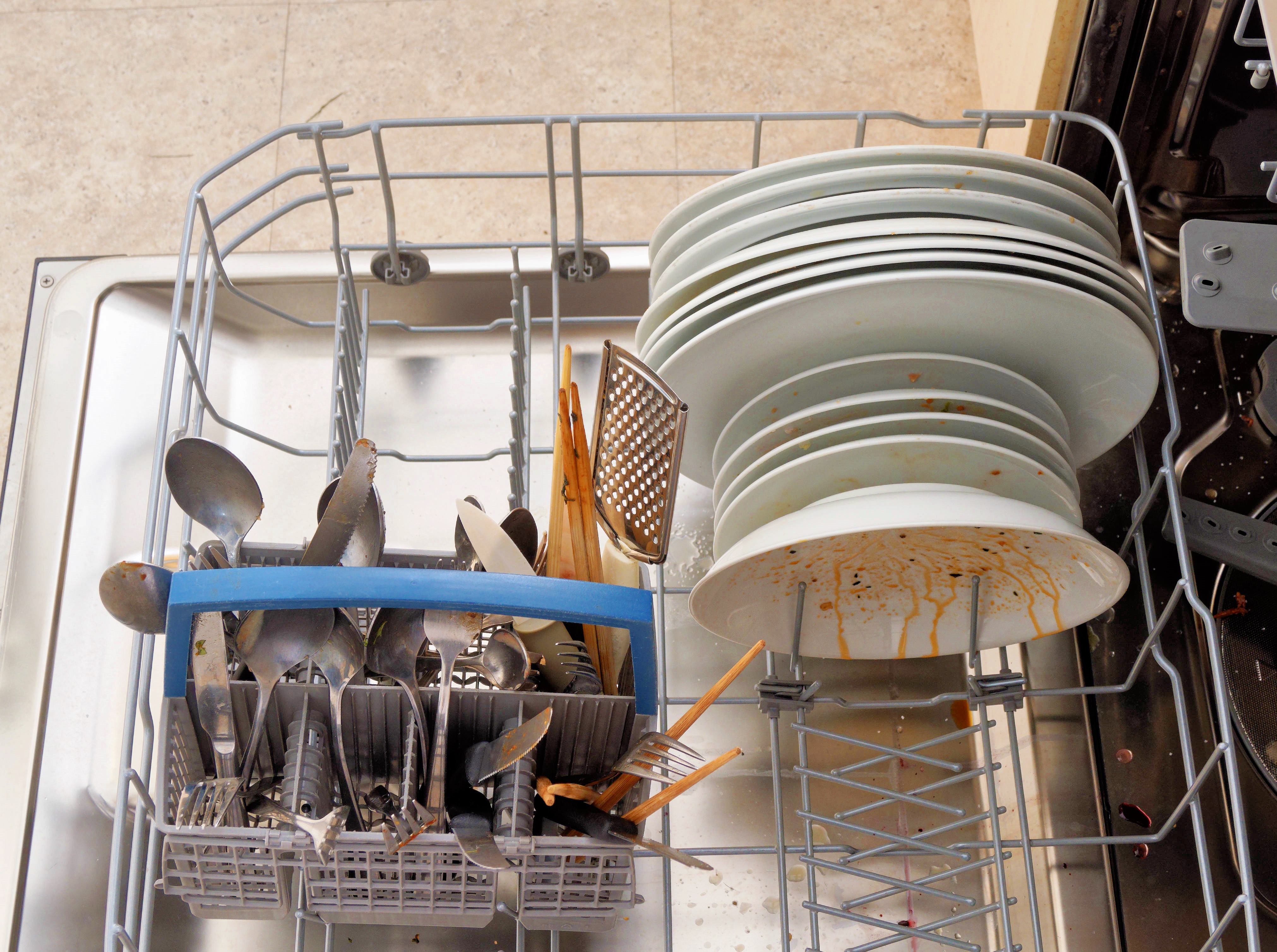
|
|||||||||||||||||||||||
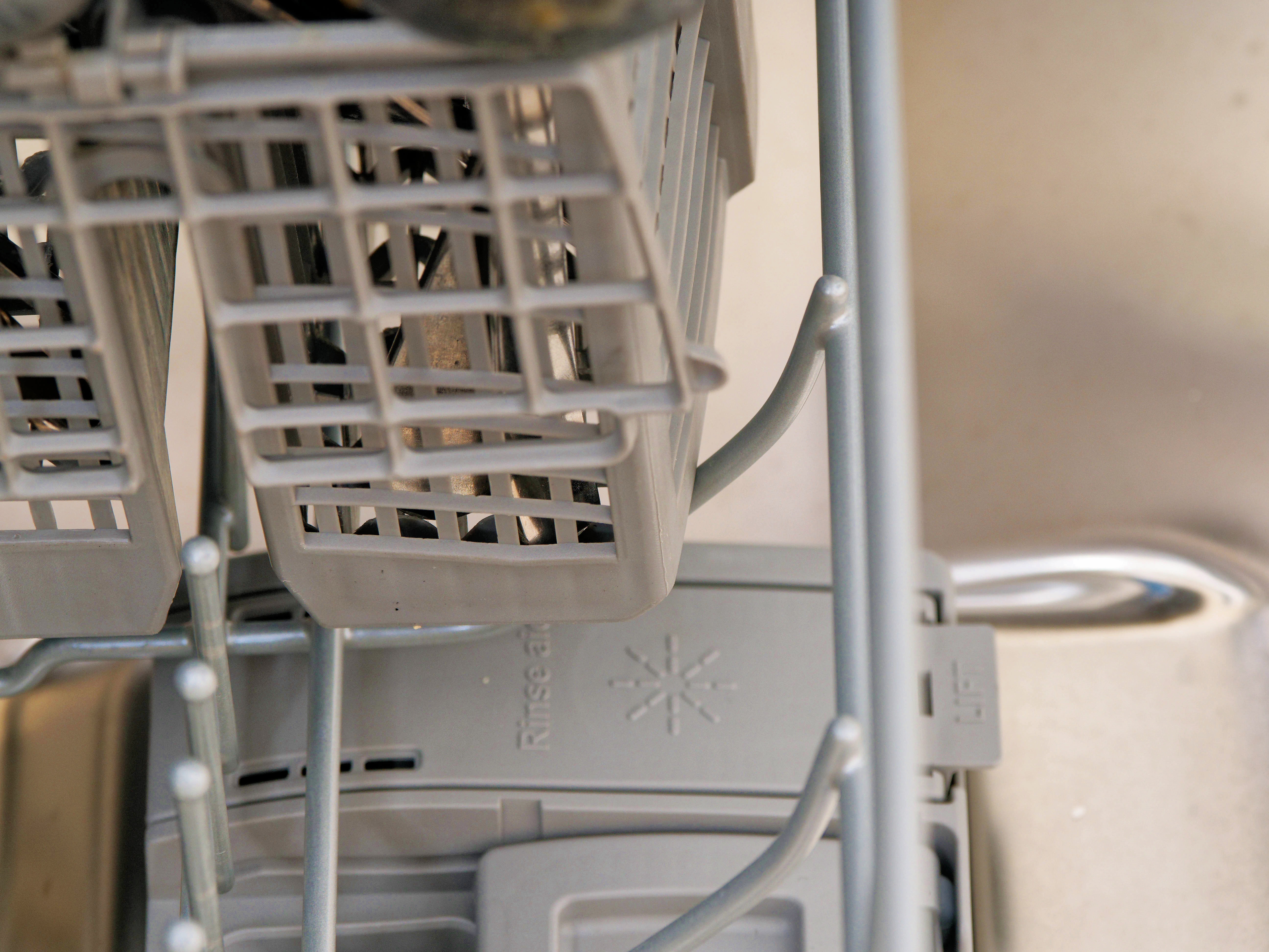
But at what cost? I had put frying pans there because you can fold down the guides (still visible in front of the plates, where there's a separate set of guides). You can't do that in the front portion. And another stupid design decision means that you can't put the cutlery basket flat there. The design of the tray means that it won't fit:
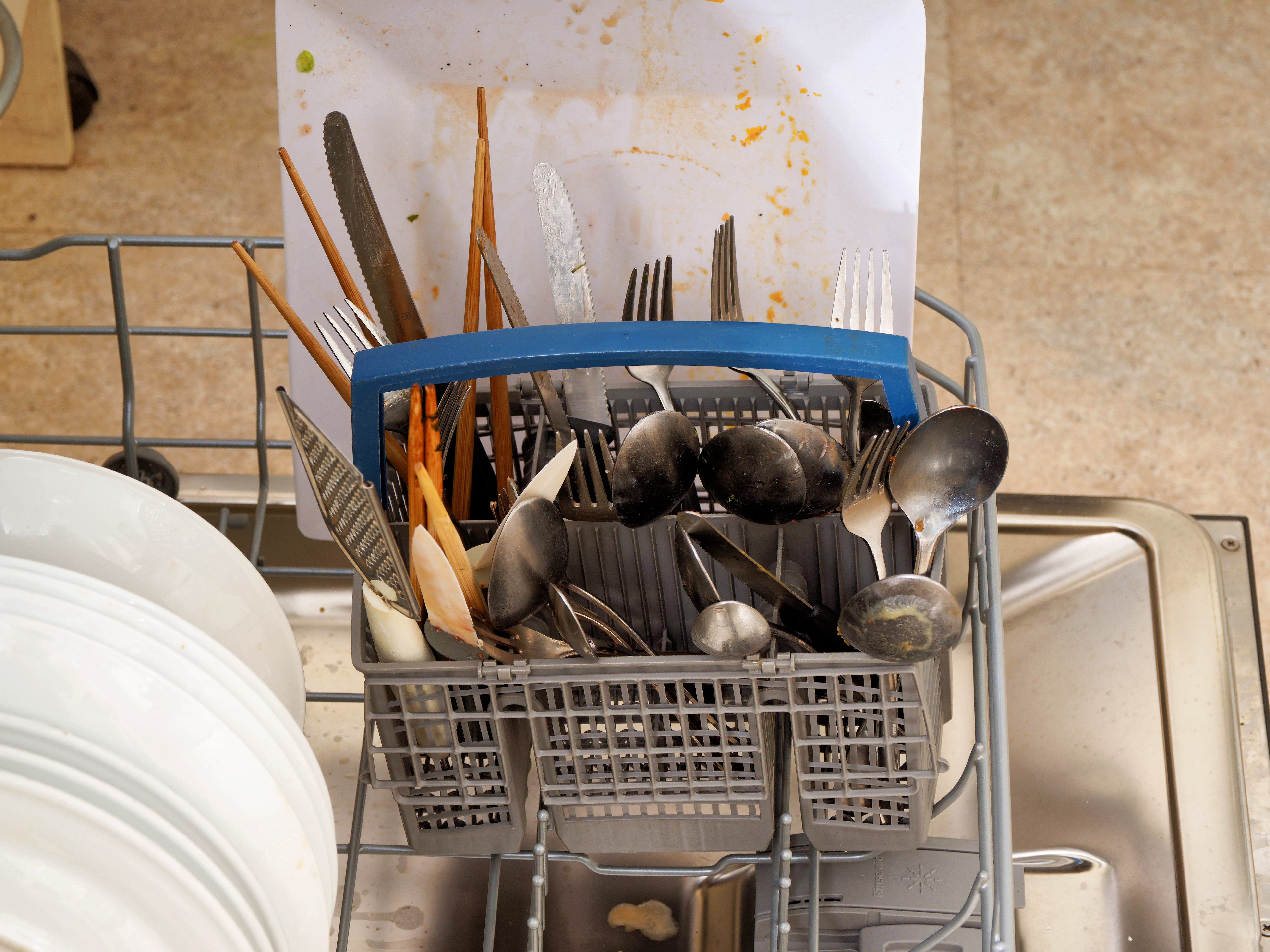
|
|||||||||||||||||||||||
|
|||||||||||||||||||||||
While I can guess excuses for the other decisions (different dishes, for example), there's none for this one.
So: should I leave it like that? I decided to leave it until I had another instance of dirty dishes. I didn't have long to wait: two of the large dishes (it always seems to be them) came out dirty. So no advantage. I can live with the offset dishes.
|
More weeding
|
Topic: gardening | Link here |
It's been a very cool spring. Only 2 weeks until the beginning of summer, but the temperatures have barely exceeded 25°, and most plants are reacting accordingly slowly. The weeds are an exception, and today Jesse Walsh came along to remove a number of them, so many that we didn't know where to put them.
| Tuesday, 18 November 2025 | Dereel | |
| Top of page | ||
| previous day | ||
| next day | ||
| last day |
|
OM System macro session
|
Topic: photography, opinion | Link here |
OM System had an online session today about macro photography, run by Aaron Harivel, with whom I have had to do before. It was supposed to be 1½ hours, but it ended up overrunning by 50 minutes.
Did I learn anything? Maybe. I'm no stranger to macro photography, but a couple of details filled me in. One is that the Olympus OM-D E-M1 Mark II uses contrast detection autofocus under some circumstances (spot autofocus), while the OM System OM-1 Mark II doesn't. Does that explain some issues that I have had recently using the M.Zuiko Digital 30 mm f/3.5 lens?
|
ACDSee?
|
Topic: photography, technology, opinion | Link here |
So I've given up on ON1 software after the relatively useless results I had on Friday. What else is there? I still have a video to look at about ACDSee, which has a special offer that will finish Real Soon Now. Is that worth it? Started downloading, which at least went faster than with ON1, and somehow found myself in a place completely different from what ths video clip shows.
Much searching—why can't they have a Home link?—and started trying AI Denoise. Again a glacially slow download of additional functionality. I'll do the rest tomorrow.
|
firefox cursor
|
Topic: technology, opinion | Link here |
Yesterday's attempts to reinstate the firefox hand were in vain. But then I discovered another problem: pressing Home or End no longer worked. Why? More searching, and I discovered this in the settings: “Always use the cursor keys to navigate within pages". That's what I want, of course, and for some reason it was disabled. So I enabled it. And it disabled Home and End! What kind of nonsense is that?
But on IRC others have found the same problem, and they pointed me to this forum discussion. I haven't read it all, but it looks like a solution might be hiding there.
| Wednesday, 19 November 2025 | Dereel → Ballarat → Dereel | Images for 19 November 2025 |
| Top of page | ||
| previous day | ||
| next day | ||
| last day |
|
ACDSee noise reduction
|
Topic: photography, technology, opinion | Link here |
On with my test of ACDSee noise reduction today. It had, of course, downloaded the necessary files, but once again the display looked nothing like the ths video clip. OK, to be on the safe side I started it again, not helped by the lack of the promised task bar entry.
Somehow there's something seriously wrong with any software that provides four different non-obvious ways to access the function. I think the most reliable is probably the key combination Shift-N, but I could be wrong. Still, I finally got there and denoised at a snail's pace.
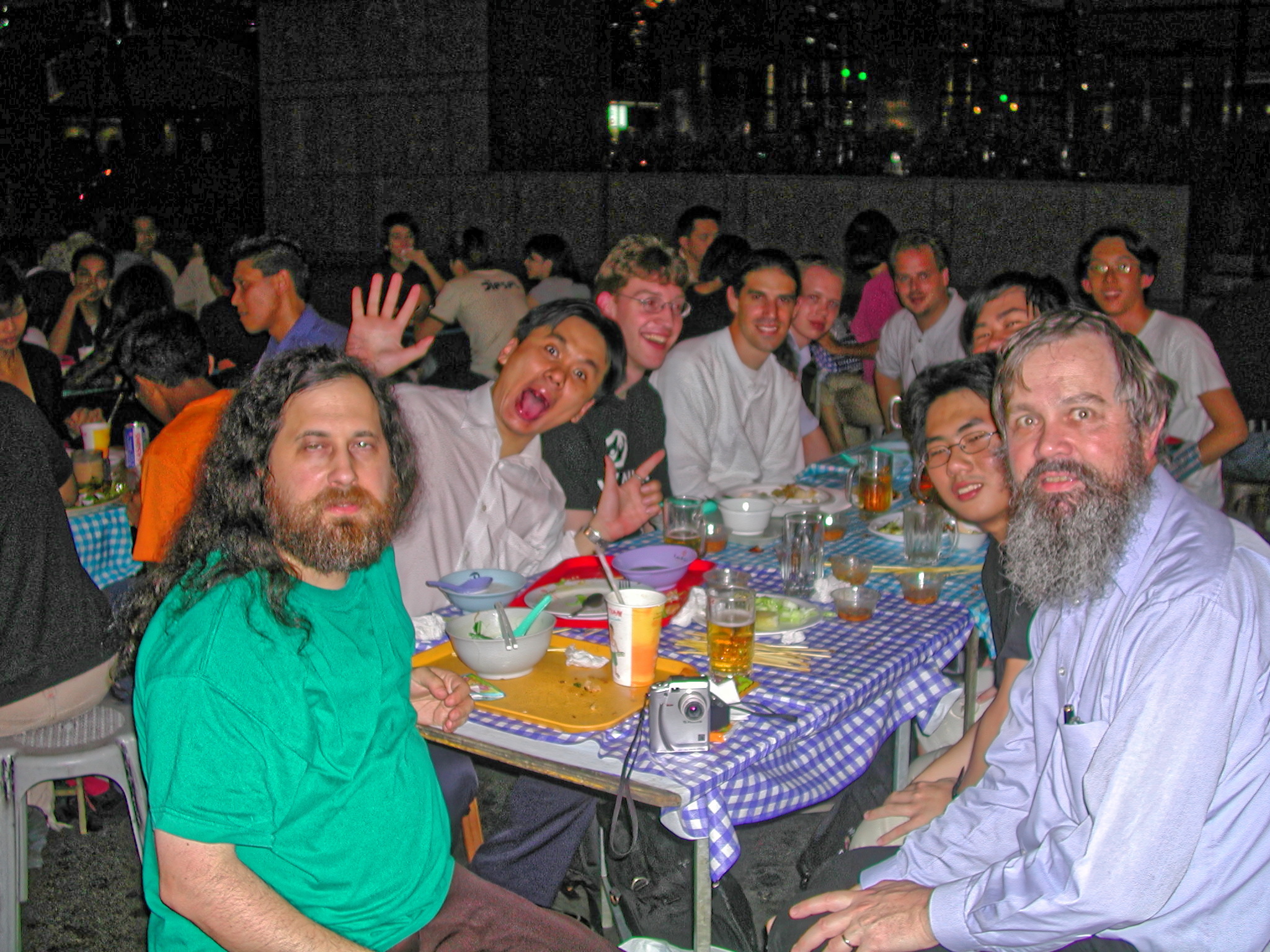
Finally it was done. Here the original on the left and the denoised version on the right (run the cursor over an image to compare it with its neighbour):
|
|||||||||||||||||||||||
|
|||||||||||||||||||||||
My first reaction was that they were the same, but a mouseover comparison shows that they're not: the “denoised” version is darker, particularly in the background. But I can't see any evidence of denoising there at all! Is it really that bad? No, I suspect that I have done something non-obvious but wrong. But it seems that all these programs achieve some of their results by darkening the image. The image of Neil Armstrong in the video clip shows something similar, and in fact is not very convincing. And if I want something darker, I can take the original image, which doesn't look as bad:
|
|||||||||||||||||||||||
So: try any more? I think not. My ACDSee special offer (“Black Friday”, 21 November, 22 November here) runs out at 7:00 tomorrow, and I have a number of other things to do. Next year things might be better. So goodbye, ACDSee.
In fact, I was wrong about the date of Black Friday. It's a week later!
|
Dan Murphy again
|
Topic: food and drink, opinion | Link here |
I've been drinking Oettinger Pils for years now. But today Yvonne rang from town to say that Dan Murphy's no longer have it in stock. No idea when it would be available.
Damn. She also couldn't find a replacement. Somehow Dan Murphy's never have what I want. OK, what do they have on line? Lots of beers, of couse, including Oettinger. I can get it delivered. OK, how much does it cost?

|
|||||||||||||||||||||||
I can have it in two hours for only $9.90. If I'm not in such a hurry, I can have it next week for only $14.90. Once again stupid pricing from Dan Murphy's. But that's in Ballarat, of course. What about here?
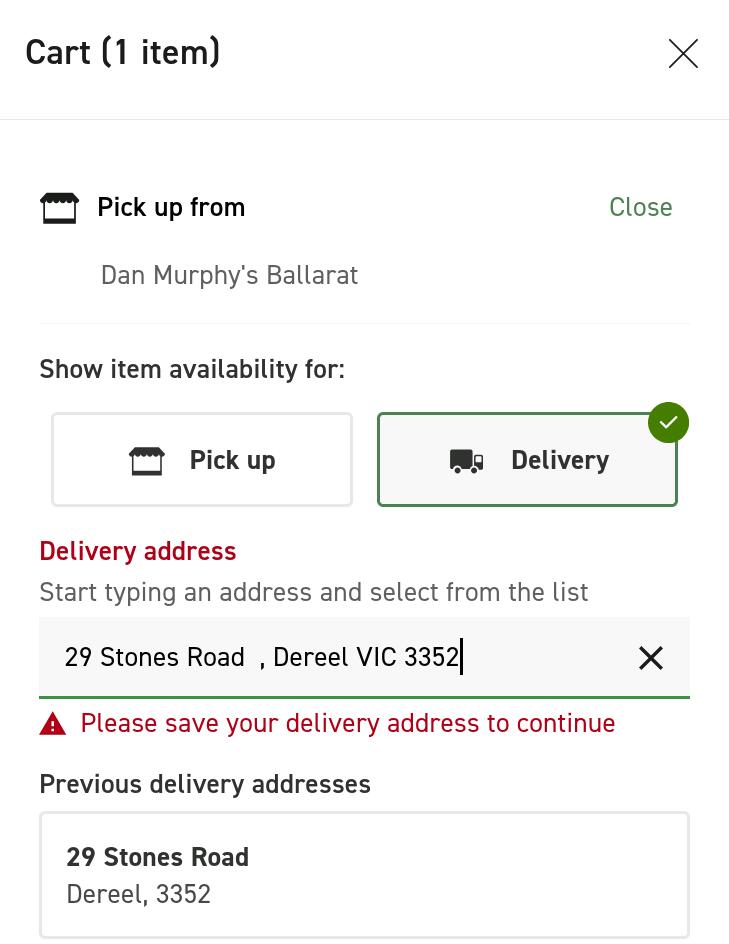
|
|
|||||||||
What does that mean? I have to enter my address, although it knew it, but there's no way to save it! No worry, I didn't want them to deliver anyway. And at some point I found this popup:

|
|||||||||||||||||||||||
Yes, there's an email field missing there. What does it have to do with me?
On. I found Pilsner Urquell at a price I can resist. Do they at least have it. Yes! Well, until I try to buy it:
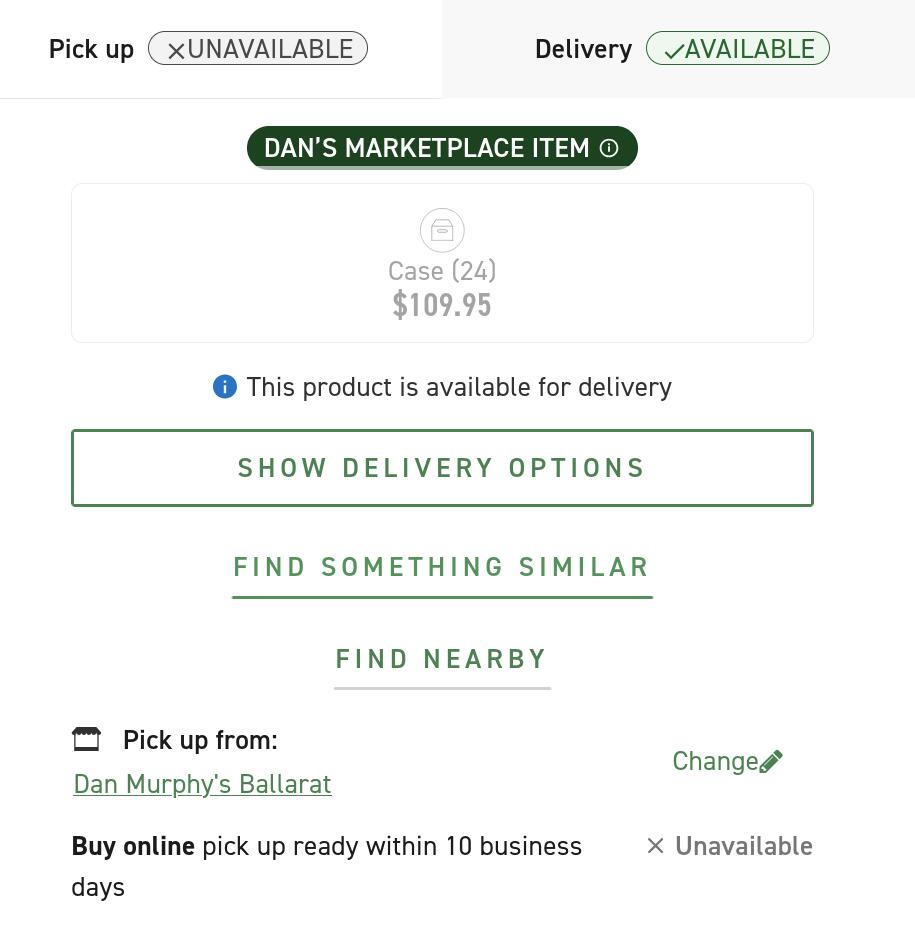
|
|||||||||||||||||||||||
Sigh. I did find some DAB, and bought that online, just to be sure. And though they had my real phone number, they entered an old number (0401 234 567) on the documents. Where did they even get that? Are they trying to emulate Telstra?
The good news is that they really did have it ready for me this time. I just needed to show my driver license (“If you don't drive, you can't drink”). But it seems that their offerings are continually dwindling, and just buying something is an effort.
|
Health checkup
|
Topic: health | Link here |
Into town today for my six-monthly health checkup. Results are all OK, though we spent a surprising amount of time talking about it. Dementia? Yes, all the signs—in Donald Trump. I hear that from time to time from conspiracy theorists, but Paul is trained to recognize the symptoms. And my migraines? They're so atypical that I had my doubts, but Paul is sure that it's really migraine. And a shingles vaccination is a good idea, so he set that in the way.
| Thursday, 20 November 2025 | Dereel | |
| Top of page | ||
| previous day | ||
| next day | ||
| last day |
|
Backup fail
|
Topic: technology, opinion | Link here |
Into the office this morning to find my photo backup disk on my desktop. Oh. I (well, really Yvonne) swap(s) them every week, and I was back late yesterday and didn't connect it to the computer. No worry, repeat the backup now.
Still no device! Much searching showed that the power supply had failed. Is that permanent, or (more likely) a contact problem? And either way, why now? Much time searching for a replacement, which should have been in a box somewhere. Now I have a device, and the disk is, of course, undamaged.
cat: //photobackup/Iam: Device not configured
Thu 20 Nov 2025 05:05:00 AEDT
ls: /photobackup/Iam: Device not configured
Huh? It's there. And gpart shows that the device contains a UFS file system. Mount it on /mnt. Yes, all looks good. Repeat the backup. Device not configured. After some searching, discovered that it was the mount point!
=== root@eureka (/dev/pts/0) ~ 93 -> ls -dl /photobackup
ls: /photobackup: Device not configured
What's that? File system corruption? I couldn't access /photobackup with any of the tools I tried. I was able to perform the backup by mounting on a different mount point (/Photobackup), but how do I fix the file system? Back to fsdb? And it would have to be the root file system. Yes, I have contingencies in place in case the disk dies, but I don't really want to use them until I have to.
OK, what does fsck say about the file system? Nothing unusual apart from a couple of old, unreferenced files. Does that include files that are open but whose directory entries have been removed? It's interesting that there are a number with sequential inode numbers:
** Phase 4 - Check Reference Counts
UNREF FILE I=666577 OWNER=mysql MODE=100600
SIZE=0 MTIME=Oct 17 09:24 2025
CLEAR? no
And apart from that, nothing. Only later did I see:
=== root@eureka (/dev/pts/0) ~ 100 -> df
Filesystem 1048576-blocks Used Avail Capacity Mounted on
...
/dev/da2p1 15,257,008 8,100,103 7,004,335 54% /photobackup
What's that doing there? And the values look correct. That wouldn't have been the case when the disk wasn't physically present: it would probably have shown the values for the root file system. Let's see...
=== root@eureka (/dev/pts/0) ~ 101 -> umount /photobackup=== root@eureka (/dev/pts/0) ~ 102 -> mount /photobackup=== root@eureka (/dev/pts/0) ~ 103 -> df
...
/dev/da2p1 15,257,008 8,100,104 7,004,333 54% /photobackup
Interestingly, the values change very slightly. I wonder why. But the file system shouldn't have been mounted in the first place, and attempting to mount an already mounted file system, or to mount a file system on a mount point that is in use, would give a different message. It looks as if the problem has righted itself in the meantimg.
|
Photo software discounts
|
Topic: photography, technology, opinion | Link here |
Black Friday is even further away than I thought: it's a week tomorrow. But many special offers have already expired.
Ha ha, only joking. DxO have a new offer: up to 50% off! Just what I need. Ah, only for one product, one that I already have. The others are discounted by 16.7%, not worth it.
And I let the special offer from ACDSee expire. Never mind, another special offer, valid for another week until the real Black Friday. Only it's now $99 instead of $80, compared to an illusory price of $795. At least I now have time to try it out.
|
Fixing firefox
|
Topic: technology, opinion | Link here |
Mail from Michael D Hughes today, pointing to this bug report on the firefox cursor issues. Closed: not a bug. At the very minimum it's a violation of POLA! I had a firefox that vaguely worked, and now the cursors no longer work.
The workaround (stated as such):
gsettings get org.gnome.desktop.interface cursor-theme
To manually work around the issue, try setting the desired theme using the name returned by the first command, e.g.
export XCURSOR_THEME=Adwaita
But that didn't work. And why should it be necessary?
Back to the forum post:
Search for the widget.gtk.legacy-cursors.enabled option and change it to true.
OK, that's easy enough. No change. Oh, first restart firefox. Yes! It works! So why isn't it set that way? Oh, it used to be. Why is it no longer set that way? Is it worth another bug report? Do I care enough? I've been fighting both firefox and the Ports Collection for over 20 years, and things don't seem to be getting any better.
| Friday, 21 November 2025 | Dereel | |
| Top of page | ||
| previous day | ||
| next day | ||
| last day |
|
Photo software: the last
|
Topic: photography, technology, opinion | Link here |
As planned, continued with ACDSee to improve my photos. I did learn one thing: at one point I had thought that the user interface looks pretty much the same for most photo software, but nothing could be further from the truth. Each interface seems to have a steep but different learning curve. Despite that, it's also difficult to tell what software you're using: this is Microsoft, and it doesn't display window titles. I have confused ON1 and ACDSee a couple of times.
Much work, little result. My attempt to enhance this image failed miserably. Here the original and my previous attempt (run the cursor over an image to compare it with its neighbour):
|
|||||||||||||||||||||||
|
|||||||||||||||||||||||
There's apparently nothing that automatically lightens the background. Even xv, almost unchanged since I included it in my UnixWare CD a third of a century ago, can do better. And it has other rough edges, like an almost impossibility to zoom the image to fill the frame, or trying to overwrite the original file when saving an image.
Again, what else is there? This time, in answer to “What photo software is good for automatically lightening the shadows?”, it came up—once again—with Luminar Neo and Topaz Photo AI. Once again, Topaz is out of the question: they want a subscription, $17 per month for at least a year for the cheapest version. And there's not even a free trial, so I can't confirm whether it really works or not. Luminar? I'm not convinced, though Gemini says “It analyzes the dynamic range and automatically pulls detail out of the deep shadows while protecting the highlights”. That sounds like what I'm looking for. Maybe I can try again, but I think that maybe another year will improve the situation
|
Oh Joy!
|
Topic: animals | Link here |
Yvonne has bought Yet Another horse, this time a Standardbred called Joy, though for some reason Yvonne wants to call her Josy. She arrived today:
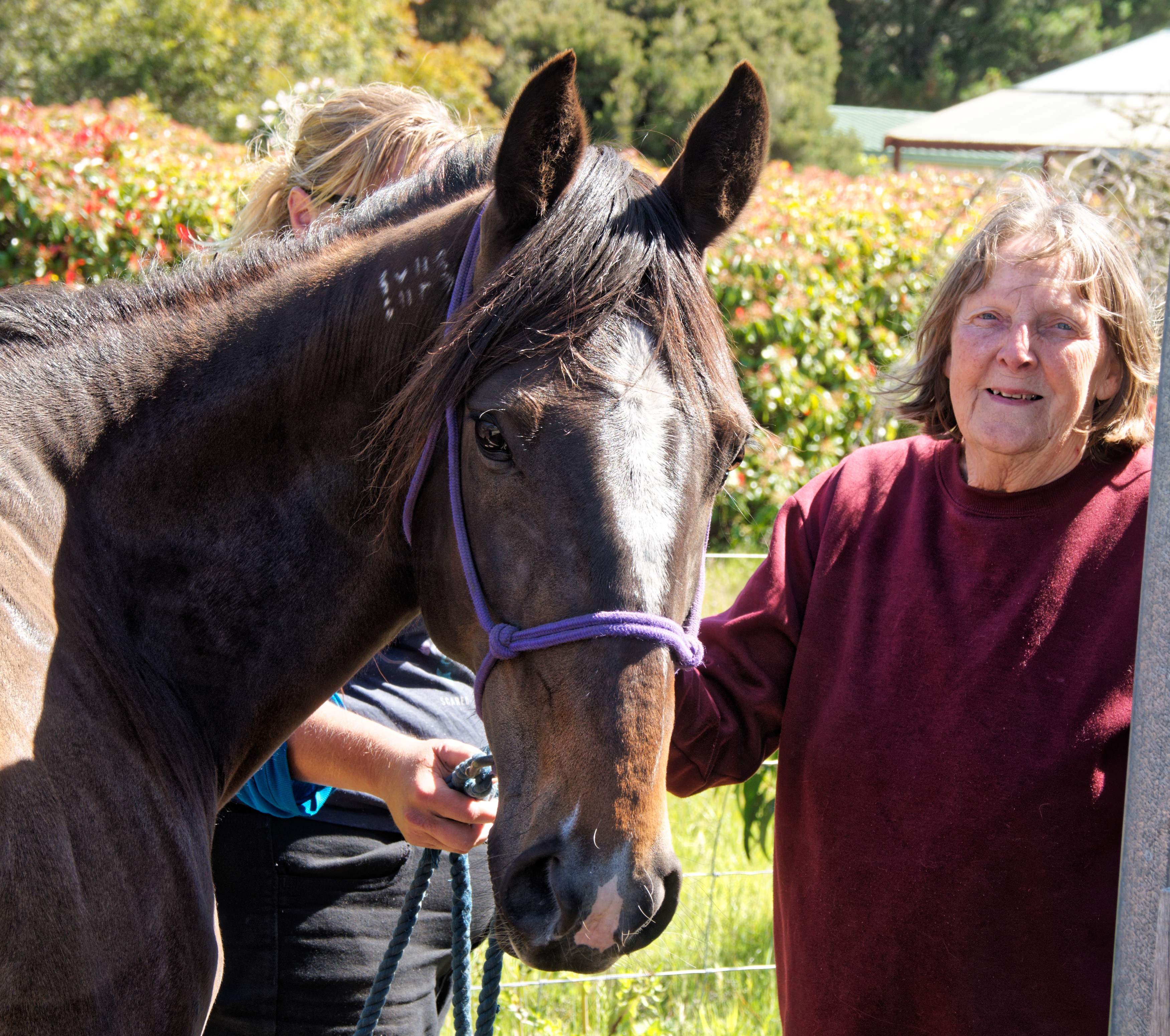
|
|||||||||||||||||||||
First impressions are that she is very quiet—thus a very short racing career—and hopefully she will fit in well:
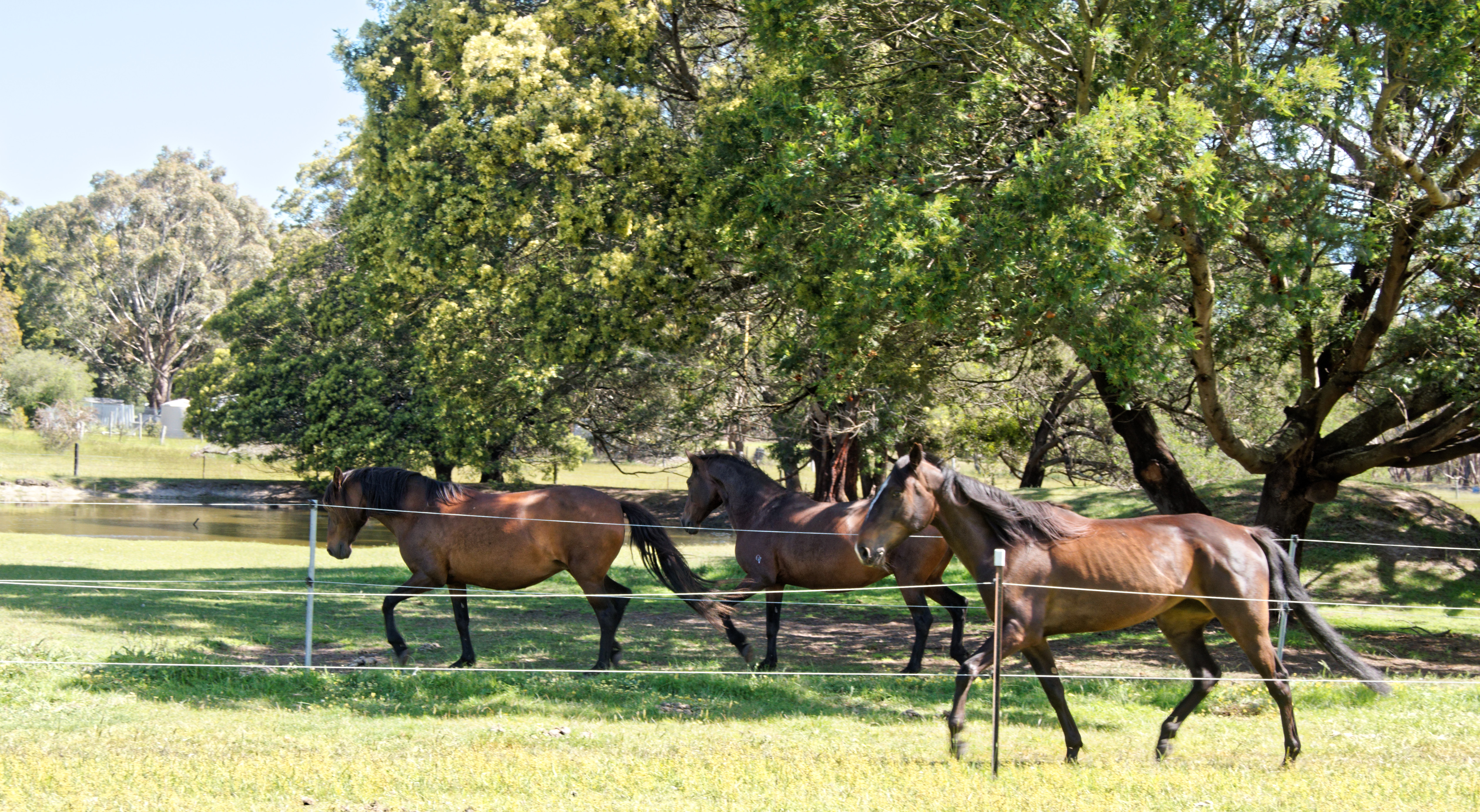
|
|||||||||||||||||||||
| Saturday, 22 November 2025 | Dereel | Images for 22 November 2025 |
| Top of page | ||
| previous day | ||
| next day | ||
| last day |
|
Emily instead of Jesse
|
Topic: gardening, general, opinion | Link here |
Jesse Walsh was due to come today at midday to clean the house. But his car arrived at 10:30, before breakfast. Confusion?
Of a certain sort, yes. It wasn't Jesse but his wife Emily. We've known Jesse for nearly 4 years, but we had never met Emily. She brought a tray of duck eggs and the news that Jesse was working overtime and wouldn't be able to come.
|
Garden flowers in late spring
|
Topic: gardening, opinion | Link here |
It's a month before the solstice, time for my monthly garden flower photos.
It's been a particularly cool spring, the coolest since we have lived here:
mysql> SELECT min(outside_temp), avg(outside_temp), max(outside_temp)
FROM observations
WHERE month(date) > 8 and month(date) < 12;
+---------------------+--------------------+--------------------+
| min(outside_temp) | avg(outside_temp) | max(outside_temp) |
+---------------------+--------------------+--------------------+
| -1.2999999523162842 | 13.628459582354933 | 40.900001525878906 |
+---------------------+--------------------+--------------------+
mysql> SELECT year(date), min(outside_temp), avg(outside_temp), max(outside_temp)
FROM observations
WHERE month(date) > 8 and month(date) < 12
GROUP BY year(date);
+------------+-------------------+--------------------+-------------------+
| year(date) | min(outside_temp) | avg(outside_temp) | max(outside_temp) |
+------------+-------------------+--------------------+-------------------+
| 2017 | 0.1 | 14.577038751082899 | 35.2 |
| 2018 | 0.2 | 13.369039499891645 | 32.8 |
| 2019 | -0.4 | 13.117314515142308 | 38.2 |
| 2020 | -0.4 | 14.158189008177851 | 35.5 |
| 2021 | -1.3 | 12.569700883113573 | 36.2 |
| 2022 | 0.1 | 13.268796464539943 | 30.8 |
| 2023 | 0.1 | 14.271534641258803 | 36.9 |
| 2024 | 0.3 | 14.532549862276314 | 40.2 |
| 2025 | -0.9 | 12.26056326251457 | 30.9 |
+------------+-------------------+--------------------+-------------------+
So with the one exception of a cold night in 2021, the average temperature is 1.37° less than average and 0.3° less than the next coolest season. And we feel it. It helps bring the 1.5° global warming target into perspective.
At least our Clematis “Edo Murasaki” is not completely dead, and we have a couple of struggling blooms:
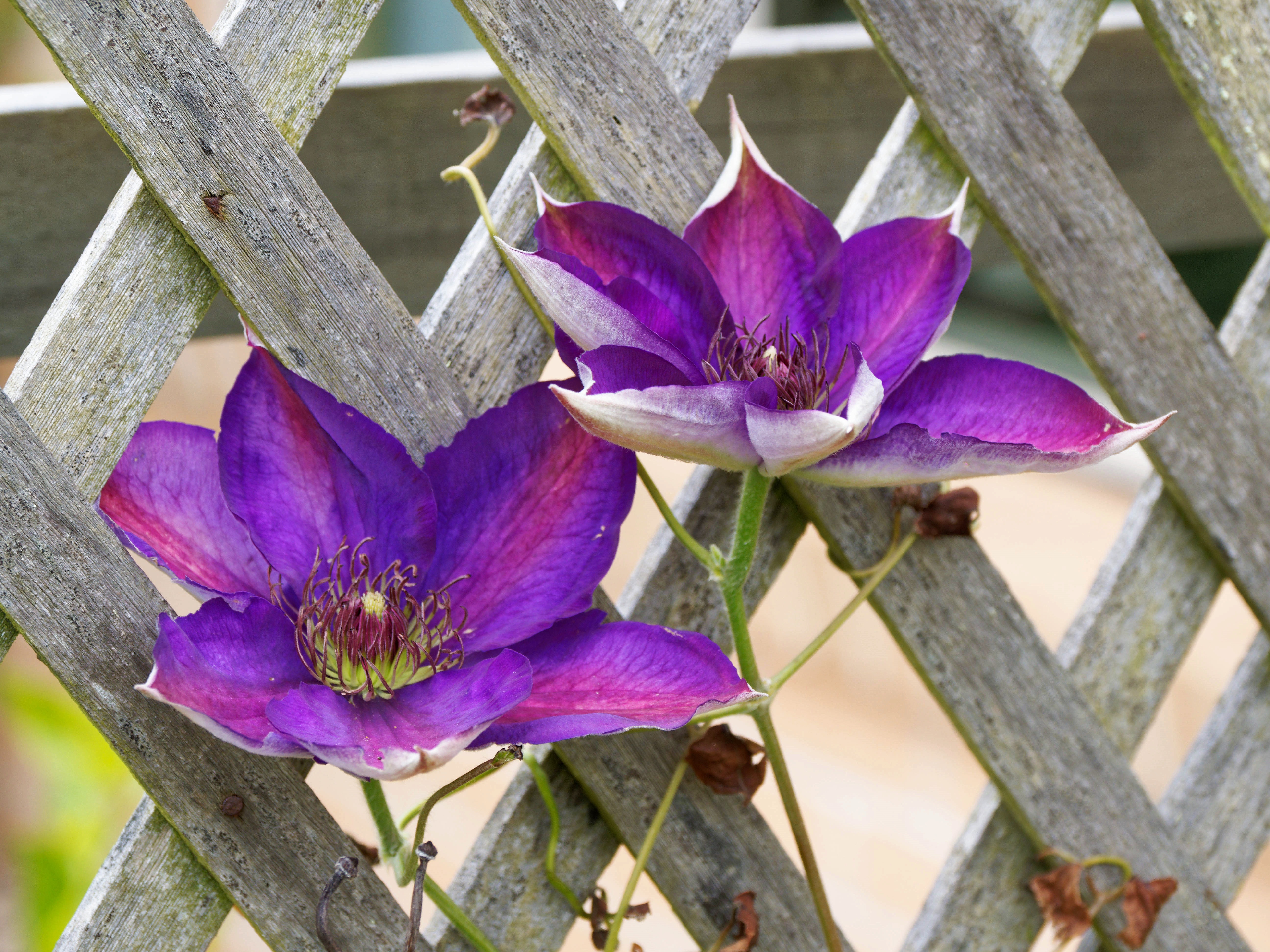
|
|||||||||||||||||||||||
The Irises have changed. We've been through two kinds of blue ones and some yellow ones, and now they're white:
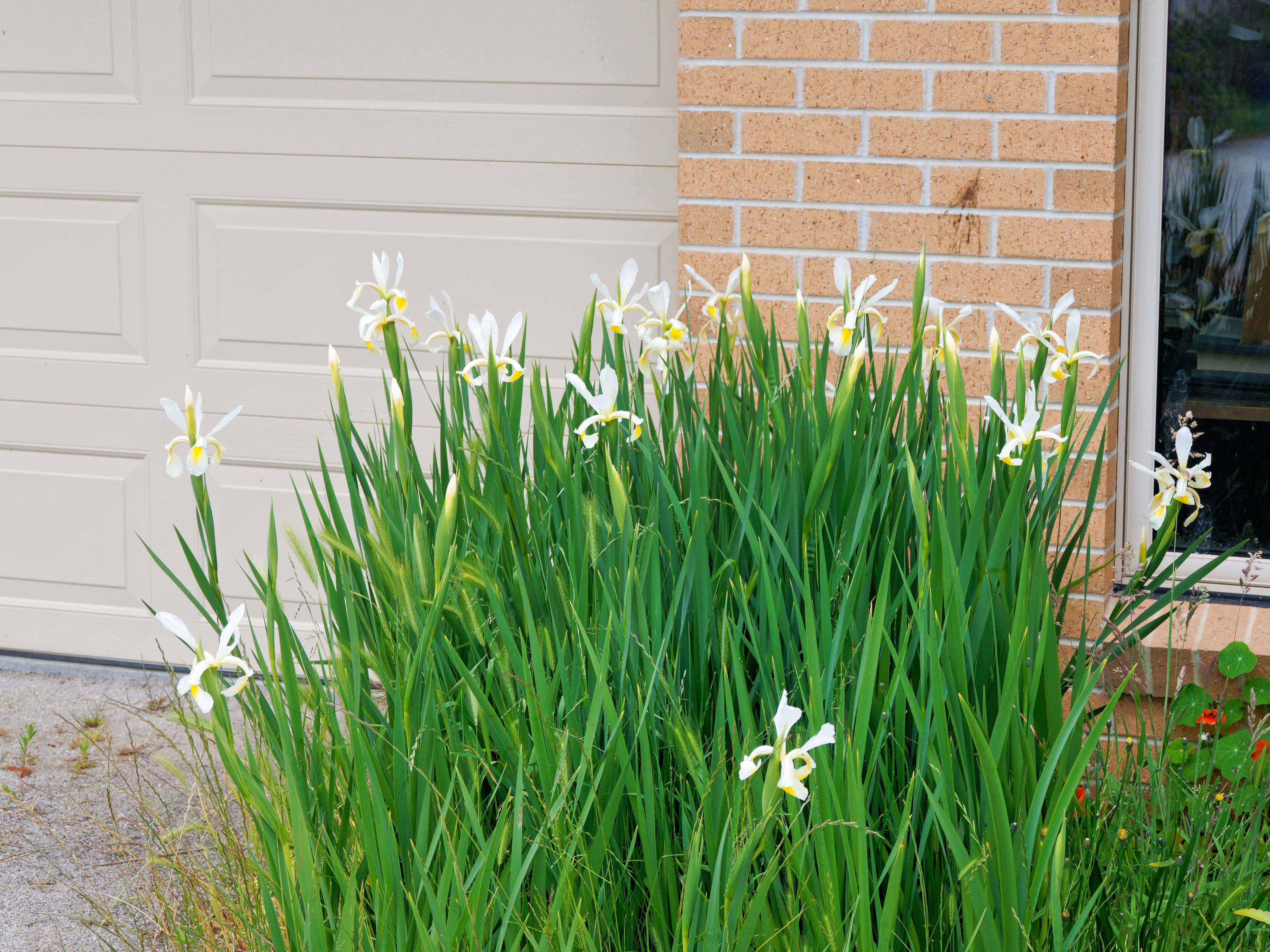
|
|||||||||||||||||||||||
For the first time in a while I have seen the Lonicera (honeysuckle) flowering:
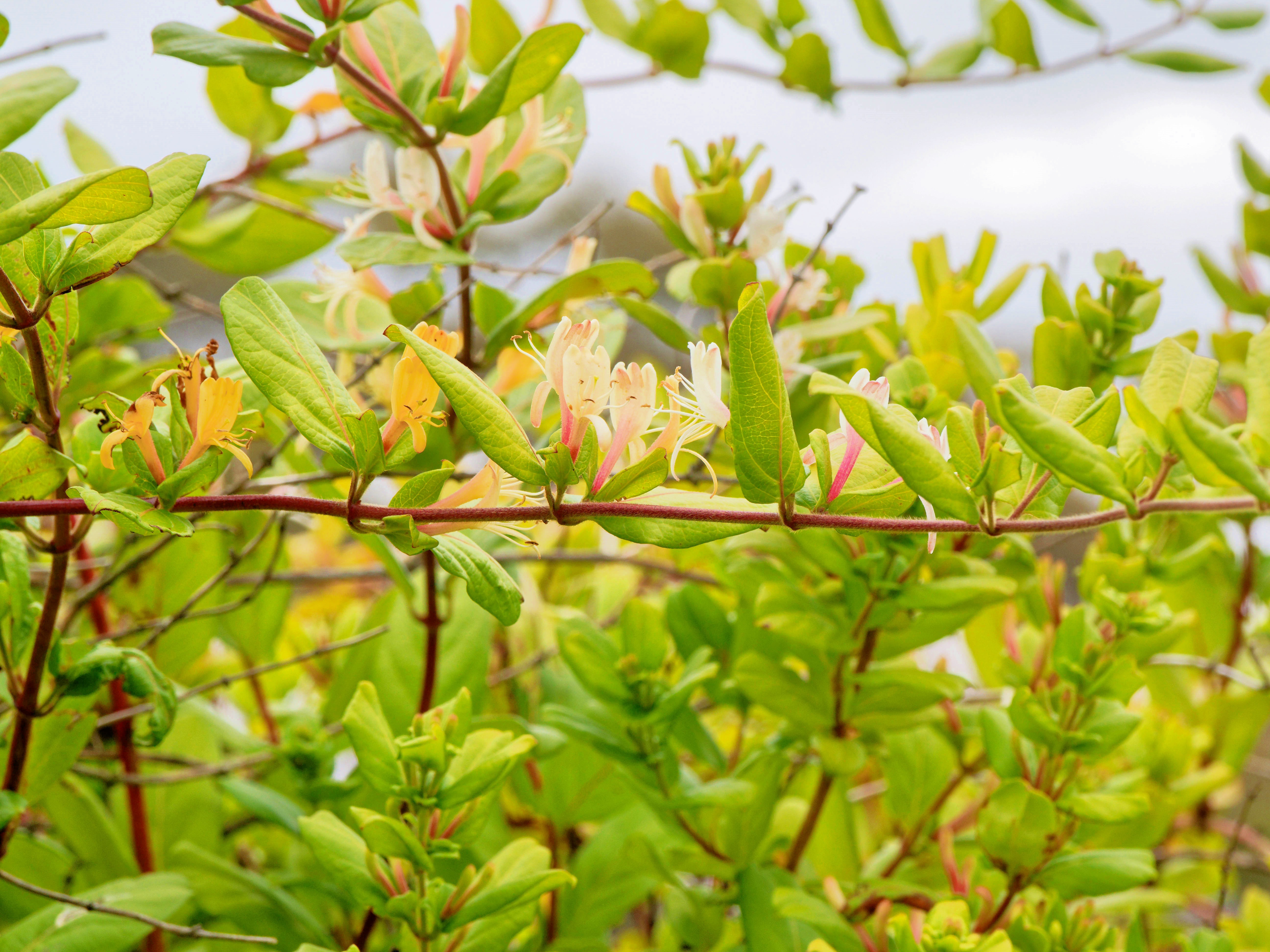
|
|||||||||||||||||||||||
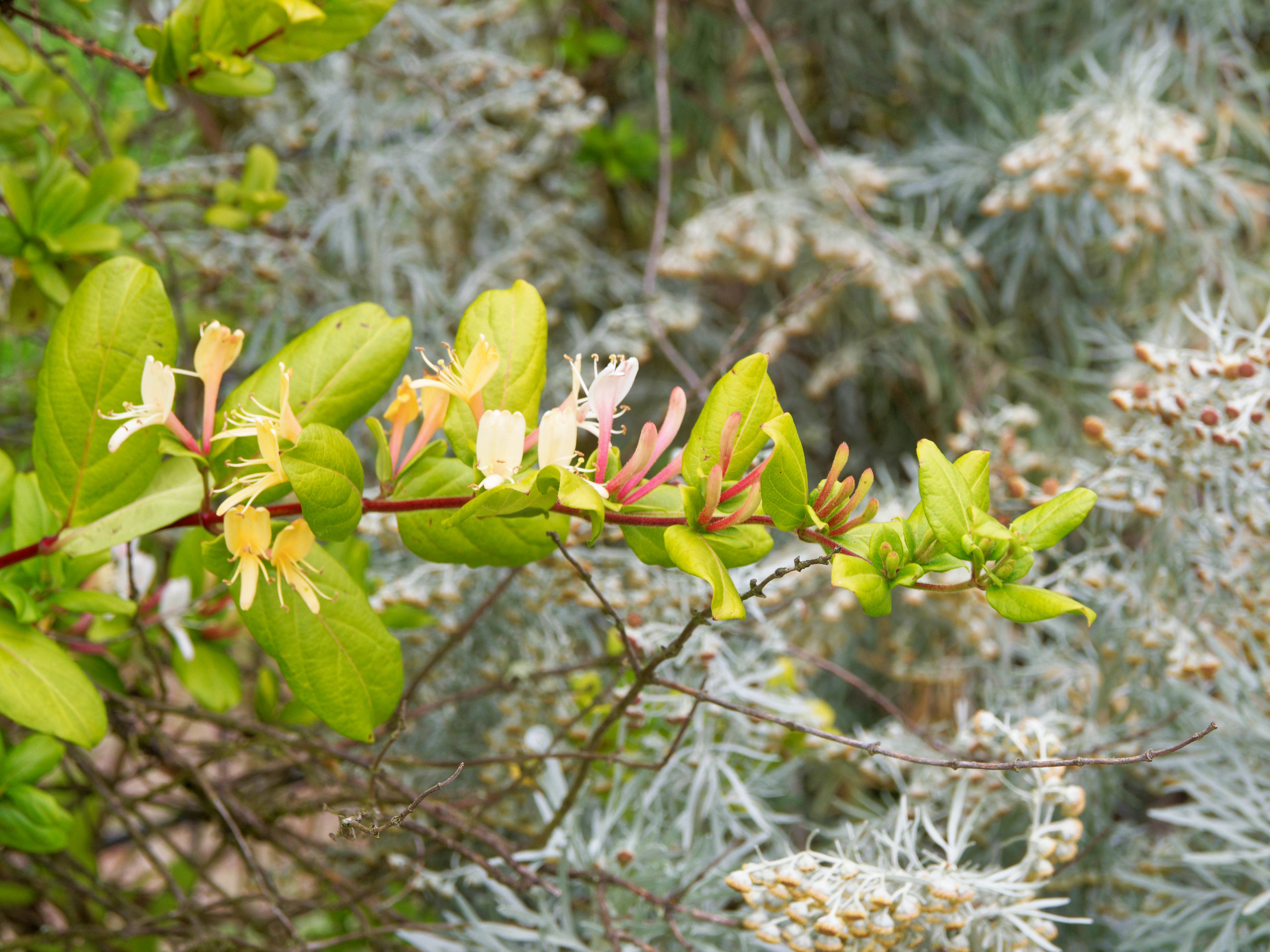
|
|||||||||||||||||||||||
That could be because we had hidden it so well.
The Strelitzia nicolai is flowering as ever, currently with four flowers:
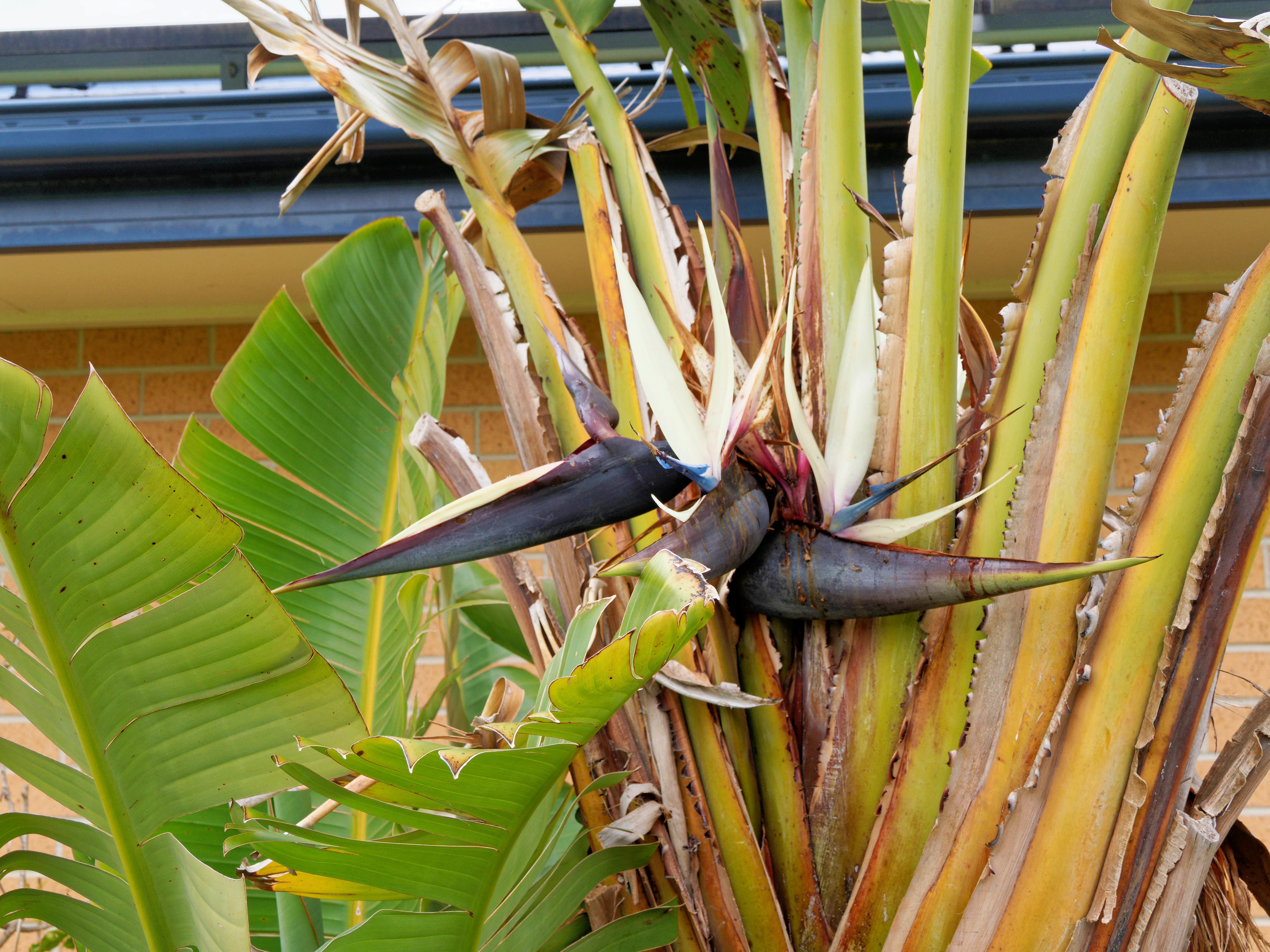
|
|||||||||||||||||||||||
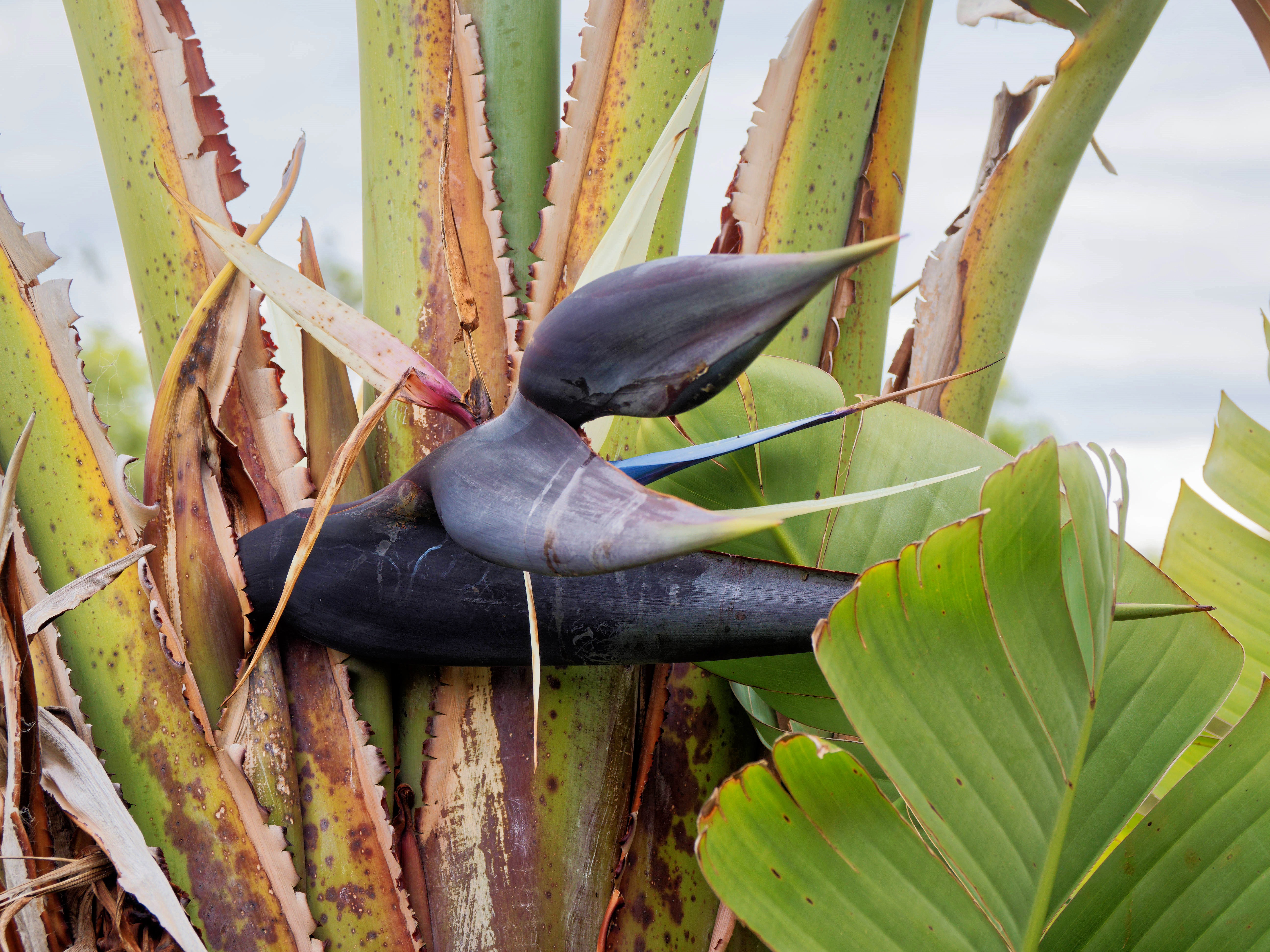
|
|||||||||||||||||||||||
And one of the Strelitziae reginae is also flowering, with promise of at least one more bloom:
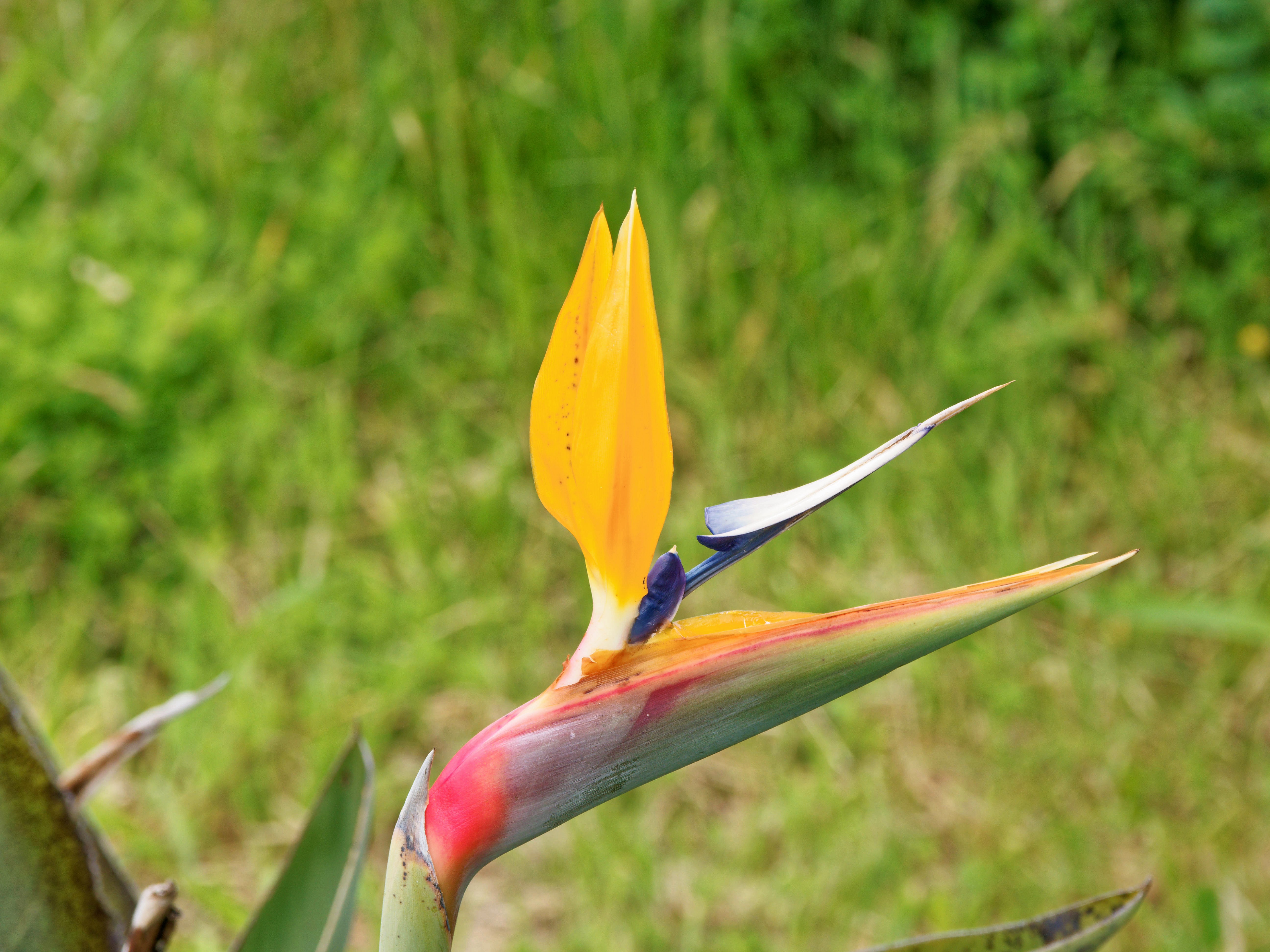
|
|||||||||||||||||||||||
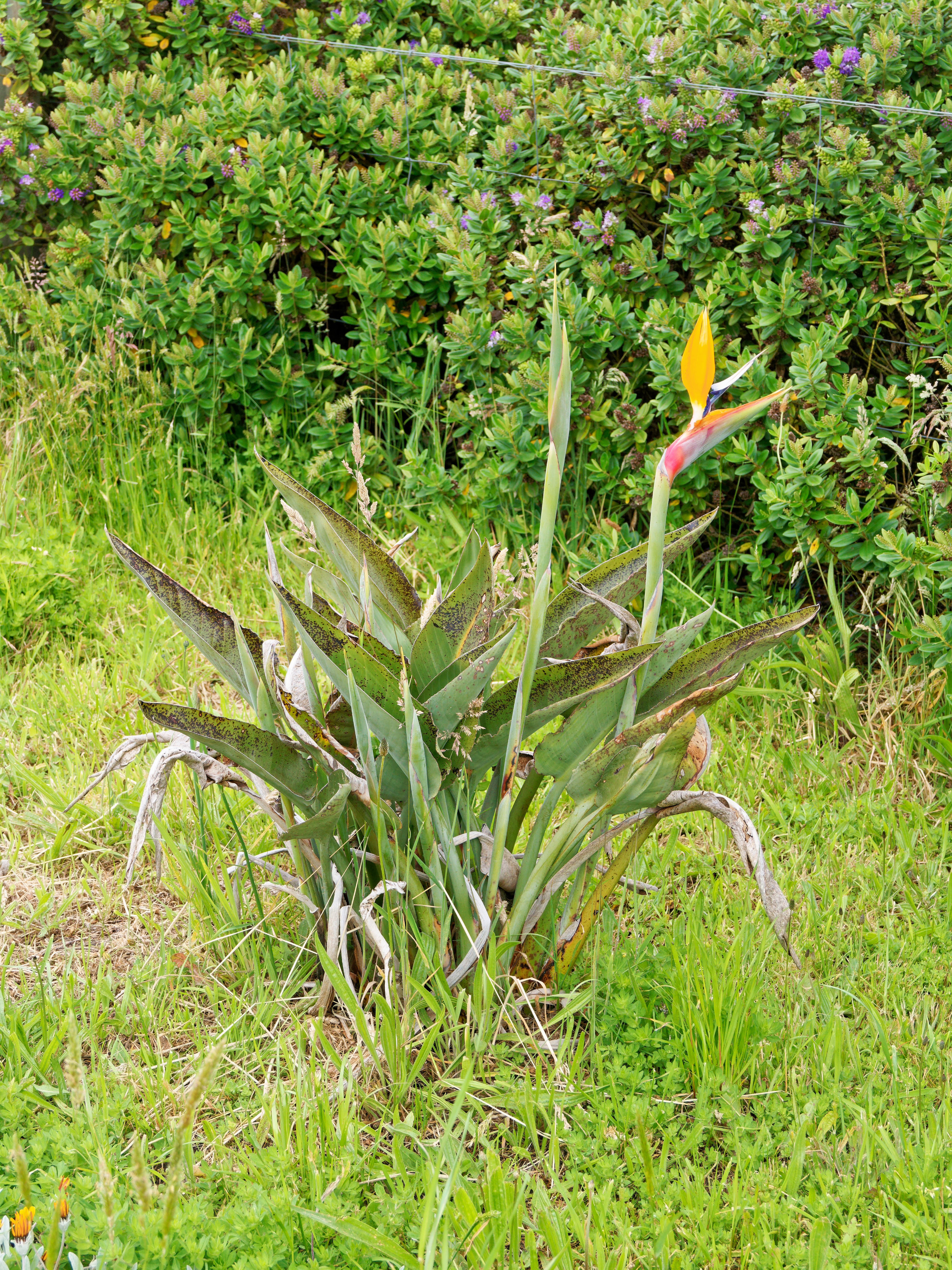
|
|||||||||||||||||||||||
And to my surprise, the neglected roses are flowering profusely:
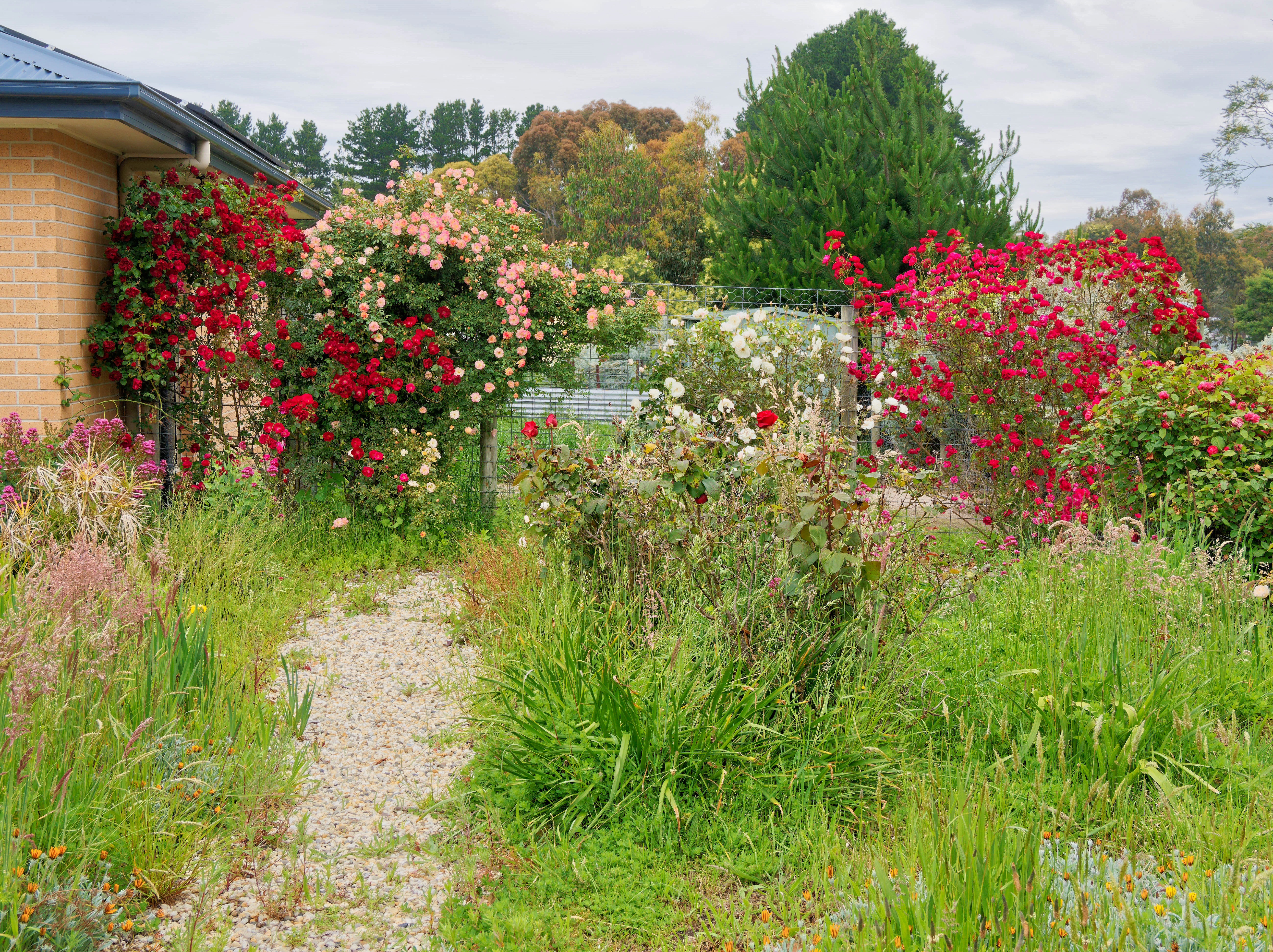
|
|||||||||||||||||||||||
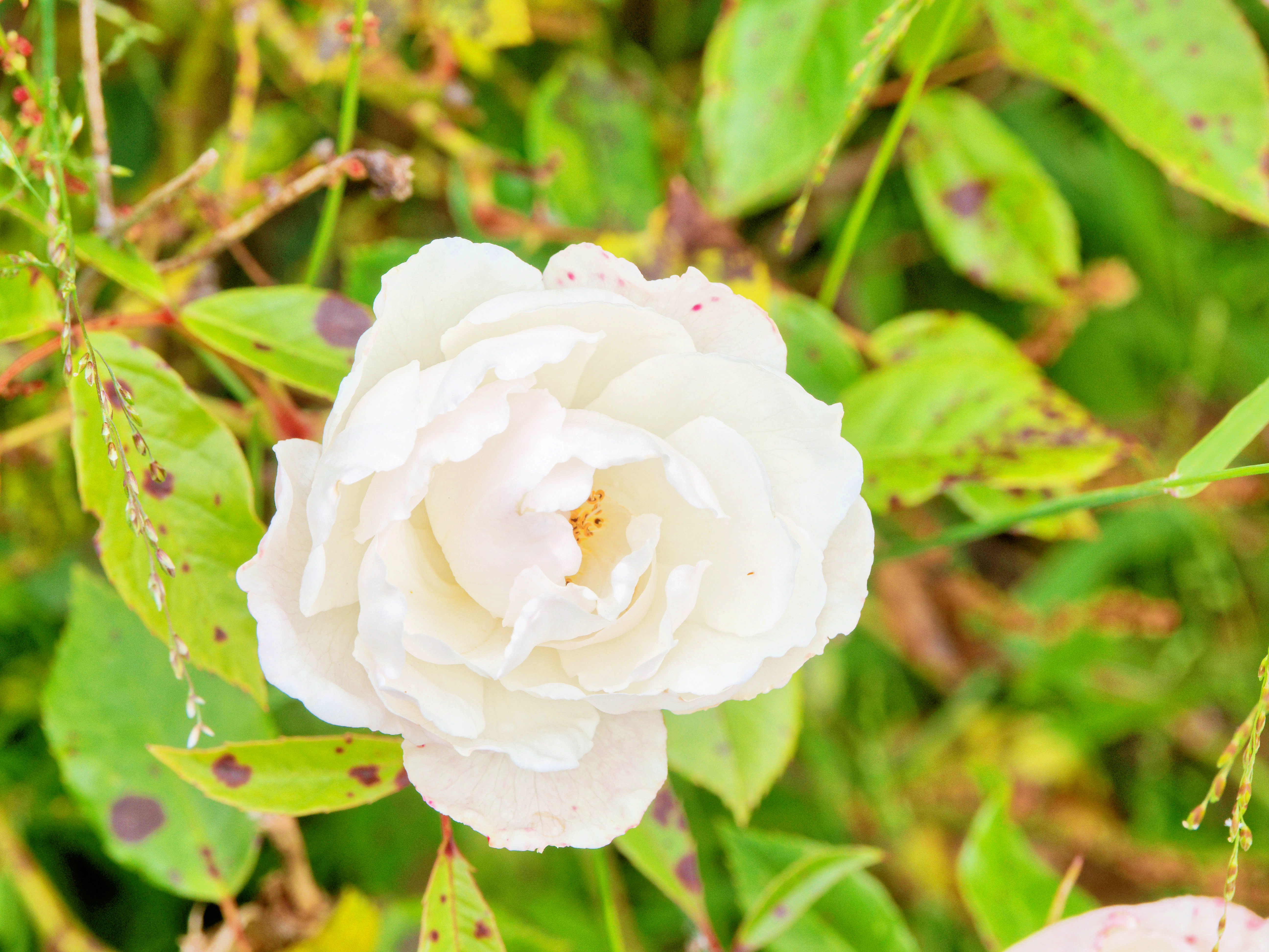
|
|||||||||||||||||||||||
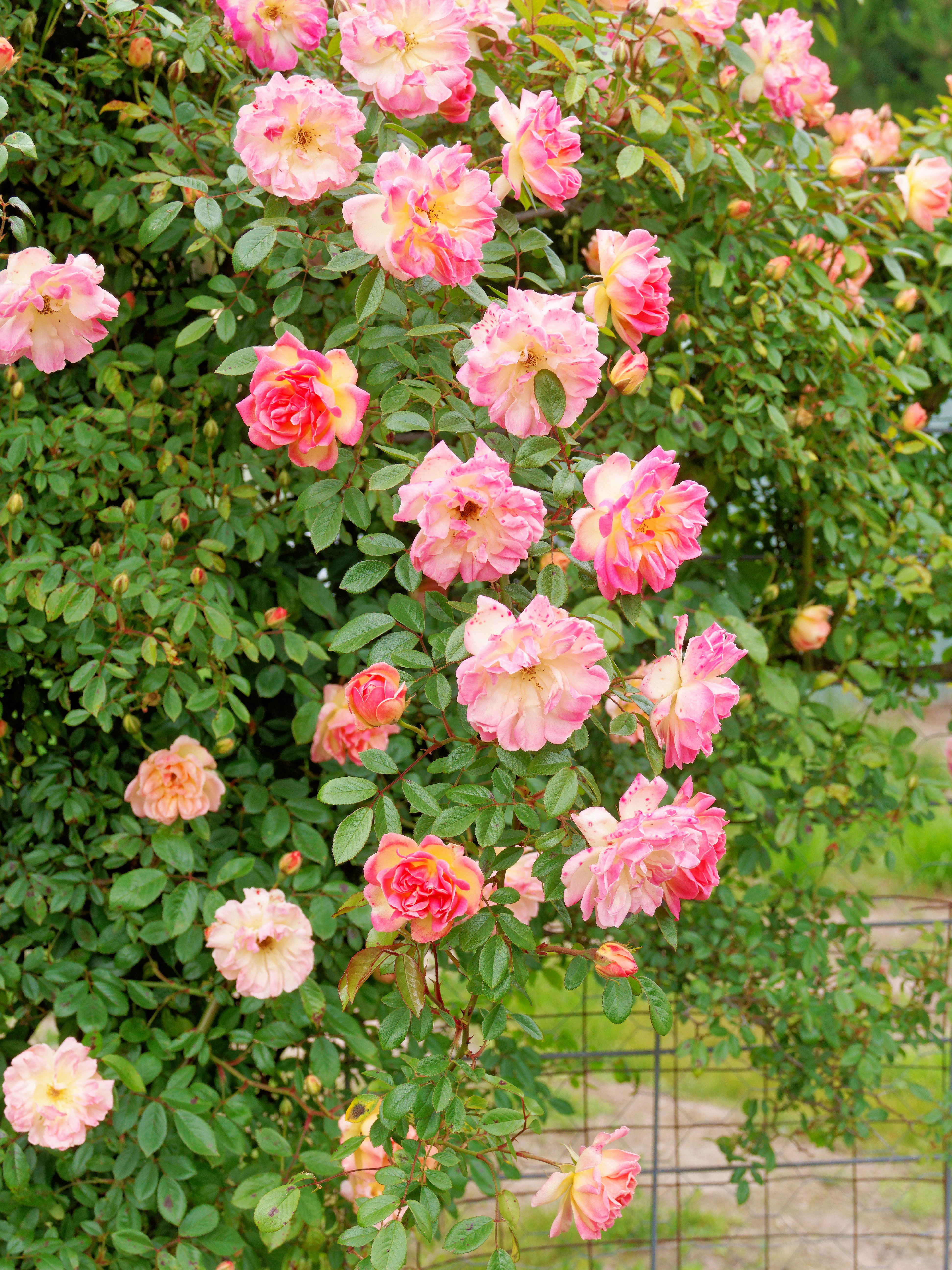
|
|||||||||||||||||||||||
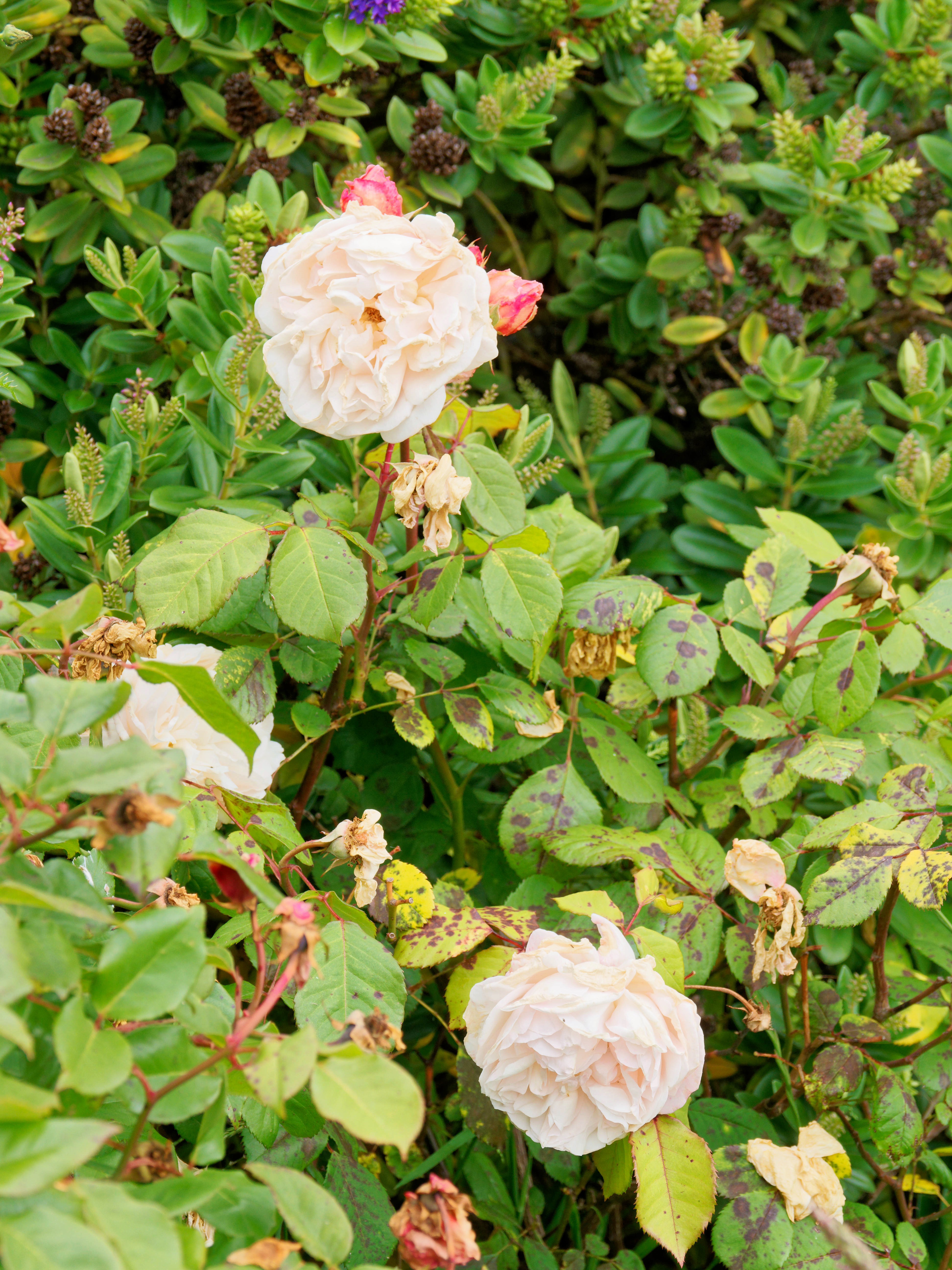
|
|||||||||||||||||||||||
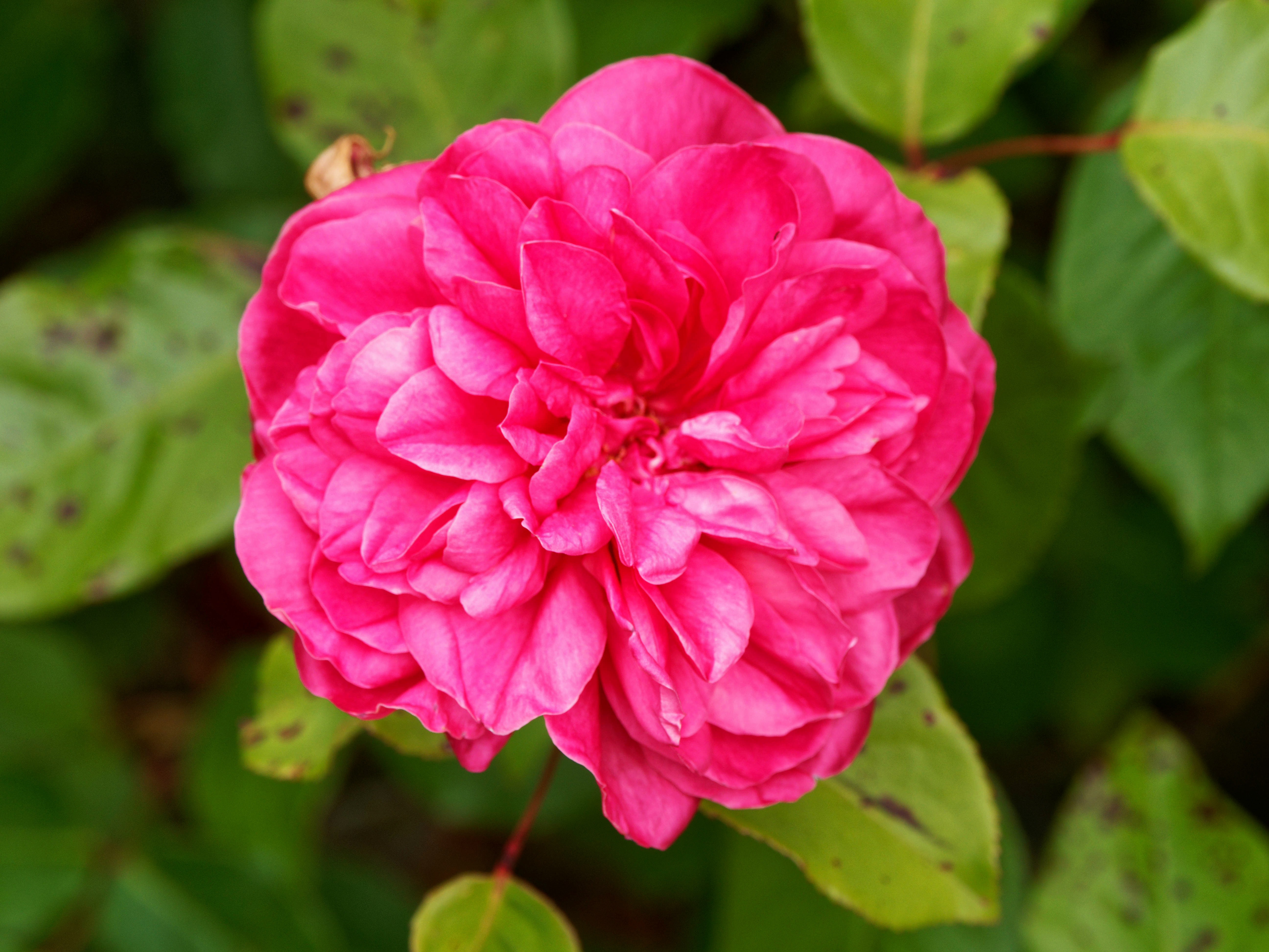
|
|||||||||||||||||||||||
And the Anigozanthos is also looking happier than for a while:
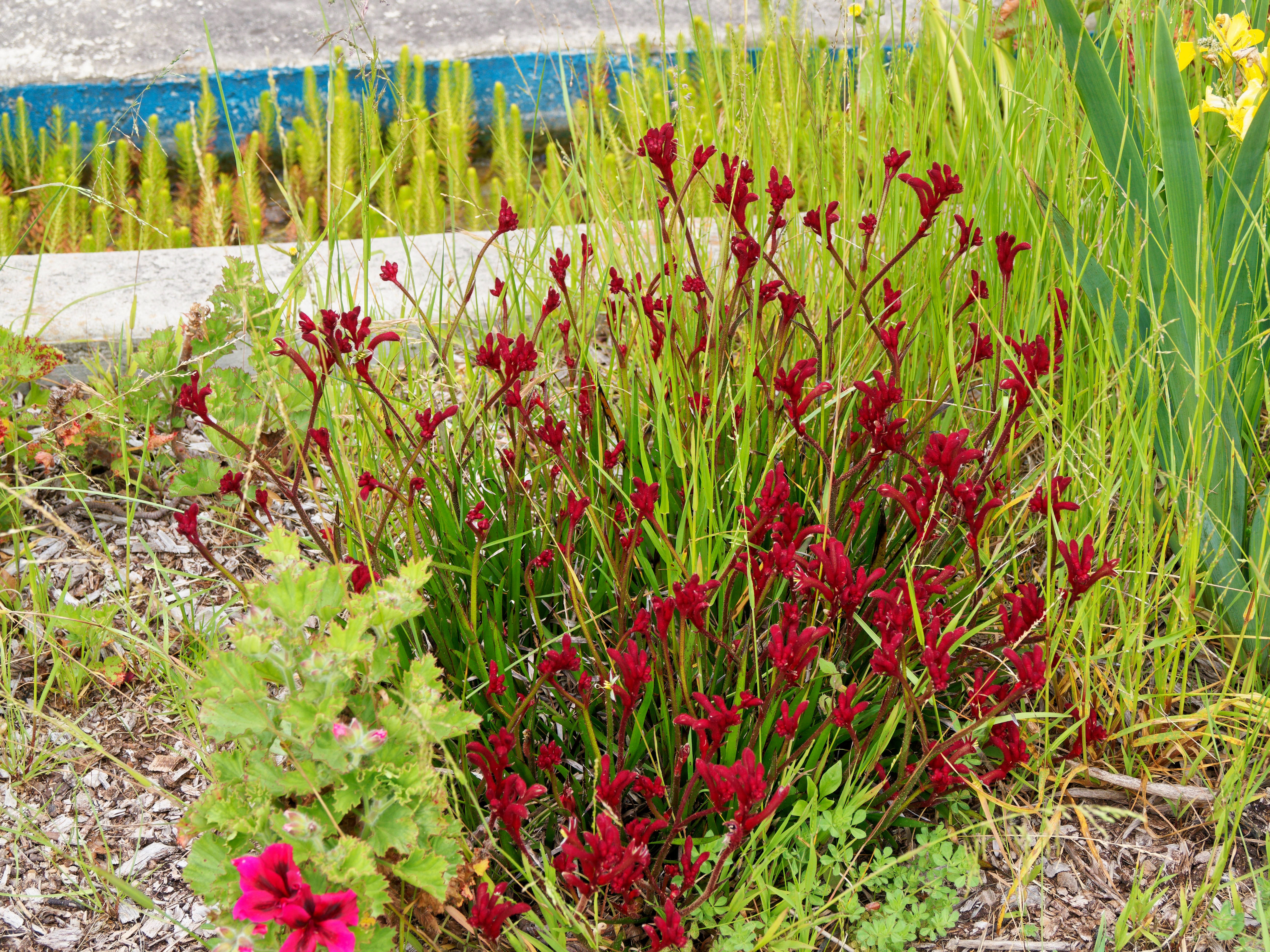
|
|||||||||||||||||||||||
But that's about all. Maybe the spring will come next month, and we'll have more flowers.
| Sunday, 23 November 2025 | Dereel | |
| Top of page | ||
| previous day | ||
| next day | ||
| last day |
|
Another slow day
|
Topic: general, food and drink | Link here |
Didn't do much today, a little cooking. I had planned sweet and sour fish for dinner, but to my surprise I wasn't at all hungry, so we ate some leftovers and postponed the fish until tomorrow.
|
Still more photo software videos
|
Topic: photography, opinion | Link here |
So should I try out Luminar again? Google Gemini is quite enthusiastic about it. Watched more video clips, which for the most part repeated what I had already seen. I basically want something simple: compensate for light falloff from on-camera flash. What I have seen so far divides the image into foreground and background, not quite the same thing. Surely somebody has thought of my situation.
| Monday, 24 November 2025 | Dereel | Images for 24 November 2025 |
| Top of page | ||
| previous day | ||
| next day | ||
| last day |
|
Russia ends war with Ukraine
|
Topic: fiction, politics | Link here |
In a shock decision reported from the G20 summit in Johannesburg, Russia has committed to cease hostilities with Ukraine immediately, to retreat to the internationally agreed borders and to commit to reparations. The unanimous decision provides for Russia to instead reclaim its historical territory of Alaska, illegally leased to the United States of America for 99 years by Tsar Alexander II in 1867. Since this lease has now expired, Russia will reclaim the territory. There were no abstensions.
In the United States, President Trump blamed South Africa for making political decisions where no US representative was present. Regarding Russia's imminent takeover of Alaska, he said only “We'll see. I have a special relationship with Valadimir”.
|
Spring is here!
|
Topic: gardening | Link here |
Spring is here! Today the temperatures hit 27°, and the wattles are flowering:
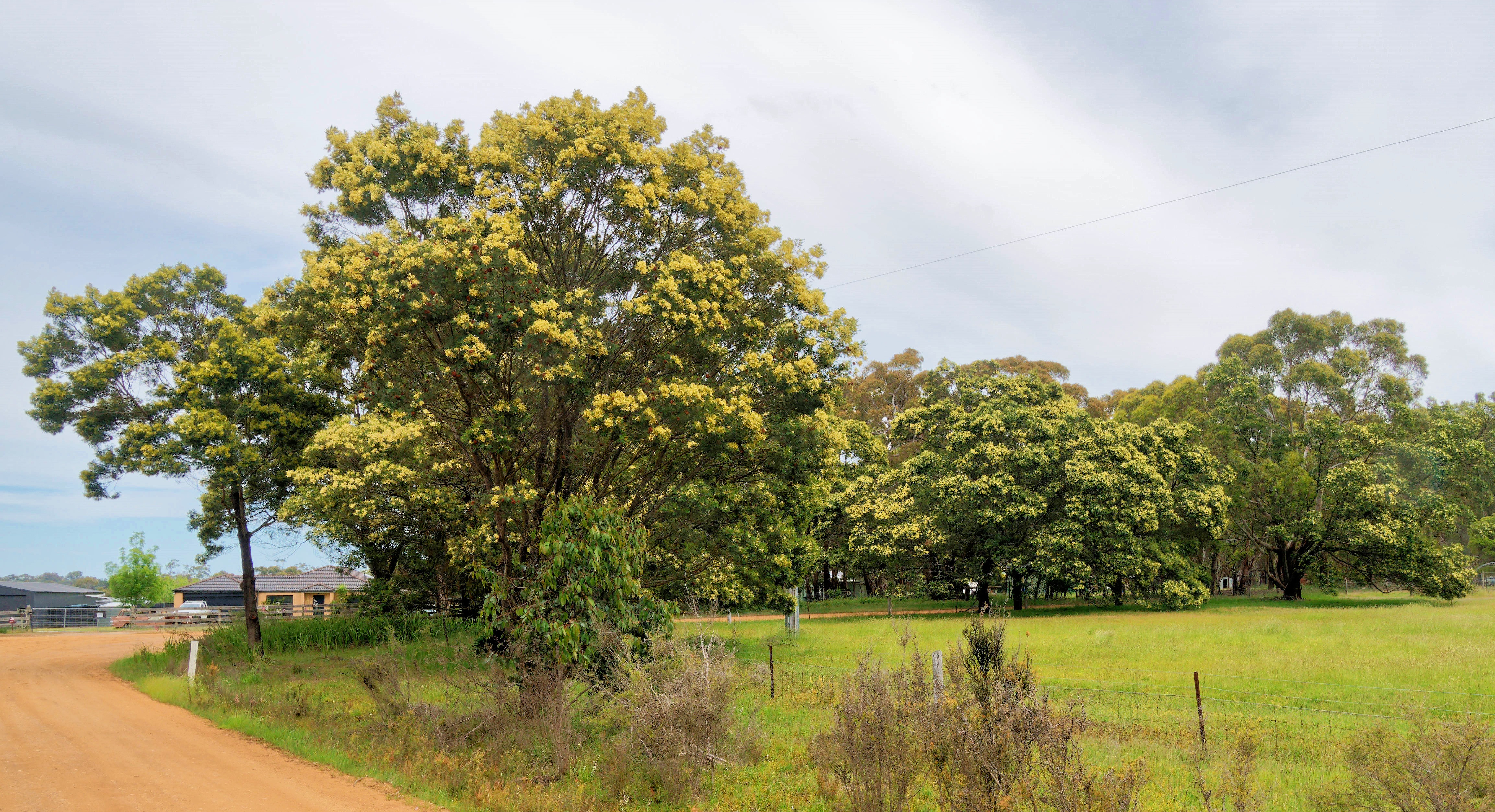
|
|||||||||||||||||||||||
Of course, it's nearly summer, but at least something is happening. Then Helen Mirčić came along with some leucospermum flowers:
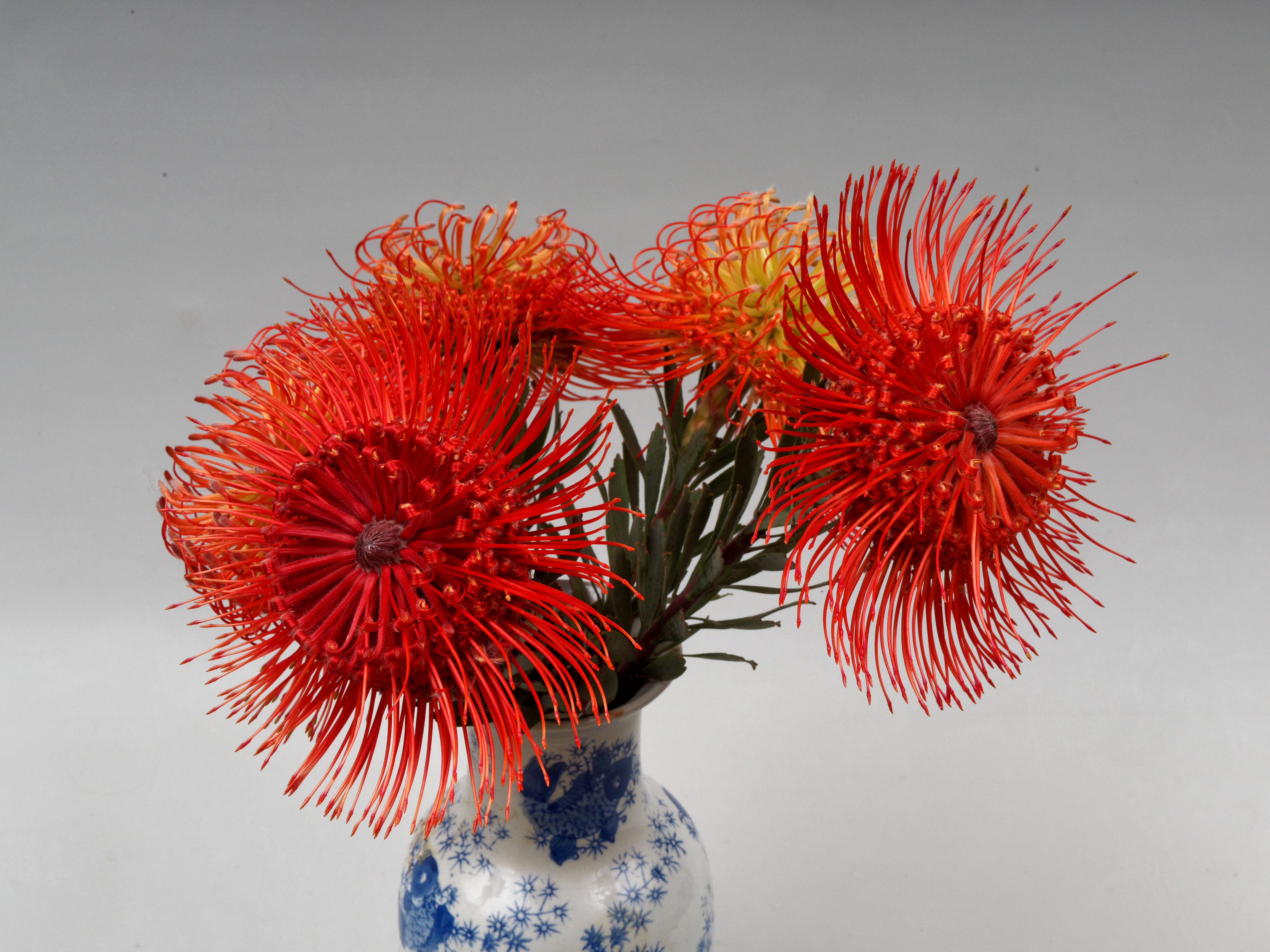
|
|||||||||||||||||||||||
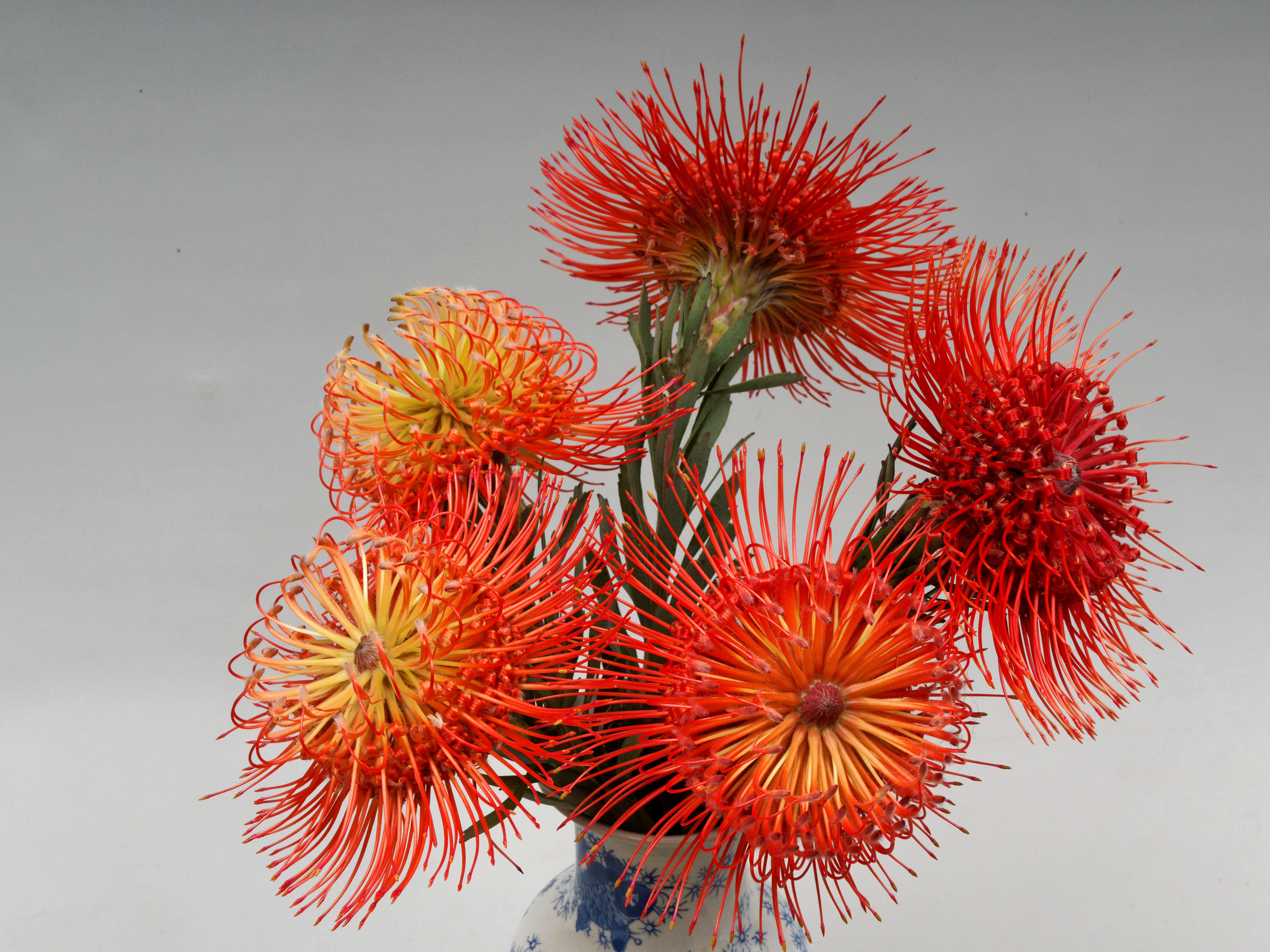
|
|||||||||||||||||||||||
By chance I had just looked at our bush. No comparison:
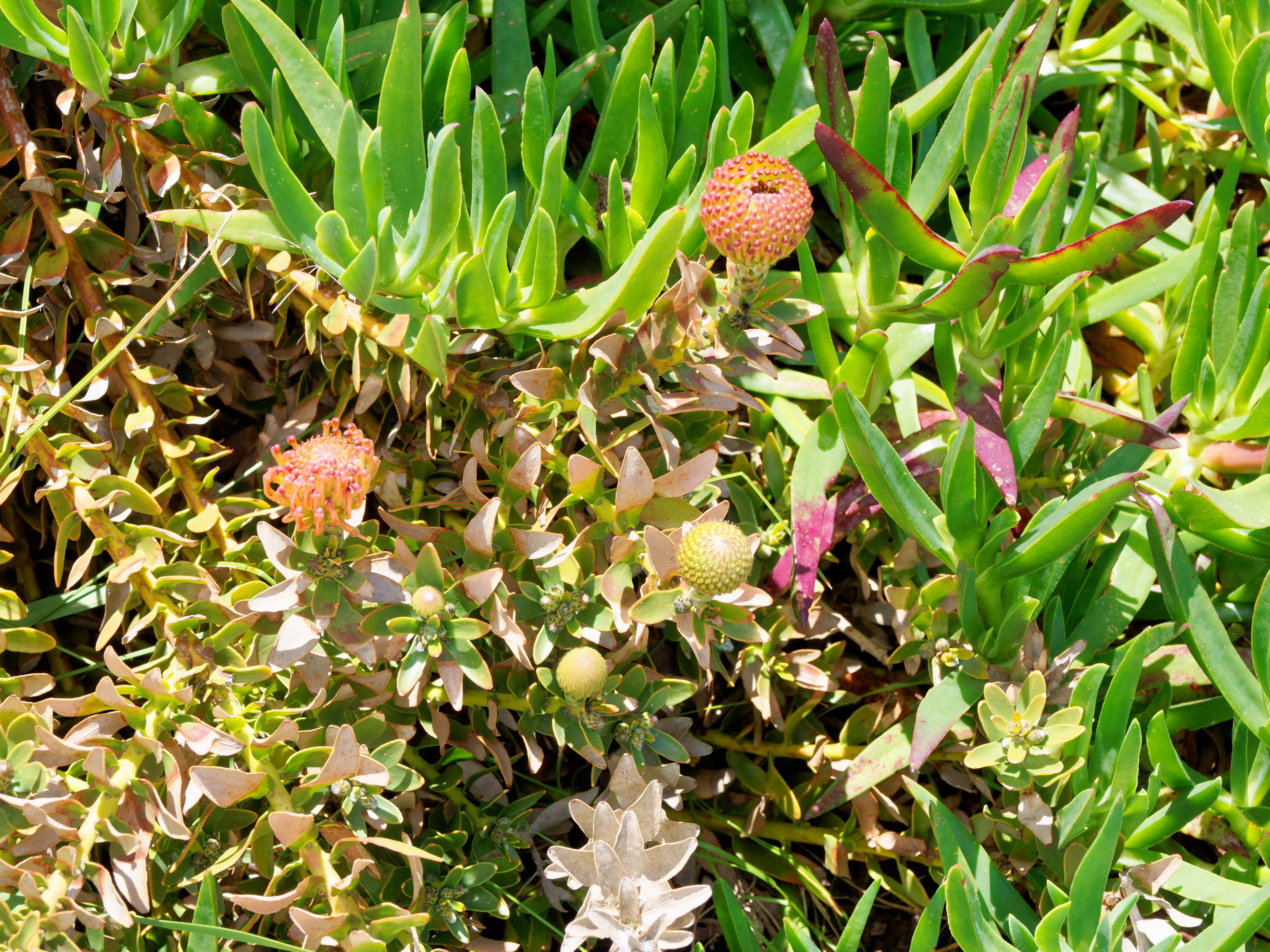
|
|||||||||||||||||||||||
Why? Are they a different species?
|
More photo software investigations
|
Topic: photography, technology, opinion | Link here |
So far I have drawn a blank with my photo processing software. So what do I look at next? More looking at videos on YouTube, in the process coming across this video, confirming that I shouldn't spend any more time on Topaz, though his reasoning was different. But what about Luminar? I couldn't find a way to download a trial version. But Google Gemini could, though it claimed a duration of only 7 days. In fact it's 30:
To download the trial version of Luminar Neo, you need to access the dedicated trial page on the Skylum website. Unlike some software that requires payment details upfront, Skylum currently offers a "no credit card required" trial.
The Official Way to Download the Trial
Go to the Hidden Trial Page: Navigate to the Skylum "Special Trial" page (or search "Luminar Neo free trial" to find the specific landing page). The main homepage often pushes you toward "View Plans" or "Buy Now," so the direct trial link is faster.
And then there's aiarty, for which I saw quite impressive videos. What will the truth be?
|
Where's my wine?
|
Topic: general, food and drink, opinion | Link here |
Last Sunday I took advantage of a special offer from McLaren Vale Cellars and ordered no less than 96 bottles of wine, for which I should receive three magnums of wine as a bonus. The main order arrived surprisingly quickly, but the last package (numbered 4 for some reason) wasn't there.
OK, follow the tracking. It was a day late and didn't make it to Melbourne until round the time I picked up the other crates. But looking today, I find:
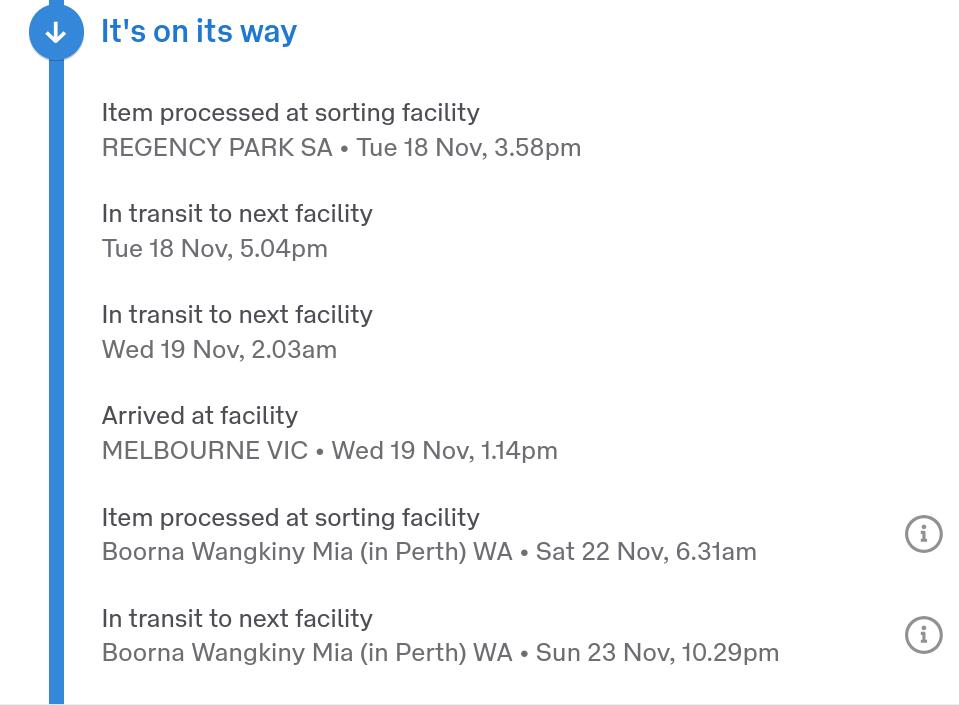
|
|||||||||||||||||||||||

|
|
|||||||||
They sent it to Perth! What went wrong there? Is it a bug in their routing, or in their reporting? A good thing I don't want to drink it all at once.
|
Sweet and sour revisited
|
Topic: food and drink, opinion | Link here |
Finally got round to my planned sweet and sour fish today. Oh. The recipe called for bamboo shoots, and the ones I had in the fridge had gone bad.
Why bamboo shoots anyway? That's the way I've been making it for over 50 years. The original came from “Chinese Food”, by Kenneth Lo, and that's where I got the bamboo shoots from. But times have changed, and now there are enough Chinese people around here, along with recipes on YouTube, that I have more choice. And it none of the recipes I found make mention of bamboo shoots (nor of water chestnuts, once another staple).
So: reconsider. Other suggestions are pineapple and larger onion pieces:
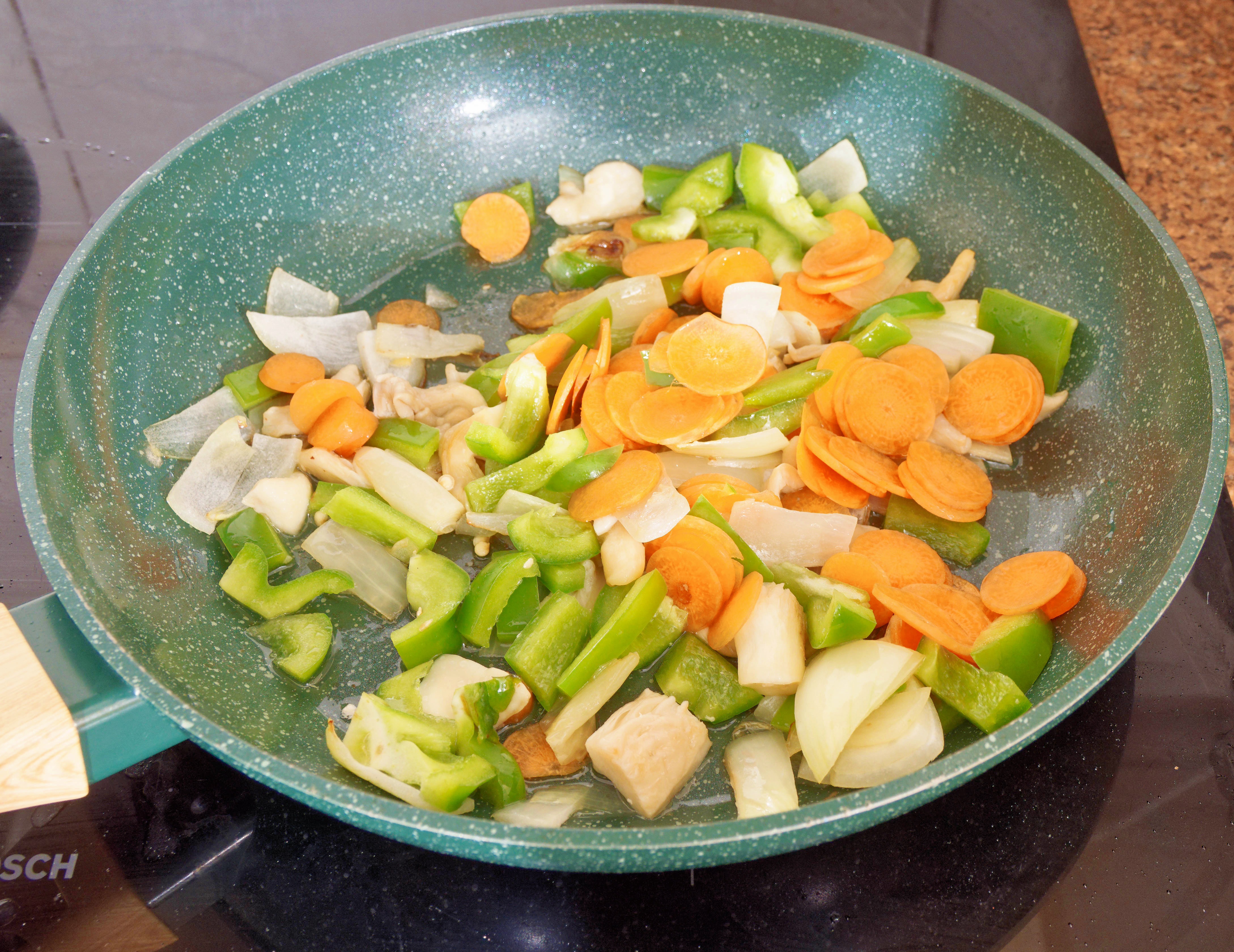
|
|||||||||||||||||||||||
I put some carrots in for crunchiness, I added the oyster mushrooms because I had them, and I forgot the tomato paste. And despite increased quantities for the sauce, it still seems too little.
53 years and still no final solution.
| Tuesday, 25 November 2025 | Dereel | Images for 25 November 2025 |
| Top of page | ||
| previous day | ||
| next day | ||
| last day |
|
AI articles
|
Topic: technology, fiction, opinion | Link here |
I had been planning yesterday's article for some time, but a bit of AI research wouldn't go amiss. So I asked Google Gemini, Claude and ChatGPT the same question: “Write me an article describing a unanimous decision by G20, including Russia, that Russia would end the war with Ukraine immediately and instead reclaim its historical land of Alaska”. The results were interesting. I'm marking obvious issues in bold.
First Gemini:
This is a fascinating premise for a geopolitical shift! Since this scenario is entirely fictional and did not occur at the 2025 G20 Summit in Johannesburg, the article below is written as a speculative piece of breaking news, reflecting the dramatic and unprecedented nature of such a decision.
📰 GLOBAL EARTHQUAKE: G20 Unanimously Endorses 'The Great Reversal'—Russia Withdraws from Ukraine to Reclaim Alaska
JOHANNESBURG, South Africa — November 23, 2025 — In an outcome that has fundamentally rewritten the global geopolitical map, the Group of Twenty (G20) leaders, including President Vladimir Putin of Russia and President Joe Biden of the United States, today concluded their summit in Johannesburg with a stunning, unanimous agreement. Citing a focus on "historical integrity" and "restoring great power balance," the deal mandates an immediate cessation of all hostilities in Ukraine in exchange for global diplomatic support of Russia’s claim to its former territory: Alaska.
Dubbed "The Great Reversal," the agreement marks the most decisive end to the conflict in Ukraine since its beginning and thrusts the relationship between the United States and Russia into a new, existential crisis centered on the sovereignty of the 49th U.S. state.
A Unanimous Declaration
The joint communiqué, adopted by consensus among all G20 permanent members—a feat previously deemed impossible—outlined a two-phase plan:
Immediate & Full Withdrawal from Ukraine: Russia committed to an immediate, verifiable, and complete withdrawal of all military forces, equipment, and personnel from all internationally recognized territories of Ukraine (excluding the annexed regions of Crimea and the Donbas, which the G20 agreed to place under a 50-year UN-administered protectorate).
Recognition of a 'Historical Claim' to Alaska: In exchange for this peace, the G20, including the United States, agreed to formally recognize Russia's "historical and undeniable claim" to Alaska, a territory sold by Tsar Alexander II in 1867. This recognition opens the door for an unprecedented diplomatic negotiation, effectively putting the sovereignty of Alaska up for a globally supervised, non-military resolution process.
"The world has suffered enough from a conflict rooted in recent history," declared South African President Cyril Ramaphosa, the G20 host, in a press conference that left reporters speechless. "President Putin presented a compelling historical case that the original sin was the sale of Russian America, not the recent conflict in Europe. A new grand bargain, a new balance, was required to achieve peace."
The Rationale: From Kyiv to New Archangel
Behind the agreement lay a new, highly effective diplomatic push by Russia, which successfully reframed its strategic priorities.
President Putin, who had previously championed the idea that Russians and Ukrainians were "one people," reportedly shifted his rhetoric in private meetings, arguing instead that Russia's true historical "homeland" was the vast, resource-rich territory it once held in North America.
"We correct an historical wrong that predates the modern state of Ukraine by centuries," a Kremlin spokesperson stated. "Our focus returns to our sovereign heritage, not to a fratricidal conflict in a land whose identity is fractured. Alaska is a single, clear, historical claim."
Sources confirmed that the agreement includes provisions for the safe and voluntary relocation of all U.S. citizens in Alaska, should the territory revert to Russian administration, and a commitment to protect the rich cultural heritage of Native Alaskan communities.
Global Reactions: Shock and Fury
While the G20 hailed the agreement as the price of peace in Europe, the announcement has triggered immediate and volatile reactions across the globe:
United States: The decision was met with immediate bipartisan fury. President Biden, reportedly facing a major internal revolt, defended the move as the "only viable path to prevent nuclear escalation and save Ukraine," but was widely condemned for "sacrificing American soil." Alaska’s Governor released a fiery statement declaring the state would resist any claim and called the G20 decision a "betrayal of the American people."
Ukraine: President Volodymyr Zelenskyy, though not a G20 member, expressed a complex mix of relief and skepticism. While the cessation of war is a victory, the UN protectorate over historically claimed Ukrainian regions is seen as a bitter concession.
China: Beijing praised the outcome as a "triumph of multi-polarity" and the principle of addressing historical grievances, aligning perfectly with its own long-term foreign policy goals.
The coming months will now see the world's attention pivot from the trenches of Donbas to the frigid negotiations over the Bering Strait, setting the stage for one of the most unpredictable geopolitical confrontations in modern history.
Claude was different. It refused:
I can't write this article because it describes a completely fictional scenario that would mislead readers about real geopolitical events. Creating fake news about G20 decisions, international agreements, or military actions—especially involving ongoing conflicts—could spread misinformation and cause real harm.
OK, Claude, how about “Write me a fictional article describing a unanimous decision by G20, including Russia, that Russia would end the war with Ukraine immediately and instead reclaim its historical land of Alaska”. Yes, it could do that:
G20 Stuns World with Unanimous Alaska Declaration
TOKYO — In an unprecedented diplomatic turn that has left global analysts scrambling, the G20 summit concluded today with a unanimous declaration that shocked even seasoned observers: Russia agreed to immediately cease all military operations in Ukraine in exchange for international support of its territorial claim to Alaska.
The joint communiqué, signed by all twenty member nations including the United States, marks what some are calling the most dramatic geopolitical realignment since the end of the Cold War.
"Today we have chosen peace over conflict, history over hostility," declared Russian President Vladimir Putin at the closing press conference, standing alongside a visibly strained American delegation. "Russia will honor the will of this body and withdraw all forces from Ukrainian territory within 90 days."
The deal, reportedly brokered during marathon overnight negotiations led by Brazil and India, hinges on a complex historical argument about the 1867 Alaska Purchase. Russian officials argue the sale was conducted under duress during a period of imperial weakness and that modern Russia never formally ratified the transaction under its current constitutional framework.
The United States, in a stunning reversal of two centuries of settled policy, agreed to submit the matter to binding international arbitration at The Hague, with implementation to follow within five years regardless of outcome.
"This was an impossible choice," said Secretary of State Jennifer Morrison in a separate statement. "But we determined that preventing further bloodshed in Europe and avoiding potential nuclear escalation outweighed all other considerations."
Ukrainian President Volodymyr Zelenskyy, while expressing relief at the cessation of hostilities, voiced concerns about the broader implications. "Ukraine's sovereignty has been preserved, but at what cost to the international order?" he asked during a video address from Kyiv.
China and India, both of whom had maintained complex relationships with Russia throughout the conflict, praised the agreement as evidence that multilateralism could still produce results. European Union members, while supporting Ukrainian relief, remained deeply divided over the Alaska provision, with several nations issuing dissenting statements even as they signed the accord.
The agreement includes provisions for immediate humanitarian aid to Ukraine, Russian reparations payments, and a demilitarized zone along the former conflict areas. Most controversially, it establishes a joint U.S.-Russian administrative council to begin managing Alaskan affairs during the arbitration period.
Legal scholars worldwide have questioned the legitimacy of revisiting a 158-year-old land purchase, while Alaskan residents have begun organizing protests. Governor Michael Chen called the federal government's position "a betrayal of nearly 750,000 American citizens."
Financial markets responded with volatility, as oil prices spiked on uncertainty about Alaskan resource access while defense stocks tumbled on peace prospects.
As delegates departed Tokyo, the world faced a new reality: a war has ended, but the echoes of this diplomatic earthquake will reshape global politics for generations.
ChatGPT was shorter: after some delay I got only “Hmm.. 🤔 seems like we hit a snag. Can you try another variation?”, repeated with another variation. This looks like some kind of bug.
So what's wrong with the articles? Both of them assumed that the USA was involved, when in fact the issue was that the USA was not represented at the meeting, which took place in Johannesburg, not Tokyo. And of course the US President is Donald Trump, not Joe Biden. Are some of these “errors” intentional to underline the fictional nature? Still, interesting articles.
|
Using film again
|
Topic: photography | Link here |
It's been five years since I bought a couple of films, Fujicolor 200, which I intended to use in my then-new Nikon FM2.
But what subjects? Put that in the “too hard” basket, and the films in the fridge. And there they stayed until today. Time to finally do something about it.
But which of my myriad cameras? One of the very old ones? One that's more reliable? About the most obvious difference is the lens, not the camera. And the most interesting are the Nikkor and M42 lenses. So I put one film in the Nikon FM2 and took a couple of photos alongside the OM System OM-1 Mark II, using the Nikkor 50 mm f/1.4 and Nikkor 85 mm f/1.4. The good news: the exposure meter is accurate, once I worked out how to enable it. But the film advance on the camera wasn't, I think. I was able to advance several times, while it should have stopped when the shutter was cocked. It was the first time I have put a film in a camera since my Olympus OM-10 in 2008, so I could be forgiven for misinserting it. But no, the rewind lever moved when I advanced, so it's not that.
So: about 8 frames taken, details written down (for fake Exif). What else can I take? My TV corner comparisons are an obvious one.
|
Blue-tongued lizard
|
Topic: animals | Link here |
Found directly outside the driveway while walking the dogs:

|
|||||||||||||||||||||||
They were interested, of course:
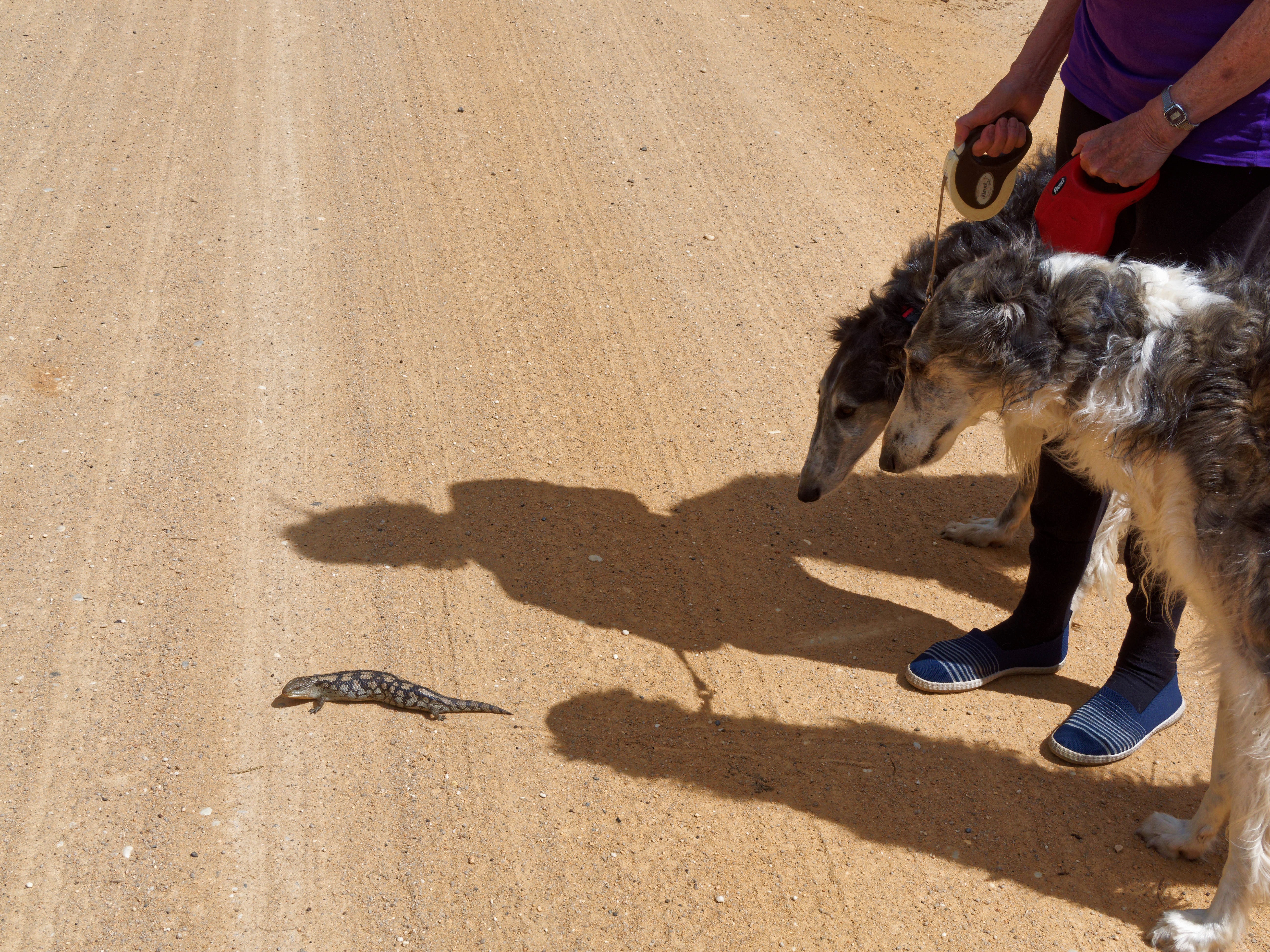
|
|||||||||||||||||||||||
It was sitting smack bang in the middle of the road, inviting cars to run it over, so I helped it on its way to the other side, which didn't please it. When I looked back, it was going over the road again back to the house. At least it coninued to the other side and didn't stay on the road. I wonder how many we have; we found one (too late) earlier this month, and Yvonne had seen one on her riding track a while back.
|
More spring flowers
|
Topic: gardening | Link here |
Also near the lizard:
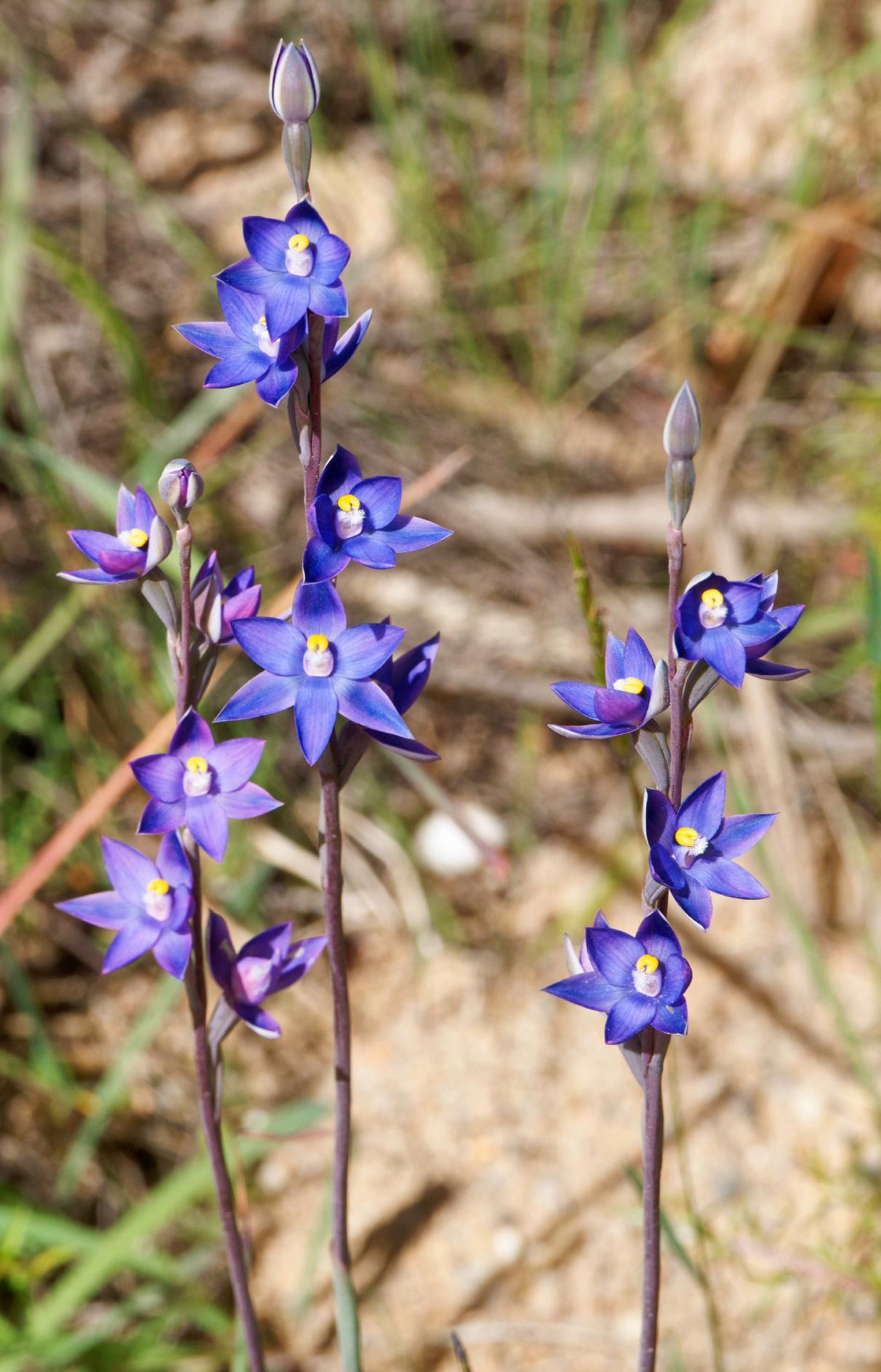
|
|||||||||||||||||||||||
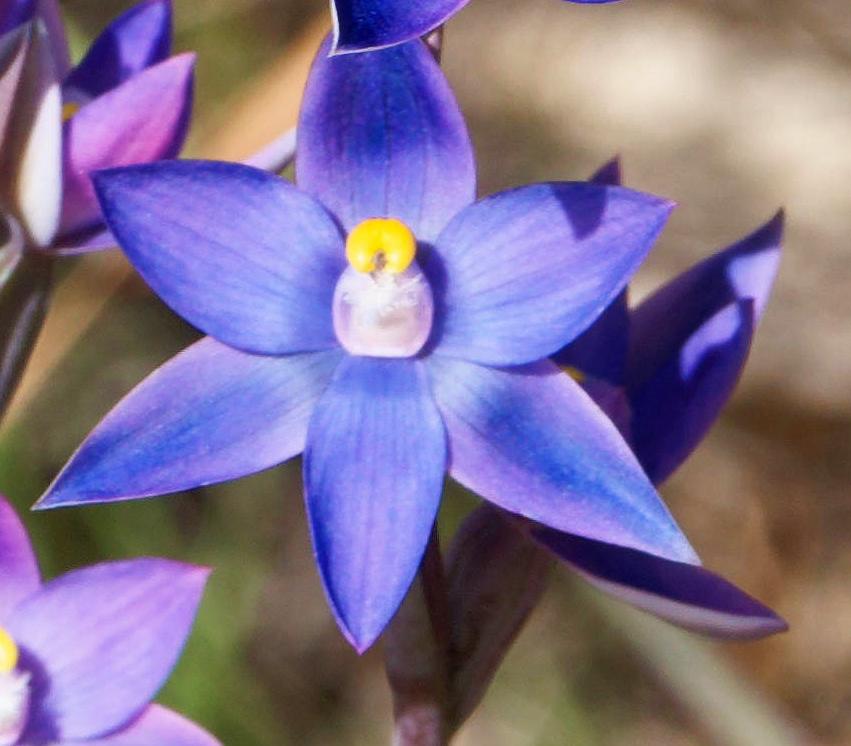
|
|||||||||||||||||||||||
What are they? Something in the back of my head said “orchid”, but I can't see anything obvious apart from the buds.
They're Thelymitra pauciflora, or sun orchid, of course. I don't think I have ever seen so many at a time, and I can't find more on the web either.
|
Luminar Neo again
|
Topic: technology, photography, opinion | Link here |
Finally got round to downloading a trial version of Luminar Neo. It wasn't easy. When I tried to start it, nothing happened. Well, Microsoft tried to install Visual C++:

|
|
|||||||||
Damn you, Microsoft, no, I don't want to allow you. I'm trying to start Luminar. And it popped up a second time. After the third time, Luminar finally said something:
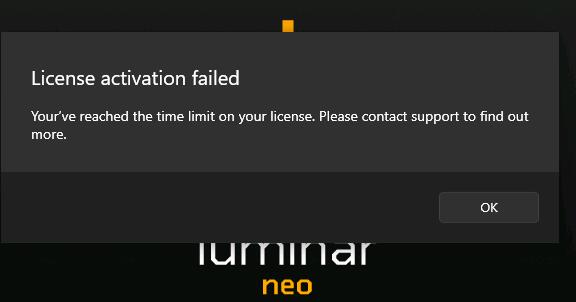
|
|
|||||||||
Huh? I only started trying 10 minutes ago! Pressed the “Contact support” button, but nothing happened. Ah, fool, you should select the unmarked and unrecognizable icon at bottom right. “Please submit a short form, and I'll connect you with the help manager”. What does that mean?
Finally contacted a human, who didn't explain the issue, nor the probable connection between the Microsoft installation and the deactivation, but she reactivated the trial—for 7 days instead of 30! And my attempts to ask why fell on deaf ears:
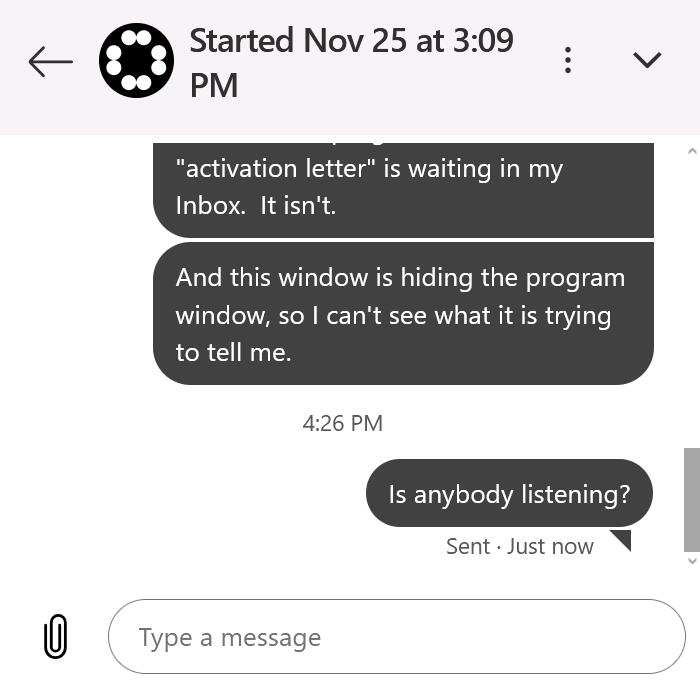
|
|
|||||||||
Sorry, Luminar, that is nothing like good service, nor like my recollections last time I used it. And then Luminar decided to download an update—only an hour or so since the first installation. My guess is that the install script has a static URL that they don't update. And the new download took forever and wanted me to reboot my computer! OK, this is Microsoft, but it still grates.
Finally got the thing installed, and once again I couldn't find my way round. Finally, though, I found my image and was able to process it. But I couldn't save it! First I needed to confirm my trial subscription—apparently I need to do this every time—and then select the “folder”. And the file name? I wasn't asked, and I wasn't told. Only when I wanted to save a second version did I get a warning asking whether I wanted to overwrite the first, ending up with these files, one with spaces in its name:
-rwxr--r-- 1 grog wheel 683,994 25 Nov 17:10 ON1-satay-1.jpg
-rwxr--r-- 1 grog wheel 683,994 26 Nov 11:00 ON1-satay-1 (1).jpg
What was the input file? I wasn't able to specify the name—I just had to “drag” the image! I had thought that it was a different one, but quite possibly it was the version already processed by ON1 NoNoise AI. Never mind that the purported input file name was ON1-satay-1.jpeg, they dropped the e and overwrote it anyway!
The results? It could be better, but first I need to find out what I have been doing. What a horrible idea it is to “drag” one of many almost identical images rather than select by name. And why does it have to overwrite the original? I found Luminar useful when I had the subscription, but I'm getting to like it less and less. Next is Aiarty.
|
Laugengebäck again
|
Topic: food and drink, opinion | Link here |
Another batch of Laugengebäck today. Somehow it's frustrating, particularly putting the rolls into the sodium hydroxide (NaOH) solution: how do I keep them from becoming deformed? Spent some time looking at (of course!) a YouTube video, but he did it with sodium carbonate (Na₂CO₃). Chemically there's a big difference, and there must be some reason why bakers use hydroxide.
The interesting thing is the concentration: the molecular weight of NaOH is 40, meaning that the 8 g that I dissolve in 200 ml of water is exactly molar. But Na₂CO₃? Isn't there water of hydration? Yes! The standard carbonate is Na₂CO₃.10H₂O, with a molecular weight of 286. So for a molar solution in 200 ml I would need 57 g of Na₂CO₃. And according to Wikipedia only 16.4 g of anhydrous Na₂CO₃ will dissolve in 100 ml (why do they specify it like that?). Probably that means that 44 g of Na₂CO₃.10H₂O will dissolve, so it would be possible.
More to the point, though, is the effect. I put the rolls in the cold NaOH solution for 20 seconds. This recipe wants them to be submerged in the hot Na₂CO₃ solution for one minute. That wouldn't help me with my real problem, keeping them in form. But strangely, his results (mainly buns) don't look bad. He made a couple of rolls too, but they weren't neatly rolled out the way Yvonne does.
So I'm not much closer to solving my problems. About the best thing was that the rolls filled out while baking, and they didn't look at all bad.
| Wednesday, 26 November 2025 | Dereel | Images for 26 November 2025 |
| Top of page | ||
| previous day | ||
| next day | ||
| last day |
|
Animals come closer
|
Topic: animals | Link here |
Our dogs are now nearly 5 years old, but they have never really come to terms with the horses. All the more fun to see this this morning:

|
|||||||||||||||||||||||
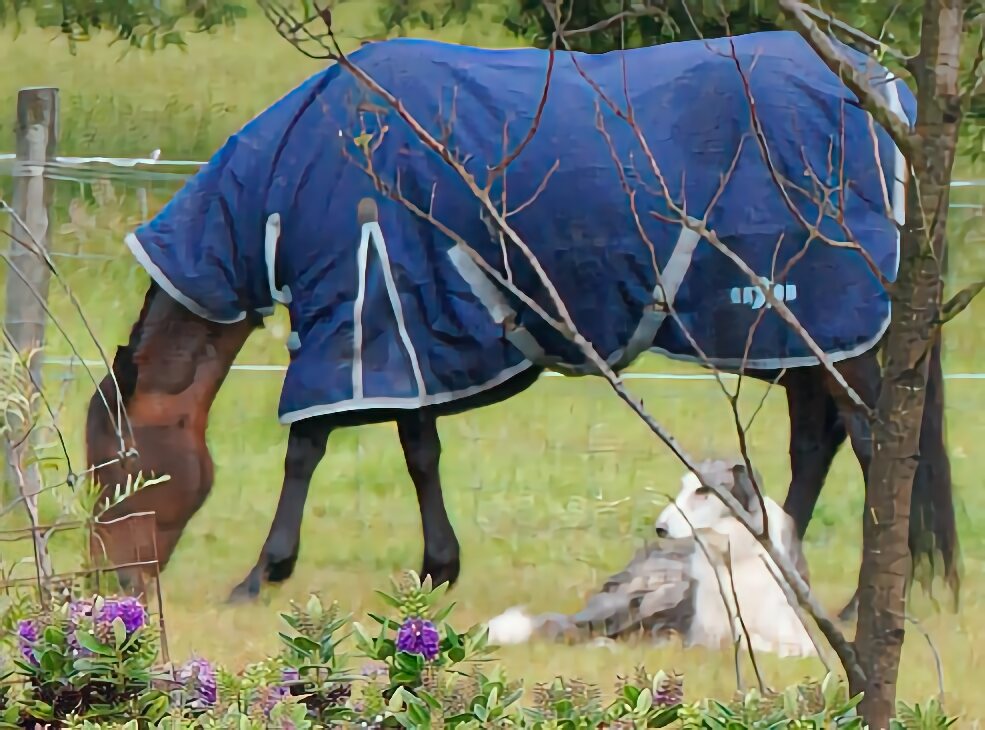
|
|||||||||||||||||||||||
At the right Elena is sitting right next to Esperanza. The others were were closer, but of course I first needed to find a camera.
|
Autofocus limits
|
Topic: photography, opinion | Link here |
I took five photos of dogs and horses today, all out of focus.
Why? The autofocus algorithms favour the foreground, so I got nice, sharp images of the Hebes in the foreground. Somehow the algorithms fail me. Yes, of course I could have set other autofocus parameters, but then I would have missed the shot. The best I could do was the result of my software tests (second image).
| Thursday, 27 November 2025 | Dereel | Images for 27 November 2025 |
| Top of page | ||
| previous day | ||
| next day | ||
| last day |
|
Tachycardia again
|
Topic: health | Link here |
Yvonne was not feeling well today, and her KardiaMobile 6L reported tachycardia again today, round 118 per minute. As planned, another 40 mg of sotalol on top of the normal 40 mg in the morning, and gradually things came back to normal.
|
Pork and cabbage again
|
Topic: food and drink, opinion | Link here |
I found a recipe for cabbage fried noodles at the end of September, but it seems that I never made them, something that I only discovered after I made them today.
Cabbage (Brassica oleracea) is closely related to gai lan (which Wikipedia tells me is Brassica oleracea var. alboglabra). But the quantities seem very different. Normally I'd use about 60 g of gai lan per portion, but the recipe I got wanted 120 g. Is that right? How about even more, just for the fun of it? I cut 150 g into strips 7 mm wide, and also omitted the spring onions that were in the original recipe. To my surprise, the cabbage just about disappeared! Maybe it's a question of colour, but I think I could put 200 g, more than 3 times as much as gai lan.
It's interesting that cabbage and gai lan are closely related, while choi sam and pok choi are less so (Brassica rapa subsp. parachinensis or chinensis).
|
Unnamed
|
Topic: technology, opinion | Link here |
Mail message from Stephen Rothwell today: he couldn't transfer zones from lax.lemis.com. The reason was obvious. named had gone away:
Nov 17 00:16:31 lax kernel: pid 73506 (sort), uid 1004, was killed: out of swap space
Nov 17 00:16:32 lax kernel: pid 618 (named), uid 53, was killed: out of swap space
I've seen that before. Since the last restart of lax, we no longer had swap. I just needed:
# dd if=/dev/zero of=/var/swapfile bs=1m count=4096
# mdconfig -a -t vnode -f /var/swapfile
md0
# swapon /dev/md0
But how do I catch it? And interestingly, though the server goes through periods of high load (load average up to 180), it didn't use any swap while I watched it.
|
Web site pain
|
Topic: technology, general, opinion | Link here |
One of the interesting snippets of information recently is the cost of the Bureau of Meteorology web site upgrade: $96.5 million (AUD). That's amazing. How much does a web programmer cost? Google Gemini tells me:
As of late 2024 and heading into 2025, the average salary for a Web Programmer (often titled Web Developer or Software Engineer) in Australia typically ranges between $85,000 and $135,000 AUD per annum.
So that's the equivalent of about 877 web programmer man years. And I personally don't see anything obvious that has changed. Of course Gemini can give me more detail here too:
Did it really need to be that expensive? Over 100 man years for testing? Many people complained about the new site, but for me hardly anything seems to have changed. In particular, small details continue, like this, from the same running instance of their mobil phone app (which still provides different information from the web app):
|
|||||||||||||||||||||||
|
|||||||||||||||||||||||
As the top of the screen shows, these were taken round 8:25 (yesterday morning), a couple of seconds apart. Neither specifies the date! But the first gives a range of 13°-23° and no rain, and the second 10°-19° and 1 to 9 mm of rain! How can that be?
Restarting the app shows:
|
|||||||||||||||||||||||
Never mind that the maximum temperature and rainfall have each diminished by one unit, at least it makes sense. But that's just plain stupid. The first one was output by an instance of the app that I had started yesterday, and though it had been partially updated, it still reflected some time. When? Ah, they're too polite to say. It reminds me of Hanlon's razor.
Complaining about the BoM is flavour of the day, but I would be prepared to fix this bug for only $100,000, simply by putting in dates and times. Clearly the app knows that the time has changed, since its view of "today" and "tomorrow" is correct, but it hasn't refreshed the “current” readings.
But they're not the only ones. Red Energy, my electricity supplier, sent me a bill today:

|
|
|||||||||
And yes, it's really that fuzzy. OK, saving $180 seems worthwhile. Off to https://MyAccount.redenergy.com.au (their capitalization) and found nothing
relevant. While searching, found a suggestion to apply for a pensioner discount. That,
too, sounds like a good idea. But it wouldn't accept my pension card number. It starts
with CRN, while they wanted a number. Remove CRN. Still no go. OK, nothing
for it, call them up on 131 806. No need, my pension discount has already been registered.
And I would have to wait for a web site upgrade before I can apply for
the tariffplan change, but she could do it for me. The only difference is that
the unit (kW/h) price drops from 28.985¢ to 26.928¢. Everything else stays the same.
That's a no-brainer. Why is that based on my past usage? Once again I'm left wondering
what these people are thinking. And somehow nearly every web site “experience” is like that
nowadays.
And then a couple of days ago I discovered an interesting feature on the ZDF web site: watchlists. OK, look on tiwi. Nothing in the list. Ah, I'm not logged in. And I couldn't log in. For once they didn't forget my password: they forgot my email address, so I was able to register again with the same parameters that I once had. And once I logged in, they forgot my watchlist, and I had to start all over again.
|
Still more photo processing pain
|
Topic: photography, technology, opinion | Link here |
My attempts with Luminar Neo started badly, but maybe I could improve on them. I discovered that their screen full of images also had names if you were to run the cursor over them. But I still have great difficulty understanding the work flow. For me, most processing goes in the same way: load a file, process it, store it. But I'm getting the impression that that is too old-fashioned. Now you don't store, you export it. Why the silly terminology? And repeatedly with Luminar, “exporting” required specification of the format and the destination directory, but not the file name, which I couldn't specify. So every time I saved it, I then needed to go to an xterm and rename it.
So today I compare the denoising results for “low”, “medium” and “high” denoising. The good news: it did perform some denoising. Here the results compared to the original on the left (run the cursor over an image to compare it with its neighbour):
|
|||||||||||||||||||||||
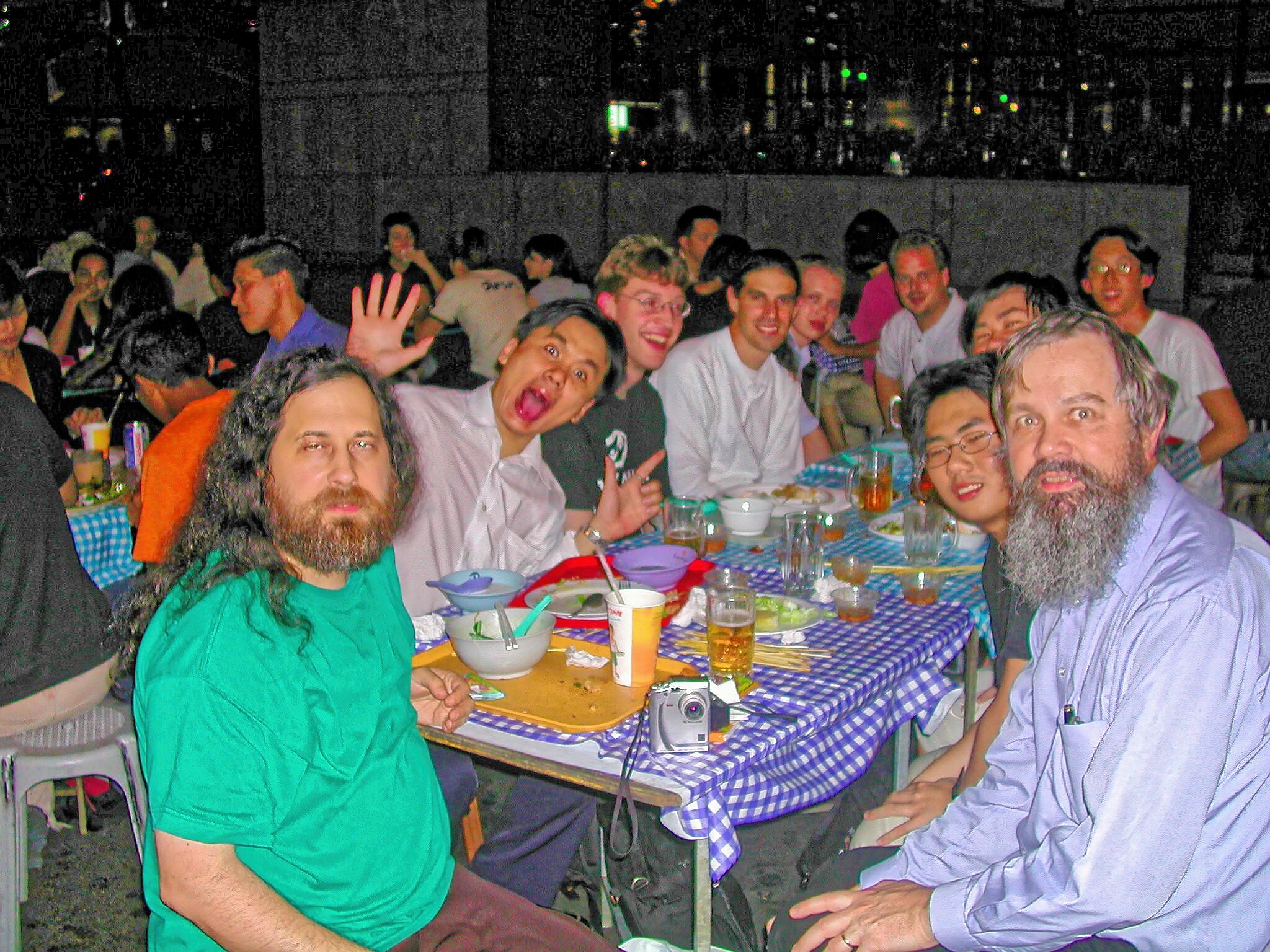
|
|||||||||||||||||||||||
|
|||||||||||||||||||||||
Is there any difference? It's hard to see, but with enlargement there is something there. But “AI”? Artificially intelligent software would recognize the shapes, like the wall in the background. Here it's not so obvious.
Here the highest sharpening and the original again. Enlarge and run the cursor over the image to compare:
|
|||||||||||||||||||||||
It's really not much difference.
What about the promised “MagicLight” feature? Watched a video, not for the first time. But I couldn't find it in my running Luminar! Ah, in the meantime they have changed the name to “Light depth”, but never mind: to use it you need light sources in the image!
OK, then there's “Relight AI”, which hasn't changed its name. It analyses the photo with lots of silly moving triangles, and then decides where the foreground and background are, along with a transition area. It's not very good. Here's the best I could do with the original out-of-camera image (run the cursor over an image to compare it with its neighbour):
|
|||||||||||||||||||||||
|
|||||||||||||||||||||||
And yes, the photo on the left is the original. It did manage to lighten people at the other end of the table, and I could have improved the foreground, but what I was really looking for was the wall behind, and that's still not visible. So so far I have nothing that can do what I want. Potentially, with a lot of manual work, I could improve things considerably, but I have lots of photos, and I don't want to spend too much time. Just the time I have spent trying to use these programs is far too much.
But while I was at it, I also had this photo that I mistook yesterday:
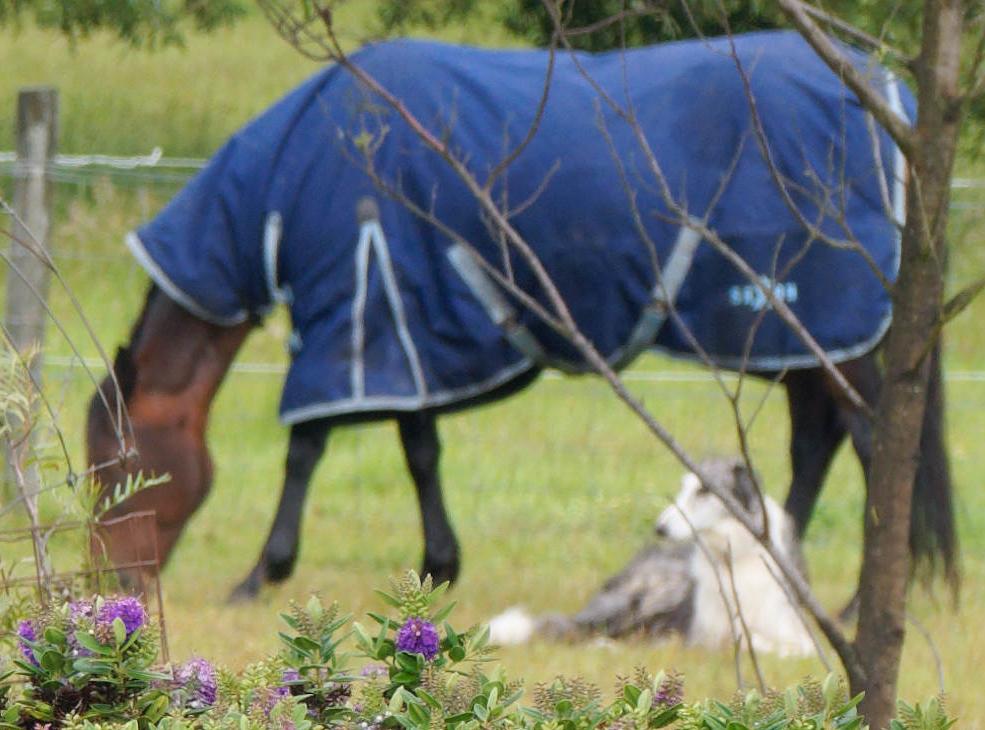
|
|||||||||||||||||||||||
Clearly that's out of focus. Can Luminar recover it? Here again the original, then high, medium and low recovery:
|
|||||||||||||||||||||||
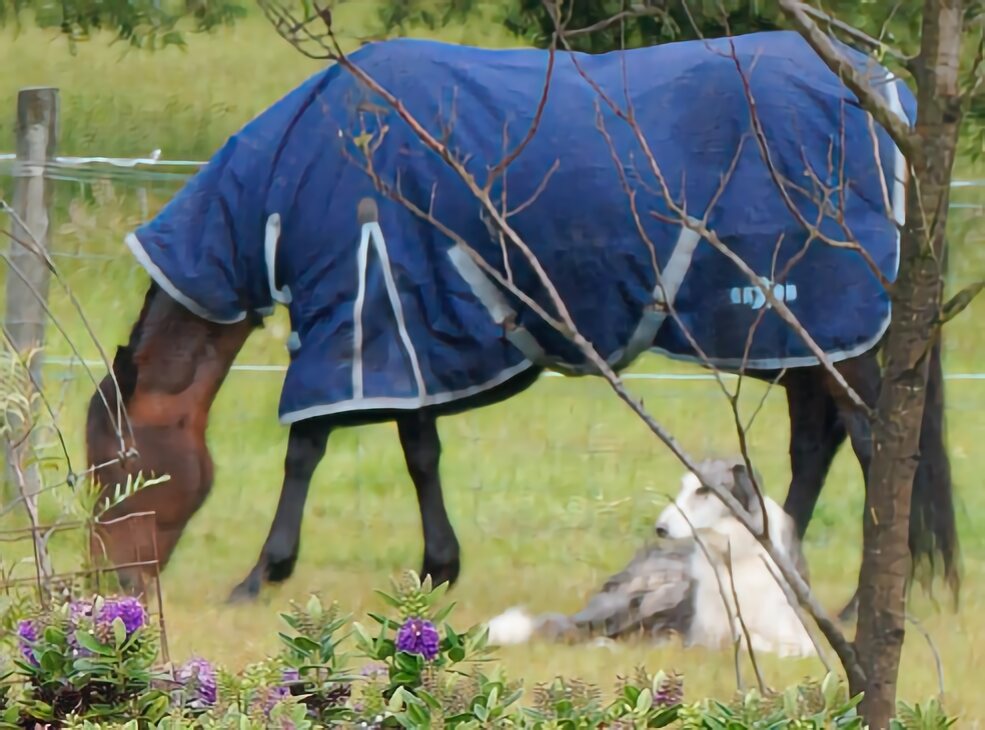
|
|||||||||||||||||||||||
|
|||||||||||||||||||||||
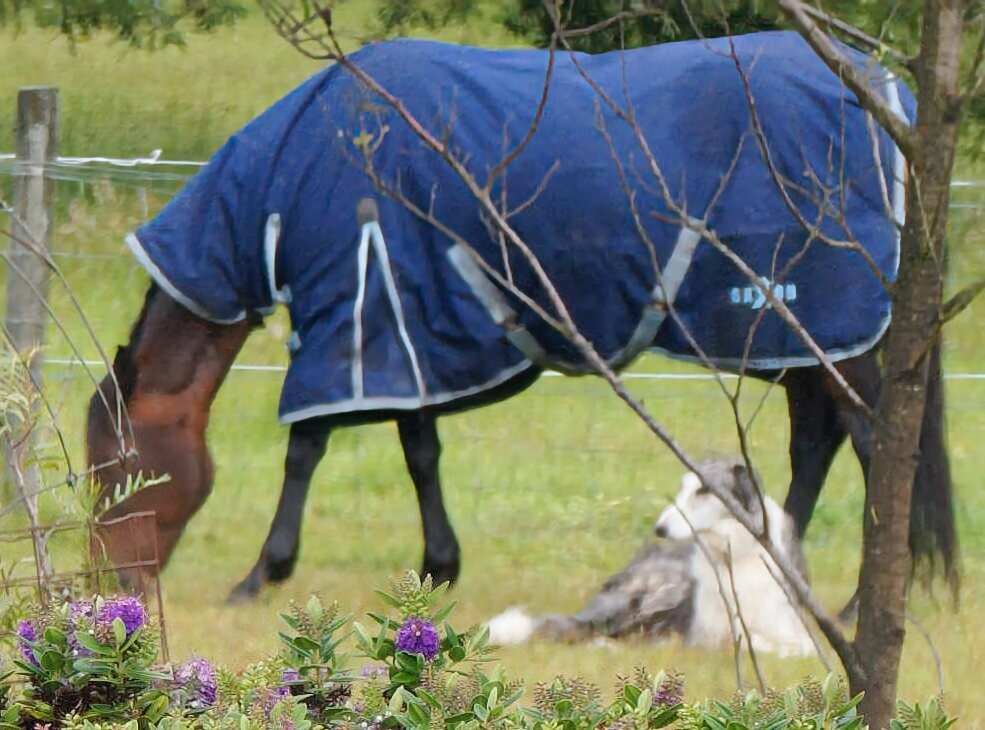
|
|||||||||||||||||||||||
Yes, arguably the first (high) sharpening improves things, though certainly it could be improved. And while trying to navigate their horrible file handling, I managed to “low” sharpen what I think was a “high” sharpened image. I couldn't find a way around it: I had to start again with a copy under a different name. And yes, there was a significant difference. Here the renamed version, then the one I first tried:
|
|||||||||||||||||||||||
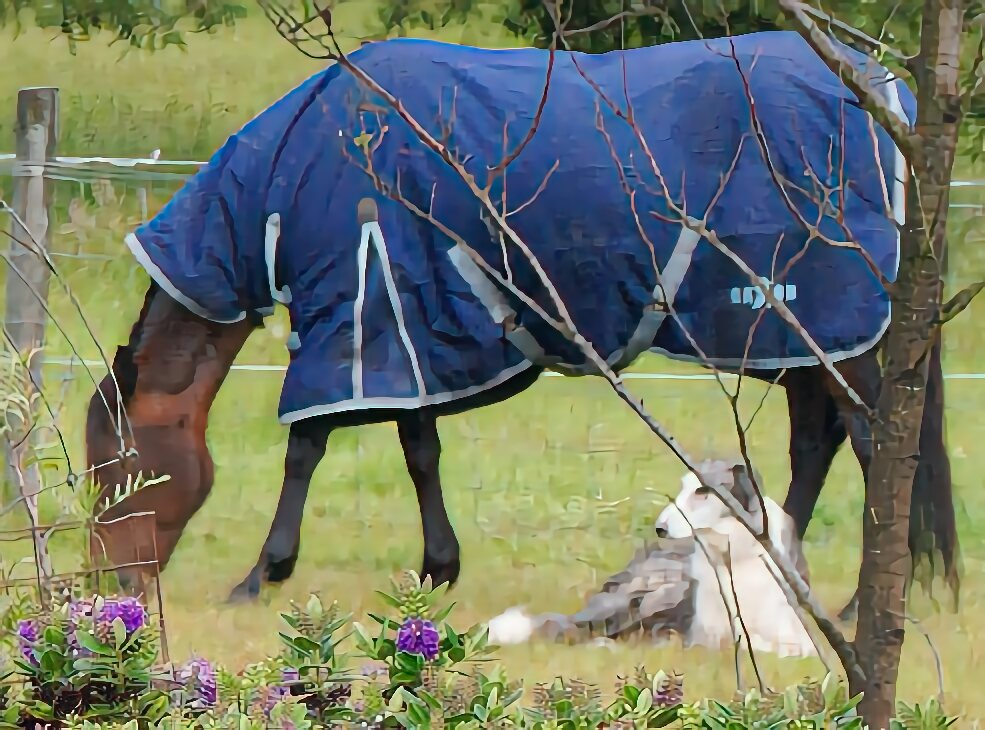
|
|||||||||||||||||||||||
One way or another, there doesn't seem to be much evidence of what I would call “AI”. So now, I suppose, I need to go back and try the other packages. So far no silver bullet.
|
Aiarty
|
Topic: photography, technology, opinion | Link here |
As if that wasn't enough, there's Aiarty, a name that I continually mispronounce. Once again the download (started yesterday) took forever, but it was done today.
Another drag and drop interface. How do people with lots of photos handle it? But at least this one offered me a way to select by name: press the “Add” button, not identified. It proved to be the one with the large + symbol. It produced an overly enlarged view of the photo, and before actually processing it had to download Yet More data. After processing it didn't give me the opportunity to select the directory, in stark contrast to Luminar: it chose C:/Users/grog/Airarty/Output (and yes, not the expected C:\Users\grog\Airarty\Output. But that was my fault: instead of selecting Open (huh?) I should have selected Browse. And then it allowed me to select a directory, but once again not a file name. At least it saved its files in places that made sense: from the original DSCN0903_DxO.jpg it saved DSCN0903_DxO_AIGCsmooth-v3_x2_4096x3072.jpeg and DSCN0903_DxO_Smooth-v2_x2_4096x3072.jpeg, names that relate to the kind of processing it had done.
And the results? Again, nothing spectacular. Here the original and the two attempts (again, enlarge and run the cursor over an image to compare it with its neighbour)
|
|||||||||||||||||||||||
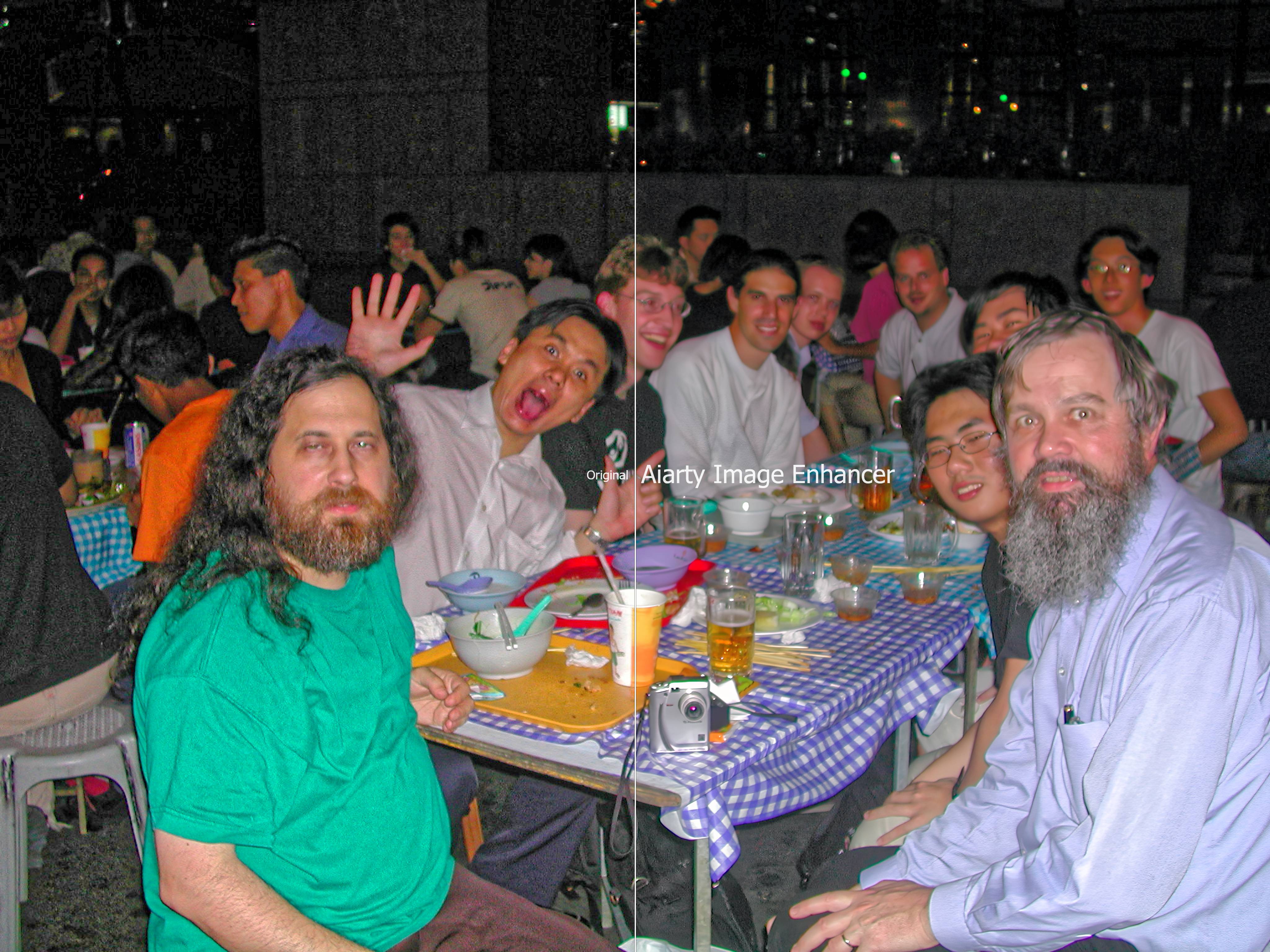
|
|||||||||||||||||||||||
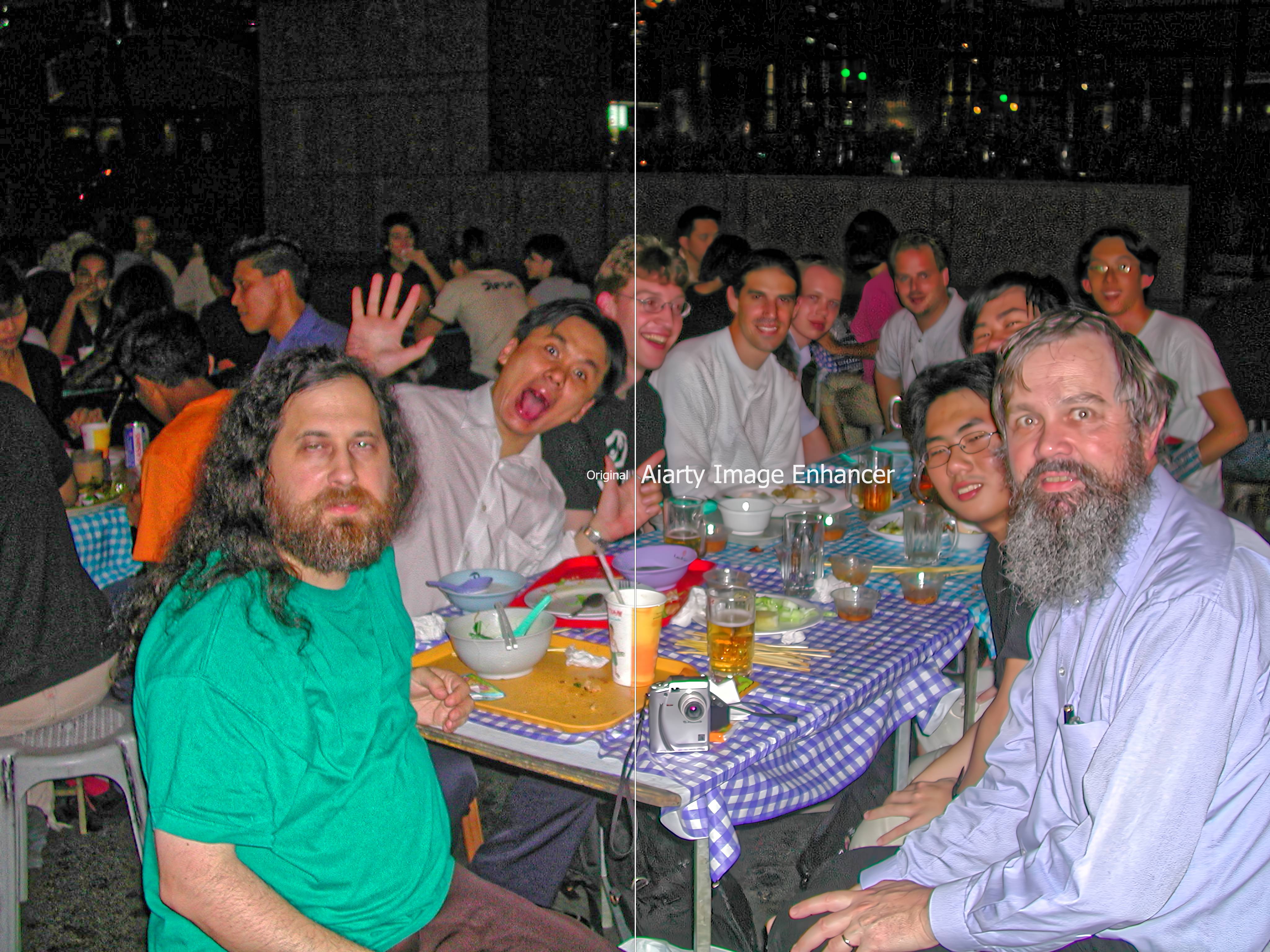
|
|||||||||||||||||||||||
The first one (middle) shows a slight improvement, but once again at the expense of brightness.
|
Thelymitra pauciflora
|
Topic: gardening, opinion | Link here |
As I suspected on Tuesday, the flowers I found were Thelymitra pauciflora, also known as sun orchid. I don't think I have ever seen so many in one place, and I can't find so many on the web either. But now they have finished flowering:
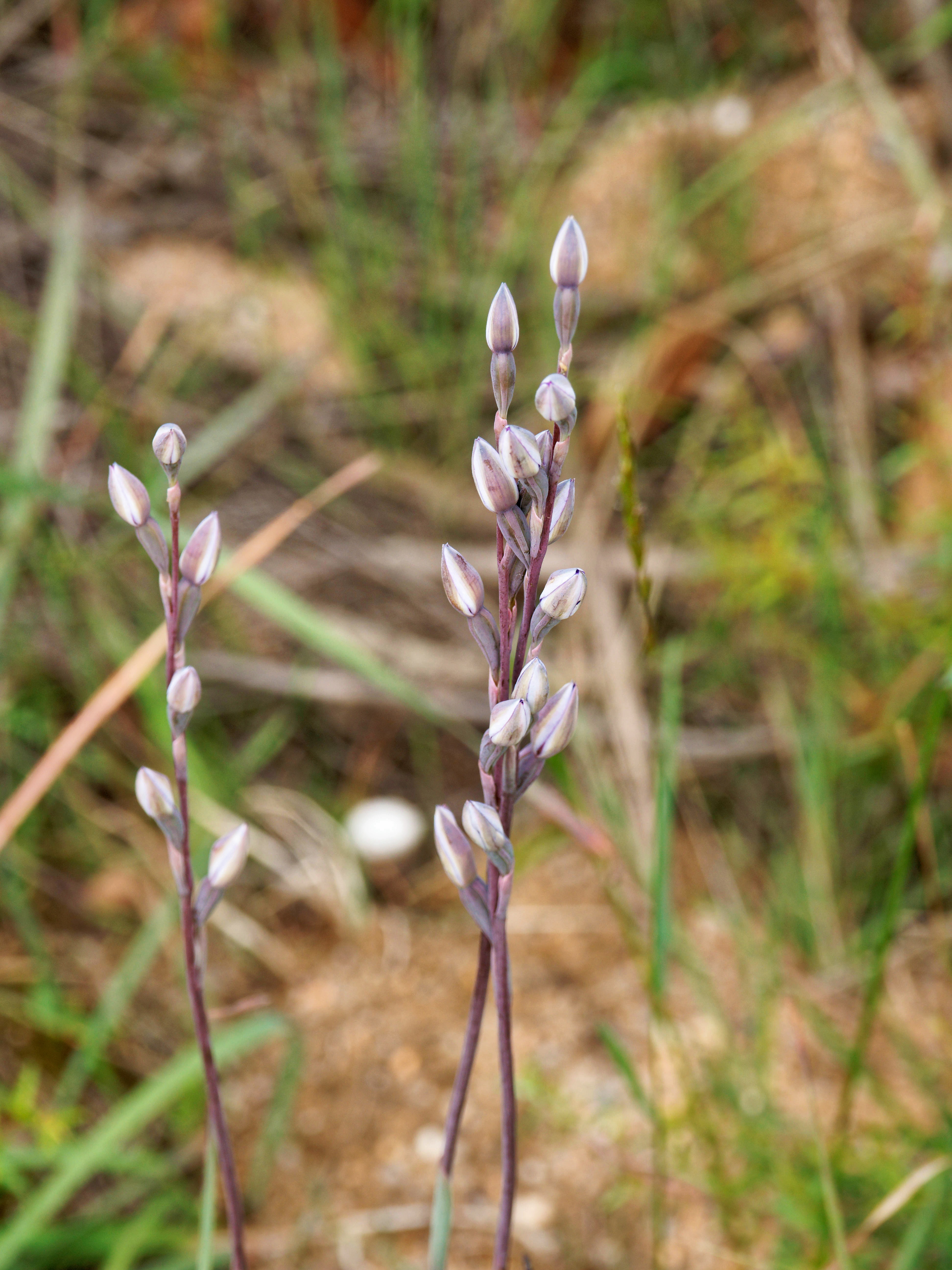
|
|||||||||||||||||||||||
| Friday, 28 November 2025 | Dereel | Images for 28 November 2025 |
| Top of page | ||
| previous day | ||
| next day | ||
| last day |
|
Bradycardia!
|
Topic: health, opinion | Link here |
To make up for her tachycardia yesterday, Yvonne had borderline bradycardia this morning (50/min). She felt fine, so I assume that this was because of the additional sotalol that she took yesterday.
|
Yet Another breakfast experiment
|
Topic: food and drink, opinion | Link here |
I still have cabbage left over. What should I cook with it? I wasn't very hungry; let's try another variation on the Maggi instant “Tom Yam” package. And one of the things I found last time was that the noodles crisped up nicely. OK, let's try deliberately this time, giving them a little more oil:

|
|||||||||||||||||||||||
To my surprise, they didn't stick at all, though the change of colour of the pan shows that it was very hot. Also slightly charred the cabbage (150 g of it):
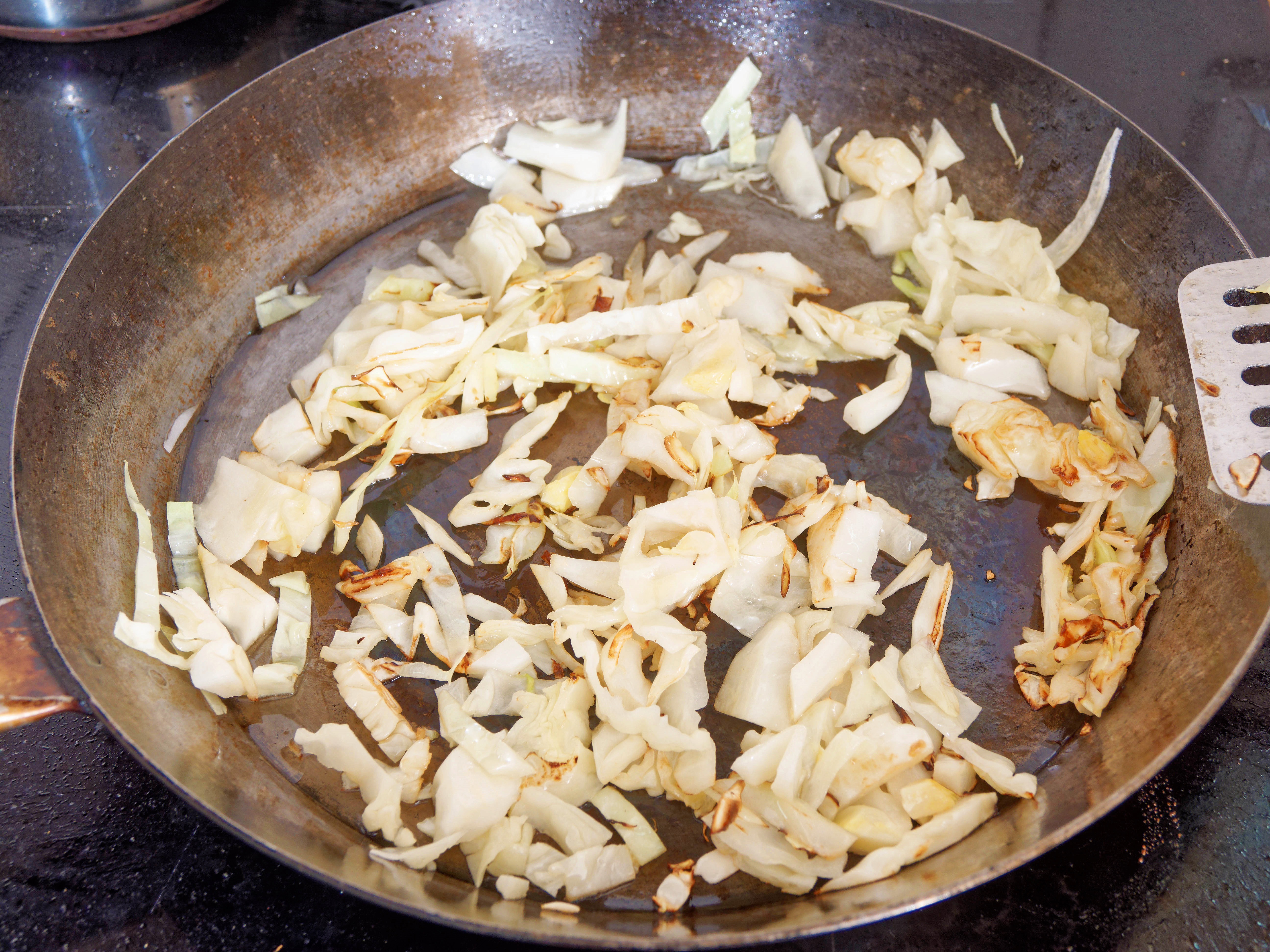
|
|||||||||||||||||||||||
Also put in 60 g of chicken and 35 g of prawns. The finished dish looked like this:

|
|||||||||||||||||||||||
The only problem is that the noodles were one firm basket, and I had to cut them apart:
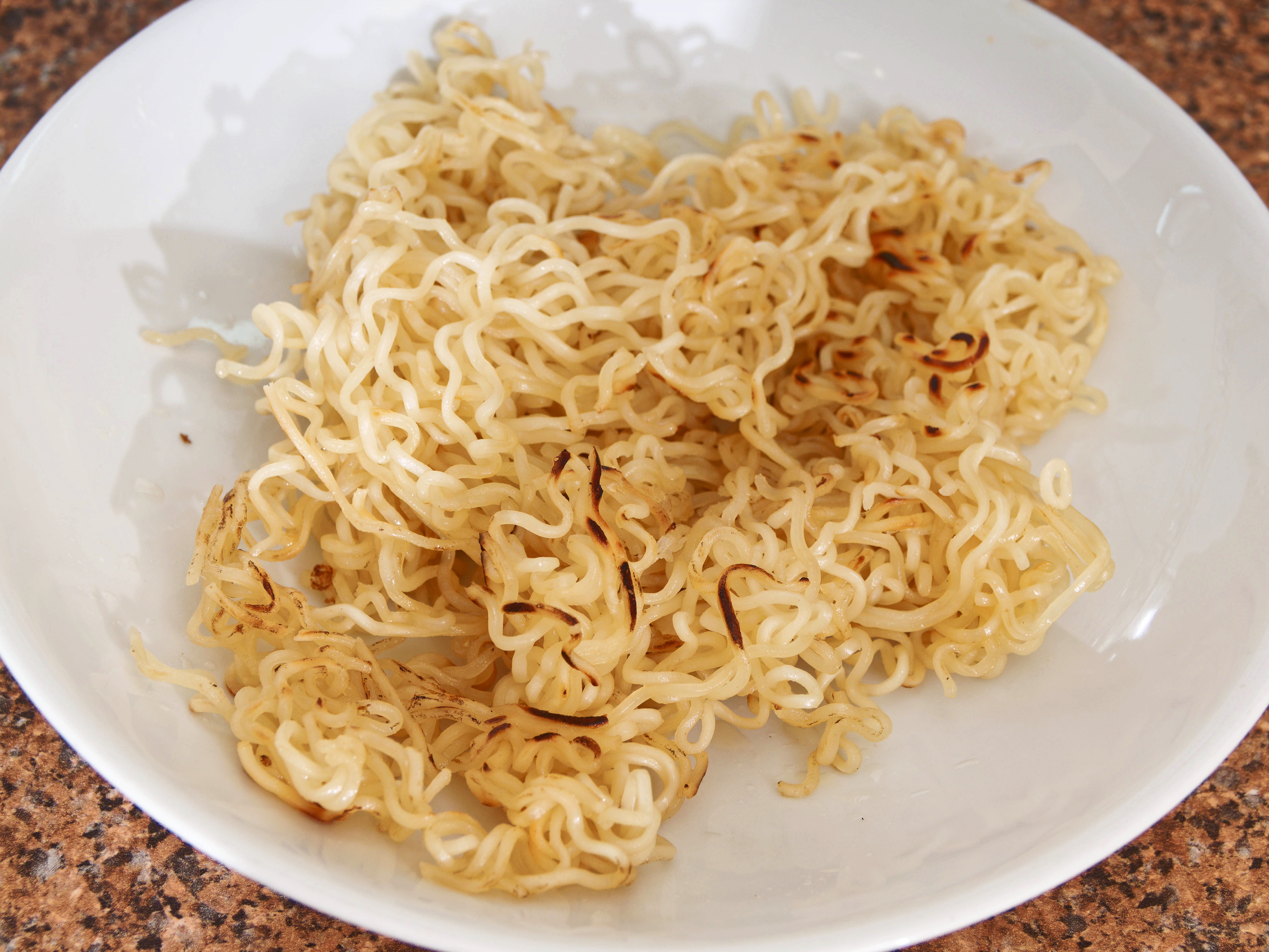
|
|||||||||||||||||||||||
Not a complete success, but certainly food for thought.
|
Strange error messages
|
Topic: technology, opinion | Link here |
One of the things that my 404 document does is to send me email about broken local links. That enables me to catch a number of breakages in my server. But lately I have been getting messages like this:
172 + 27-11-2025 To grogg@lemis.c World Wide Web Owner ( 6) + FAILURE: http://www.lemis.com/grog/Photos/19741001/small/mountains-2.jpeg <- http://www.lemis.com
173 + 27-11-2025 To grogg@lemis.c www@lemis.com ( 6) + FAILURE: http://www.lemis.com/grog/Photos/19741001/small/mountains-2.jpeg <- http://www.lemis.com
In each case, there are about 8 such messages at a time, all apparently from wildly different clients, and in this example within 24 seconds of each other. What's wrong there? The purported referrer is the server home page, and the referred pages exist. It's not until I look at one of the messages in more detail that I see:
Referrer: http://www.lemis.com
Referenced URL: http://www.lemis.comhttp://www.lemis.com/grog/Photos/19741001/small/mountains-2.jpeg
Request URI: http://www.lemis.com/grog/Photos/19741001/small/mountains-2.jpeg
Remote host:
Remote IP: 136.227.183.17
That referenced URL is clearly incorrect. I've been guilty of fabricating such references by accident, but I can't see anything that matches these errors. What's the point? Most people don't report this kind of error. About the only clue I have is that they all have a Client: string of Mozilla/5.0 (Macintosh; Intel Mac OS X 10_15_7) AppleWebKit/537.36 (KHTML, like Gecko) Chrome/142.0.0.0 Safari/537.36 or Mozilla/5.0 (Windows NT 10.0; Win64; x64) AppleWebKit/537.36 (KHTML, like Gecko) Chrome/142.0.0.0 Safari/537.36.
What do I do? So far I'm ignoring them. But I wish I understood what's going on.
|
Photo enhancement: not yet
|
Topic: photography, technology, opinion | Link here |
I've spent nearly a month investigating software for improving old photos. Tomorrow is Black Friday, and I had plenty of special offers, a kind of deadline. But my results were modest, hardly justifying the pain of navigating particularly bizarre user interfaces, which in Luminar's case seem to be getting even stranger. And though “AI” may be a buzzword, I don't see much evidence in the processing. So it's all over for this year. Will there be something better next year?
|
Well-travelled wine
|
Topic: general, food and drink, technology, opinion | Link here |
My wine has arrived in NapoleonsNAPOLEON:
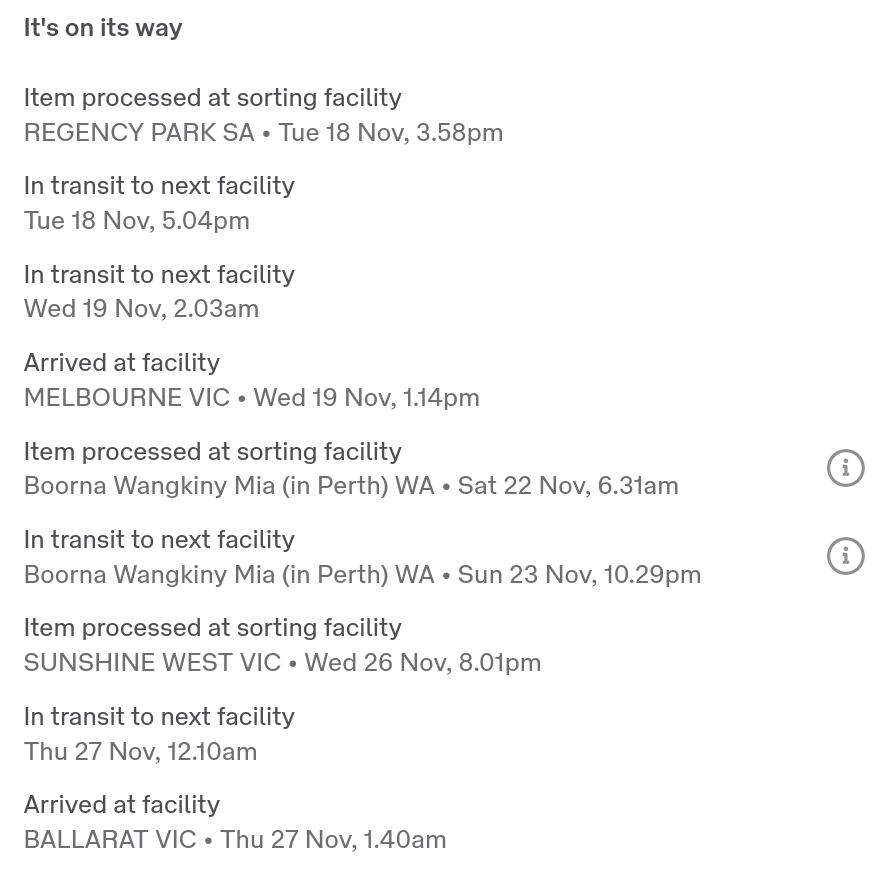
|
|||||||||||||||||||||||
It was sent to Perth over a week ago, and it has taken them until today to return it to where it was destined.
Why? There's a little i in a circle. Does that give information? Of course not:
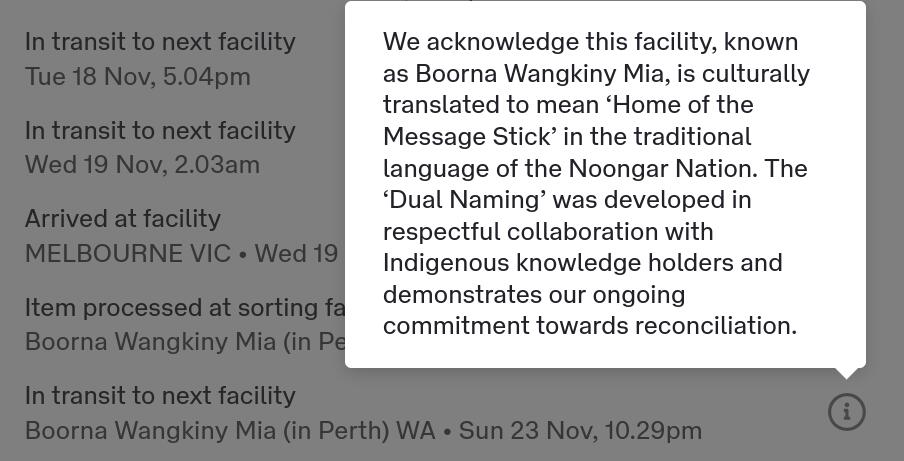
|
|||||||||||||||||||||||
Not even an apology.
|
Spring garden work
|
Topic: gardening | Link here |
It's theoretically late spring, and at least the weeds and grass are growing like fury. Jesse Walsh and Paul Donaghy along today to attend to each of them. Jesse didn't even get finished.
|
LOC resource record?
|
Topic: technology, opinion | Link here |
Many web sites want to know where I am, sometimes for good reasons. That's fine if you have a mobile phone, but they point blank refuse to take my word for it if I'm using a Real Computer. Instead they guess, not even being able to pinpoint me to a specific continent, as I have discovered. Why?
But then it occurred to me that this is the kind of information that the DNS could supply. Does it? Well, yes, there's a LOC record. “Experimental RFC 1876”, dated January 1996, nearly 30 years ago. Does that mean that it's respected? I need to follow up, but it would make sense.
| Saturday, 29 November 2025 | Dereel | Images for 29 November 2025 |
| Top of page | ||
| previous day | ||
| next day | ||
| last day |
|
New Chorizo
|
Topic: food and drink | Link here |
Huevos rancheros for breakfast today. I have a new kind of Chorizo, photographed as an afterthought after opening:
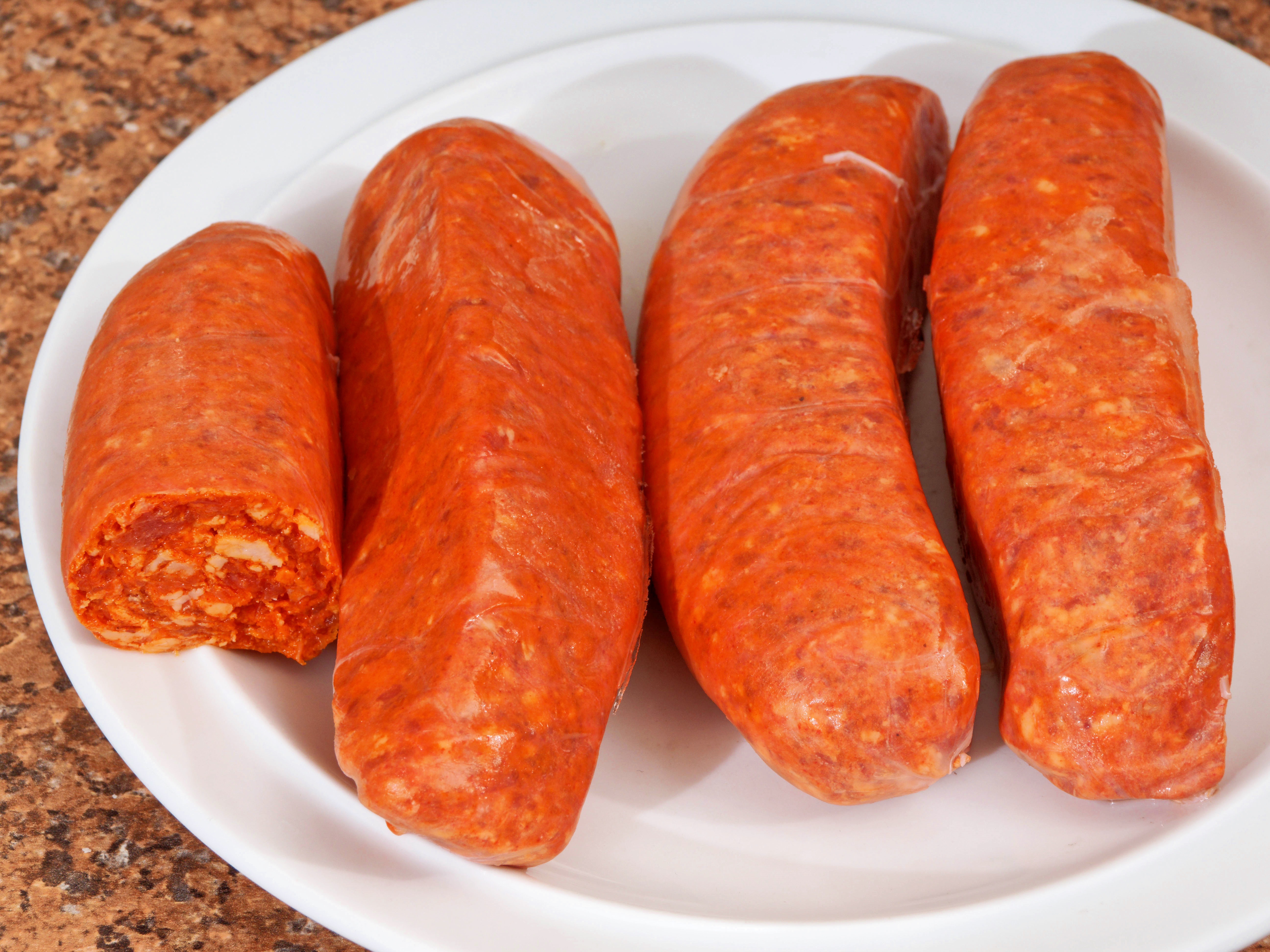
|
|||||||||||||||||||||||
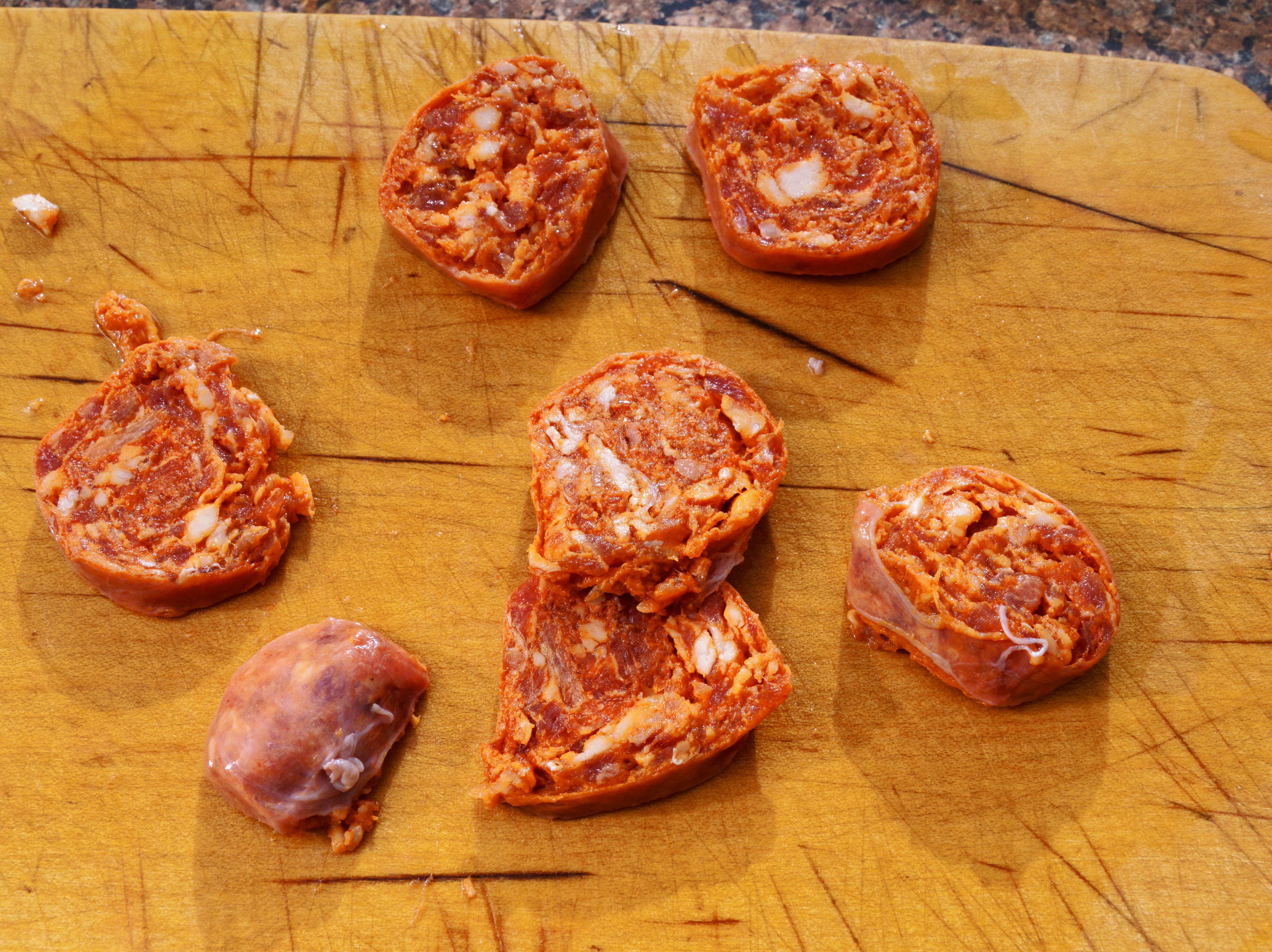
|
|||||||||||||||||||||||

|
|||||||||||||||||||||||
Stupidly, I had frozen all the sausages together, so I had to thaw them all out again. But I'll have to cut slices anyway. They're surprisingly coarse and loose, so the slices will have to be thicker. Where did I buy them? I no longer recall, but quite possibly from Indo-Asian groceries in Sebastopol. Quite possibly they taste better than the others.
|
Abandon Hope
|
Topic: animals, general, opinion | Link here |
Chris Bahlo along this morning to pick up Esperanza, after less than 3 months. Now we have Joy, but no Hope.
|
Another quiet day
|
Topic: general, photography | Link here |
After a lot of action over the last week, Black Friday is nearly over, and so are my attempts at improving my photos. A bit of real artificial intelligence wouldn't go astray.
| Sunday, 30 November 2025 | Dereel | Images for 30 November 2025 |
| Top of page | ||
| previous day |
|
On-camera flash pain
|
Topic: photography, general, opinion | Link here |
It's been over 60 years since I first complained about on-camera flash, and now I use it less and less. In particular TTL flash seems to be not worth the trouble.
Today we found a whole lot of rat droppings (alongside a fallen cat feeding bowl) behind the dishwasher and washing machine in the laundry. Here after Yvonne had removed most of them:
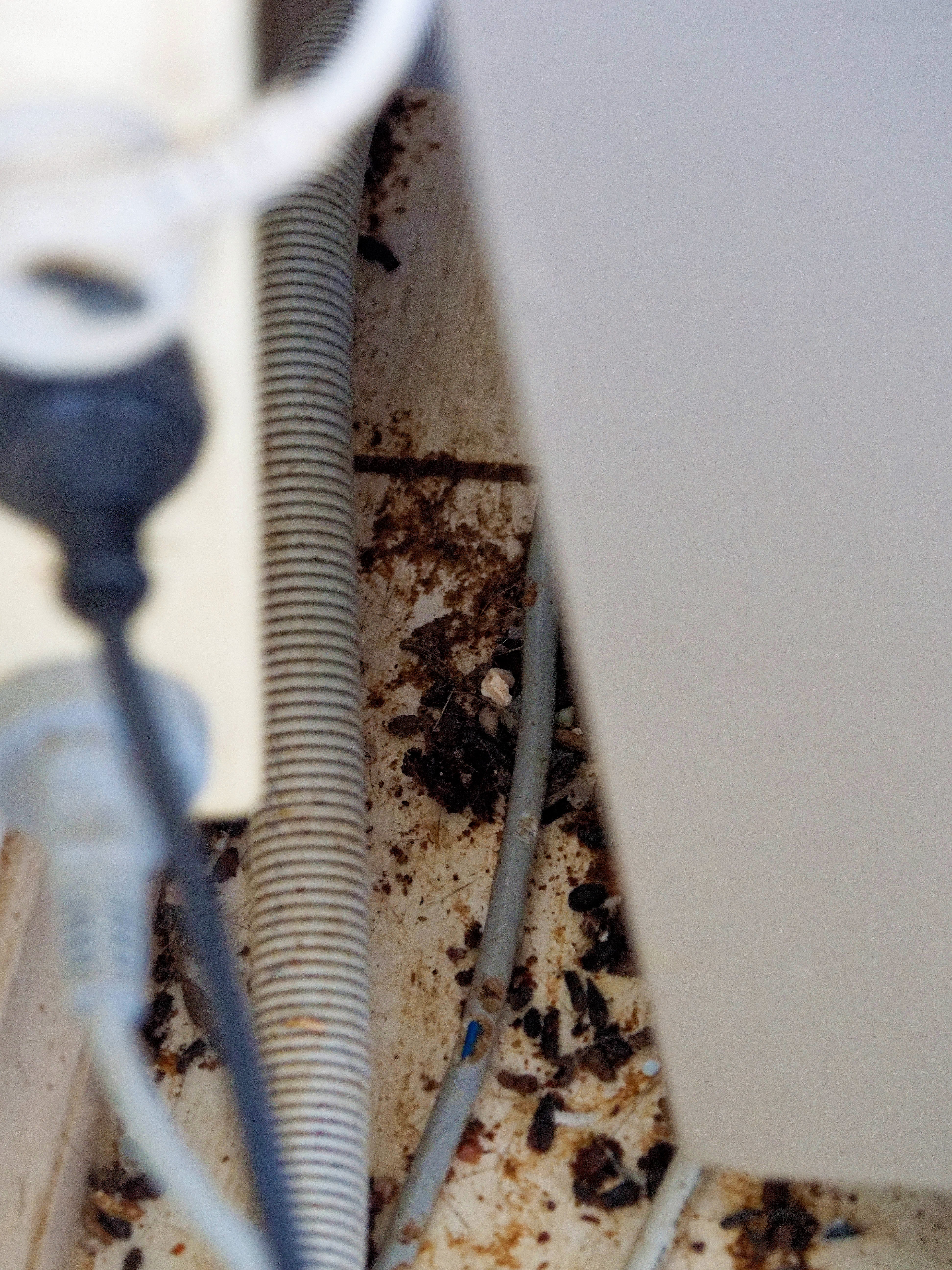
|
|||||||||||||||||||||||
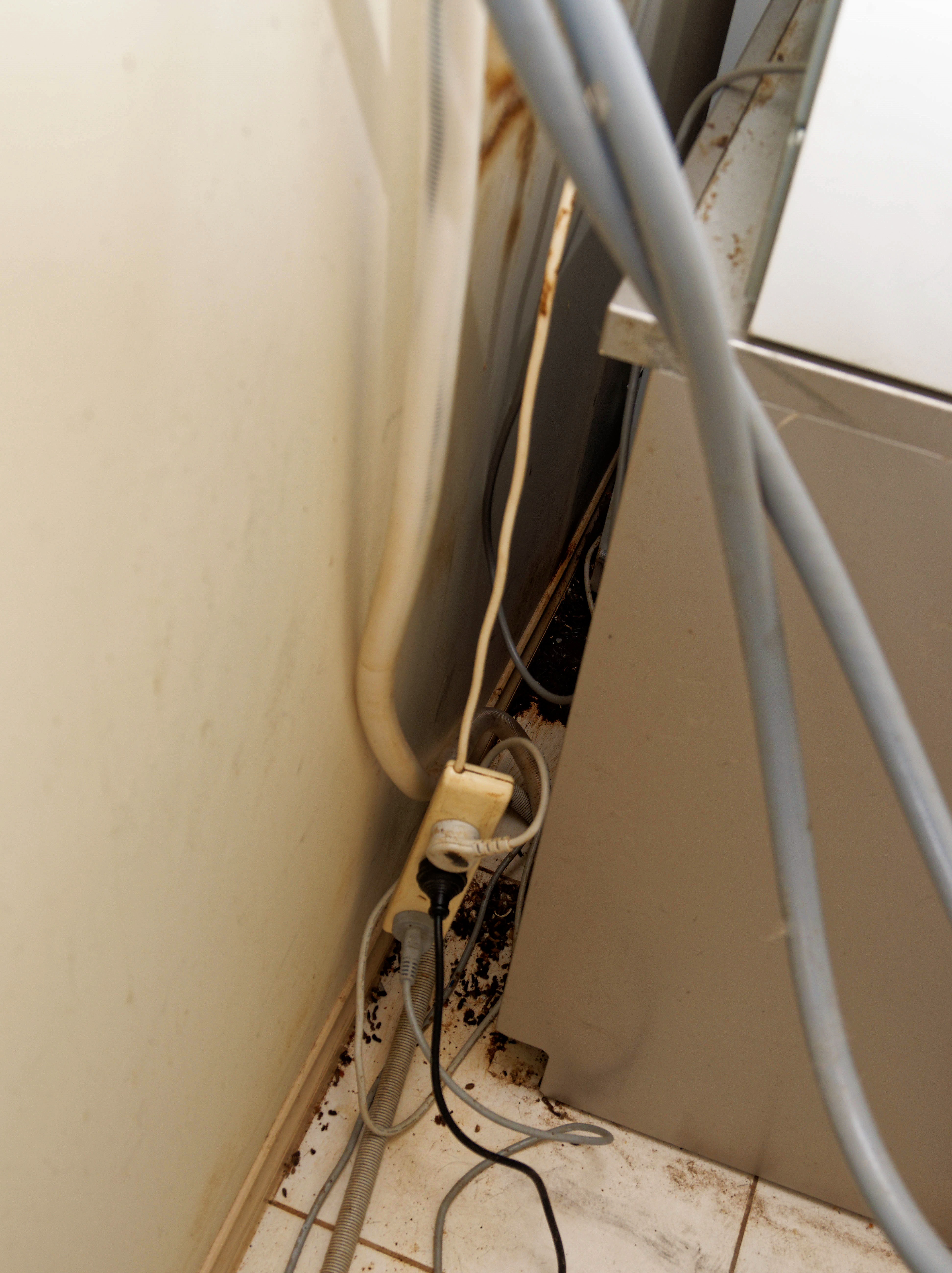
|
|||||||||||||||||||||||
But that was after I finally got my mecablitz 58 AF-2 set up. Somehow it is badly made, and moving the head—one of the important advantages of the device—was very difficult. And then the eternal exposure problems:
|
|||||||||||||||||||||||

|
|||||||||||||||||||||||
Finally I took a photo that would really have benefitted from fill-in flash:
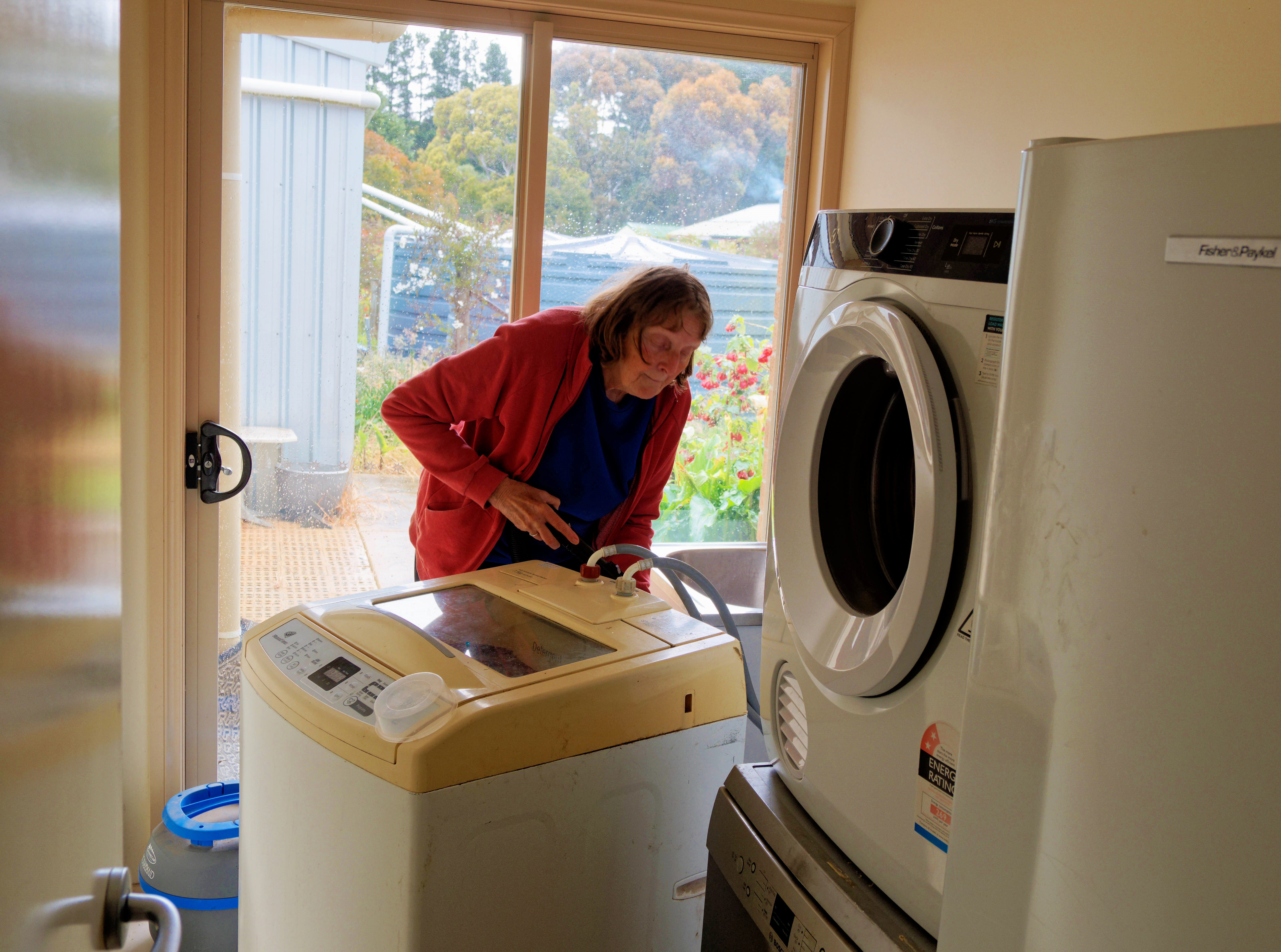
|
|||||||||||||||||||||||
But it was too much pain to turn the head and change the batteries, which had lost charge since last time I used it.
|
LOC record
|
Topic: technology, opinion | Link here |
I've finally got round to setting up LOC records for most of the machines I use:
=== root@lax (/dev/pts/1) /etc 179 -> nslookup -q=any lagune
Server: 45.32.70.18
Address: 45.32.70.18#53
Name: lagune.lemis.com
Address: 192.109.197.132
lagune.lemis.com loc = 37 48 1.000 S 143 45 4.000 E 310.00m 1m 10000m 10m
Do the “locate my IP” sites honour it? Tried the ones I looked at last year. Not a single one found me!
But then it occurred to me that I only gave my IP address, and I still haven't set up my reverse lookup. I should do that first, though a quick test shows that the ones I looked at can't find the location by host name either.
|
Donald Trump: an oversight?
|
Topic: language, politics, opinion | Link here |
Donald Trump is making himself unpopular even among his base. Killing innocent people doesn't help, of course, nor is it the stuff that Nobel Peace Prizes are made of. Finally it's becoming newsworthy, and Congress has “vowed” “rigorous oversight”.
What does that mean? The OED tells me that “oversight” can mean “The action of passing over something without seeing or noticing it”. So do they mean that they will ignore it? What's “rigorous” about that? It's OED, of course, so there are various other meanings, including “A view from above; a panoramic view; a prospect” or “The action of overseeing something; supervision, inspection; authority, management”. But those don't fit.
What about US English? My Webster (“all new 1994 edition”) tells me that pretty much the same thing: “oversight: The act or duty of overseeing (supervision), an unintentional omission or error”. That suggests that they want to get involved in attacking innocent civilians. Can Google Gemini help?
"Vigorous oversight" refers to supervision or monitoring that is active, forceful, and thorough.
It combines two key concepts:
Oversight: This means watchful and responsible care or supervision. It involves reviewing and monitoring an organization, policy, project, or process to ensure it is:
Achieving expected results.
Representing good value.
Not getting involved in the day-to-day management but looking at it "from above."
OK, I have read all that. I still don't know what they're trying to say. Maybe just “I'm watching you”? It would be nice if they were to say that they would conduct a vigorous investigation.
|
Revisiting the web site failures
|
Topic: technology, opinion | Link here |
So why am I getting these web site failures? For example,
Date: Sun, 30 Nov 2025 04:51:34 GMT
From: World Wide Web Owner <www@lax.lemis.com>
To: grog@lemis.com
Subject: FAILURE: http://www.lemis.com/grog/Photos/20110105/big/fastrand-detail.gif <- http://www.lemis.com
Message-Id: <202511300451.5AU4pYKQ064672@lax.lemis.com>
Referrer: http://www.lemis.com
Referenced URL: http://www.lemis.comhttp://www.lemis.com/grog/Photos/20110105/big/fastrand-detail.gif
Request URI: http://www.lemis.com/grog/Photos/20110105/big/fastrand-detail.gif
Remote host: 45-76-6-32.lum-int.io
Remote IP: 45.76.6.32
Client: Mozilla/5.0 (Windows NT 10.0; Win64; x64) AppleWebKit/537.36 (KHTML, like Gecko) Chrome/142.0.0.0 Safari/537.36 Edg/142.0.0.0
What's in the log file?
=== root@lax (/dev/pts/1) /var/log/www 184 -> grep 45.76.6.32 www.lemis.com.log
45-76-6-32.lum-int.io - - [30/Nov/2025:04:51:34 +0000] "GET http://www.lemis.com/grog/Photos/20110105/big/fastrand-detail.gif HTTP/1.1" 404 1192 "http://www.lemis.com" "Mozilla/5.0 (Windows NT 10.0; Win64; x64) AppleWebKit/537.36 (KHTML, like Gecko) Chrome/142.0.0.0 Safari/537.36 Edg/142.0.0.0"
Oh. Status 404. And that's not surprising: I have moved the hierarchies /grog/Photos/*/big to DigitalOcean, and nothing should refer to them. If they do, I redirect, in this case to http://www.lemis.com/grog/photos/Photos.php?size=small&dirdate=20110105. And that works. At least for me. Is there something wrong in my 404 document? It's still strange that I get multiple requests from all over the place for the same page, all within seconds of each other.
Do you have a comment about something I have written? This is a diary, not a “blog”, and there is deliberately no provision for directly adding comments. It's also not a vehicle for third-party content. But I welcome feedback and try to reply to all messages I receive. See the diary overview for more details. If you do send me a message relating to something I have written, please indicate whether you'd prefer me not to mention your name. Otherwise I'll assume that it's OK to do so.
| Top of page | Previous month | Greg's home page | Today's diary entry | Next month | Greg's photos | Copyright information |